

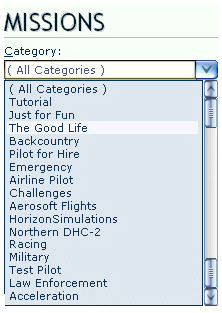
Mission Categories are seldom displayed in proper order, especially after new Missions have been added.
Here’s how to prioritize Mission Categories as one desires.
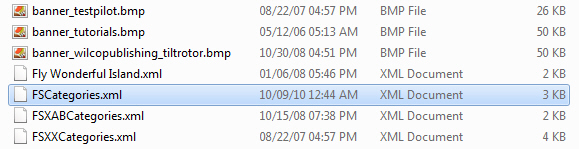
Inside the Categories folder of FSX system, there should be XML files similar to what is shown below.
Each of these XML files contains one or more Mission Categories that were created by FSX or when addons were installed. The alphabetical order of these files also determines how Mission Categories will ultimately displayed in FSX.
Opening any of these XMLs with Notepad will show something similar as below.
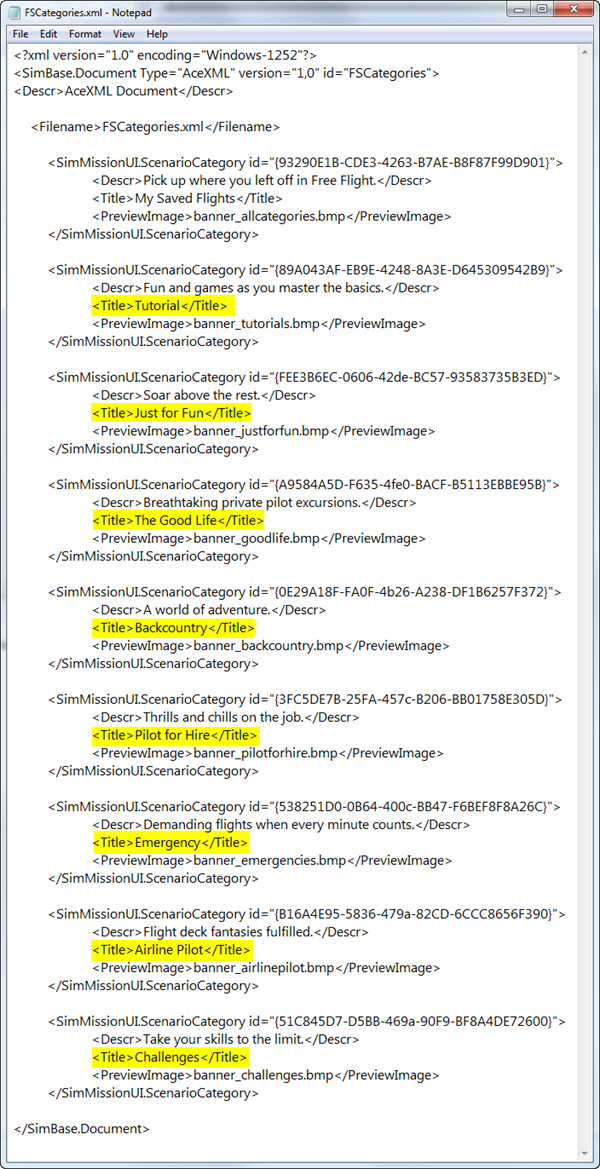
Each <SimMissionUI.ScenearioCategory>…</SimMissionUI.ScenearioCategory> set holds the command lines FSX requires to call up Mission Category. They can be freely reordered via cut-and-paste.
Using the same approach, Mission Categories from various XML files in the folder can be combined together into ONE single file.
After integration, delete all other XML files that are no longer needed from the folder to avoid duplication.
Note: XML files, either new or old, can be renamed into whatever one wants.
 FS Times