
Even using the Flying Zone Approach described in previous posts to configure the FSX system, it still provides general-purpose optimum settings only.
While flying around specific airports or areas, one may further need to fine-tune values of Target Frame Rate, Terrain and Water, Autogen Density, Traffic, etc.
Although this could be achieved via SETTINGS option in FSX, the SETTINGS option will simultaneoulsy revert TEXTURE_MAX_LOAD, TEXTURE_BANDWIDTH_MULT and LOD_RADIUS back to their default values of 1024, 40 and 4.5 respectively.
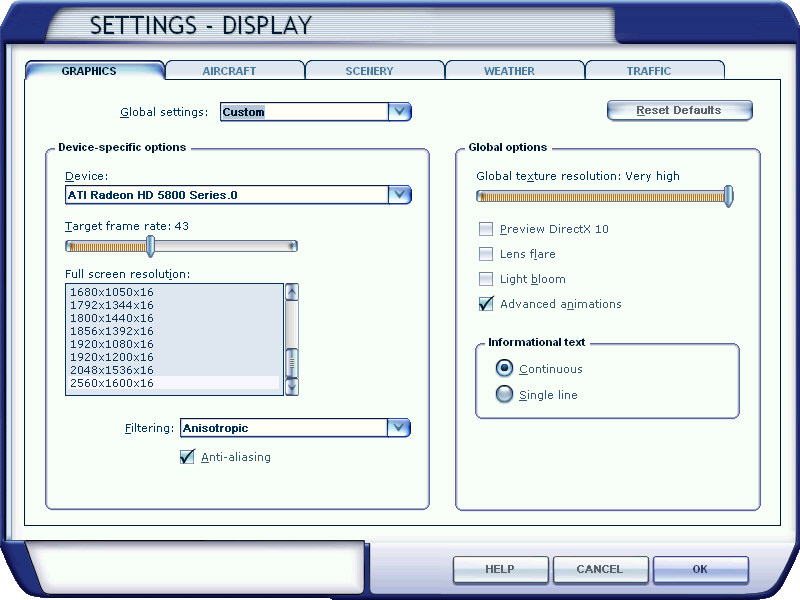
There seems to be no apparent option available but to quit FSX and change them back to your desire value via fsx.CFG. However, this is silly since the fine-tuning objective is to make changes during a flightsim session.
The solution is as follows: Continue reading


 FS Times