
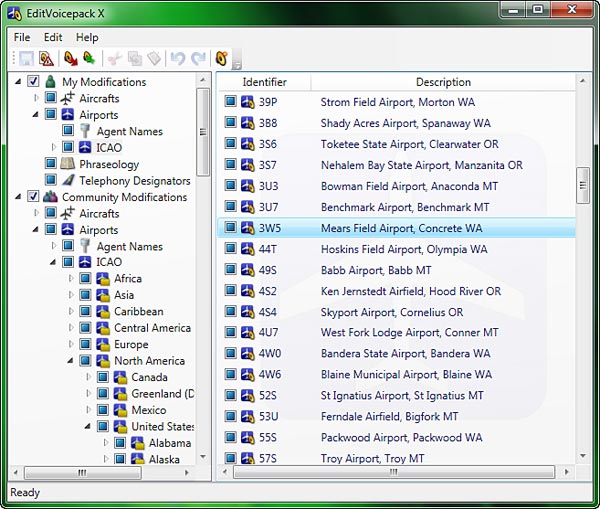
 EditVoicepack is a simple tool that helps realize a more realistic ATC communication environment and allows to change the phraseology as well as airline callsigns, airports and aircraft types in FSX.
Current version available for FSX is 4.0.7.0 at the time of this post. Customized EditVoicepack files could be found in AVSim and FlightSim file libraries.
Installing and using the EditVoicepack is pretty straightforward.
But before installation, backup the original ACT folder under Sound (X:\Flight Simulator X\Sound\ACT) with all the files inside. Just in case any problem encountered, replace the modified ACT folder with this original one will revert ACT to its original state.
- Now install EditVoicepack and run it after the installation;
- If there are customized voice files to be installed, chick Import Modification… from the icon bar or from the File menu to import the files;
- Repeat this import step until all customized voice files are installed;
- Click the Update Voicepack… icon or choose the function from the File menu;
- Follow the on-screen wizard instructions and choose the features desired;
- After that, click Save to keep the changes, and exit the program.
That’s it. When FSX is run the next time, the ACT communications will render a more realistic style.
 FS Times