

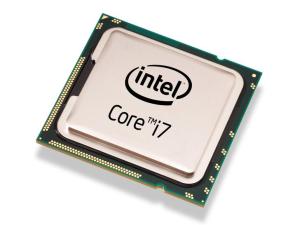
Intel’s Hyper-threading Technology enables multiple threads to run on each core to efficiently using processor resources. It could be turned ON or OFF through the BIOS setting.
Many simmers suggest to turn it OFF since some argue that hyper-threading generates extra heat which drags the performance of FSX. Others report that stutters are experienced due to extensive collisions between threads.
However, in my case with an i7 930 CPU overclocked to 4.0GHz, with or without using AffinityMask, I find FSX is running smoother with the hyper-threading feature enabled.
Worth a try to decide whether Enable or Disable the Hyper-Threading is best for the sytem.
 FS Times
I tried disabling HT just to see if my 3370k would run cooler so I could oc past 4.6 but my system became unstable. Any reason you know of why that would happen?
LikeLike
Hi Dustin, overclocking is complicated which deals with a lot of system issues, CPU cooling, power voltages, chipsets, etc. Hyper-threading concerns multi-core usage only. There are many posts about OC on the internet. You can search for OC articles that closely match your hardware. Then try and test to find out the extreme your system can handle. Frankly, no shortcut.
LikeLike