79: Maps – FTX AU Airports – West Australia

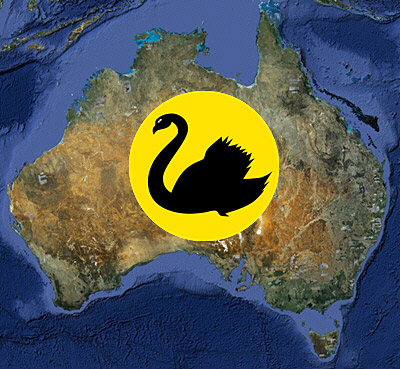
West Australia
Here is the Australia Airport Map for West Australia with Orbx Default, Orbx Enhanced, OZx Enhanced and Ant’s Airplanes Enhanced Addons.

Add the AU Airport Map URL in Tasmania Map to Google Earth Network Link. Content has been updated with West Australia airports.
Continue reading

78: Maps – FTX AU Airports – Northern Territory

Norther Territory
Here is the Australia Airport Map for Northern Territory with Orbx Default, Orbx Enhanced, OZx Enhanced and Ant’s Airplanes Enhanced Addons.

Add the AU Airport Map URL in Tasmania Map to Google Earth Network Link. Content has been updated with Northern Territory airports.

Continue reading

77: Maps – FTX AU Airports – South Australia

South Australia
Here is the Australia Airport Map for South Australia with Orbx Default, Orbx Enhanced, OZx Enhanced and Ant’s Airplanes Enhanced Addons.

Add the AU Airport Map URL in Tasmania Map to Google Earth Network Link.  Content has been updated with South Australia airports.

Continue reading

76: Maps – FTX AU Airports – Victoria

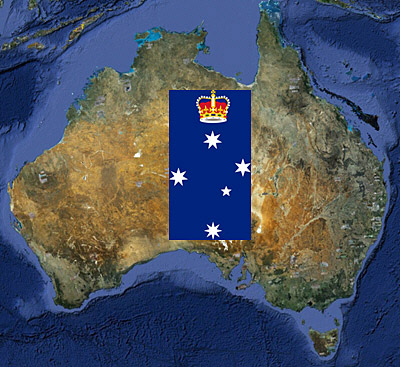
Victoria
Here is the Australia Airport Map for Victoria with Orbx Default, Orbx Enhanced, OZx Enhanced and Ant’s Airplanes Enhanced Addons.

Add the AU Airport Map URL in Tasmania Map to Google Earth Network Link. Content has been updated with Victoria airports.

Continue reading

75: Maps – FTX AU Airports – Tasmania

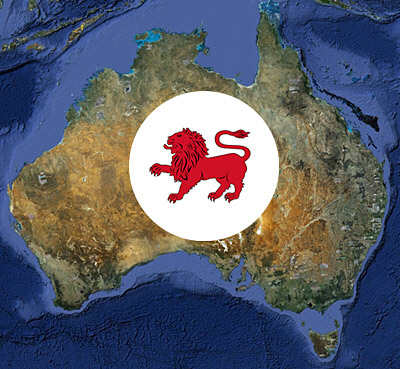
Tasmania
Here is the Australia Airport Map for Tasmania with Orbx Default, Orbx Enhanced, OZx Enhanced and Ant’s Airplanes Enhanced Addons.

Right Click to copy the following URL and add it to Network Link in Google Earth.  Content will be updated when maps for other states and territories are uploaded. Continue reading

74: Maps – FTX NA Airports

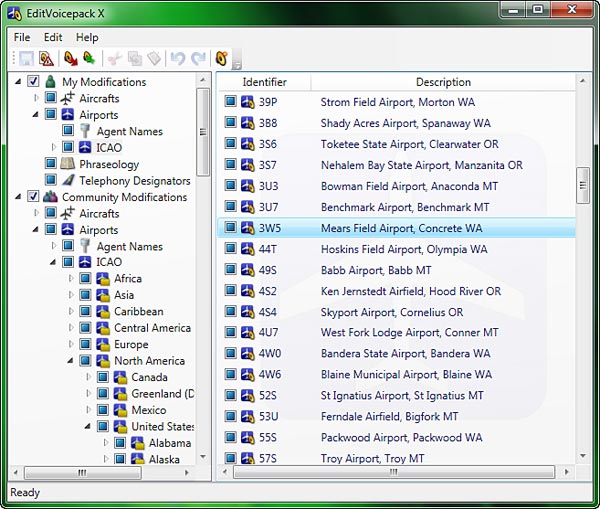
Map for all airports from FSAddon’s Tongass Fjords (TFJ); Orbx’s Pacific Northwest (PNW), Pacific Fjords (PFJ), Central Rockies (CRM) and Northern Rockies (NRM) have been uploaded.
Continue reading

73: fsx.CFG – Vertical Sync

When vertical synchronization (refresh) of display is not set properly, it is very likely that some sorts of screen-shearing problem will be introduced in FSX.

This screen-shearing issue can be easily identified when the view is turning to the left or turning to the right quickly, especially in the virtual cockpit view.  It seems that the upper half or the lower half of the screen is lagging behind to the other.

Continue reading

72: Add Realism to ATC Communications

EditVoicepack is a simple tool that helps realize a more realistic ATC communication environment and allows to change the phraseology as well as airline callsigns, airports and aircraft types in FSX.

Current version available for FSX is 4.0.7.0 at the time of this post.  Customized EditVoicepack files could be found in AVSim and FlightSim file libraries.

Continue reading

71: Calling Out Altitude

Adding Altitude Callout for decending aircrafts in FSX is as simple as calling out 1000, 500, 300, 100, 50, 40, 30, 20, 10, …

STEP 1:  FSUIPC    (If FSUIPC is already installed, skip to STEP 2)

a) Download FSUIPC4 from schiratti.com

b) Run the FSUIPC4 installer

c) No need to register FSUIPC; just press ESC to finish the installation  Continue reading