
Zoom In and Zoom Out are two of the most frequently used functions in FSX. In contrast, the Chase Distance Increase and Chase Distance Decrease features are seldom used relatively.
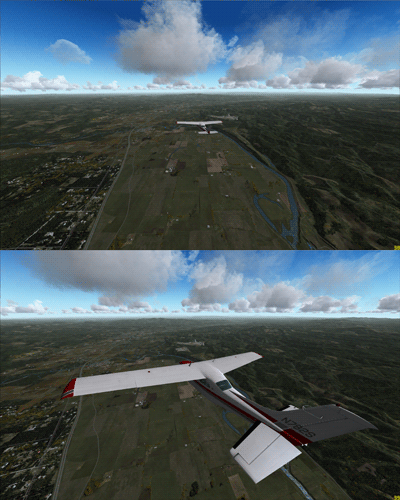
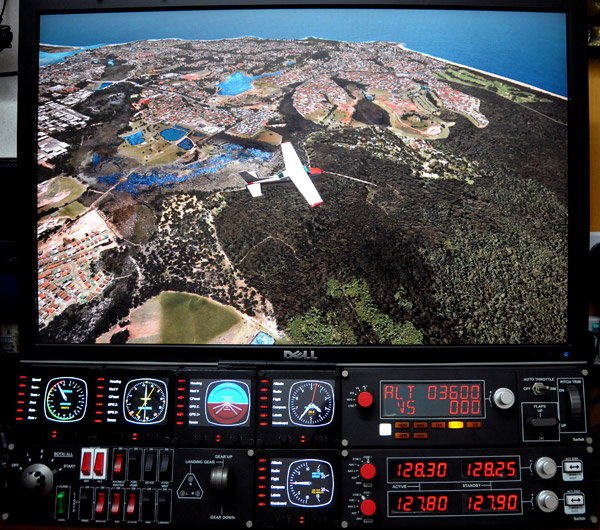
Compared to Zoom In or Zoom Out that enlarges or reduces all objects in the scenery, the Chase Distance Increase acts like pushing the aircraft away from you and the Chase Distance Decrease pulling the aircraft closer to you, both keeping the zoom level of the background scenery unchanged.
This could create quite a dramatic effect in a flightsim session.
By default, these two “zooms” are assigned to key-combo [CTRL][-] and [CTRL][=] respectively. They can easily be re-assigned to any buttons on external panels or yokes via Settings in FSX.
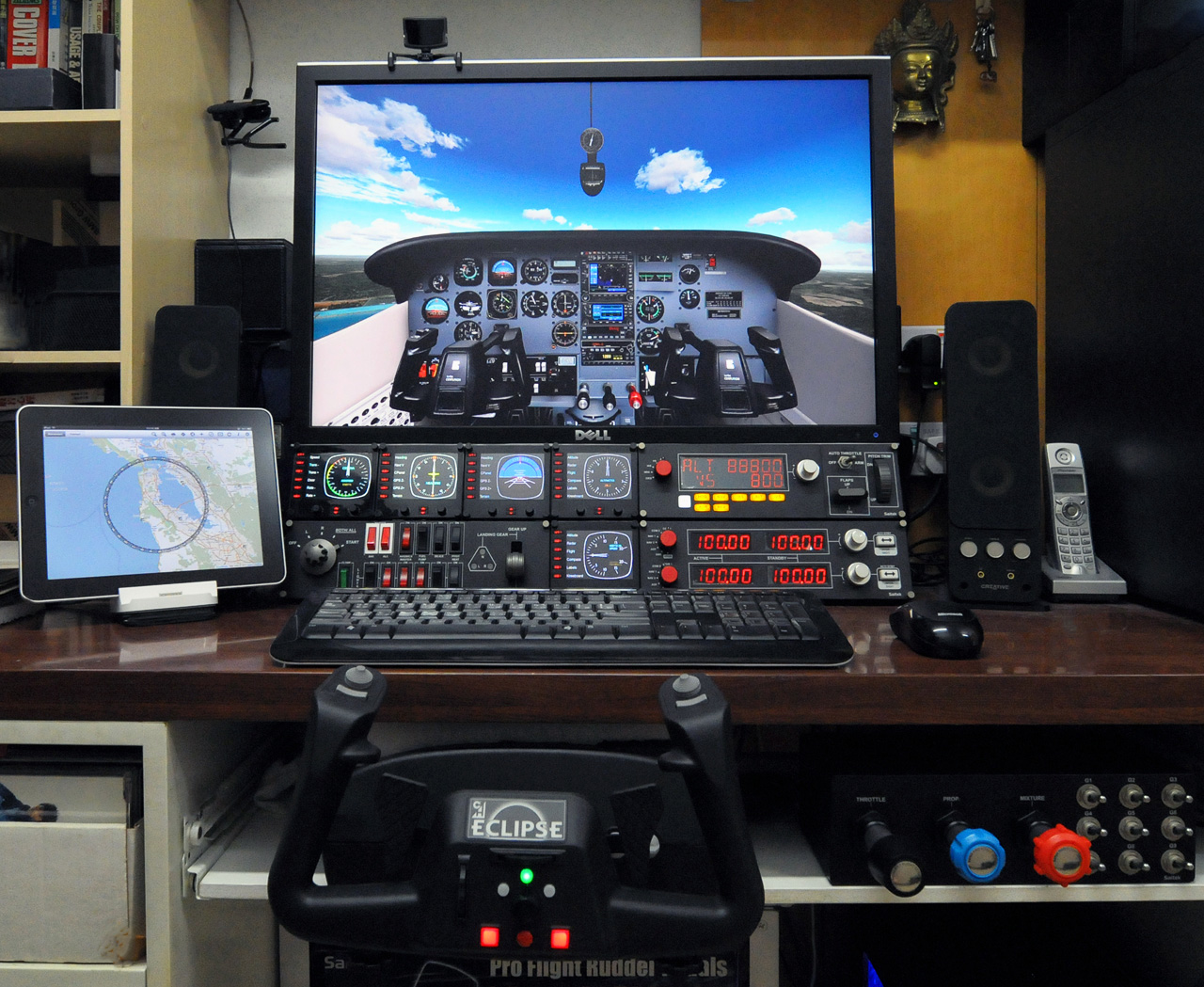
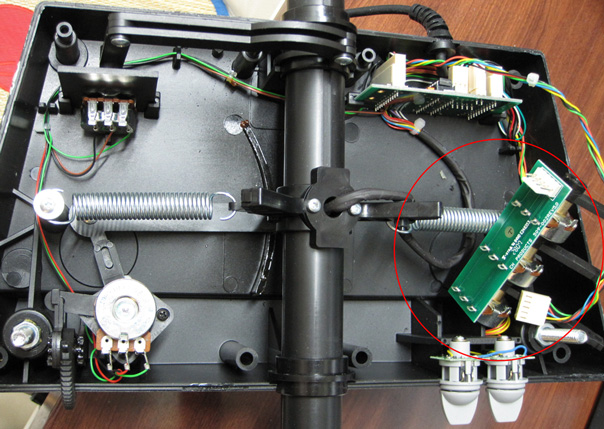
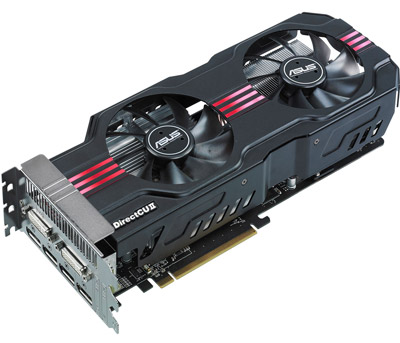
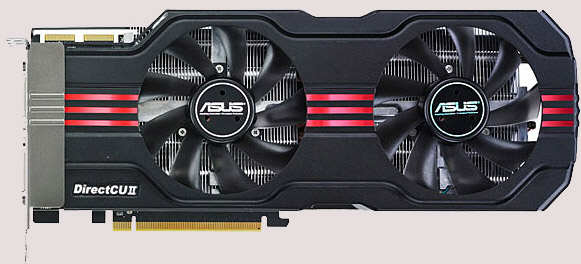 However, it does bring a better image quality and a much cooler and quiet environment to my system. Moreover, the card allows connection up to six monitors, giving me flexibility when planning for future multi-monitor system upgrade.
 Ever wonder what the

 FS Times