
Although by changing the base, ceiling, thickness and coverage values of the cumulus cloud from P3D’s Advanced Weather option, one can generate different cloud effects, there are Eight (8) Basic Thresholds that actually determine the ultimate appearance of the cumulus cloud in the simulator.
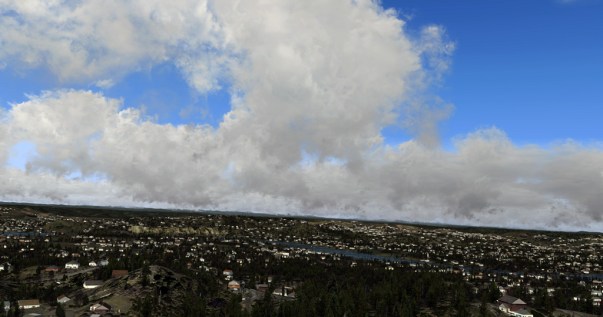
The first three (3) relates to Base Height specified as follows:
| Base Height 0 feet |
| Base Height 6,562 feet |
| Base Height 19,686 feet |
The appearance of the cumulus cloud, within the range between the two neighboring values, remains unchanged as long as their settings are the same.
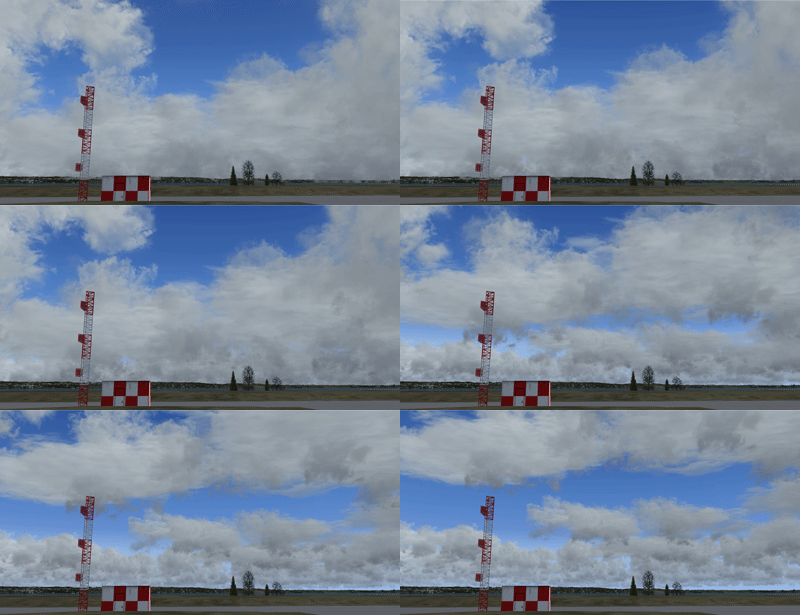 For example, the image on the left depicts the cloud rising from 0 feet to 6,561 feet with the settings of 1 feet thickness and 7/8 broken coverage. The appearance of it remains the same while its distance from the ground changes.
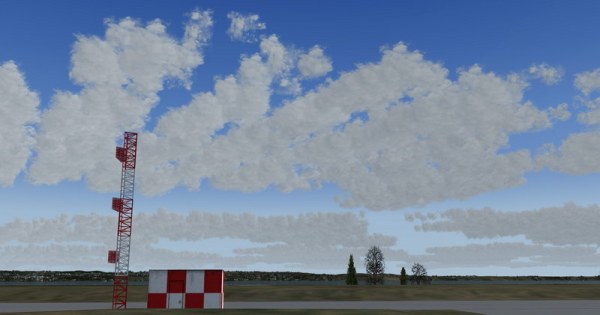
As long as the cumulus cloud rises to the 6,562 feet threshold, its appearance transforms dramatically to the one shown below. As long as the cloud stays below the next threshold, it appearance remains unchanged.
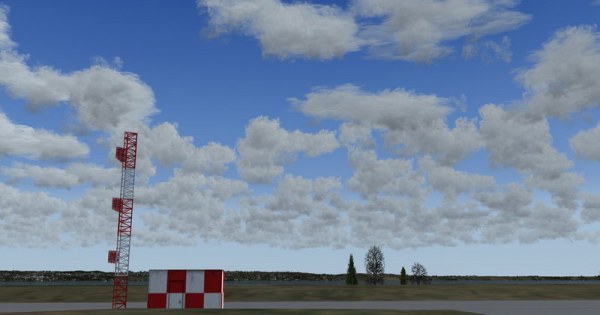
Similarly, once the base height of the cumulus cloud rises to 19,686 feet, its appearance transforms significantly again. And from this level up, the cloud remains unchanged. Results have tested up to 65,000 feet, which is in reality the top ceiling of general cumulus clouds.
Next post will talk about the remaining five (5) thresholds that shape the cloud.
 to keep FSX Times up and running.
 FS Times