
The Product Report generated via FTX Central is getting harder and harder to read when the list of the installed scenery is building up. 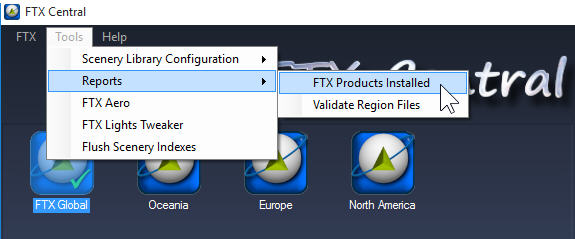
To enhance readability, one can slightly modify the layout of the report by removing or adding a [Carriage Return] to the end of the version information of each (or a group of specific) product.
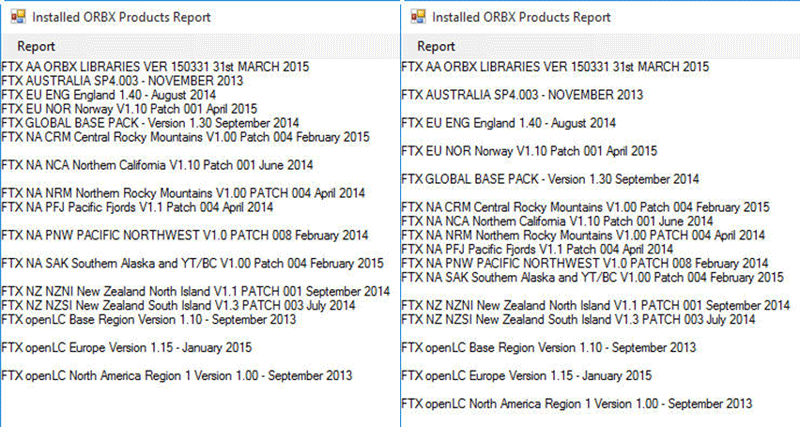
The product version information could be found under the “ORBX\User Documents\Versions” folder beneath FSX or Prepar3D program directory.
 FS Times
That it the Old obsolete version of FTX Central….
Jorge
LikeLike
Yes. Not obsolete in my side yet.
Tom
LikeLike