
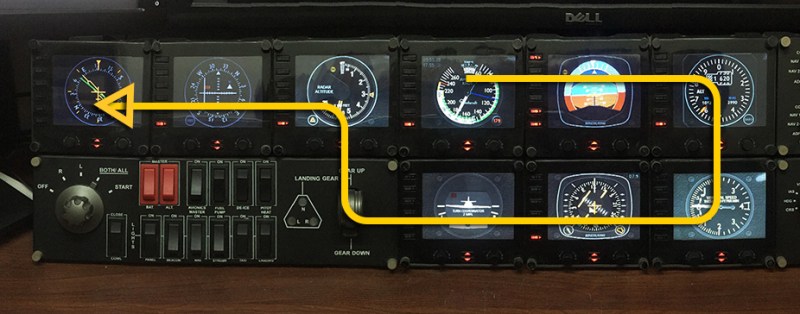
Over the years, I’ve been putting the order of my gauges in the SaiFlightSimX.xml file according to the start up order of the FIPs as shown below.
I know by “pressing the UP button” on the FIP means switching to the “NEXT” gauge (Down one on the SaiFlightSimX.xml list order), and “pressing the DOWN button” means switching to the “PREVIOUS” gauge (Up one on the list order).
With these “UP button – Down One / DOWN button – Up One” arrangement, I can’t help falling into the confusion of mistaking that the “UP button” refers to “Up One on the list” and “DOWN button” to “Down One on the list” frequently.
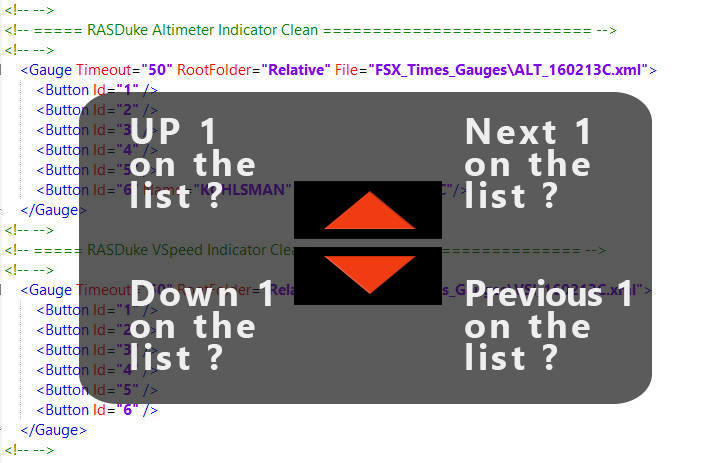
Sounds confusing enough?
I don’t know how many of you experience the same as I do, but I believe Jack Pickett is certainly among us.
His solution is simply reversing the order of the gauges in the SaiFlightSimX.xml, so that “pressing the UP button” means going “Backward to the Previous Gauge” and “pressing the Down button” means going “Forward to the Next Gauge“.
What a simple solution that I never thought of all these years!
Certainly, Jack’s solution isn’t without drawbacks. But the human-button reaction seems to be more intuitive and logical now.
I have reversed the orders (some full, some partial) of the gauges in many of my various SaiFlgihtSimX.xml settings.
Surely, you could have different arguments to keep everything unchanged. This is just an idea, after all.
 FS Times