
One of the most important tunings to me after upgrading to P3Dv4 (actually any update or upgrade) is to ensure the continuity of the newly reinstalled or copied aircraft to be run as they did in the previous version consistently . 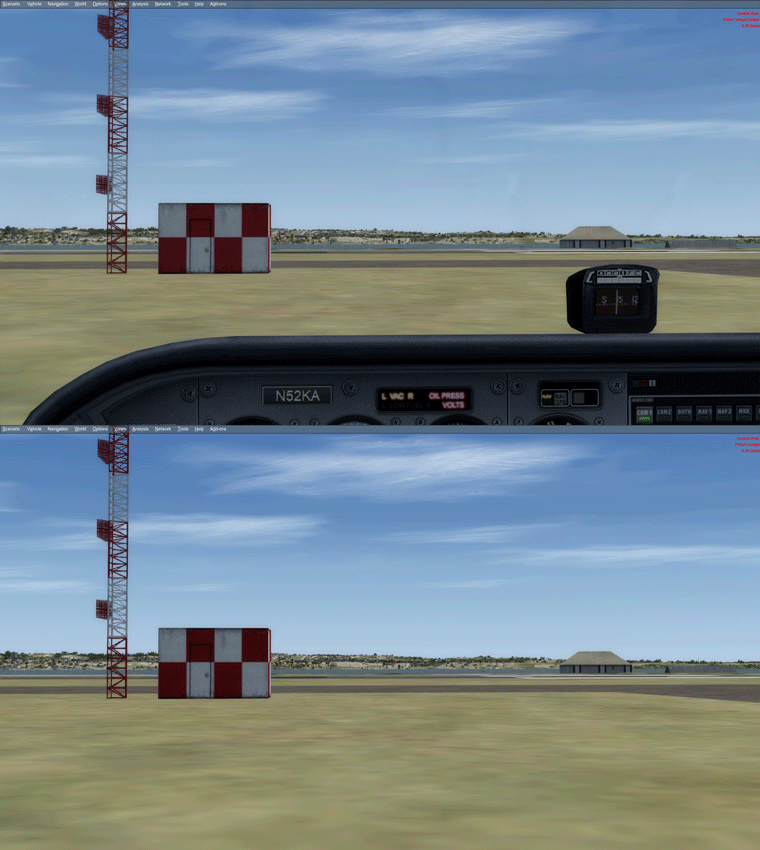
Followings are the steps:
STEP 1.)
Copy corresponding “Aircraft.cfg” files from
- “P:\Prepar3Dv3\SimObjects\Airplanes” to
- “P:\Prepar3Dv4\SimObjects\Airplanes“
STEP 2.)
Copy corresponding aircraft flying records (“state.cfg“) from “SimObjects” in
- “C:\Users\<username>\AppData\Roaming\Lockheed Martin\Prepar3D v3” to
- “C:\Users\<username>\AppData\Roaming\Lockheed Martin\Prepar3D v4“
Since P3Dv4 involves the using of new Windows system registries, Continue reading
 FS Times