
The remaining ALVOR, VSADF and TCBAL of the C172SP Integrated series with back-lit effects (when the panel light is ON) have completed.
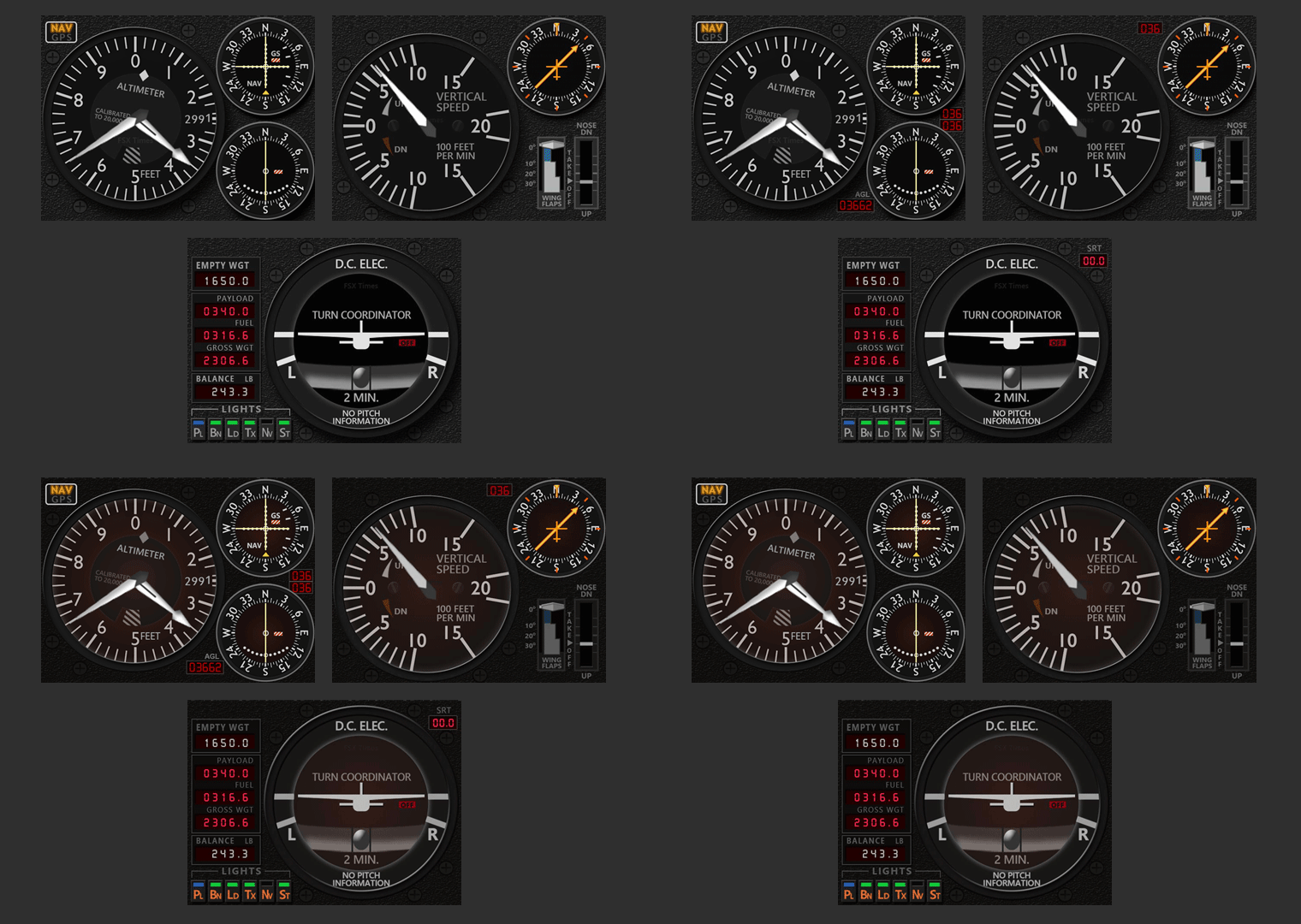
Again, these gauges will be installed onto the “C172SP_Skyhawk_INTG_R5” folder under the “FSX_Times_Gauges” directory as well.
For systems running FIPs with Saitek or Logitech drivers, the new gauges will be added to the end of the “SaiFlightSimX.xml” or the “LogiFlightSimX.xml” file. The xml file will be opened after each installation for users to edit out the old versions and to rearrange the gauge order accordingly.
For systems running FIPs with SPAD.neXt, read my Post 487 about making changes to the aircraft profile in SPAD.neXt after installation.
Download links will be sent to current users within the next 24 hours. Please contact me if anyone doesn’t receive them by Sunday.
That’s complete the back-lit modification for the C172SP Integrated series. Similar changes will be made to the C172SP Standalone series in the next couple of weeks.
Let me know how you find the new effects and which series of gauges you want to have the back-lit next. Other suggestions are welcome, too.
 FS Times