
A pilot friend (who prefers anonymous) sent me a note about how he connects the Reality XP GNS430 to the NAV2 CDI on the C172SP in X-Plane 11. I don’t have any products from Reality XP myself but I believe the instruction should be of interest to many others who own the product. 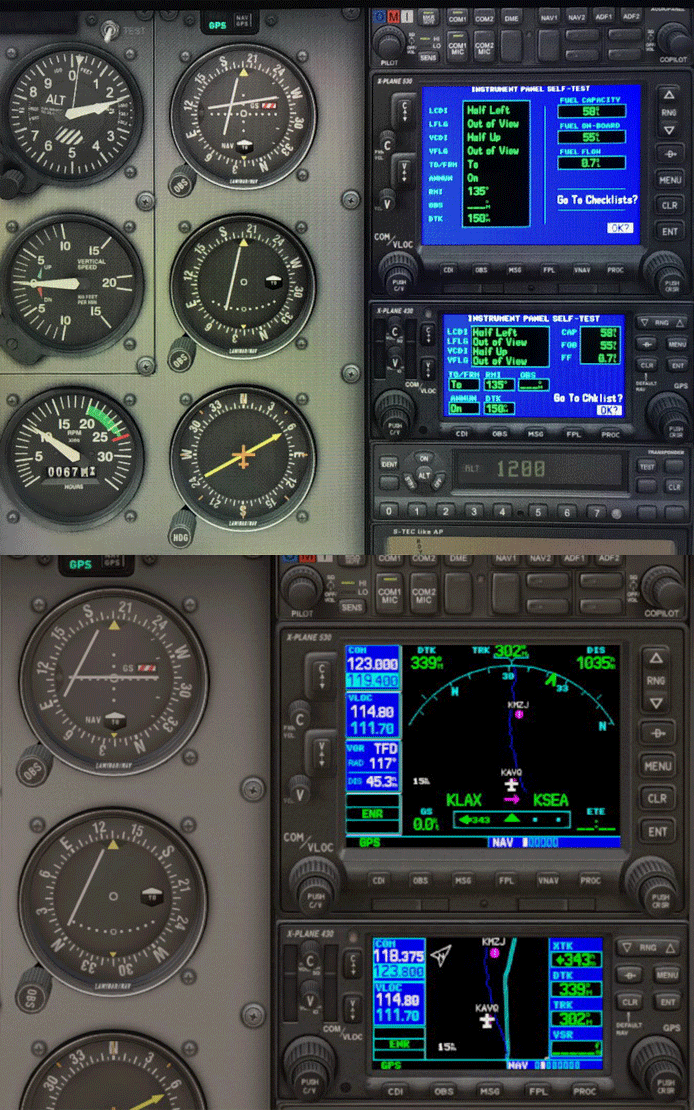
Followings are the instructions:
- The C172SP cockpit in X-Plane 11 is fully 3D, so you cannot edit it comfortably in a graphical tool like Plane Maker.
- If you feel comfortable with a good text editor like Notepad++ or BBEdit, you can edit the animations in the object files directly. Make a backup copy of any .obj files you are going to touch.
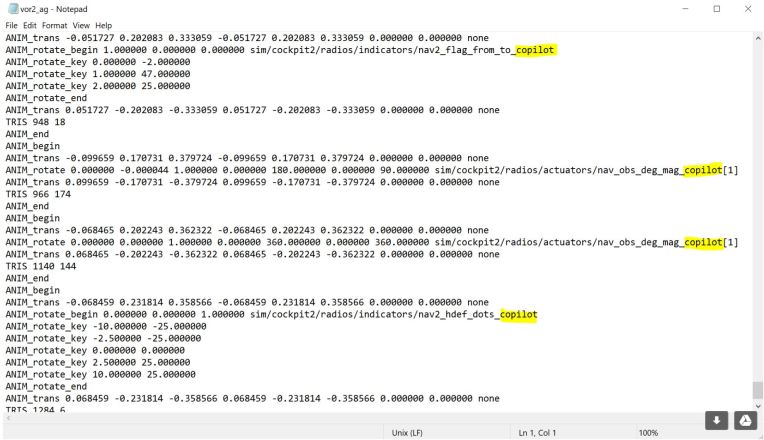
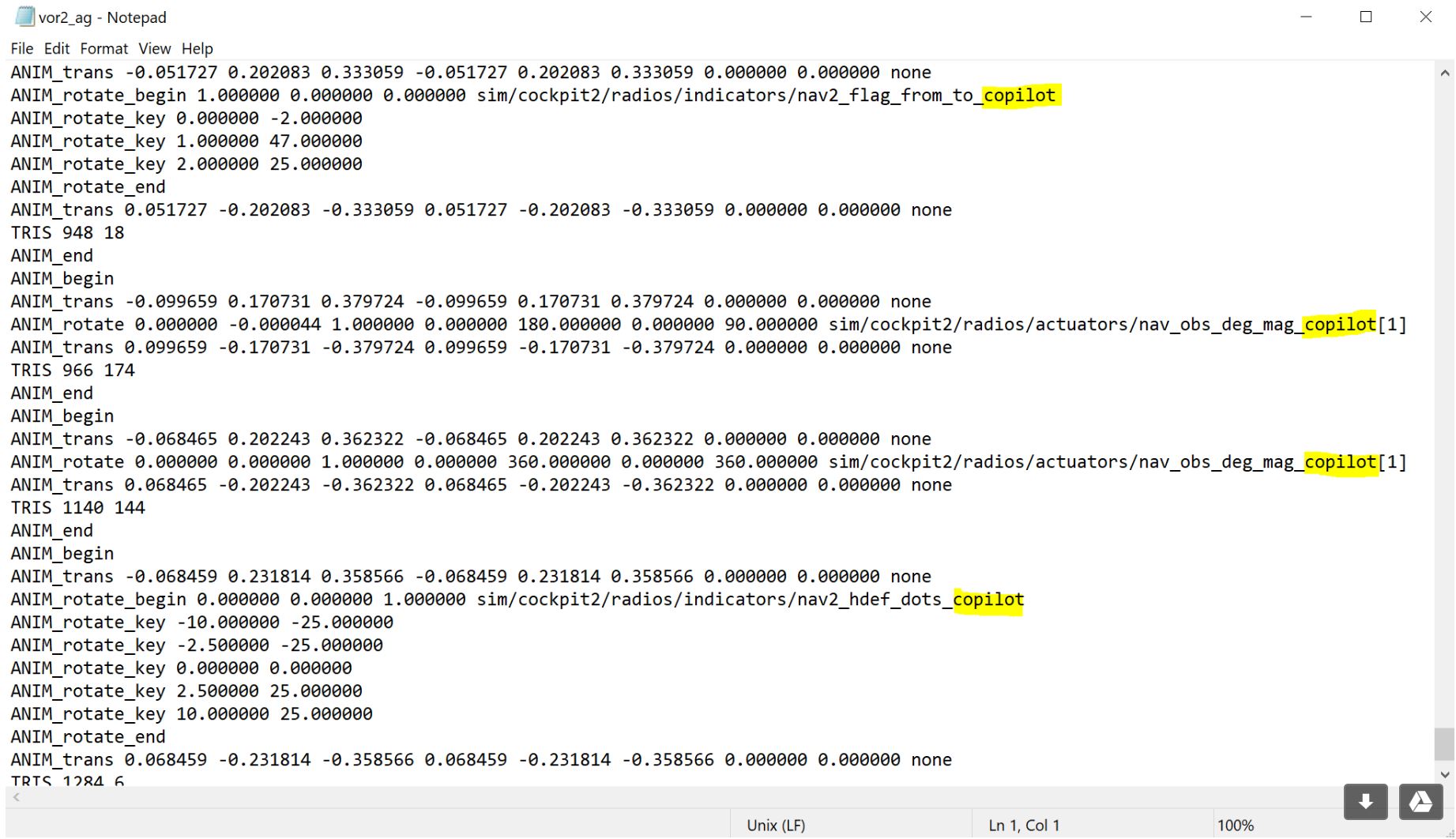
- Edit the “Cessna 172SP/objects/instruments/vor_glideslope_adf/vor2_ag.obj” Find all lines that refer to “_pilot“, and change them to “_copilot” This will wire up the instrument as if the airplane had a full set of copilot instruments and a copilot NAV source selector.
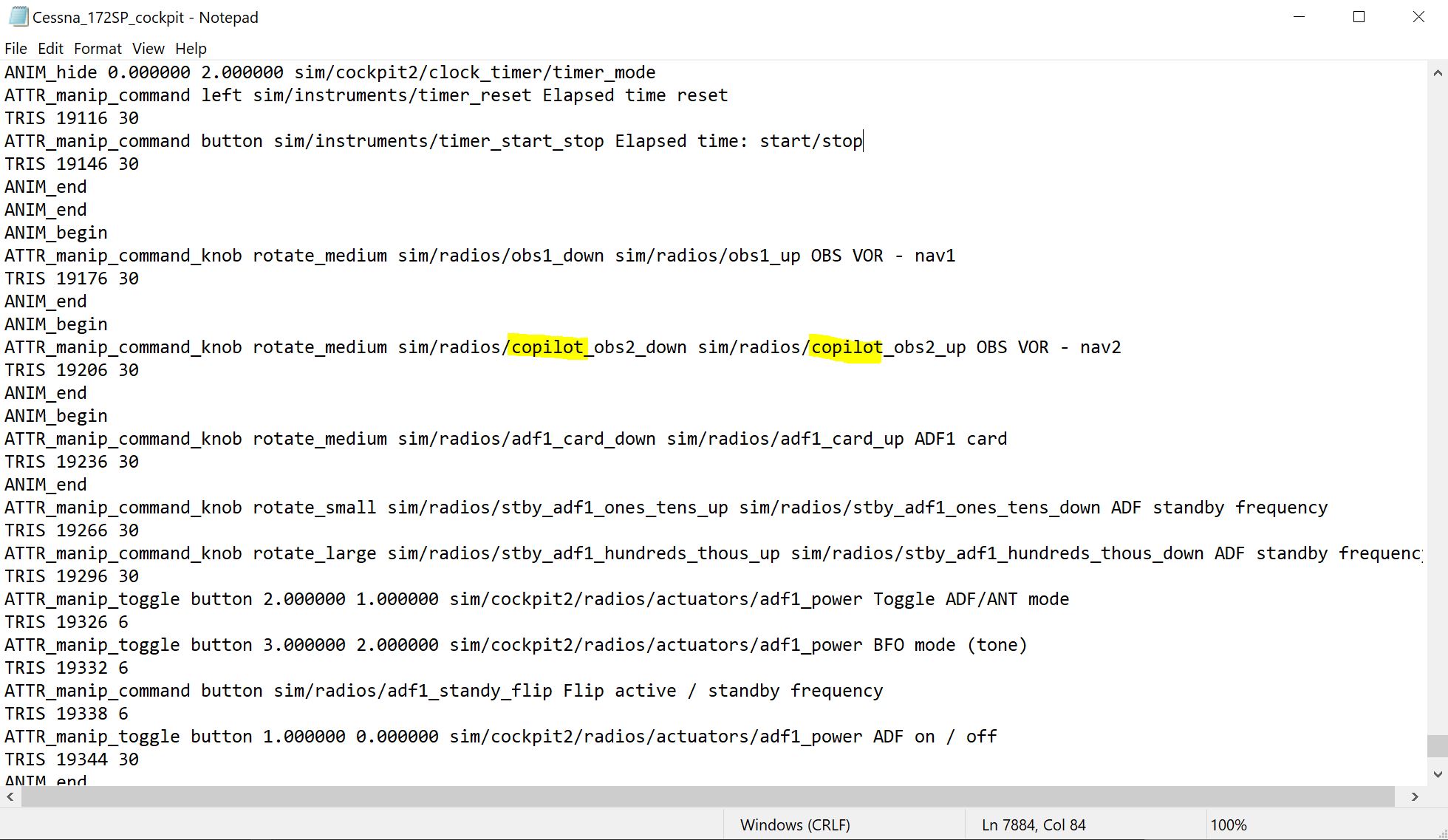
- You will also need to change the “Cessna 172SP/Cessna_172SP_cockpit.obj” and find the line that refers to the “sim/radios/obs2_down” and “sim/radios/obs2_up” commands and change them to “sim/radios/copilot_obs2_down” and “sim/radios/copilot_obs2_up” respectively.
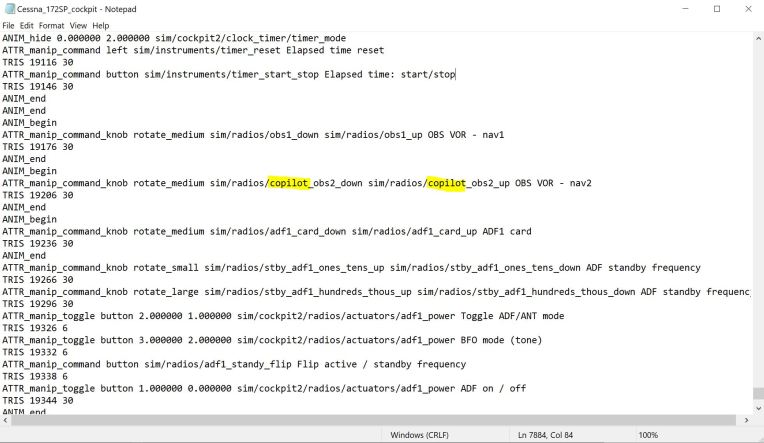
- This will change the mouse manipulator to match the changed animations.
 FS Times