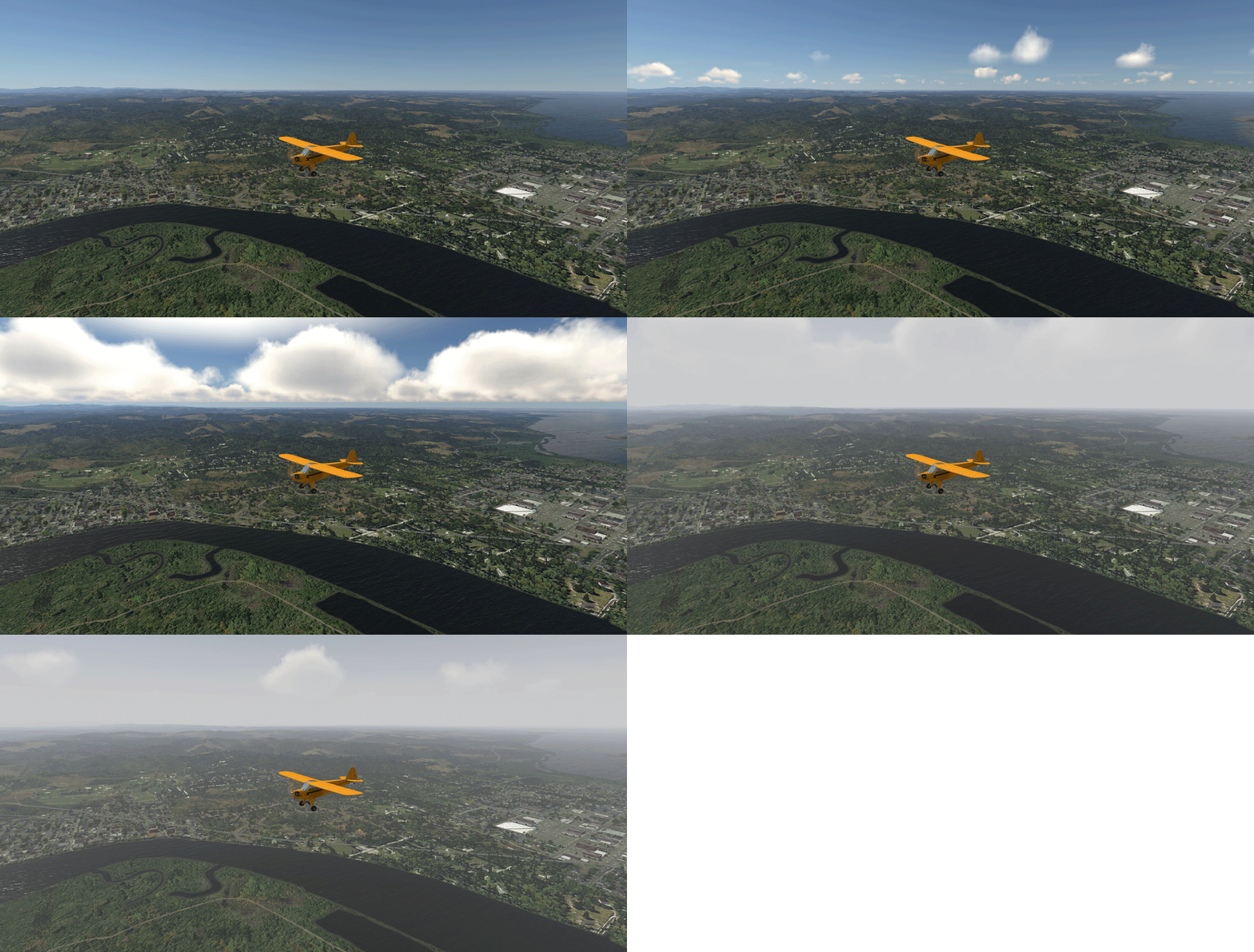
568: Really No Need to Rush for P3Dv5

After running P3Dv5 for two days, my initial impression stated at Post 564 continue to be valid.  Also true is my earlier comment saying that “there’s really no need to rush for it.”

If I remember correctly, every time when P3D had a major update (1.xx, 2.xx, 3.xx, 4.xx), the very first version always full of issues.  This latest version 5.0 is of no exception.

Followings are a couple of photos comparing the Sion Airport (LSGS) and Bowermen Airport (KHQM) between version 4.5 and 5.0.
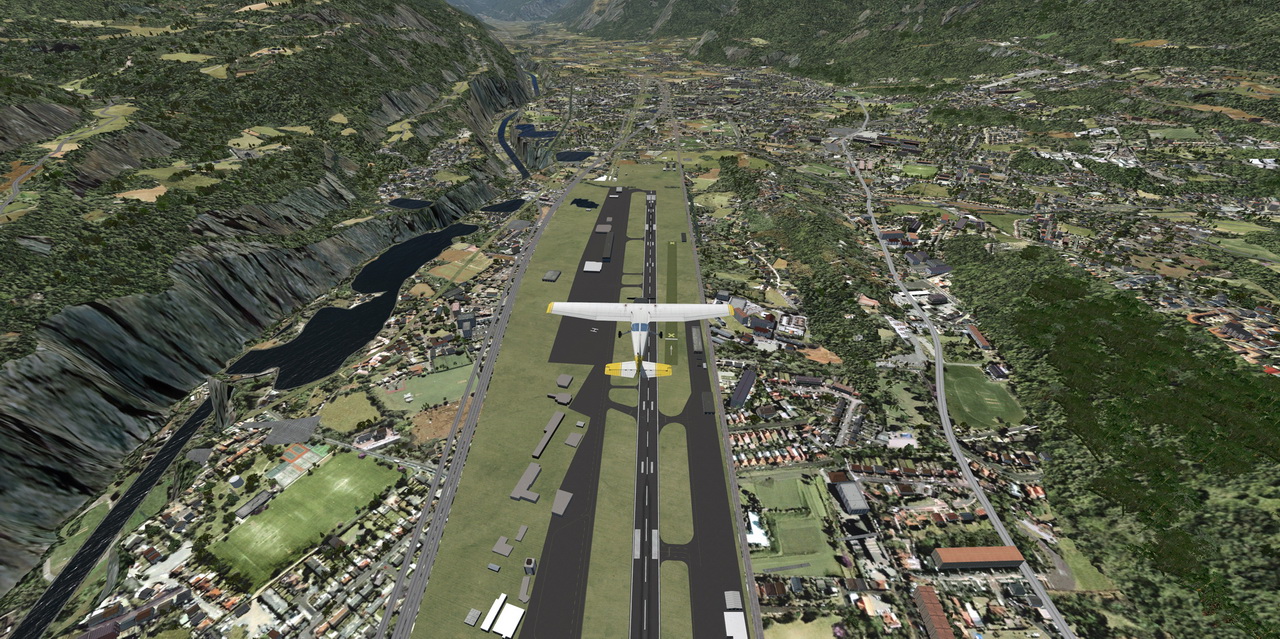
The big trench on the left is flat actually.   Orbx Base Pack & EU open LC don’t help.

Continue reading

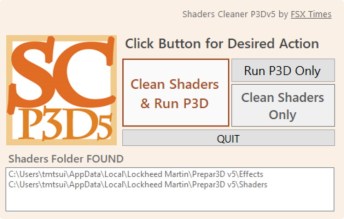
567: Shaders Cleaner for P3Dv5 is Ready

Shaders Cleaner for P3Dv5 is now ready for download from the Freeware Section in my Store.  It is downward compatible to version 3, which I don’t think anyone still running it, however.

NOTE that after the shaders are cleaned, it may take a bit longer for P3D to reload the flight session the next time.  The screen may even black out for some seconds.  No worry, everything will come back to normal after the shader cache is built again.


566: Assign HoneyComb Alpha Yoke to P3Dv5 Manually

Since Aerosoft hasn’t updated the driver utility for its HoneyComb Alpha Yoke for P3Dv5 yet (by the time of this post), here’s how to assign the device’s Bridge Module manually for the simulator.

Open the add-on.cfg in “C:\ProgramData\Lockheed Martin\Prepar3D v5” folder, which is where the scenery.cfg is located.

Then add the following to the file:

[Package.0]
PATH=X:\Aerosoft\Honeycomb
TITLE=Alpha Flight Control Bridge Module
ACTIVE=true
REQUIRED=false

I tend to put this script to the beginning of the file above all other sceneries.  Continue reading

565: FSUIPC5 Works on P3Dv5

While waiting to purchase the FSUIPC6 as mentioned in last post, I popped up an idea: “Why not test the existing FSUIPC5 with the new P3D first?”

So I copied the DLL.XML from the configuration directory of P3Dv4 to the directory of P3Dv5.

Bingo!

They work together nicely.   I don’t even need to modify the file at all.   Just copy and paste the DLL.XML from the v4 directory to the new v5 directory and then all is set.

The two folders involved are as follows: Continue reading

564: A Quick Impression on P3Dv5

I ran the new P3Dv5 for a few hours this morning with many addons (such as Orbx scenery and Carenado Aircraft) I used on P3Dv4.  As expected, it didn’t give me too much excitment, including the new logo and the new design of the option menu in the program, for which I am well prepared from what I experienced from the company’s previous updates in about every two years.

But to be fair, there are still many improvements and some are very nice indeed,
for example the Enhanced Atmoshperics feature, from which I get the sky color tone on my HDTV more true to the reality.  This is the first time from all the flight simulators I’ve ever played so far. Continue reading

Misc: No Rush – When it comes, it comes

Now is 3:05pm 14-April in Hong Kong or 3:05am the same day in Orlando, Florida, where Prepar3D of Lockheed Martin is located.

Normally it took seconds to enter the Prepar3D website and now it takes minutes or sometimes it even gets an “Error establishing a database connection”.   There must be a lot of people around the world like me trying to get a copy of the newest version 5 of Prepar3D as earlier as possible.

Unfortunately, there’s still no sign of it.

No sure if it is because the P3D team is still working hard to get the shop ready to catch up with the launched date?  Or the new version will only be available starting from office hour 9:00am in the area?

So, no rush!   When it comes, it comes.

Edit: It’s finally arrived at about 4:00pm EST US – almost time for home ;)

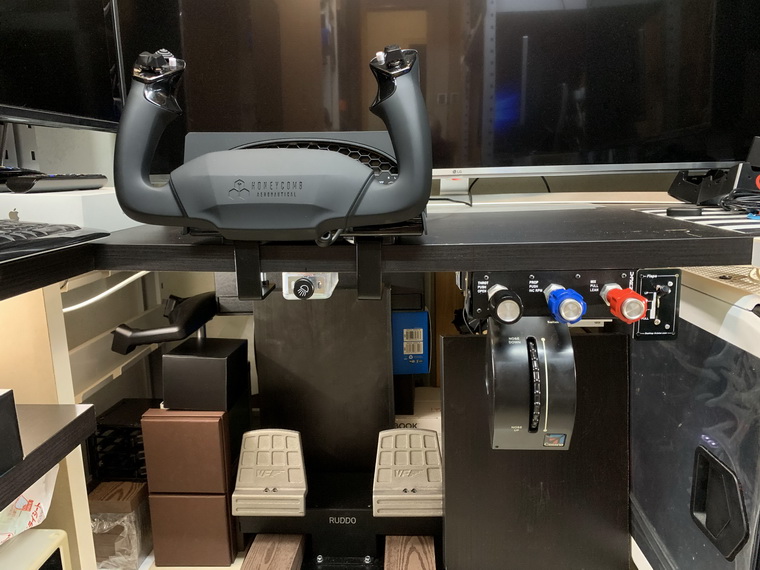
563: My Cockpit Rev #11 – Control Cluster

After talking all these year about my cockpit rebuilding, it’s really making progress this time and it should be completed within the next two months if no unexpected issues coming up.

The equipment I finally picked are as follows: Continue reading

562: Turn Off FIP Button Light the Hard Way


Many friends asked if it is possible to turn off the light of the buttons on the Flight Instrument Panels (FIPs) and continue to keep their functions active at the same time.  The answer is NO under the Logitech driver as described in Post 215.

However, from the teardown of the broken FIP reported in last post, I came up a hard(ware) way to do it. Continue reading