600: A Bluetooth Fix on Asus X99

A friend having the same Asus X99 Deluxe II motherboard as I do last week phoned me if I had any idea why the Bluetooth on his system didn’t connect to any devices at all.  He said all software were the latest.

In order to connect to his Bluetooth headphone, he had to use an external Bluetooth dongle, which was clumsy and not user-friendly.

I had my head scratches in the beginning as I hadn’t have the issue before.  After a few Whatsapps, we together figured out it was Continue reading

599: Last Resort before Reinstalling P3D

There are times we may encounter a situation in which we want to reinstall Prepar3D again due to some annoying issues caused by unknown reasons.  But before we do that, there’s a last resort we may try.

Under Prepar3D’s program directory (version 4 or newer), there’s a shortcut called “Delete Generated Files“. 
It can quickly delete everything in your: Continue reading

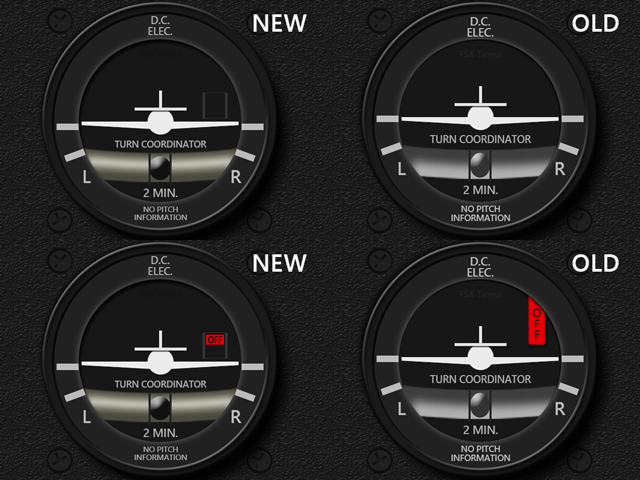
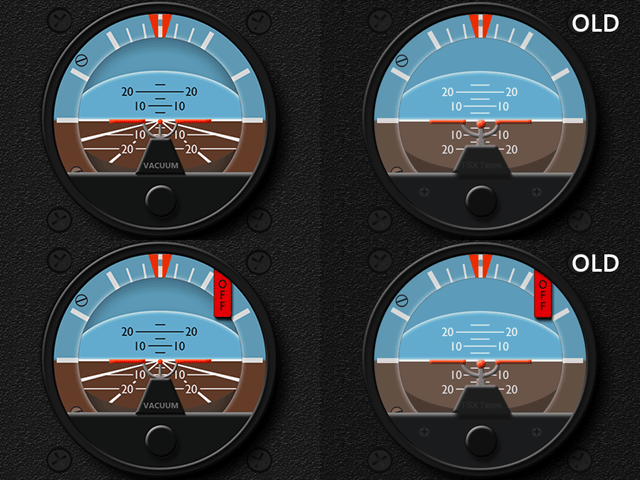
598: XPL C172SP Gauge Updates

Some of the instruments on the C172SP in the latest version of XP-11 have been altered.  Adjustments to the INTFG, ATT and TCR, therefore, are updated accordingly, in which the layout of the latter two were even renewed completely.

Download Links have been sent earlier today and all current users should have received the email(s) in their mailboxes by now.   If not, notify me by email or via Comment Section below.

597: My Project Group Expanded

Just added “My Prepar3Dv5 CFG” to “My Project” group.  Not only does it compare with the initial cfg generated after the first run, it also includes the file in PFD format for download, if anyone is interested.

596: New Menu Group

Received a few emails asking the specs of my hardware and software after yesterday’s post regarding tweaks to my system.  Per these requests, a new menu group “My Project” is just created (name may be changed later).

In addition to the existing “My Cockpit” section, a new “My P3Dv5 Settings” column is added under it as well.   In the coming weeks, I will add in more columns covering different aspects of my system, and they will be updated from time to time when changes are made.  Thanks to all who raised the question so I can come up with such an idea for a new menu group, which is not only good for fans’ interests but also important for my own references as well.

595: My Basic System Tweaks


A flightsimmer fan posted a new thread on the P3D forum saying that he finally solves the micro-stutter issue on his system by disabling the “dynamic tick” feature in Windows.  Good for him!

Actually the trick has been around for sometimes, and whether it effective or not, as usual, depends very much on one’s own system, as it didn’t make any difference on mine.  Anyway, it’s still worth a try to see if it works on yours.

To use it, enter “bcdedit /set disabledynamictick yes” under Command Prompt.

If you don’t like it, type in “bcdedit /deletevalue disabledynamictick” to remove it.  Do remember to backup your system first, just in case.

When talking about system tuning, followings are some of the tweaks I’ve been using for a long time. Continue reading