
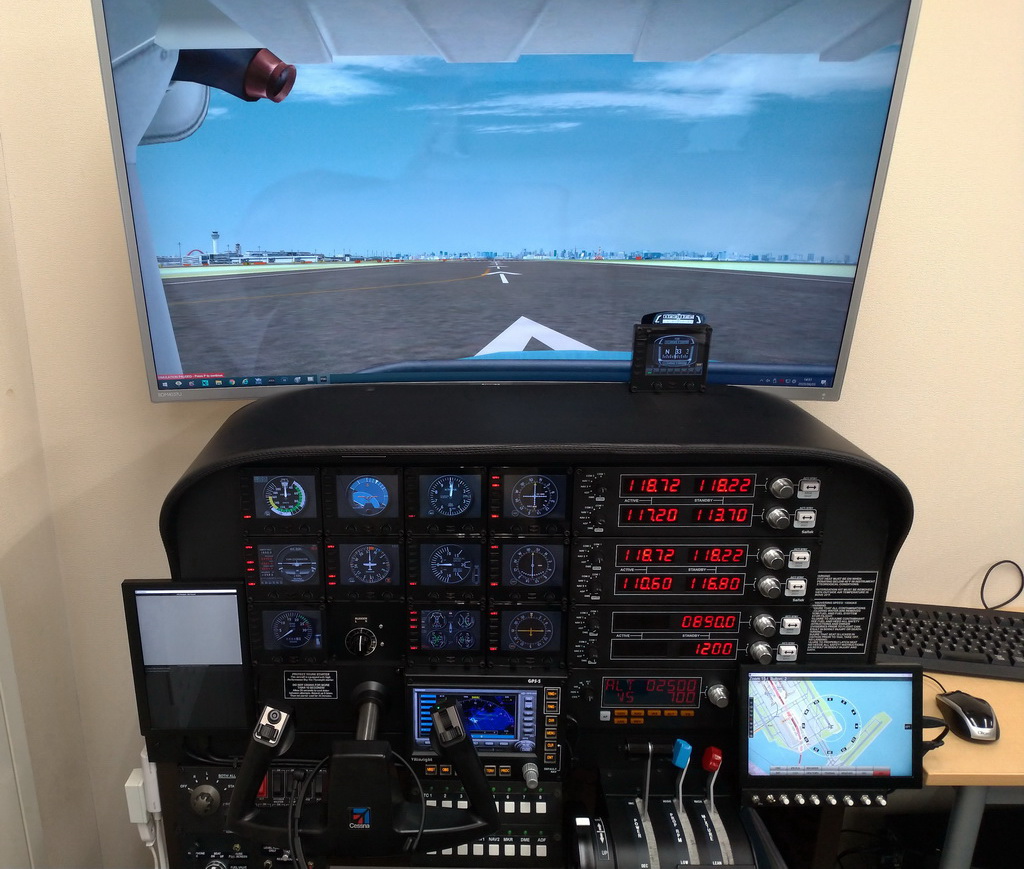
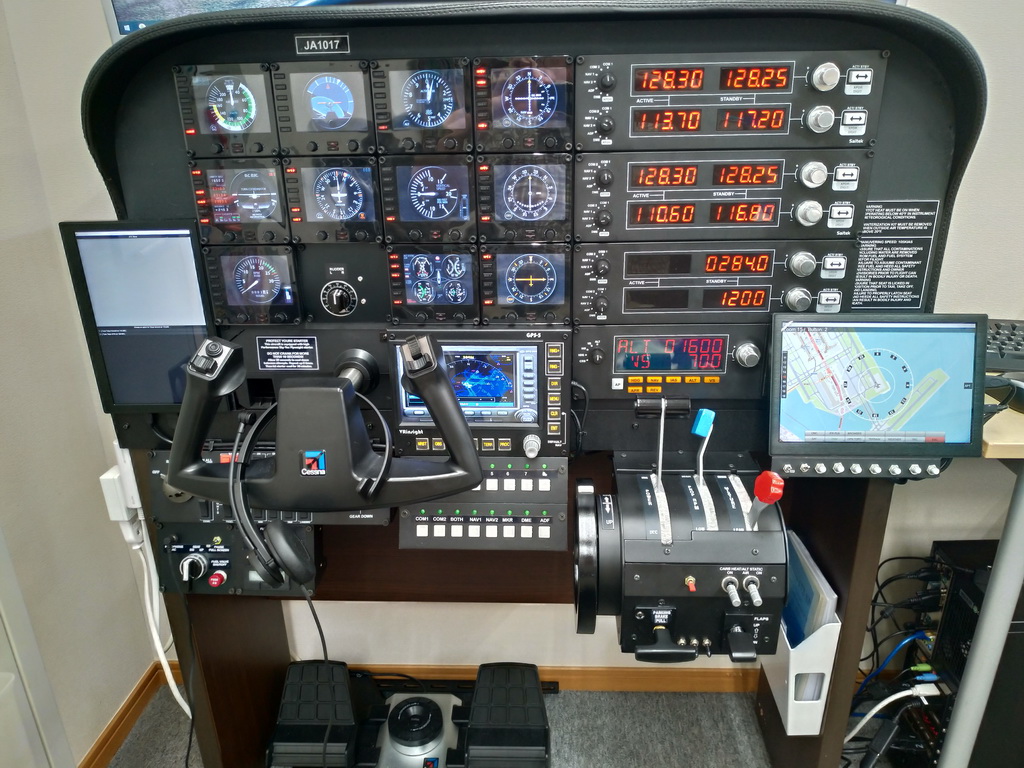
Some 15 years ago, Hiro in Japan has already been flying his favorite Cessna’s on his home cockpit. His current setup was built on Saitek’s cockpit frame, with bountiful of gears not only from famous brands but also handmade.
Builder: Hiro
Location: Tokyo, Japan
ICAO: RJTT, Haneda Airport
Project Notes:
I like single-engine light aircraft, so I mainly fly with the Cessna aircraft. The little photo on the right was the cockpit I made about 15 years ago (cockpit frame is homemade.)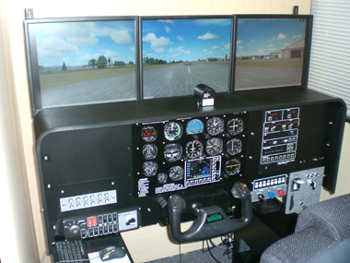
After that, I purchased the great cockpit panel by Saitek, on which I assembled my current cockpit as shown above.
The main monitor was originally mounted on the rear wall, but now it is held by monitor arms attached to the table. Therefore, it requires two people to move the setup, if necessary.
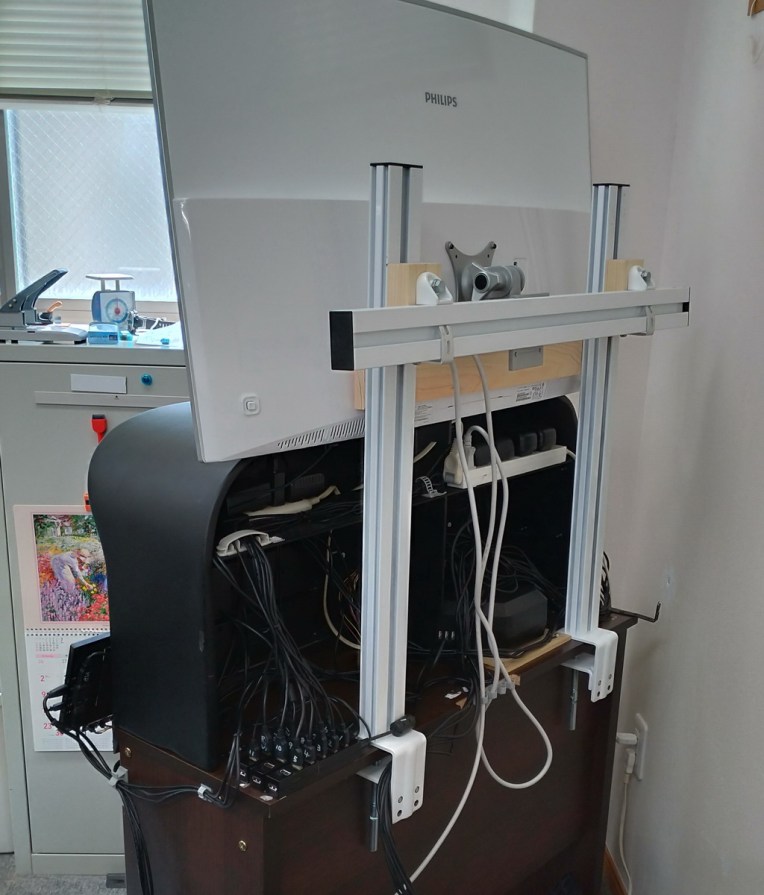
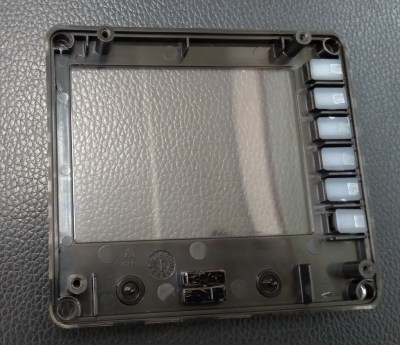 Back sides of the buttons on the FIPs are masked with paint in my case with reference to Tom’s “562: Turn Off FIP Button Light the Hard Way”
Followings are the details of my current setup:
Software:
* P3DV4 (main)
* P3DV5
* X-Plane 11
PC Hardware:
* Windows 10 Pro, 64bit
* Intel Core i7-9700k, 3.60Ghz
* NVIDEA Geforce RTX 2700 super
* DDR4 32MB RAM
* SPCC M.2 PCIe 1000GB SSD
* Sound Blaster Audigy Fx
* 40-inch curved type monitor, 3840 x 2160
Flightsimming Gears:
* Cockpit Panel frame, Cessna Yoke and Rudder Pedals, FIP x 12, Radio Panel x 2, Switch Panel, Multi Panel from Saitek
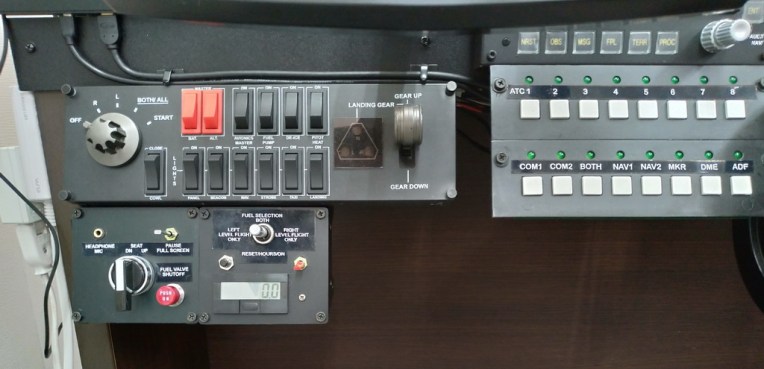
* Announciator Panel, ATC select panel, Fuel selection Switch from GoFlight
* GPS-5 from VRInsight
* Throttle from Ready-made products
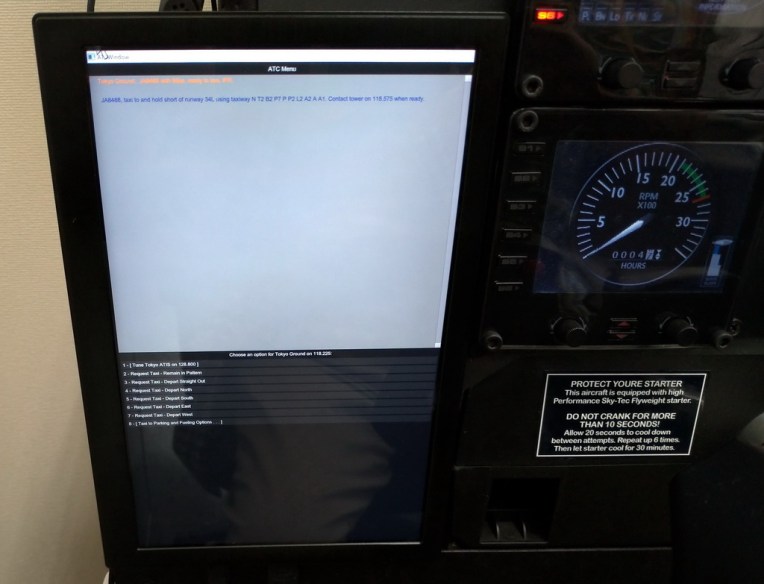
* 10-inch monitor x 2:- Left one for ATC dialogues and Right one for free AirMap display from Gemini Software
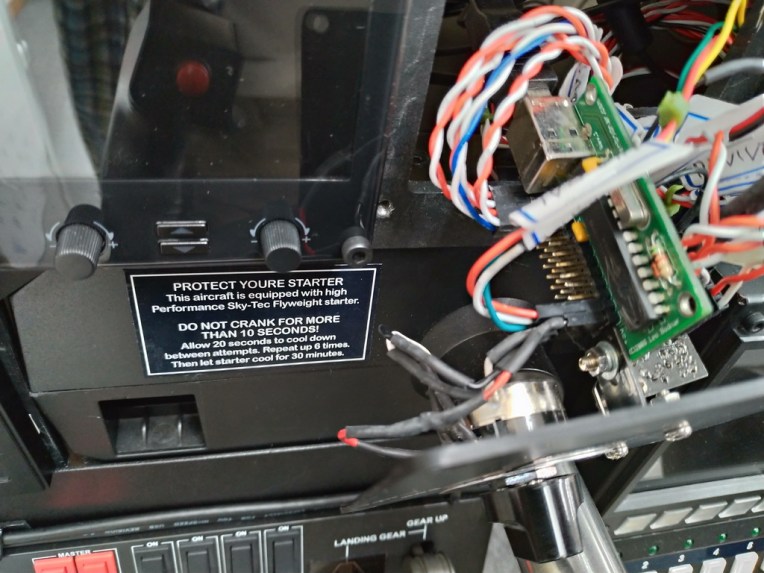
* MIC, SEAT, Fuel valve shutoff, Pause control box and Fuel selection, Hours meter box are all made by myself, which are controlled by SIM commands via a USB I/O module.
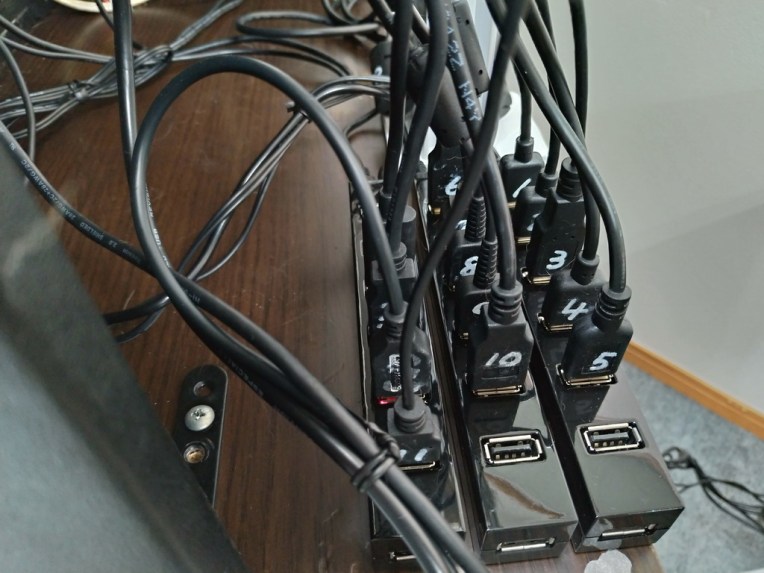
* Powered 7-port USB Hub x 4
 FS Times