
Whether your flightsim gears are instantly recognized by MSFS or not, you’ll need 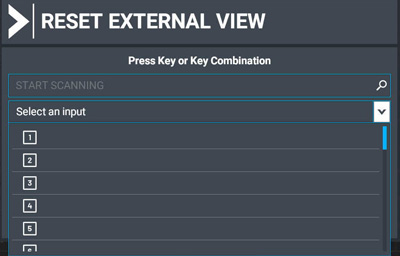 to find out what the numbers of the buttons are when selecting them in MSFS Control.
Unless your gears already come with a button number map, you’ll have to find them out yourself. It’s pretty easy.
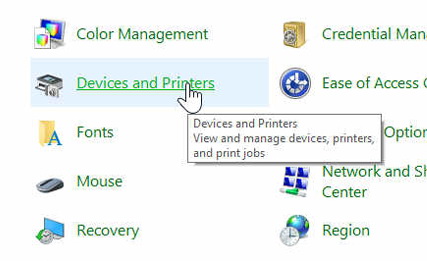
Open Control Panel and click on Devices and Printers
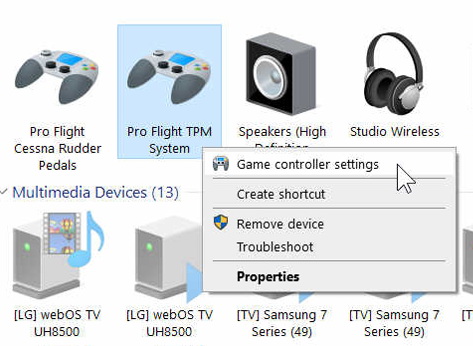
Right click on the gear (e.g. Saitek Pro Flight TPM) that you want to find out the numbers of the buttons on it. Then select Game controller settings
Select the gear and click on Properties
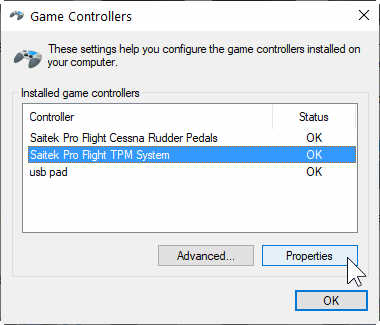
Push/pull or toggle the buttons on your gear; and you’ll find out what numbers are associated with them.
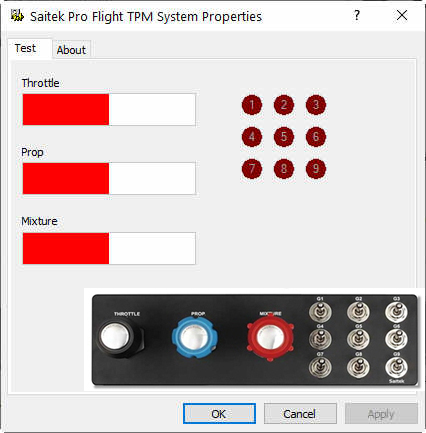
Note that some buttons may have different numbers in their up/down or in/out positions.
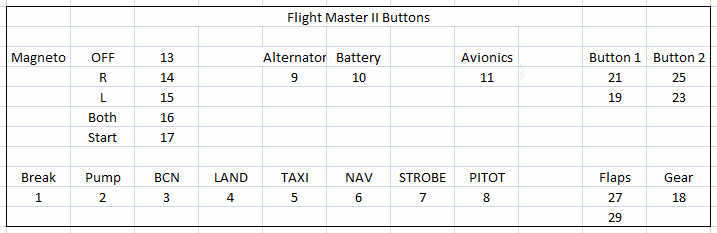
For example, the following is the button number map of my VRInsight Flight Master Yoke II
 FS Times