
Just added an LED stripe to the glare shield in my cockpit. Again, the LEDs were bought over six months ago and hadn’t been installed until yesterday…haha.

Instead of just turning on and off the glare shield light, I have added a turning knob type USB dim switch to control the brightness of it.
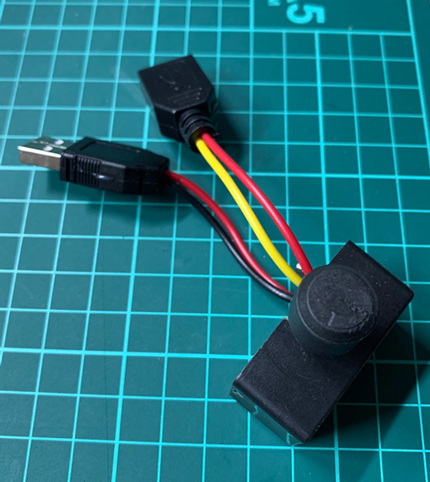
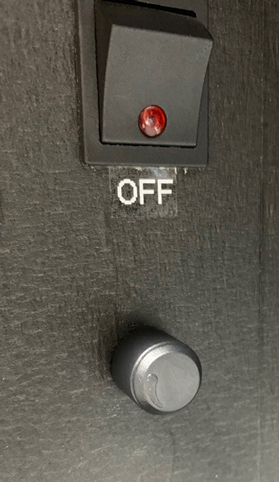
My original intention was to use a multi-color LED stipe so that different light effects can be selected to cope with various cockpit ambient mood.
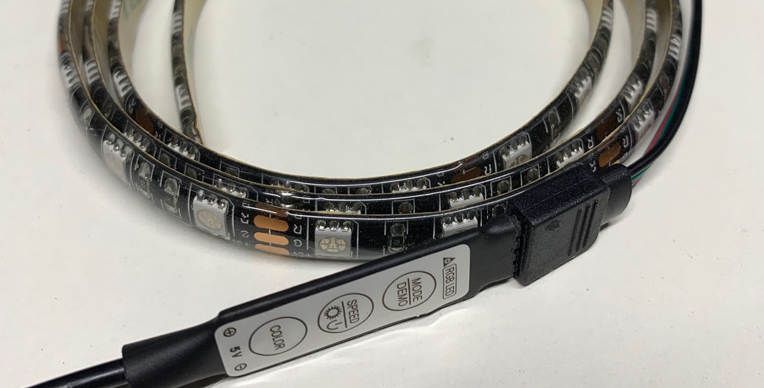
Unfortunately, the dim switch isn’t compatible with multi-color LEDs. Via the switch, the multi-color LED stripe only displays a whitish color.
Comparing to the color effect, I prefer the dimming function more. So I chose to use a white only LED stripe in the end.
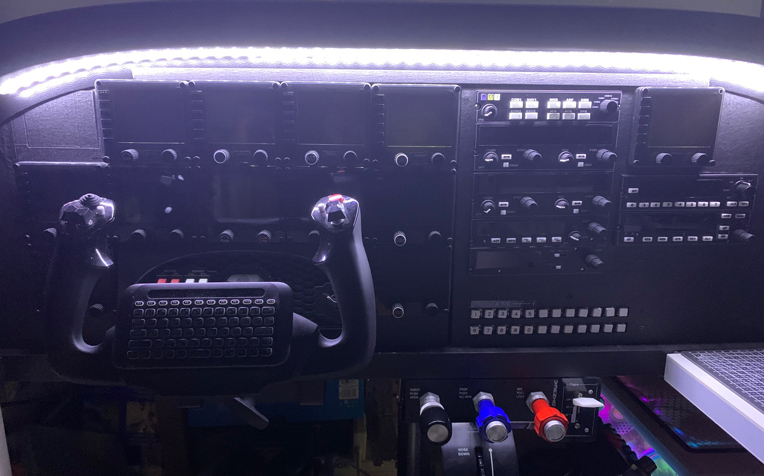
May look into the “color” option in future again.
Here’s the shop where I got the dimmer switch:
https://item.taobao.com/item.htm?spm=a1z09.2.0.0.2ca22e8dhoxTjS&id=594842818640&_u=n2ae681e8b8b
 FS Times
Wow, that’s lights it up nice Tom. Wish their was a way mounting strip lighting on a Beaver panel, I picked up some original eyebrow panel lites for the panel. Anyway, looks great.
LikeLike
Thanks. It shouldn’t be too difficult as the strip comes with self adhesive tape in the back.
LikeLike
Where did you get the dimmer switch.
LikeLike
Here’s where I got it.
https://item.taobao.com/item.htm?spm=a1z09.2.0.0.2ca22e8dhoxTjS&id=594842818640&_u=n2ae681e8b8b
Site is in Chinese. You may use Google Translate accordingly.
Tom
LikeLike
Looks great Tom
Never knew such USB dimmers existed!
Cockpit panel looks amazing too now, must be a pleasure to fly.
Cheers.
Colin
LikeLike
Yes, indeed.
MSFS is a bit disappointing as it is still buggy. Am considering reinstall back P3D. ;)
Tom
LikeLike