
Brian Goldsmith holds a Commercial Pilot Certificate with Instrument Rating and a CFI Certificate. He recently decided to upgrade his flight simulator, which he uses for fun and to maintain his instrument skills in between real flying.
Builder: Brian Goldsmith
Location: Concord, Ohio USA
ICAO: KLNN, Lake County Executive Airport
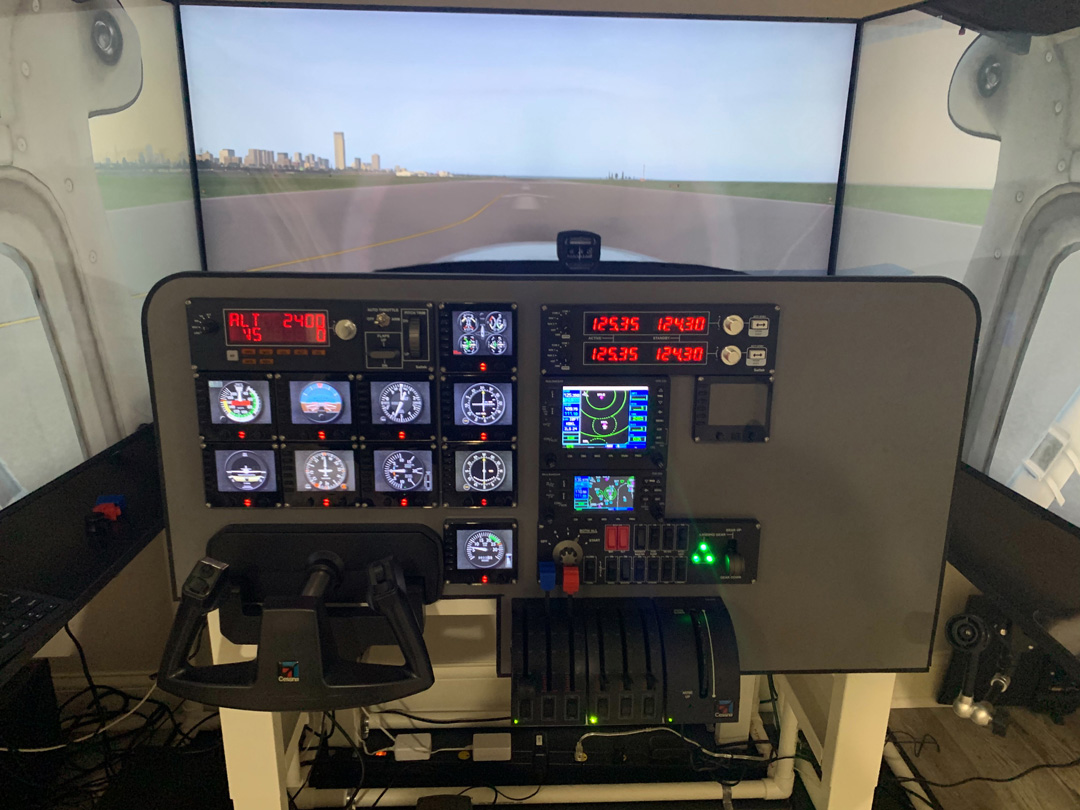
Project Notes:
I’ve been using my sim for fun and to maintain my instrument skills in between real flying. My sim is not an FAA approved Flight Training Device. However, the level of realism attainable at a relatively low cost is amazing – compared to real flying.
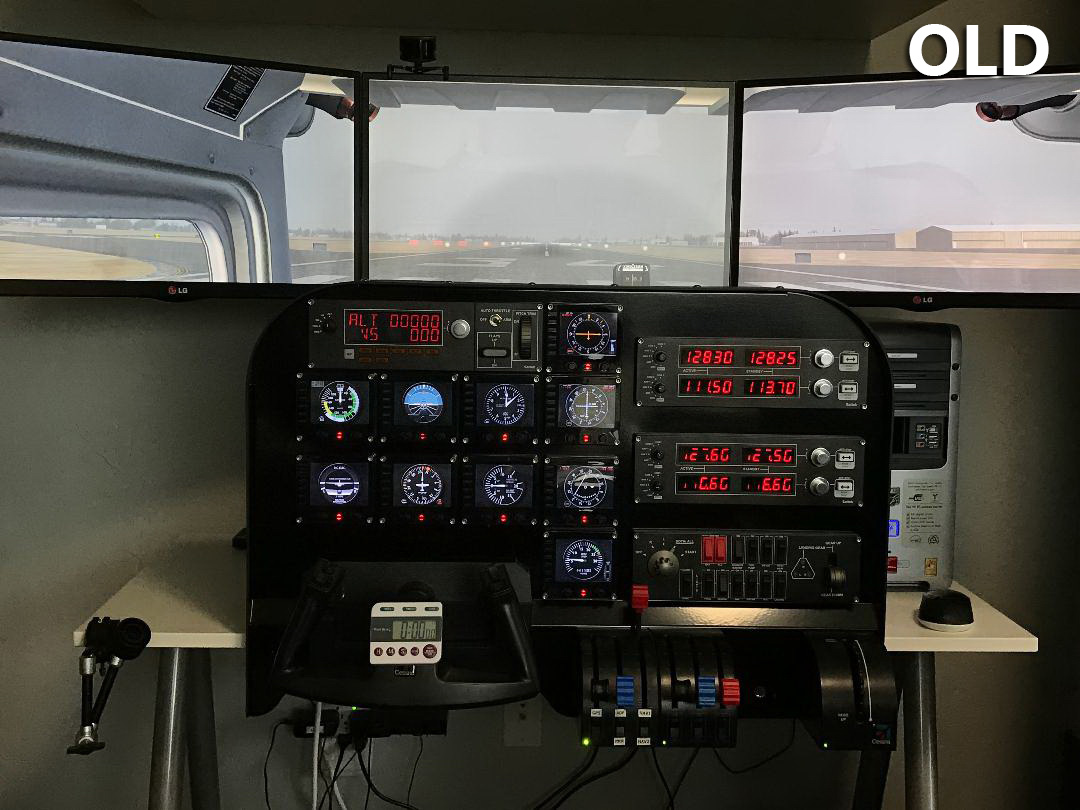
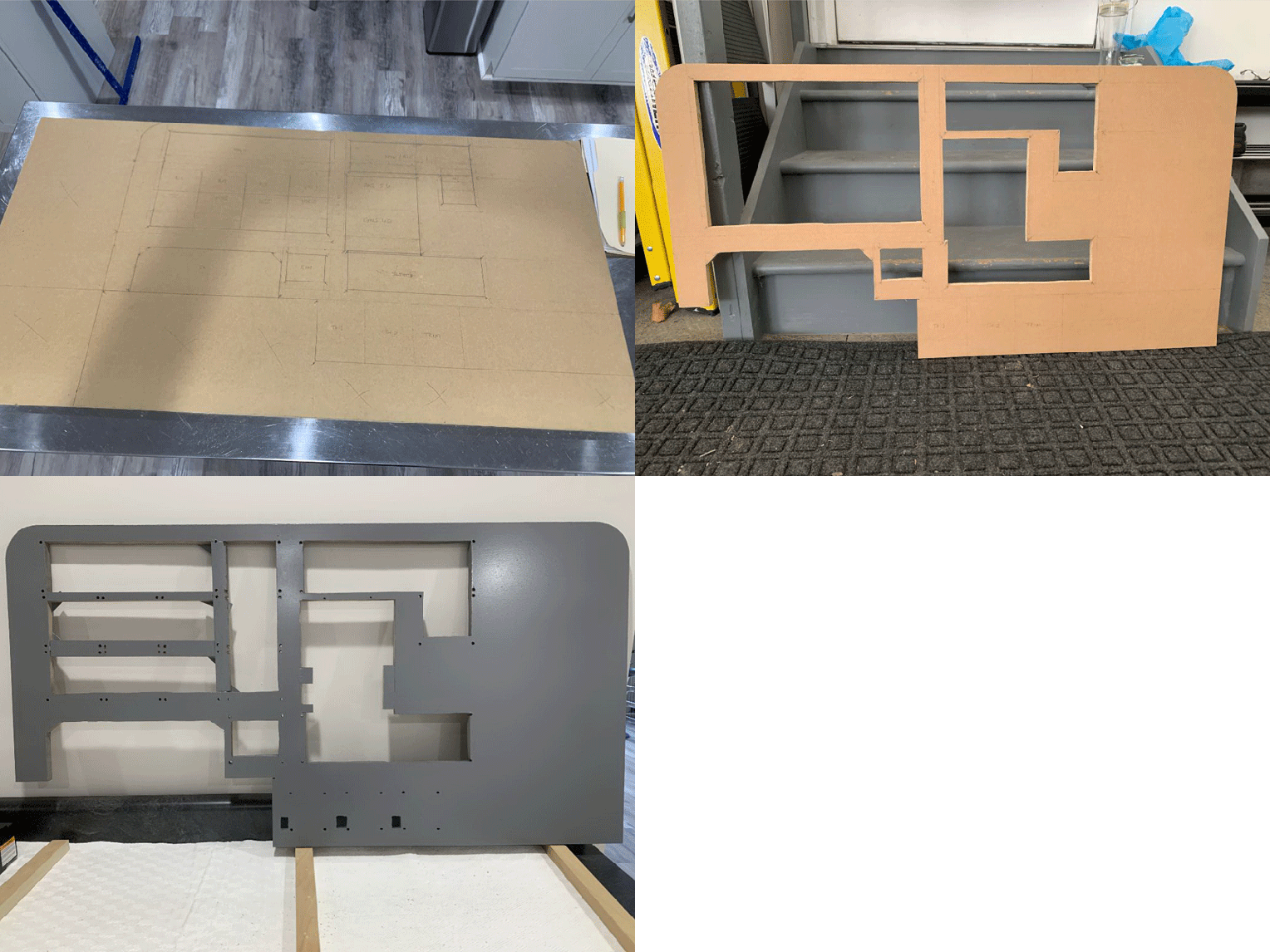
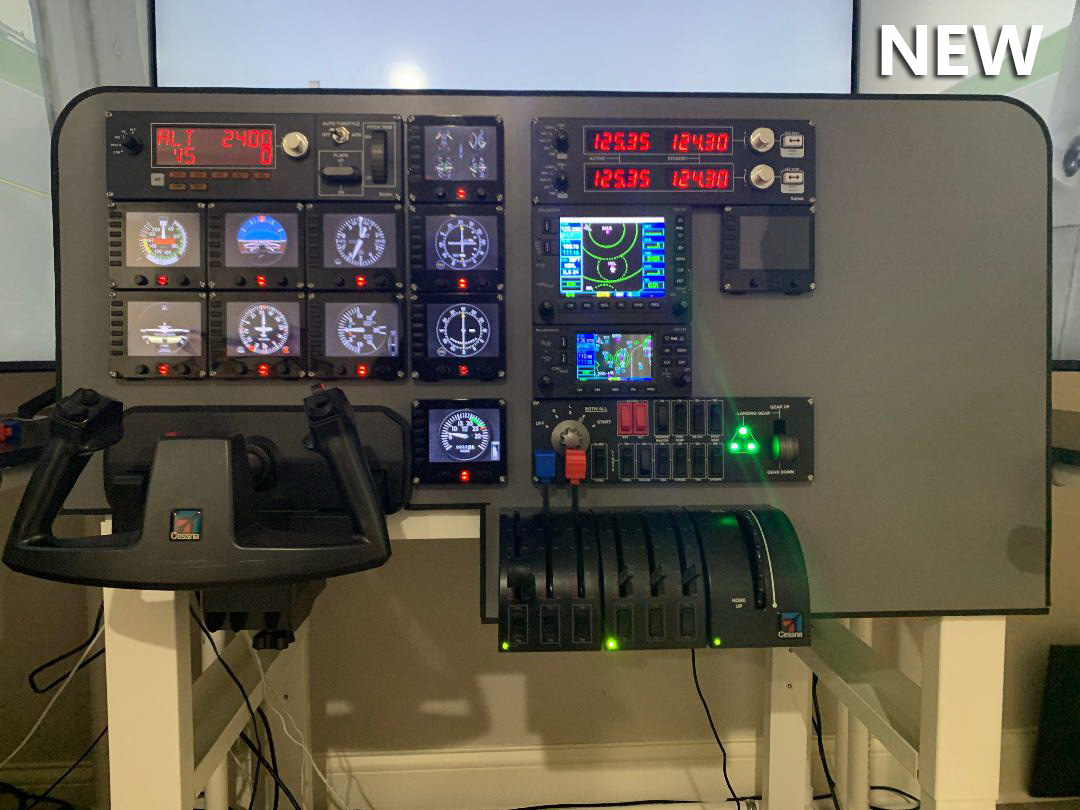
Recently, I decided to invest in a significant upgrade to my sim including a new home-built computer, three 50″ monitors and a home-customized panel (still needs to be finished, but fully functional) to house my Logitech and RealSimGear devices.
Followings are the pictures showing the transition from old to new.
 Sim components include:
- X-Plane 11, P3D and MSFS 2020. Currently focused on X-Plane 11
- Corsair iCUE ATX case with Gigabyte 850W PSU
- 32 GB Corsair Vengence DDR4 RAM
- MSI MEG Z490 LGA 1200 Motherboard
- Samsung 970 EVO M.2 1TB SSD
- Intel i9-10900 CPU
- Gigabyte AORUS RTX 3090 GPU (upgrading from GTX 1050Ti)
- Multiple Saitek/Logitech devices as shown
- RealSimGear GNS 530 and GNS 430
- 3 Samsung 50″ 4K TVs as monitors
With the shortage of GPUs and my GTX 660 not working at all for MSF 2020, I purchased a GTX 1050Ti just to get by with only 20+ FPS at medium X-Plane settings dropping to between 6 and 9 FPS in solid overcast.
After 2 months of trying every day for at least an RTX 3060Ti, I jumped at the opportunity to get an RTX 3090 which I am about to install. I am looking forward to cranking up the setting including 4K.
 FS Times