
After my MSFS 2020 upgraded to the latest version 1.39.12.0 (SU16), I was prompted to log into the Xbox/Microsoft account again. For unknown reasons, the sign-in pop-up was unresponsive — preventing me from entering any information.
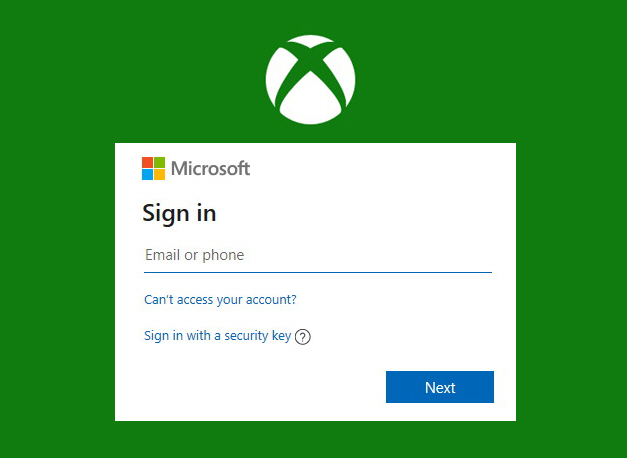 I tried various suggestions, including clearing Xbox Identities and resetting gaming services, etc, but nothing worked.
Although I still haven’t found the root cause and a proper solution, I did find a workaround that solved the issue for me:
- Copy the email: Copy the Microsoft account email address to the clipboard (Ctrl+C).
- Launch the game: Start MSFS 2020 and wait for the sign-in pop-up to appear.
- Force the paste: Repeatedly click the empty email field while continuously pressing Ctrl+V to paste the email address.
- Be persistent: It may take several attempts for the email address to successfully paste into the field.
- Continue as normal: Once the email is successfully entered, the password field should function normally.
 FS Times