
Equivalent WEATHER setting in fsx.CFG
Continue reading
Author: Tom Tsui
59: My Best FSX Setup (2011-0716)
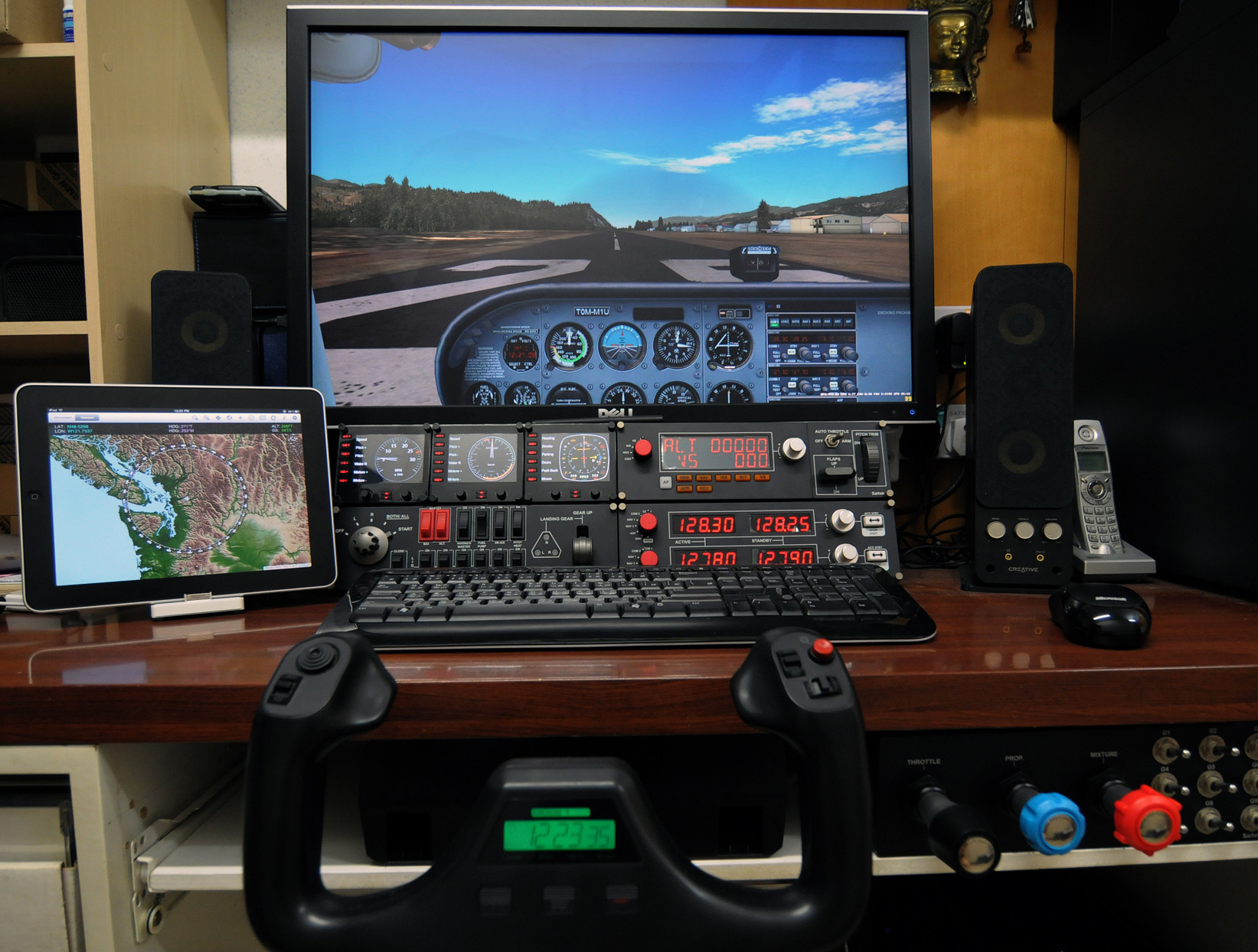
With following hardware, software, display card settings and fsx.CFG tweaks, I am generally getting :
- 39-47 FPS (20-30 FPS in heavy urban areas; ALL with 3rd party scenery installed)
- No Stutter (well, virtually)
- Very Sharp Image
- Very High Anti-Alias Quality
Hardware:
ASUS P6X58D-E | i7 930 @ 4.0G | 12GB DDR3 1600
ASUS Matrix HD5870 @ 970MHz / 5000MHz | Dell 3007 @ 2560 x 1600
2 x Corsair Nova 128 GB SSD — One for Windows & One for FSX | 1TB WD SATA3 HDD for Add-on Sceneries
iPad with iGMapHD
58: Rebuild FSX Shader Cache
When FSX was run the first time, a cache was also created under the C:\Users\<user name>\AppData\Local\Microsoft\FSX folder. It contains a sub-folder called Shaders (some systems may have an additional folder called Shader10) in which instructions and codes that are frequently accessed by FSX are stored. Every time FSX is run, contents of the cache will be optimized further to improve overall system performance.
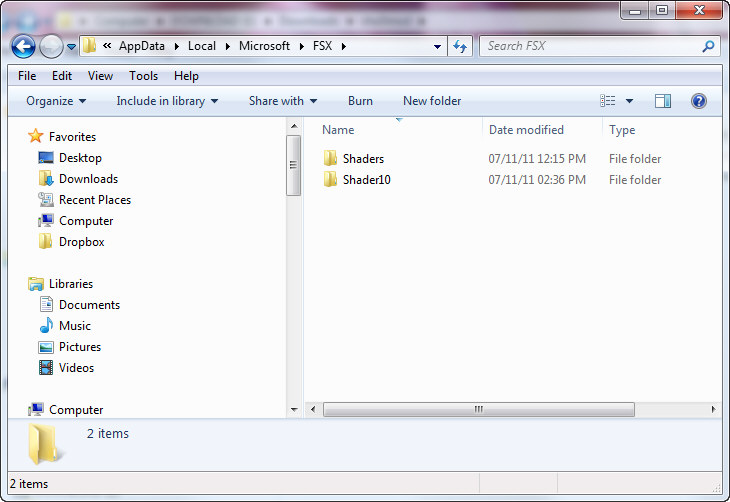
However, this cache is prone to be messed up when settings of fsx.CFG are changed or system is toggled between DX9 and DX10, etc.
57: Safest Approach to Install Addons

I normally pay extra attention when adding addons to my system because the performance of FSX sometimes is so allergic to tinny tiny stuff added to it.
No matter the addon is a scenery or an airplane, we mostly don’t have sufficient prior informantion about what will be added to, and in particular what will be overwritten from the system.
To minimize the risk of uncertainty, I normally take the dummyproof approach described below to “quarantine” the content of the new addon in the first place.
The logic behind is: Continue reading
56: Remove Standard AI Traffic
My system has Just Flight’s Traffic X and a few other AI traffic addons installed. They together brought a lot of AI aircrafts and traffics, which makes the default ones redundant.
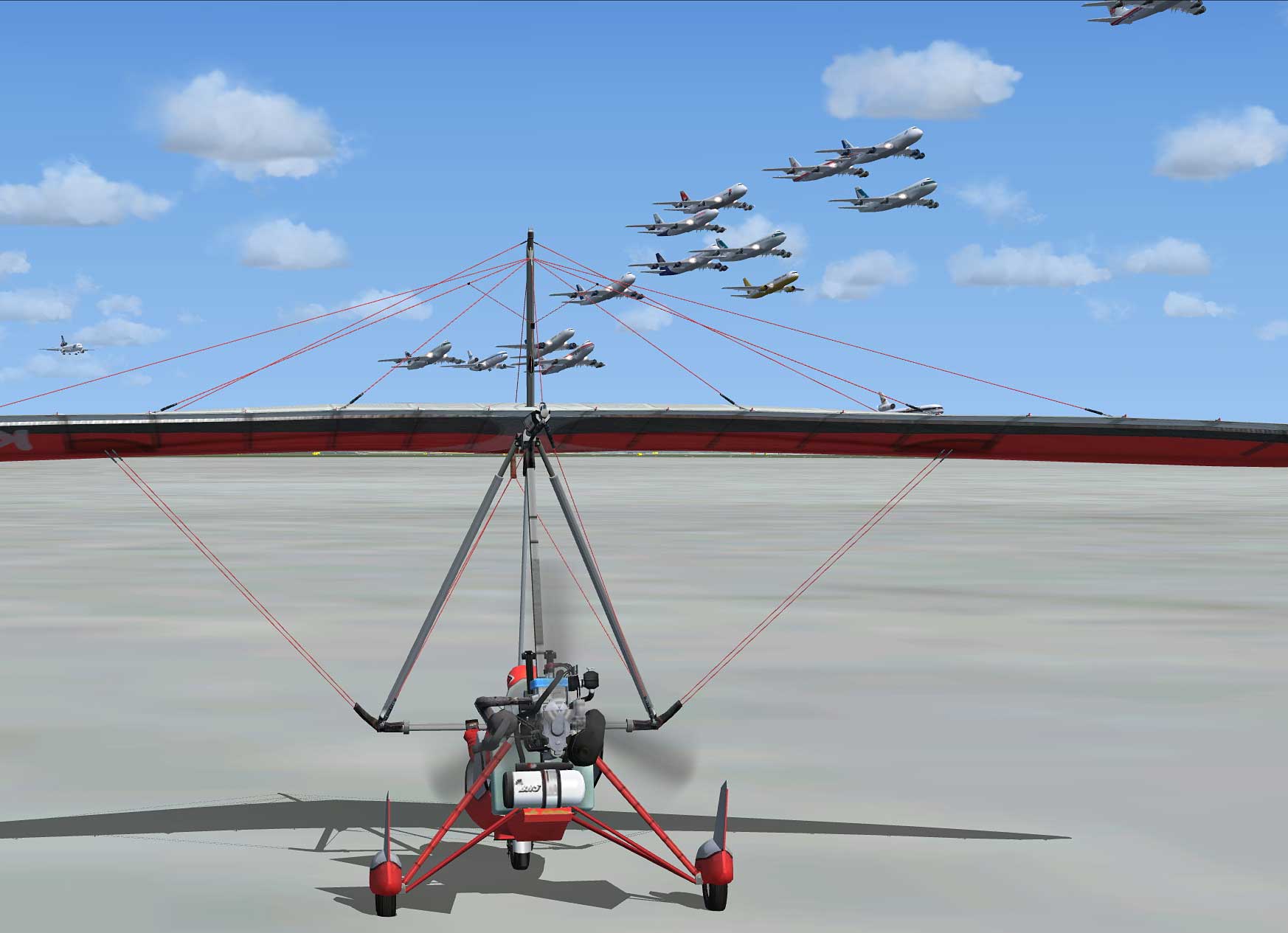
To reduce overlapping and enhance system performance, the TrafficAircraft.bgl under X:\Microsoft Flight Simulator X\Scenery\World\Scenery was moved to a backup folder so that no standard AI traffic is loaded.
To restore, just putting back the file to the original folder will do.
55: Redefine Virtual Cockpit Zoom Level

I mostly fly with Cessna and I want the virtual cockpit to initiate with a zoom level of 0.6 when a session starts. There are two options to achieve that:
OPTION 1: Save a New Default Flight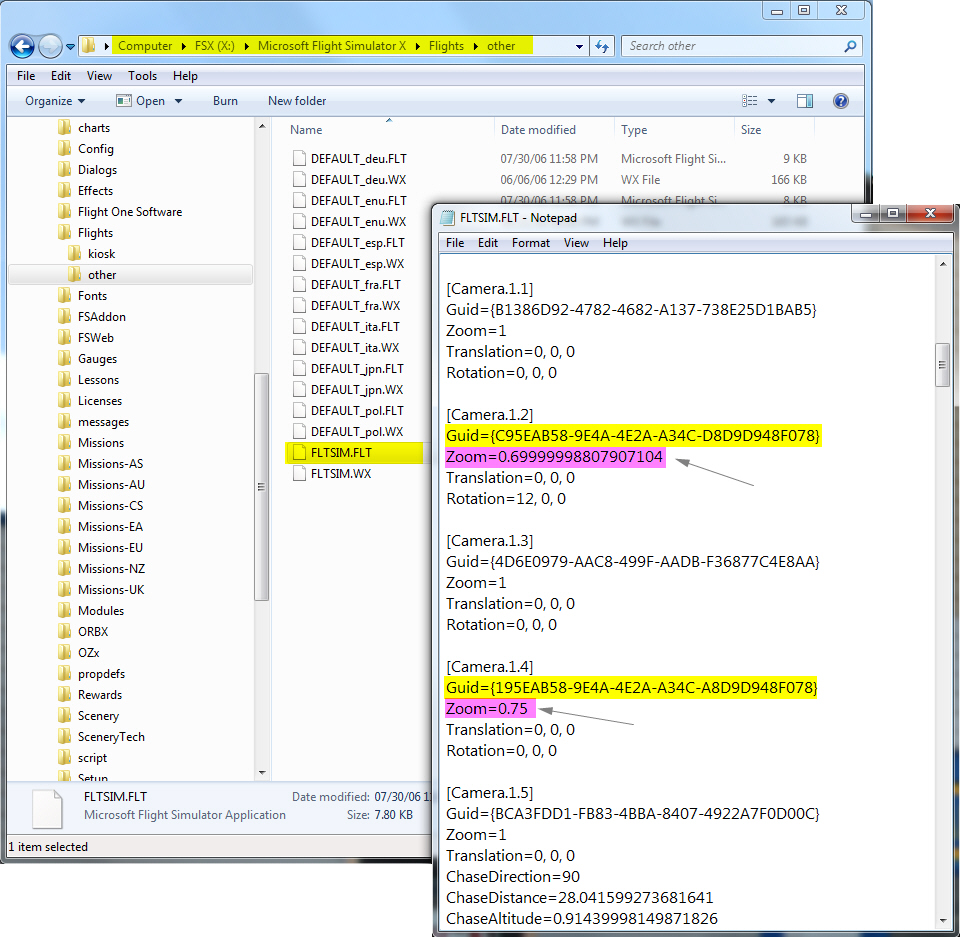
1) Start a flight with Cessna
2) Adjust the zoom level to 0.6 inside the virtual cockpit with “=” or “-” keys
3) Save the flight as the new default flight
OPTION 2: Modify the Default Startup Flight
1) Open the default flight “FLTSIM.FLT” (or the earlier saved default flight) with Notepad
2) Look for Cameras with Guid = {C95EAB58-9E4A-4E2A-A34C-D8D9D948F078}
Note: This Guid number is assigned to Virtual Cockpit in FSX
3) Change the Zoom value to 0.6
Both Option 1 and Option 2 can easily set the zoom level of virtual cockpit to one needs. However, the zoom level is likely to be changed when the aircraft (Cessna in this case) is swapped. Continue reading
54: Free Scenery Downloads
Reminded by Henk that I have now added PW Sceneries from Striking Software which I forgot to include to this Free Scenery Downloads page. Anyway, it’s been updated and just click banners to go to the home page of specific developer.
Total: 15 sites Updated on: 7-March-2012
♥ = My Favorite ♦ = FPS friendly (scale of 10)
==========
Ants Airplanes by Antony Lynch offers dozens of high quality sceneries and airports all over Australia. However, they need Orbx’s payware to render the best sceneries quality.
 10 ♥ – 10 ♦
==========
BlueSkyScenery offers high resolution photorealistic sceneries covering the Rocky Mountains of Colorado, Utah’s Red Rock Country, the deserts of southern Nevada, Sierra Nevada and California.
 7 ♥ – 10 ♦
53: Configuration Fits for ALL #6 – The Missing Part
Once FSX is divided into flying zones, Missions can be categorized and automatically loaded as well. There are two options available:
Option 1: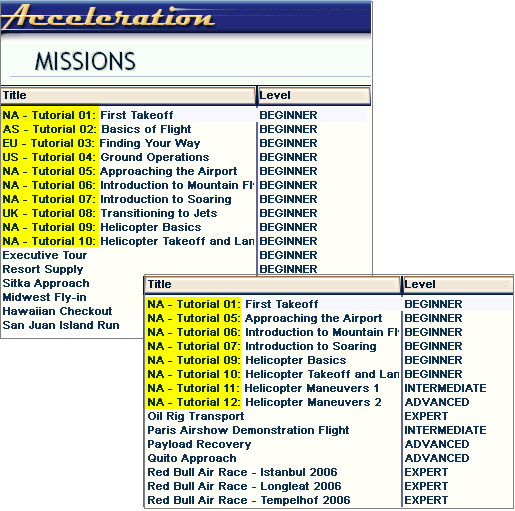
Add a prefix to all missions using the method of Renaming Missions posted earlier, so as to differentiate which flying zones where missions are belonging to.
For example, add the prefix of “EU-” to all missions taken place in Europe, “AS-” for Asia, “CS-” for Central and South America, etc.
Option 2: Continue reading
52: Maps – Caribbean Airports
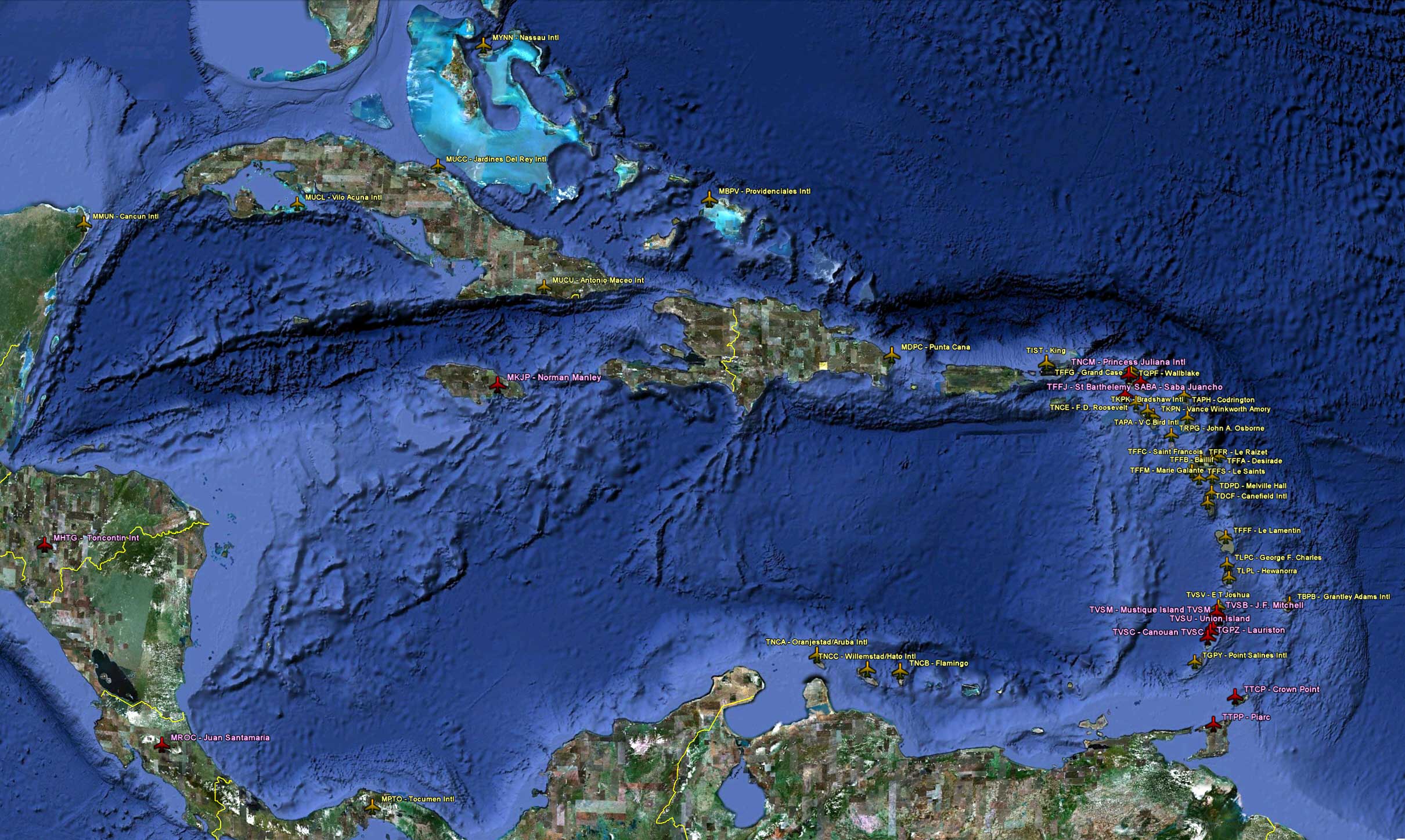
Enhanced Airports in Caribbean areas.
- Click here or image above for a full-size photo map; or Continue reading
 FS Times