
Since my Graphics and nVidia Settings for MSFS are continually changing, instead of writing new Posts for them everytime, corresponding static pages with highlights of changes to them have been created.
In addition, Continue reading
Since my Graphics and nVidia Settings for MSFS are continually changing, instead of writing new Posts for them everytime, corresponding static pages with highlights of changes to them have been created.
In addition, Continue reading
Roger Cook in the US built his cockpit for his favorite PA28 Warrior II in about 4 weekends Following is what he built and it looks nice.
Builder: Roger Cook
Location: Tracy CA, USA
ICAO: KTCY, Tracy Municipal Airport
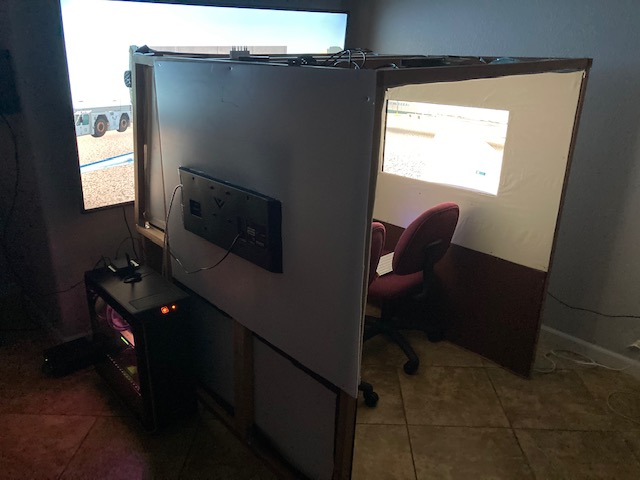
Project Notes: Continue reading
After the recent SU5 update, the Flaps Indicator in the Multi-Shared RPM Extended version doesn’t work as usual sometimes. It’s been fixed in the R1r01 update.
Emails with the download link have been sent already. If you didn’t receive it, contact me by email or via Comment section below. Continue reading
In MSFS, objects in far distance, even on a clear fine day, are too hazy to me. This is one thing in particular I dislike. And the Sim Update 5 (SU5) further worsens it as the overall color tone has been washed out, making the scenery looks very dull.
I use ReShade to tune the screen to my preferences. Click image to enlarge.
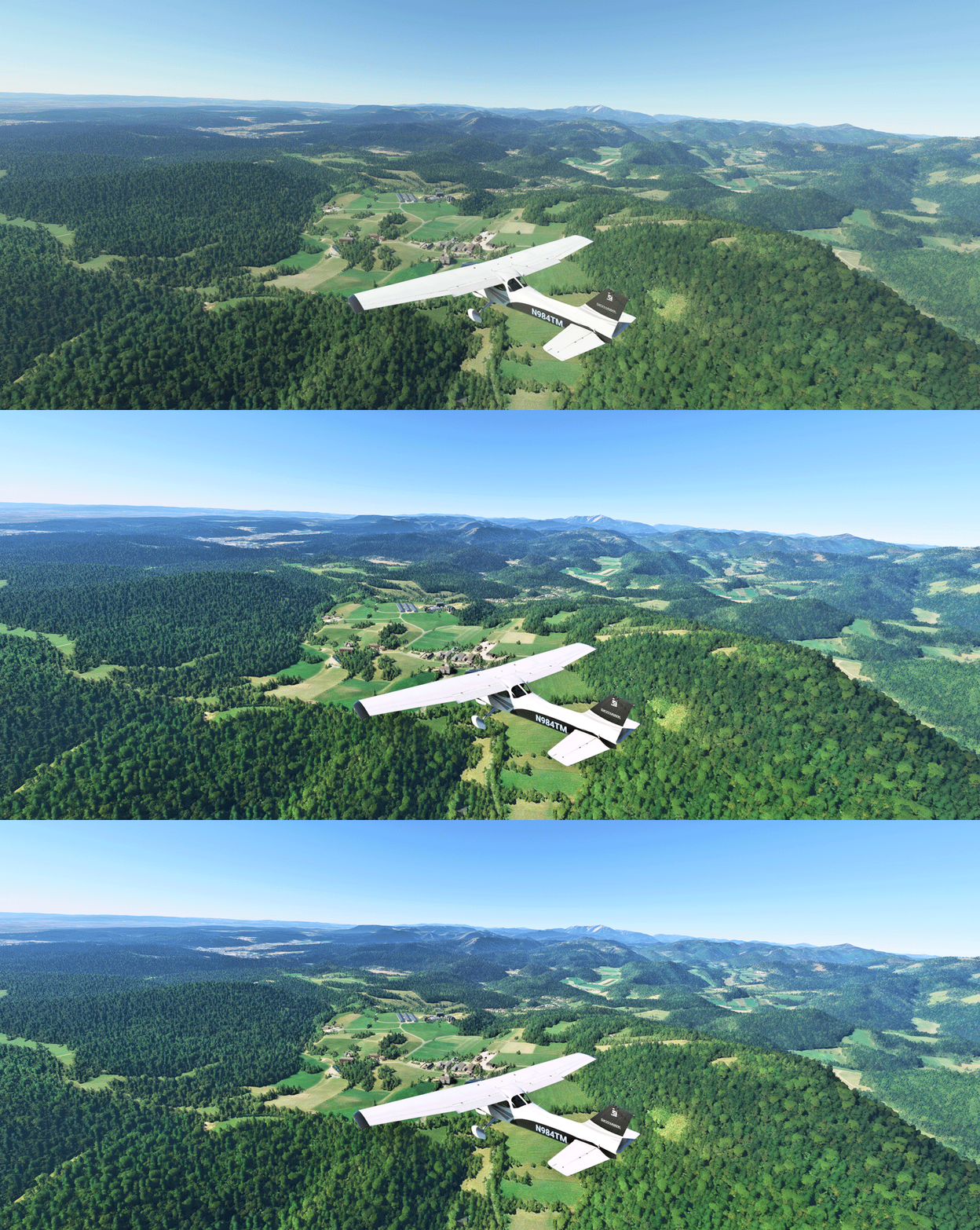
The app is somewhat like the “Shade for FSX” that changes the atmospheric effects in FSX in the old days, but ReShade for MSFS is more sophisticated. And most importantly, I don’t see any impact from using it at all.
Continue reading
In MSFS sim update 5 (SU5), the white triangle of the menu bar on top of the screen doesn’t hide itself as it did in the past when you move away the mouse from it. Maybe a bug and probably will be fixed in future updates.
I remember there is a command or a key or something that can hide it but I don’t remember what it exactly is.
However, I do remember there is an addon I downloaded a few months ago that can hide the menu bar. It’s called No Handle Bar from ither.
I didn’t use it then. Now a good temporarily fix or maybe for good.
With the improvements brought by the MSFS Sim Update 5 (SU5), I can push many graphics rendering options further to the higher ends.
However, I decided to make changes to only four of them in the end because I don’t see any noticeable benefits of changing the others as well. Therefore, I’d rather keep them as they were so as to grasp more power leveage on hand for the running of the simulator as a whole.
Following are the Graphics Setting updates for my 1080Ti computer (3090 to come later) with the SU5. Continue reading
Update does not necessarily bring improvements to all aspect. One noticeable degradation from the recent MSFS Sim Update 5 (SU5) to me is the increased aliasing of the aircraft in external views and many other objects closing by.
As reported in my Post 716 and 717, my MSFS Settings were just finetuned a couple of weeks ago. Except the Power Management I changed to Prefer Maximum Performance in nVidia Control, all others were kept as Default without changes.
With SU5, I have to adjust many items in nVidia Control related to antialiasing accordingly in order to counteract the image degradation. Continue reading
The HW-GEN003 Trim Wheel from Flight Illusion in The Netherlands belongs to a new line of products. My first reaction after unpacking it is: It’s HUGE !
No kidding. I was actually stunned a little by its “huge” size even though I was prepared to accept that it would be big after reading its physical dimensions before the purchase.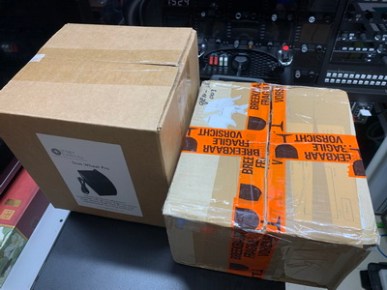
Pardon me if I sound a bit exaggerated.
But it was true at that moment because the contrast was so big that this relatively huge unit was packed in a relatively small package — which is about half the size of the box shipping the Flight Velocity Trim Wheel, which on the contrary is about half the size of the Flight Illusion trim.
Frankly, I have never seen any other trim wheel for simulation bigger than this one.
– Continue reading
No idea where to fly to today? Here’s the flightspots I ran into this morning which offers suggestions to many scenic places around the world in MSFS.
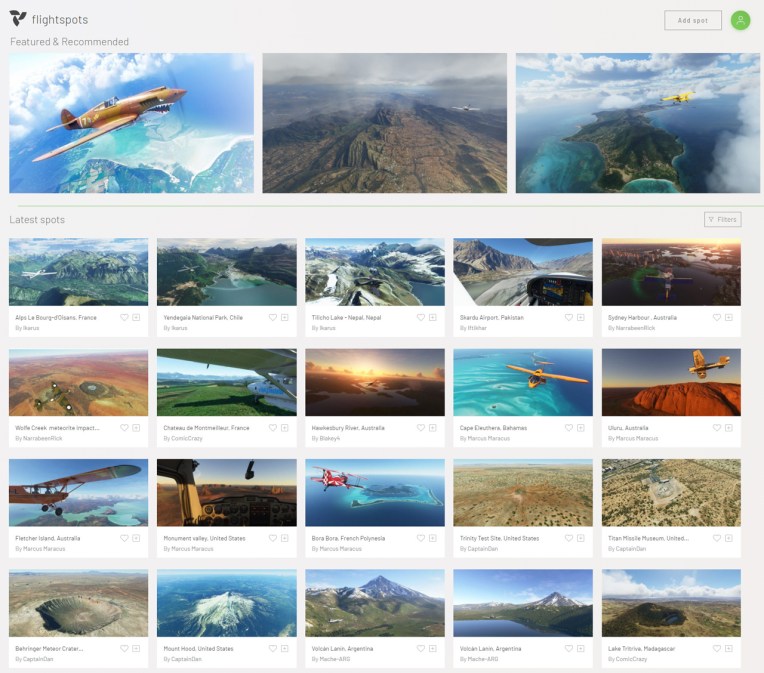
All you need to do is Continue reading
 FS Times