News: P3Dv5 Hot Fix 2 is Here

In case you are not aware, P3Dv5 Hot Fix 2 is now available.  According to LM, additional fixes for high priority issues are included in the new Client installer.  The Content, Scenery and SDK updates are optional.

IMPORTANT: Make a full backup of your current setup before updating to Hot Fix 2, just in case, because past experiences tell new updates DO NOT mean they are error-free.

Also, check with what others say about the Hot Fix 2 in the P3D Forum before you proceed.  It may saves you a lot of troubles.
News: P3Dv5 Hot Fix 2 Coming Next Week

According to LM, Hot Fix 2 for P3Dv5 will be released early next week.   Client update is needed only.   But there will be additional fixes in the optional content and scenery update.

592: My Cockpit Rev #18 – Full Cockpit Trial

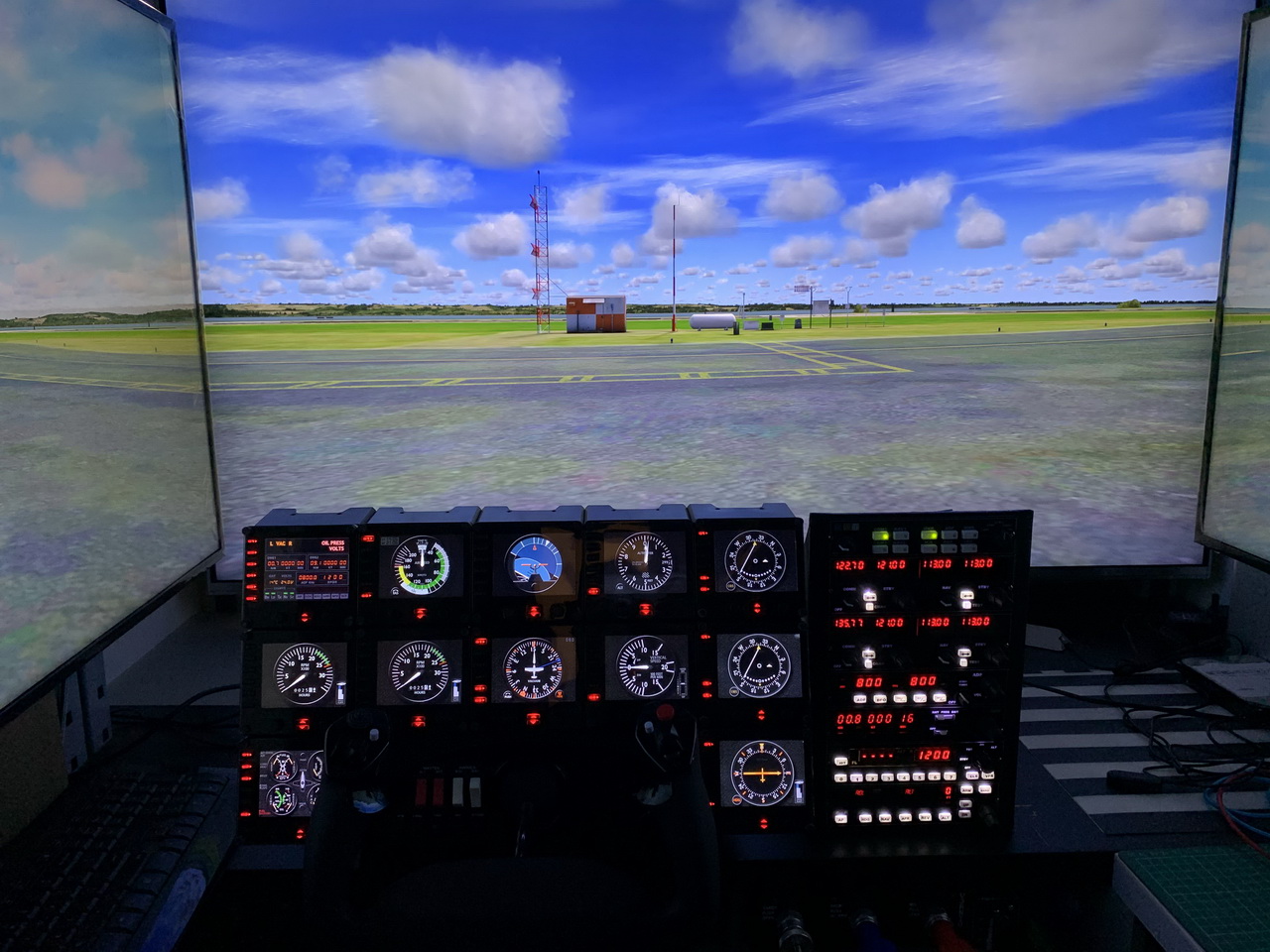
I bought a full scale C172 glare-shield for my cockpit rebuilding back in 2017.  After setting up the FIPs and Avionics stacks two weeks ago, I found out they didn’t fit to each other.

Since the FIPs were leaned backward on their original plastic frames, which didn’t match with the vertical avionics stack at all, I then decided to replace them with a one-piece wooden frame just like the one I made for the avionics.  Moreover, as the avionics in one stack format would leave many empty spaces on the right, I decided to put them into a B58 style layout as well.

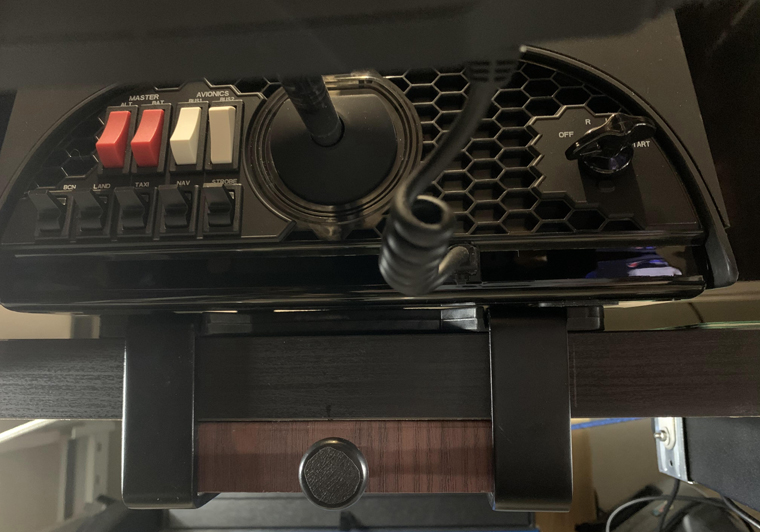
In addition, two 12-push button switch arrays from iflysims.com were added to the cockpit for general functions, such as open doors, etc.

Followings are the pictures during the makeover: Continue reading

591: My Cockpit Rev #17 – Parking Brake T-Handle

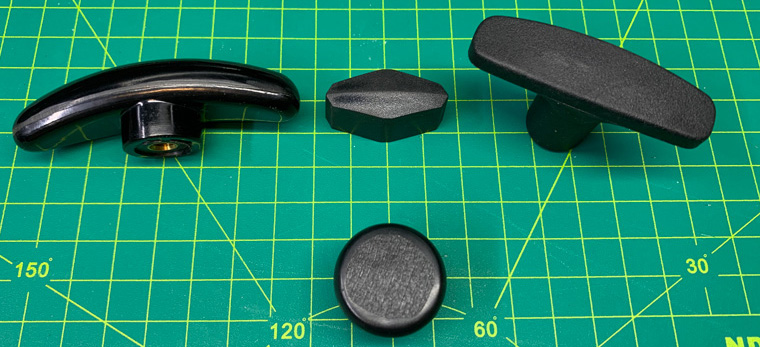
Over the last few months, I’ve been looking for a proper T-shade handle to replace the unattractive pull button handle on my parking brake.  Among the last three candidates I chose, the nylon one on the right is the final winner.

However, as the screw size of it is an M-6 and the shaft of the parking brake is an M-4, I have to additionally source Continue reading

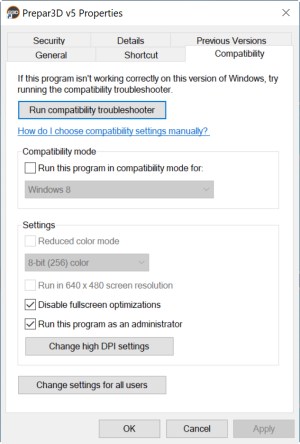
590: Disable Full Screen Optimizations

If you are having multi-monitors in your system, you may try disabling the “Full Screen Optimizations” option in your simulator.  I came across this tip somewhere I found on the Internet many months ago and it said the framerate would be benefit.
I tried it on my system for a couple of weeks.  Frankly, I didn’t get any noticeable difference in the areas I usually fly.  But the framerate seems to be slightly higher and a bit more stable in other dense populated areas.

I can’t be 100% sure, but I found no issues from disabling the option as well.  So I just leave it.

Here’s how to do it: Continue reading

589: Info Text Color

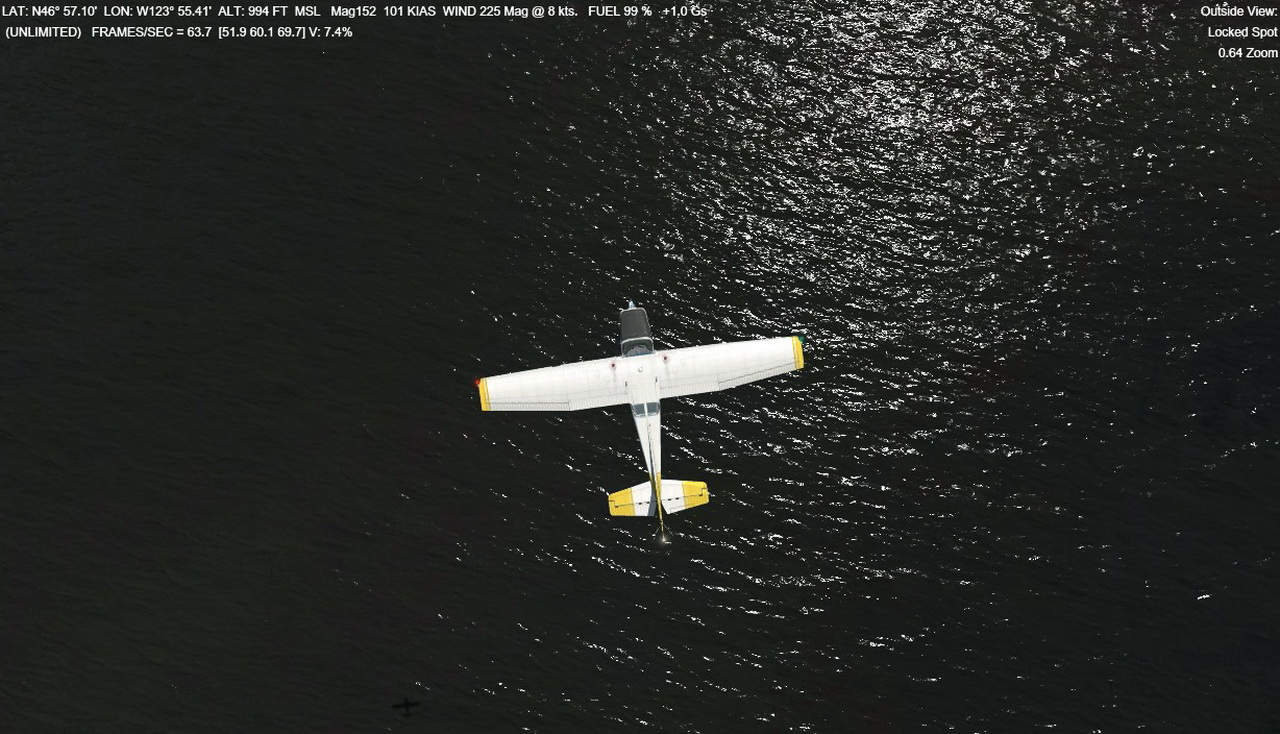
I never like the info texts on top left and top right corners in red color as they are hard to see.   To change them into white color that I prefer, I go to [DISPLAY] section in the Prepar3D.cfg (or fsx.cfg) file. Then replace the values of

InfoUpperLeftTextColorUser, and
InfoUpperRightTextColor

from 255,0,0 (red) to 255,255,255 (white).  That’s it.
One may also Continue reading

588: FSX Settings for Older PCs

by David Marsden

Many of us are advised to turn OFF Anisotropic and Anti-aliasing especially when running with FSX.  David Marsden in UK finds it the exact opposite.

I have been experimenting with my settings to see what works best for my PC. It is running FSX and the specifications are not very high.

Core i7-4770K CPU @ 3.5 GHz
16 GB Ram
Windows 7 64 bit
NVidia Geforce GTX960 video card
Three screens for the main display and one other for the instruments
Continue reading

587: My Cockpit Rev #16 – Avionics

I got the Bendix King Style Avionics Set from Flight Illusion nearly three years ago.  Embarrassingly, it was put on the shelf until I recently moved forward with my cockpit rebuilding project finally.  What a ridiculous waste!
Followings are photos how they are assembled to the DIY rack made of wood. Continue reading

586: Give the G Flight Yoke a 180° Mod

by Alexey Podrezov

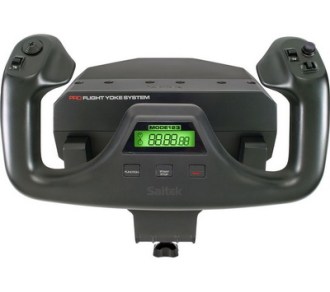
After Logitech acquired Saitek, the entire Cessna Pro Flight line, including the highly praised Cessna Yoke, came to an end.  Out of discontent with the limited 90-degree rotation on the long-existed G Flight Yoke, Alexey, the developer of FIP Toolkit and Customizer, decided to give it a 180° mod.  Here’s the story.

After checking a few reviews on the existing flight simulator yokes on YouTube, I realized that my Logitech/Saitek G Flight Yoke needs to be modded.

The yoke’s rotation is limited to 90 degrees.  I am not sure why Saitek decided to do it that way, but I wanted to have the proper rotation angle: 180 degrees, like on the professional yokes and on the real airplanes.  So I bought a broken yoke (the main board seems to be fried) from a local guy and started to look for the ways to achieve my goal. Continue reading