434: I am now P3Dv4

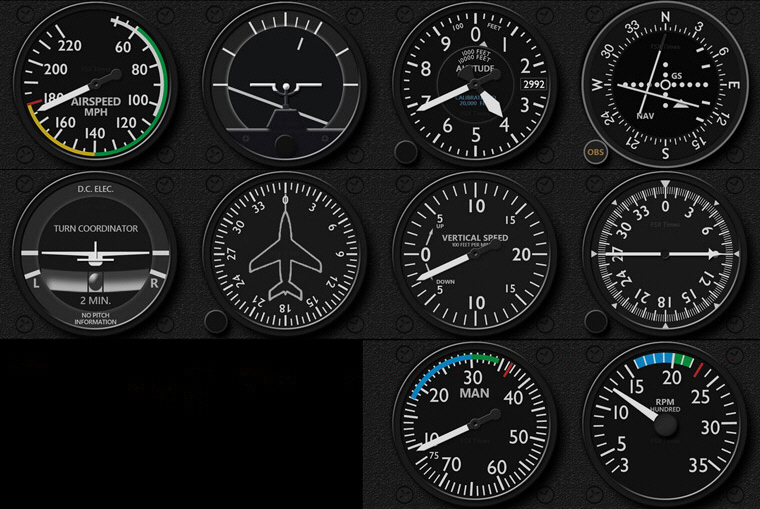
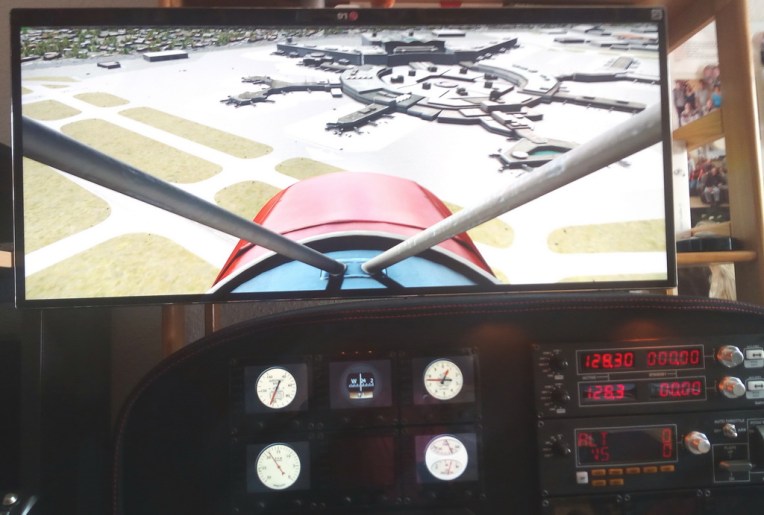
I just ordered P3Dv4 tonight.  I didn’t plan to get it now because my new rig hasn’t been set up properly.  But I have no choice because more and more friends are asking the compatibility status of my gauges with the new version.   Although some users reported to me that my gauges on their system function as usual, I still need to ensure that myself that they are truly in good shape.
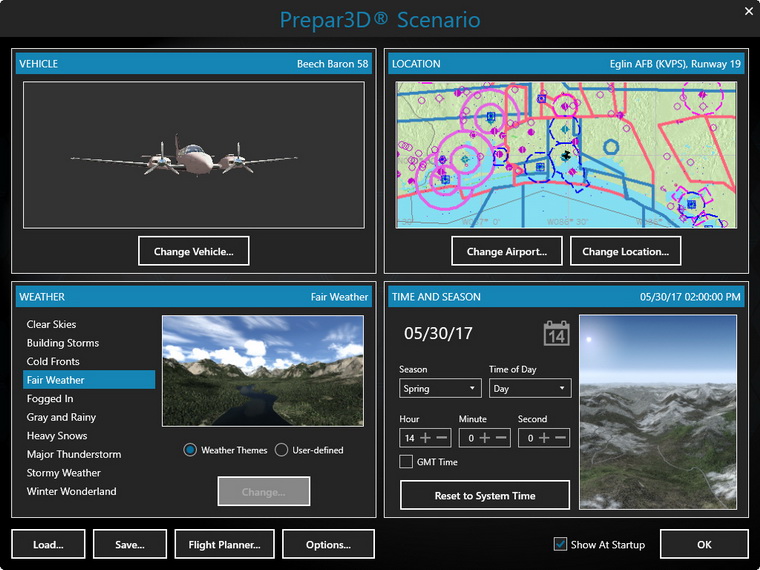
The program interface, though improves a bit, is still not my cup of tea.

Started up the program after installation and my first response Continue reading
433: B737 Wet Compass & Flaps Indicator

From time to time I receive emails about the availability of FIP gauges for bigger airplanes.   The B737 wet compass and flaps indicator, in particular, are two instrument mostly inquired.   So here they are.

Different from my previous attempts, these two truly implement the panel light effect on the gauges.  And they look particularly appealing in a dim environment. Continue reading

432: My Cockpit Rev #04 – PC Tuning

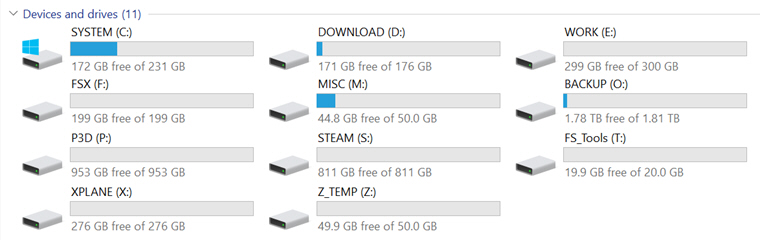
Followings are the storage drives I so far added to my new computer.   Except the 2TB Backup drive (O:), all are SSDs of various size from previous purchases.

Major System Folders have been reassigned to various drives, so that user data could be kept intact and independent from System drive (C:) in case Windows is required to be restored or even reinstalled. Continue reading

431: DHC2 Beaver Gauges Released

Received a number of friends who report to me that my gauges function properly as usual under the new P3Dv4.   So happy to hear that because I, myself, still haven’t purchased the 64-bit version yet.   Thank you all.

Speaking about gauges, just finished a new set for the DHC2 Beaver.   Although it is no way comparable to Beaverpilot’s full-scale Beaver Simulator, the instrument still provide good fun to those FIP users who enjoy float-planes flying.

To complete the instrument set, Continue reading

430: Windows 10 Creators Update

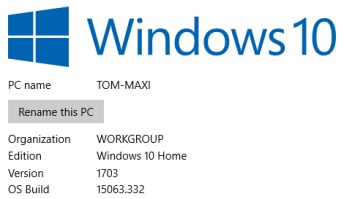
Windows 10’s Creator Update has been available for some time.   If your system aren’t aware of it, you can download the Update Assistant from Microsoft here

Again, before proceeding the update, you’d better unplug all attached USB devices (except the one for the mouse and keyboard) and CD/DVD drivers first.  This helps minimizing the chance of many known errors.

Basically I found no errors or hits to my system or the flight simulator.


Cockpit: Thomas Campbell (KCAE, USA)

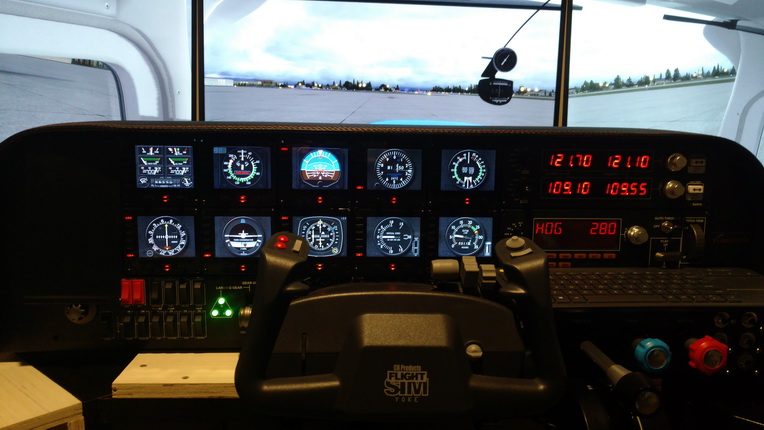
Followings are the cockpit pictures from Thomas Campbell who basically built his cockpit on the Volair Sim Avionics Panel.   It looks pretty nice.

Builder: Thomas Campbell
Location: Columbia, South Carolina, USA
ICAO: KCAE – Columbia Metropolitan Airport
KCUB – Jim Hamilton L B Owens Airport

2017-0608 Update: With 6 more FIPs added, it’s set up very nice.  All gauges are CT210M.

Continue reading

429: My Cockpit Rev #03 – Racks Installed

Many friends emailed me how I find the new 64-bit Prepar3D v4.    I wish I had some comments but I am still repacking my room with so many things to tidy up and clean before I can move on to set up my new cockpit.  Moreover, it’s really no rush at this moment as there are so many addons needing to be updated before they can fully work with the new simulator.

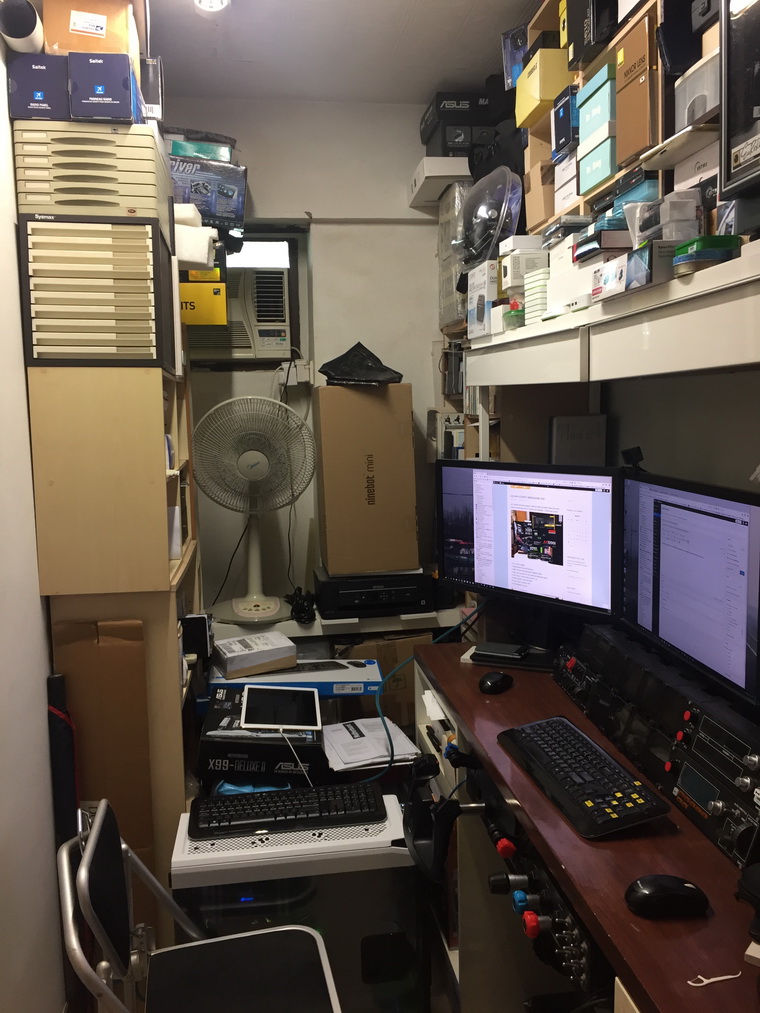
Followings are some photos of the status of my room so far.

This is how my room looked before the rearrangement.   It’s 5 feet wide and 8.8 feet long.   There are many books and computer stuff stored in the tiny area.

Continue reading

News: Prepar3D 64-bit is Coming Finally

Lockheed Martin has just announced that Prepar3D v4 will be public released on May 30.  And finally it is 64-bit.

The company says that the new version will completely change the simulation landscape with a comprehensive baseline update to a 64-bit architecture.   Higher resolution visuals, more objects, increased data precision, larger scenarios, and improved performance are now all possible at levels never seen before in the product’s history.

No information about whether we current users need to pay for the update or not.   The company says more details Continue reading

428: FSW First Impression – Part 2

by Michael Basler

Here are good news.  I just tested SPAD.neXt with FSW support and was positively surprised.  My Prepar3d C182 profile (which, of course doesn’t have a counterpart in FSW) works excellently with the FSW Piper.   This includes notably Tom’s gauges.   Some of them are of course not appropriate for the Piper, but the values are all displayed and even the Flaps indicator moves.

I find this great news.  Continue reading