355: GTX 1080 is Coming

Nvidia’s GeForce GTX 1080 is rumored to be publicly released by the 27th of this GTX1080month.   Some technical websites preview it “twice as fast as a Titan X” but only priced around 60% of its predecessor.   The company even calls the card “Gaming Perfected”.
Surely it’s just another marketing buzz word.  But still, I can’t help looking forward to seeing what new level this next generation card is going to bring to the various flight simulation platforms nowadays, no matter it is FSX, FSX Steam, P3D or X-Plane.   Sadly, it’s not likely that I will replace my Titan X for it, at least not in the coming year.
 

354: Video of Carenado C152II Gauges

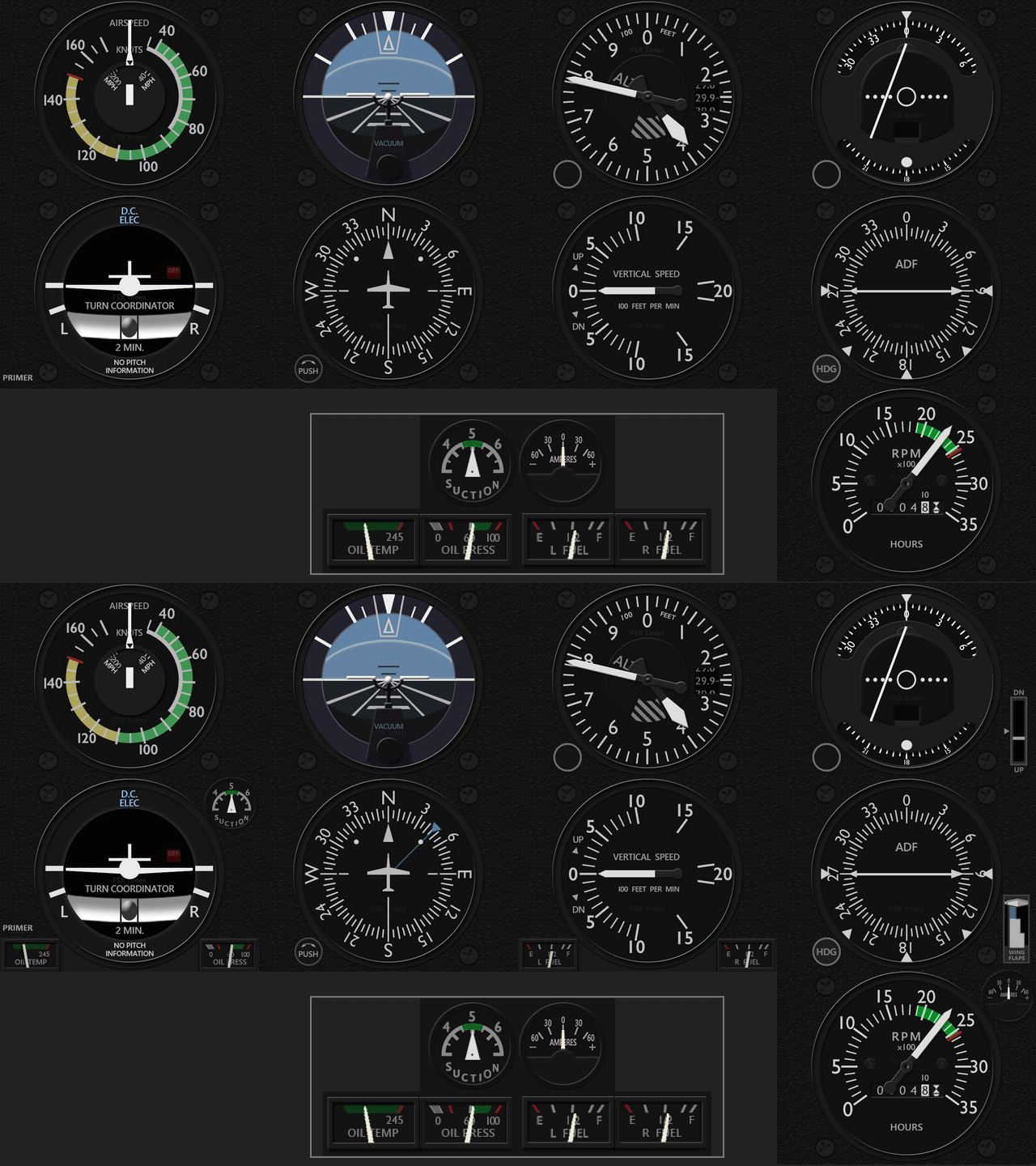
Here’s a short video showing how the Carenado C152II Gauges look like in my cockpit setup.

My personal most favorite gauges so far.

Not quite in mood these days since Continue reading

353: C172SP NAV Gauges Update

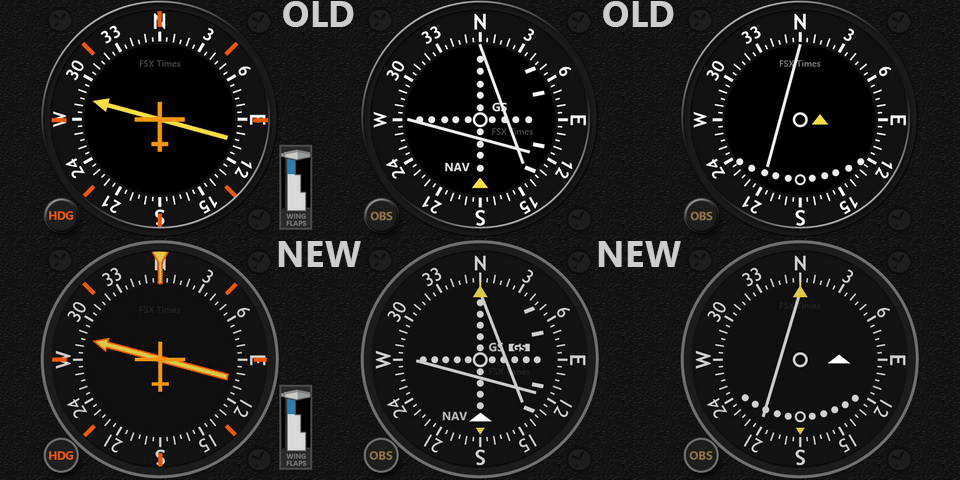
A couple of months ago, I mentioned there would be updates to the existing C172 Series.   Here it is the first for the Navigation set.
C172SP_NAV_UpdateSM
This update is an important one.  It not only includes graphical enhancements but also resolves more than a dozen fixes in programming and rendering.

Existing users should have received an email containing the download link in their mailboxes by now.   If not, feel free contact me directly.

This is the first wave of the C172 gauges updates.   The next will come soon.


352: FIP Gauges for Carenado C152 II

Steve in Texas in the US said that

Most people that fly in the real world start their training in a 152 in preparation for their PPL

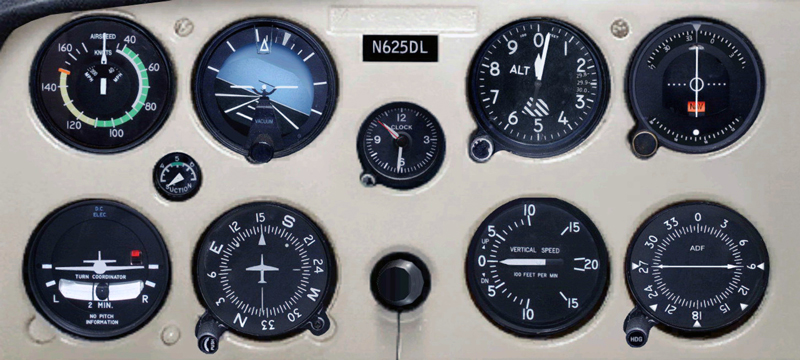
in the comment section of the last Post regarding Piper Cub gauge set announcement.   Couldn’t agree with him more.   So here’s the Carenado C152 II gauge set brought up front per his request.
C152_Cessna_Full
Although the C152 II gauges look simple and similar to the C172 siblings, most of Carenado_C152-25the gauge components need to be reworked in order to match better in design.   In addition, many gauge responses from programming are different from their bigger brothers, too. Continue reading

351: FIP Gauges for Piper Cub

I play Piper Cub once in a while only but many friends have been requesting FIP gauges for it.   So here it comes:

PiperCub_SetDo note in the video Continue reading

350: Duke Gauges Updated

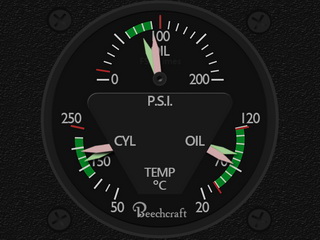
Just created a dual-needles Integrated Oil Gauges for the B60.   Surely not a big deal but it at least eliminates 1 device from the original 14 FIP counts.
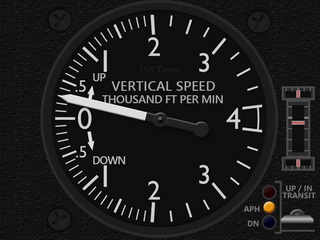
RASDuke_OILD_160213C_resize  RASDuke_VSI_160213E_resize
In addition, Aileron, Elevator and Rudder Trim Wheels and Flaps Indicators are also added to the Vertical Speed gauge as planned.

Existing users will receive Continue reading

349: Duke B60 Engine Gauges Released

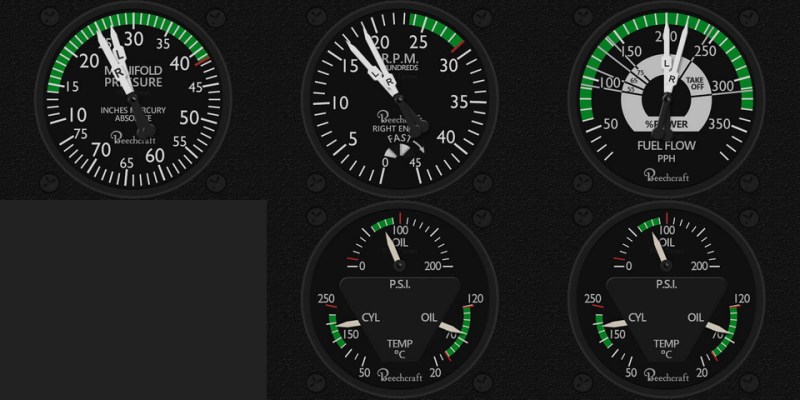
Despite little interest received, I just created the engine set for the RealAir Duke B60, which RASDuke_ENG_Htotals five gauges, including the Manifold Pressure Indicator, Tachometer, Fuel Flow Indicator and two Integrated Oil Pressure, Oil Temperature & CHT Temperature Indicators, so as to complete the aircraft’s cockpit development.

Since I don’t have 14 FIPs either, Continue reading

348: My Fix for Windows 10 Upgrade

In the past ten months, I had failed to upgrade my older computer to Windows 10 numerous times.   Various google-searched solutions were tried but futile in the end.  The upgrade process always stopped at 20- or 70-somethings and reverted Windows10back to the original OS.  It was quite frustrating.
Last weekend, I was finally successful to upgrade the computer to Windows 10.  The optical drive was the key!   Continue reading

347: Shade for P3D ?

From time to time I receive questions from simmers asking if my ShadeShifter utility is compatible with P3D, while they are requesting for the download link.

The answer is “No” because “Shade for FSX” by Mogwaisoft is written specifically for FSX as its name indicates.   And since my ShadeShifter utility was built upon it, it therefore doesn’t apply to the P3D platform indeed.

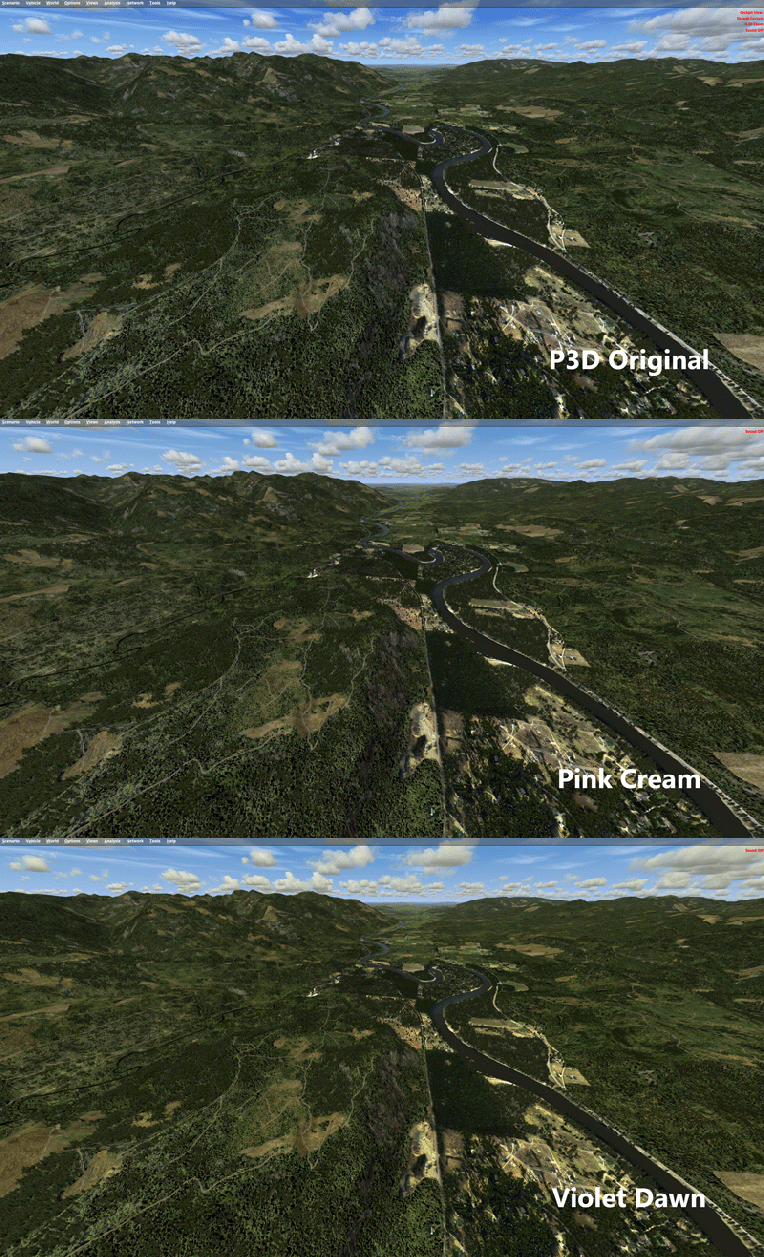
However, as my Post 107 mentioned, “Shade for FSX” is basically a utility that modifies the sky texture in FSX to achieve a different look and feel.    And since P3D is in general an upgraded version of FSX, we could therefore copy and paste the “sky textures” modified by “Shade for FSX” into P3D.    That will achieve the same result, although this approach lacks the user-friendly interface the utility originally provides.

Shade_for_P3D

Perhaps some of you have been doing it already.   For others who have both FSX and P3D and the “Shade for FSX” utility and don’t know how to do it, here’s the instruction: Continue reading