
If you have many custom cameras set up for aircraft in FS2020, you can make use of them immediately in FS2024 via simple copy-and-paste.
In FS2020, the custom cameras are stored under specific aircraft folders beneath the following directory path:
C:\Users\[UserName]\AppData\Roaming\Microsoft Flight Simulator\SimObjects\Airplanes\
In FS2024, the path is similar:
C:\Users\[UserName]\AppData\Roaming\Microsoft Flight Simulator 2024\SimObjects\Airplanes\
However, the custom camera folder structure of DEFAULT AIRCRAFT in FS2024 are now more complex than that in FS2020 (click below image to enlarge):
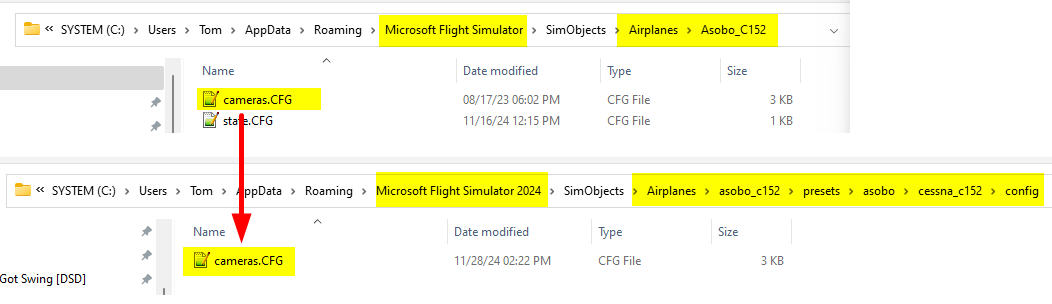 Therefore, we’ll need to pay extra attention to find out the correct folders when copying DEFAULT AIRCRAFT cameras to FS2024.
For THIRD-PARTY AIRCRAFT, Continue reading
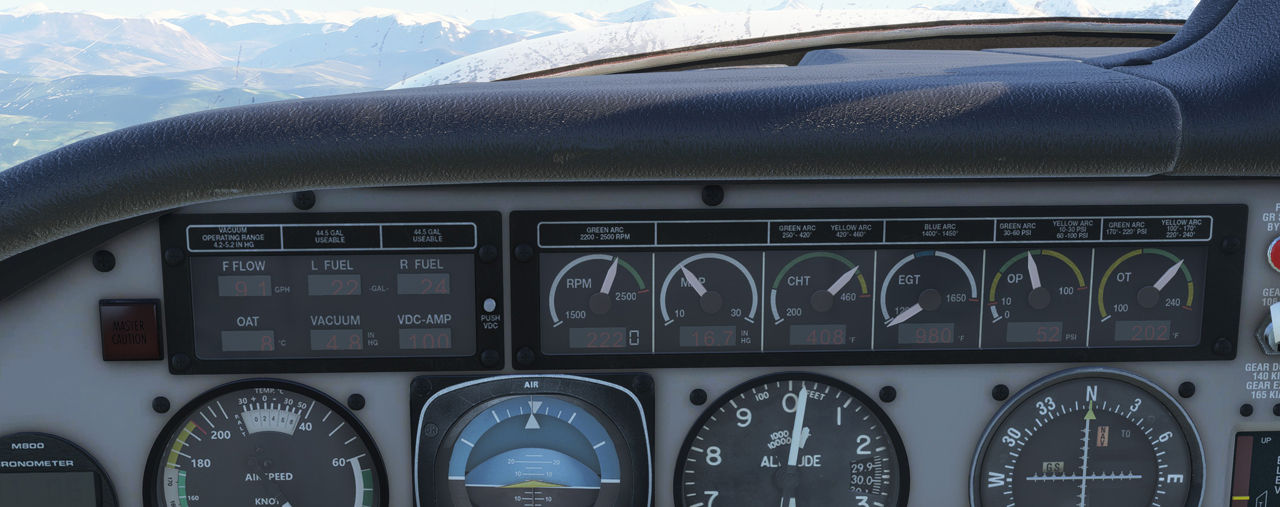
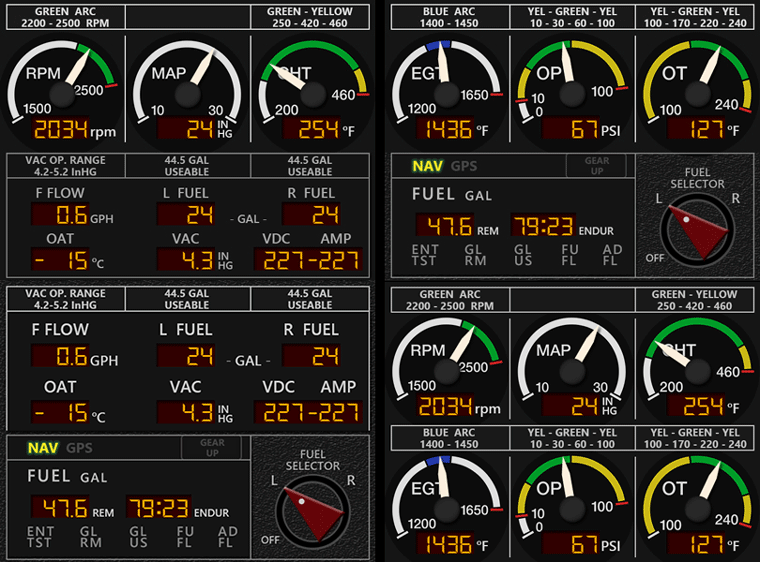
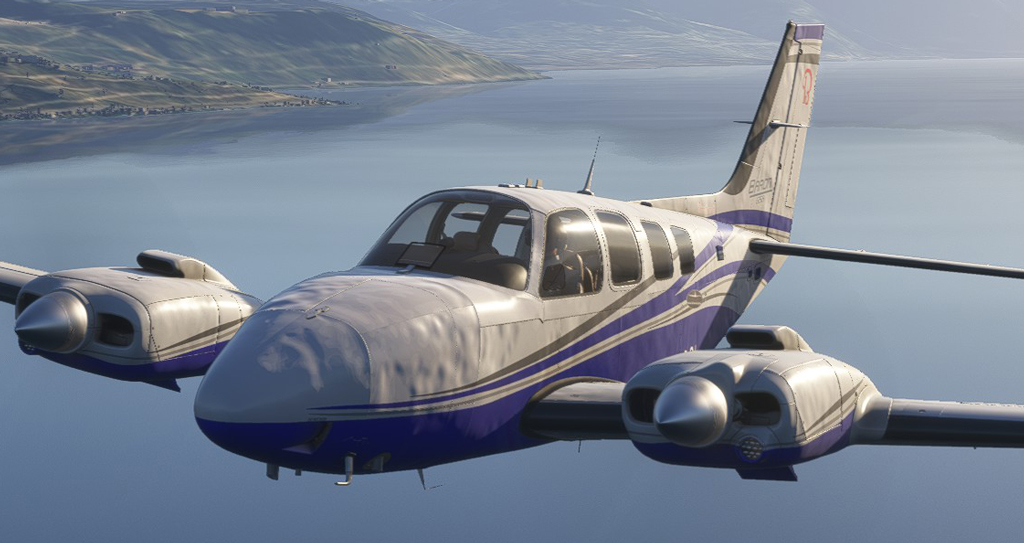
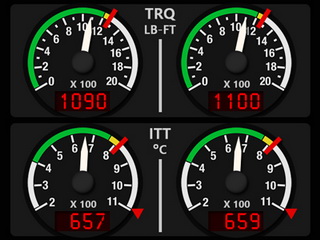
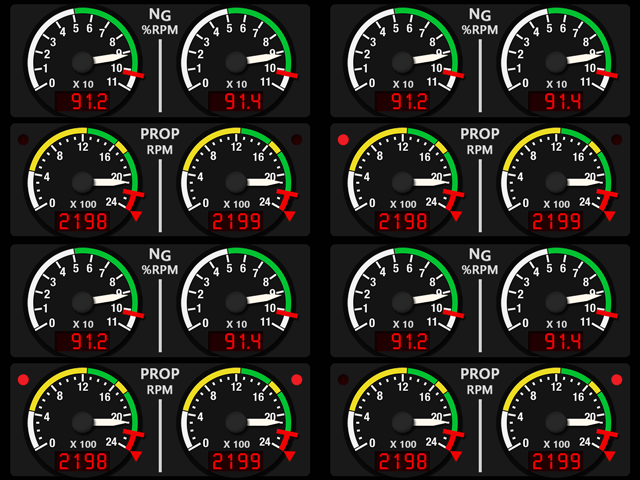
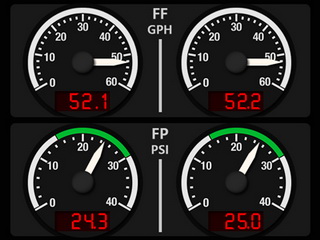
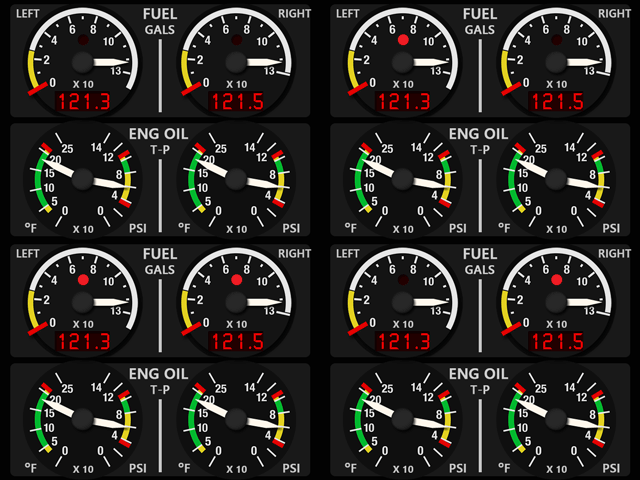
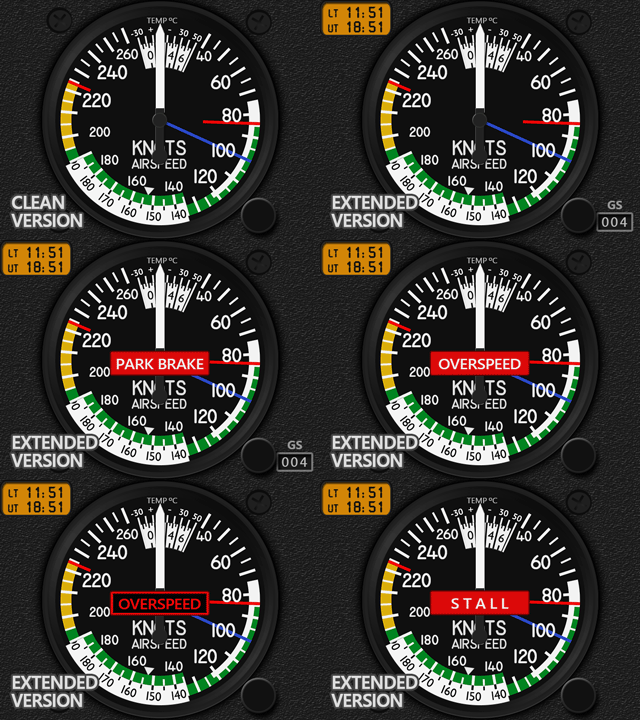 Actually I was not aware of it at all until a friend, Andrea, in Italy who asked me if I could make the FIP gauges for it about a month ago. And he was so kind to sponsor me the aircraft for checking before I could confirm him if the project was feasible.
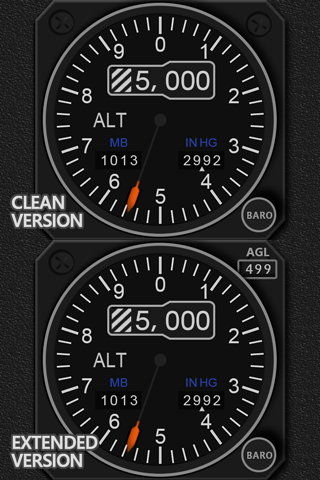 as they not only look nicer but also provide more references. The new Altimeter for the Black Square (BKSQ) Dukes is one of them, which, in fact, is not only good for the B60 Piston, Grand and Turbine Dukes, but also can be used on all other MSFS aircraft.
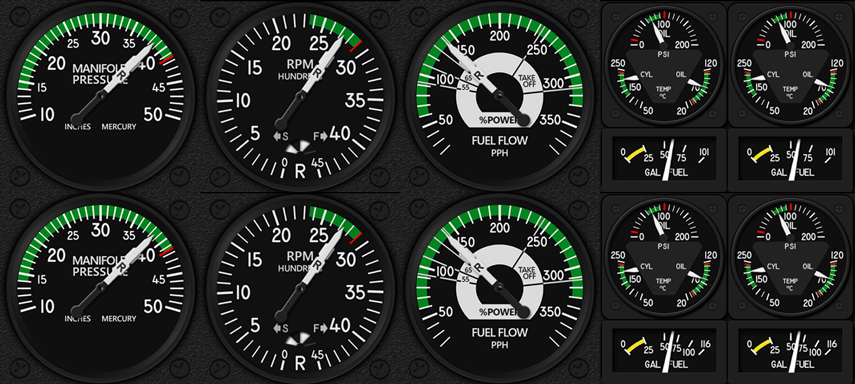
 FS Times