134: Bye Bye Eclipse Yoke

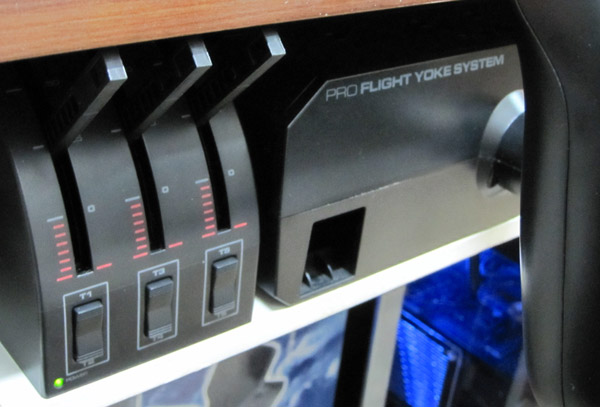
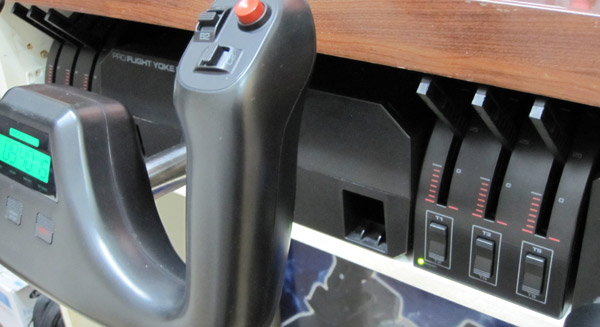
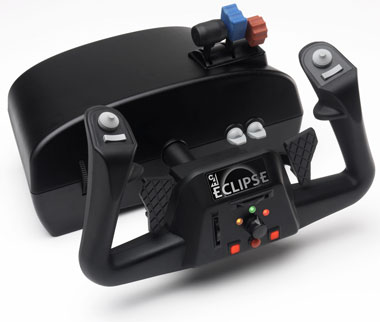
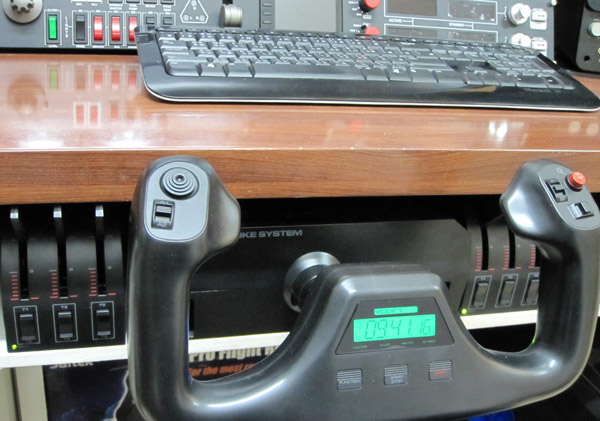
Even though I managed to mount the CH Eclipse Yoke to the panel compartment under my desk recently, I have no choice but to replace it back with the Saitek Pro Flight Yoke eventually.

Although I prefers the handy features coming with the Eclipse Yoke in a compact form factor, the quality of it, both built and performance, is really under par.   Furthermore, it was so annoying to encounter this and that issues and misalignment from time to time.    So I am back with the Saitek Yoke and accompany a Throttle Quadrant on both sides of it.
This slideshow requires JavaScript.

Continue reading

126: New Gear Added

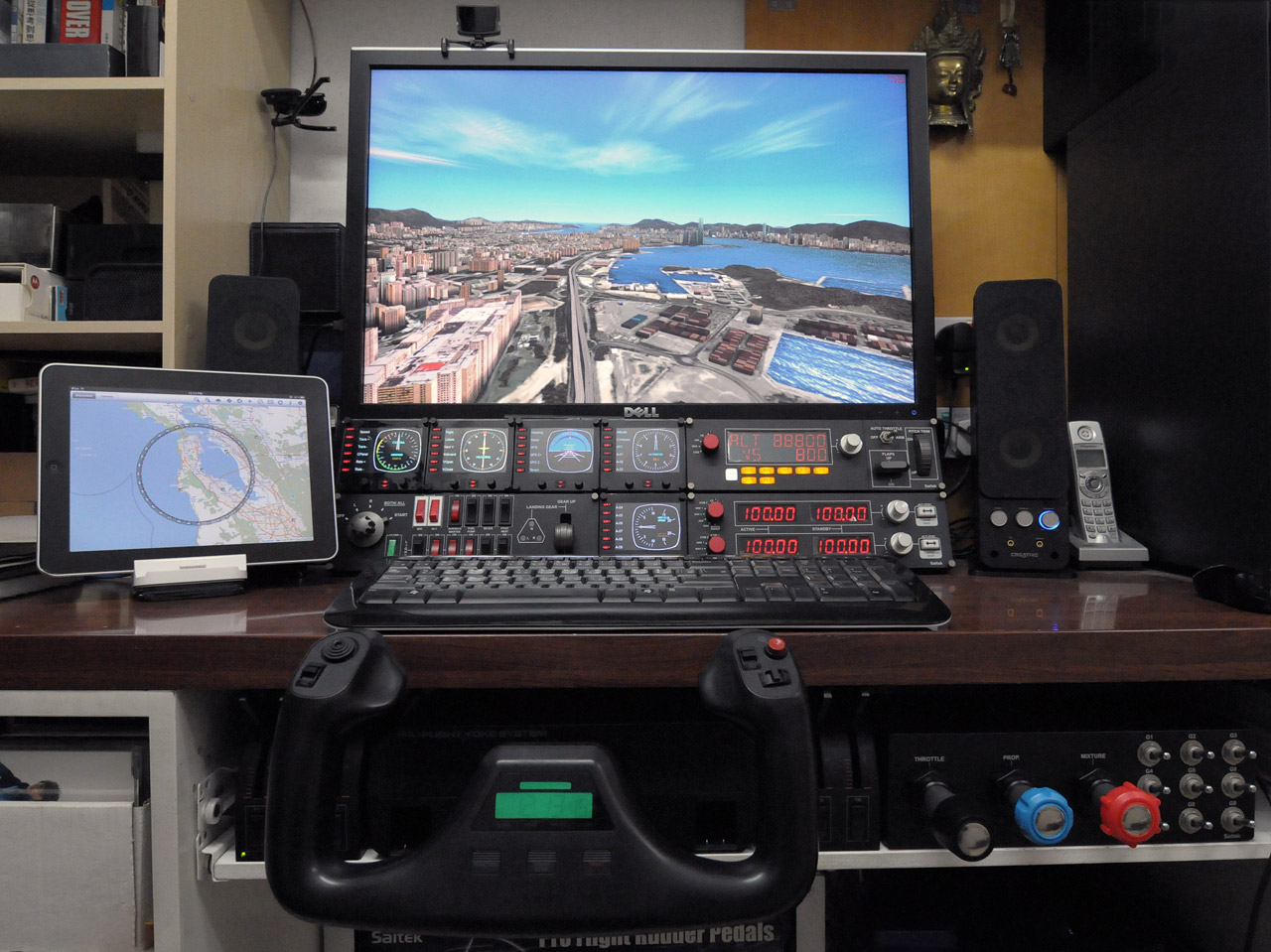
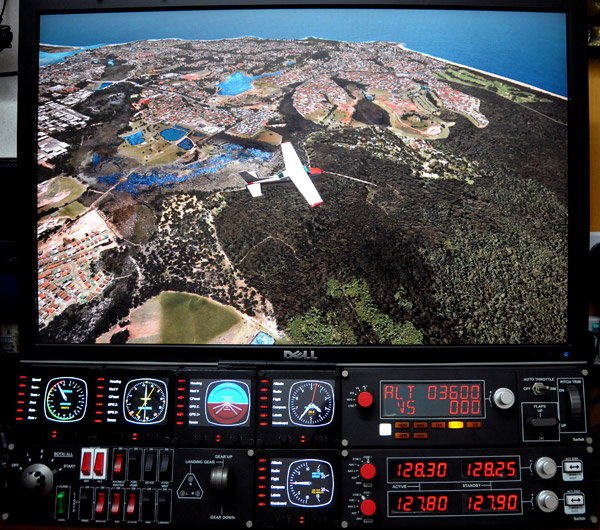
Lately, I have been busy on playing with my new gears that I’d been longing for quite some time.    Two additional Saitek Flight Instrument Panels (FIP) were finally added to my system, which completed my Saitek collection  —  well, at least for the moment.

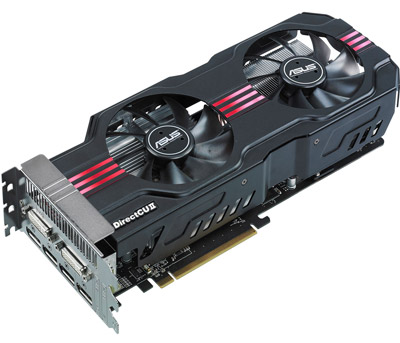
And the ASUS HD 6970 Direct CU II, which replaced my ASUS Matrix HD5870, brings a better image quality and a cooler and quiet environment.    Also, it allows me to upgrade to a multi-monitor system in the future.

However, both new gears require adjustments.   In particular the HD 6970, it requires quite some patient in order to achieve a satisfied result better than the previous setup.    Updates and settings for both new gears will be posted soon.

118: Loading FIPs in Desired Order

Received quite some inquires about loading specific gauges onto multiple FIPs (Flight Instrument Panels) in desired order.

Here’s how I do it:

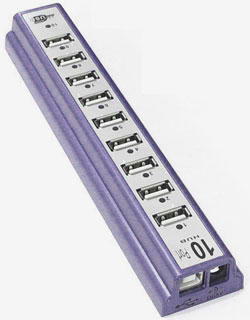
  • Use a powered USB hub to connect all FIPs to the computer
  • Plug the first FIP (the one to display the first gauge) to the last numbered port on the hub
  • Then the second FIP to the second last port;  the third to the third last port, and so on.

The FIPs are required to plug in this manner because the USB hub always starts the FIPs in reverse order from the last numbered port to the first numbered port.

Continue reading

114: My Helicopter Controller

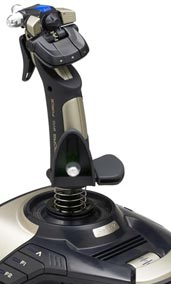
Although I have a Cyborg EVO Force from Saitek, I still prefer the XBox 360 Wireless Controller for all my helicopter flights.
Certainly, the Xbox 360 controller doesn’t look flightsim-realistic as the Cyborg one but it has superb controllability and a fair amount of good features.

As always, ONLY switch on (no plug in) the controller after FSX is loaded.   This can prevent the occasional but common button mapping problem.

Continue reading

111: New Clothes for Saitek Switch Panel

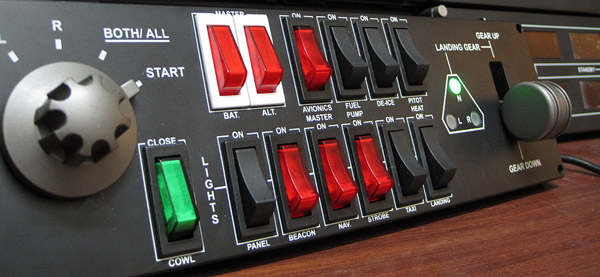
Saitek’s Switch Panel adds a lot of fun to FSX.   However, it doesn’t like its younger brothers in the Pro Flight family — all switches on the panel have no illumination and most of them are in black color.  They are very difficult to identify in a dark environment with no extra lights but the monitor only.

Here’s my newly modified switch panel with some colored switches replacements.

Switches are now a lot more easier to identify in a dark environment

Continue reading

108: My CH Eclipse Yoke Setting

Updated: Nov-26, 2011
As mentioned earlier, I have replaced my long-used Saitek Yoke with CH Eclipse Yoke in my system. 

Actually I got the Eclipse just a month or two after its release.   I was attracted by its rudders, vertical and horizontal trim wheels, and throttle quadrant all integrated into one single casing.   In terms of features, Saitek Yoke really can’t compare.

However, the housing design of the Eclipse yoke (due to its oval shape) is very difficult to fit into my equipment chamber.   So it’s been put aside for a long time until recently I figured out how to do with it.

Continue reading

106: My FIP Key Assignment

Updated: Nov-26, 2011
With two additional FIPs added to my setup, key assignments are reconfigured as follows:

Startup order are:

  1. Heading
  2. Attitude
  3. Altimeter
  4. Vertical Speed
  5. Air Speed

The RPM Indicator is a virtual one which shares the same FIP with the Air Speed gauge.

Continue reading

105: My TPM Switch Assignment

Updated: 2011-1004
Lately, I have replaced my long-time Saitek Yoke with CH Eclipse Yoke after re-tuning my FSX system several weeks ago.   Because of that, many controls of my gears have to be reconfigured accordingly.

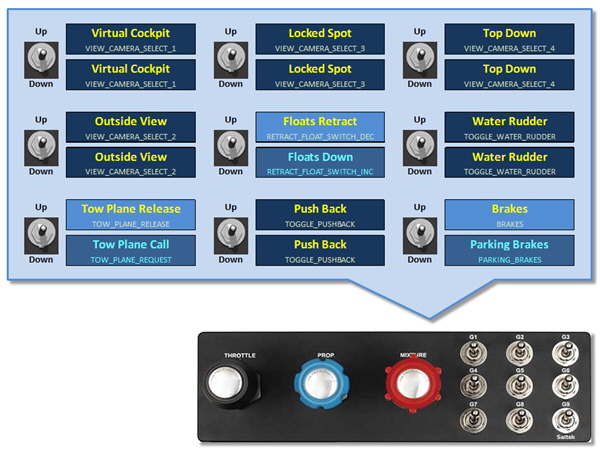
Followings are the new switch assignments for the TPM.

Continue reading

97: Double TPM Programmable Switches

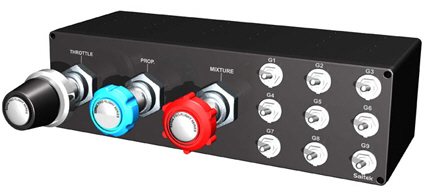
Saitek’s TPM Control Unit comes with 9 programmable toggle switches.    However, FSX’s SETTINGS only recognizes their downward actions during BUTTONS/KEYS assignments.    In other words, only 50% of TPM’s programmability are used.

To fully utilize the TPM: Continue reading