
 Updated: 30-Dec-2011
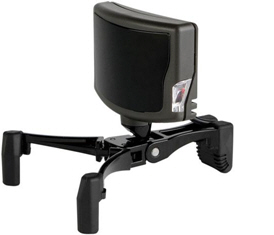
Here is my setting for TrackIR 5 with TrackClipPro. The emphasis is to get an optimized result causing no fatigue to eyes.
–
–
–
Basic Settings:
• Speed = 1
• Smooth = 50 Continue reading
Updated: 30-Dec-2011
Here is my setting for TrackIR 5 with TrackClipPro. The emphasis is to get an optimized result causing no fatigue to eyes.
–
–
–
Basic Settings:
• Speed = 1
• Smooth = 50 Continue reading
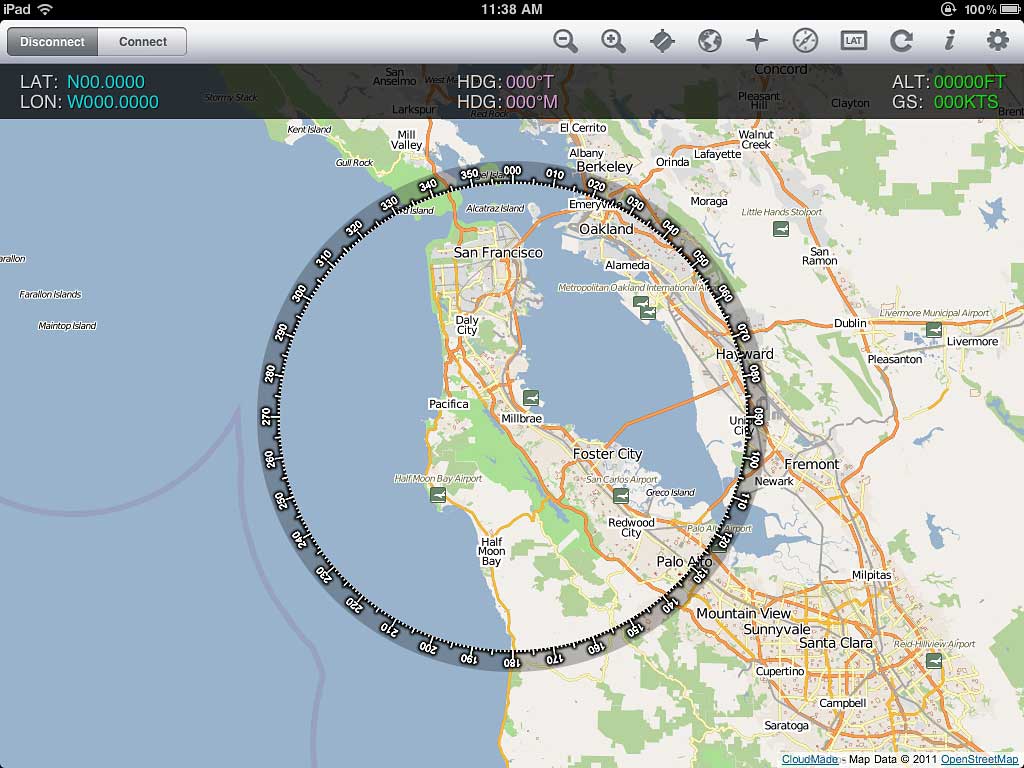 Recently added FSWidgets iGMapHD for iPad to my system.
It is far from being a perfect product and has the problems of:
However, it adds a lot of fun to my flightsim experience without a real multi-monitor system. It is very easy to setup. And it doesn’t like Air Display, it won’t impact FSX performance at all. Continue reading
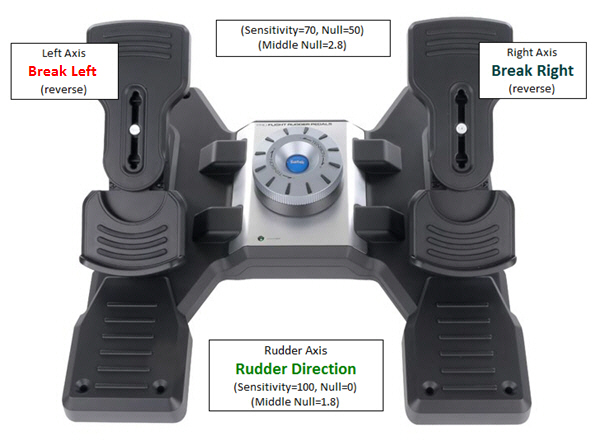
Settings of my Saitek Pro Flight Rudder Pedals:
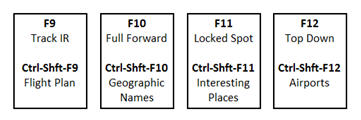
My button settings for FS Discovery, Saitek Pro Flight Yoke System and TPM System:
=
I got three Saitek’s Pro Flight Instrument Panels. They are good but expensive, too. Moreover, the more of this FIP are attached to a system, the more impact of it affects FSX’s performance.
Using earlier Tweak 1 and Tweak 2, my three Panels are setup as picture shown below, and each panel controls two related gauges:
AIRSPEED <—> RPM
ATTITUDE <—> DIRECTION
ALTITUDE <—> VERTICAL SPEED
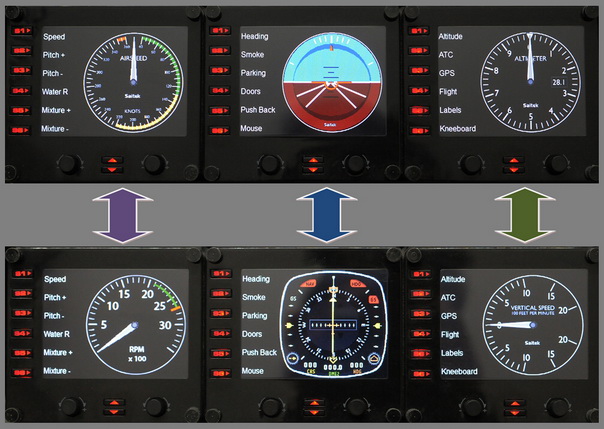
Under this arrangement, I can simply press the up and down buttons to easily access the six basic gauges on small planes I usually fly.
On each Pro Flight Instrument Panel (FIP), there are six physical buttons (S1 to S6) located on the left hand side of the LCD screen, which are predefined as:
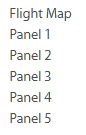
The functions of these buttons are defined in the SaiFlightSimX.xml file under C:\Program Files (x86)\Saitek\DirectOutput directory as described in Tweak 1 (see below).
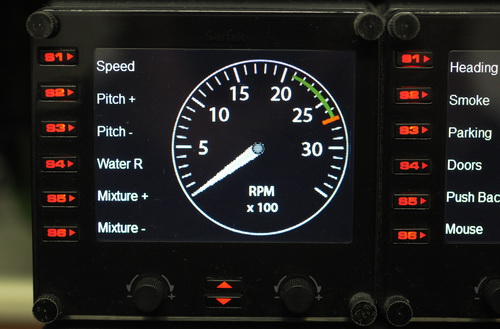
Saitek’s Pro Flight Instrument Panel (FIP) comes with an XML file that defines the order of gauges to be shown when starting up. The default order is:
Altimeter<-> Airspeed<-> Attitude
<-> Compass <-> Turn Indicator <-> Vertical Speed
This order is also true to the sequence of gauge starting when more than one FIP are included in the system. By editing the XML file, the order of the six gauges to be shown can be arranged as desired.
Here are the steps:
 FS Times