
Virtual Reality (VR) is no doubt the hottest topic among game developers and players these days. Last Sunday, I spent a few hours playing FSX-SE with FlyInside on my son’s HTC Vive setup using the “long-deserted” Eclipse Yoke digged up from my storage.
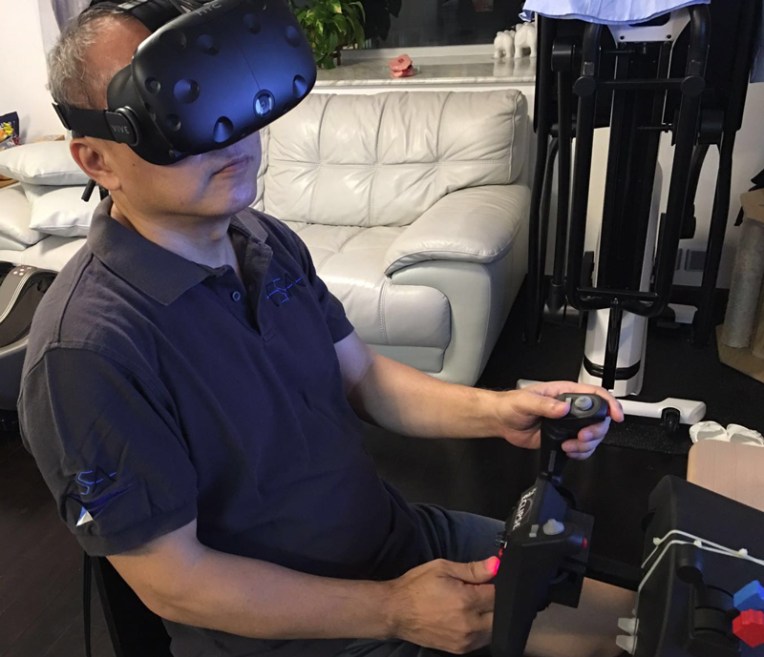 Wow…was my immediate response after entering my first fight over the Friday Harbor in FSX-SE, while I was physically sitting in my son’s living room with the huge VR goggle putting on my face. Continue reading
Accessories
356: My Cockpit Got Aligned
I have a spare FIP sitting around for quite some times, which is only used occasionally for various testings via my network computer. Yesterday, I decided to throw in the underused FIP to the system to see how it effects.
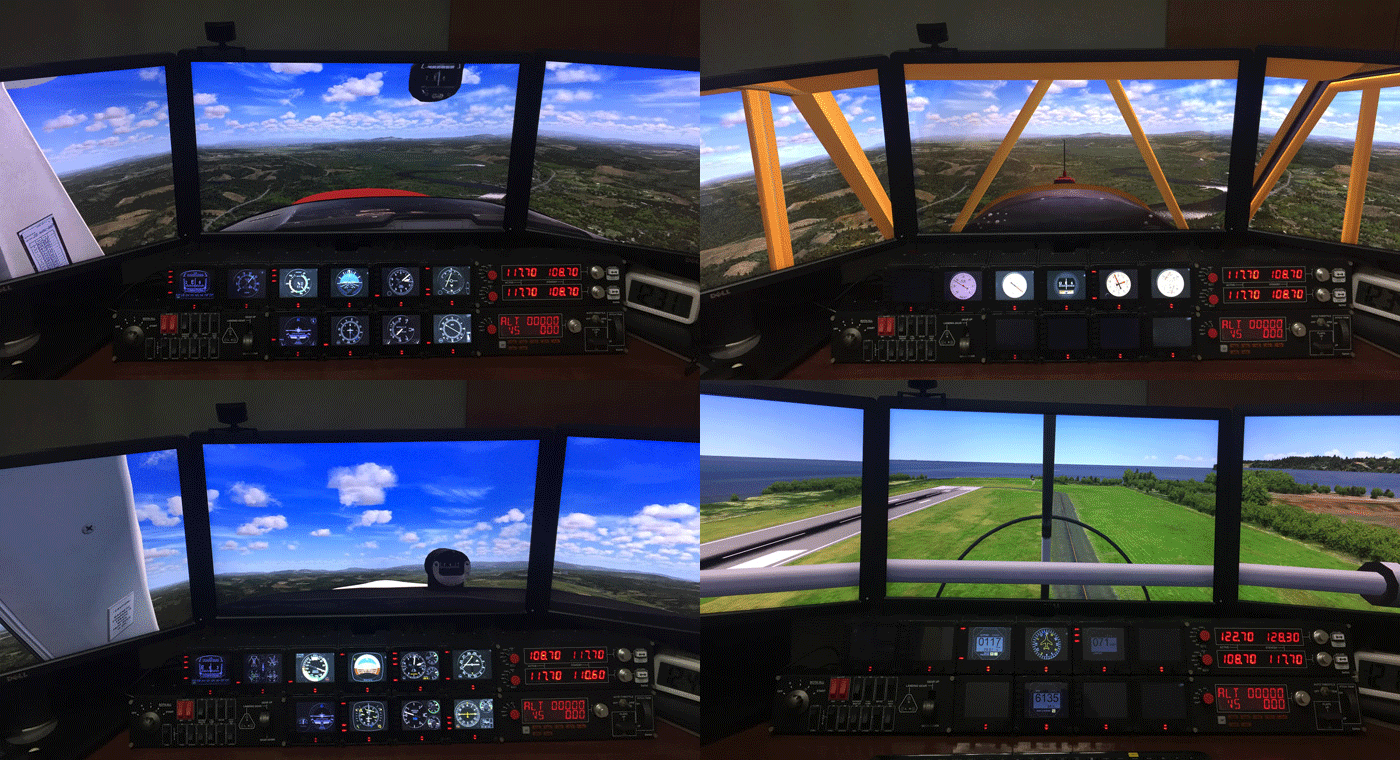
Actually, the main reason for me not including the spare FIP to my system in the past was because the “6 FIPs + 1 Radio Panel across the top roll” and “1 Switch Panel + 3 FIPs + 1 Multi Panel” on the bottom constituted a pretty symmetric appearance in my 2-stack instrument setup already. And I’ve been using this setup for a very long time. Continue reading
345: Saitek Panels Can be Networked, Too
Stefano Cancelli in Canada recently reported to me that the Saitek Pro Flight Radio Panel, Multi Panel and Switch Panel actually can be run on a networked computer, exactly like what the Flight Instrument Panel (FIP) does.
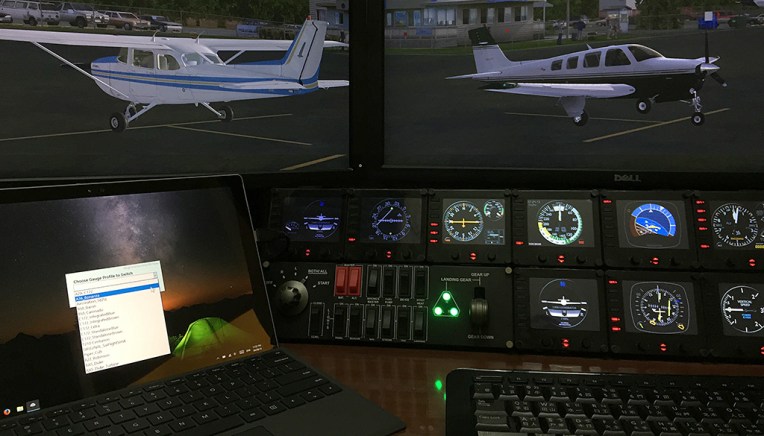
“I discovered it quite by accident.”
Stef said he was not aware that the panels were still connected to his network computer after reverting SPAD.neXt to Saitek drivers due to some issues. When he started a flight, he then realized that the networked panels were all working perfectly controlling radios, auto pilot, switches, and everything on the main fsx computer.
“This was a big surprise to me since I do not believe it is ever mentioned in Saitek’s documentation,” he said.
Stef came to me and ask me if I could help confirm his finding. Continue reading
286: Tame the Rudders Update 3
My logic of tuning the rudder pedals for Prepar3D in the first place was to reduce the sensitivity of the axis control, assuming the adjustment could make them more manageable. Also, it was 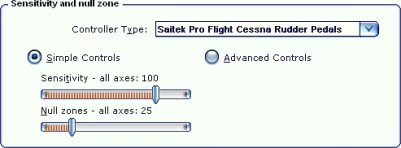
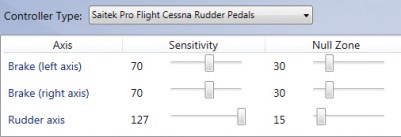 based on the default setting in P3D as well as all the good results I got from my experience in FSX (as shown in the setting pictures on the right).
Sadly, after all the adjustments I made over the years as described in Post 242, 248 and 249 for P3D, I still had difficulties to avoid over-steering and under-steering the aircraft during taxi, especially at turns. Continue reading
262: A Hardware Fix to GPS Dragging
After the two DVI ports and Display port on my graphics card had each been taken by a monitor, my newly added VRinsight GPS-5 was naturally connected to the remaining HDMI port on my GTX 780 via a VGA-HDMI converter in the first place.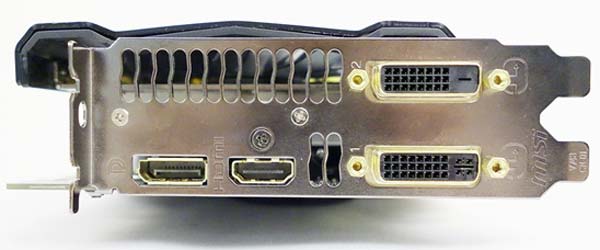
Surprisingly, while my FSX system continues to run smoothly, my P3Dv2 responds with serious stutters as framerates dropped momentarily under the same setup with the external GPS attached. Feedbacks to such framerate dropping issues in the last post reveal that the phenomenon is common regardless of platform and monitor setup.
Based on the presumption Continue reading
261: My GPS Has Finally Arrived
A bit busy these days and still a bit stuck in the recent holiday mood. Anyway, my long-waited GPS for my long-planned cockpit rebuilding is finally in place. It’s the GPS-5 from VRinsight.
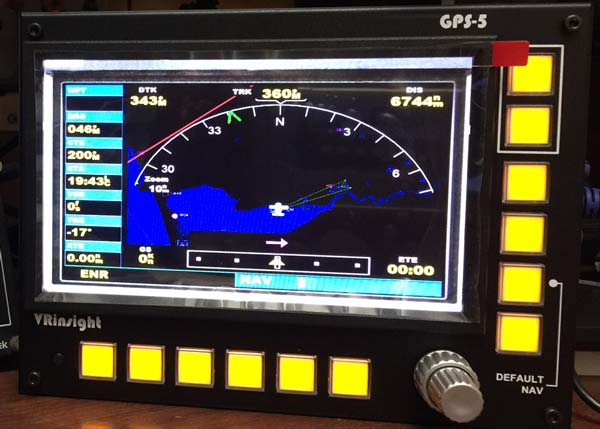
Briefly connected it to both FSX and P3Dv2 systems last evening for integrity check and found it working best with Continue reading
245: My Updated TrackIR 5 Setting
Due to my new multi-monitor setup, the TrackIR profile I’ve been using since December 2011 has been updated recently as follows:
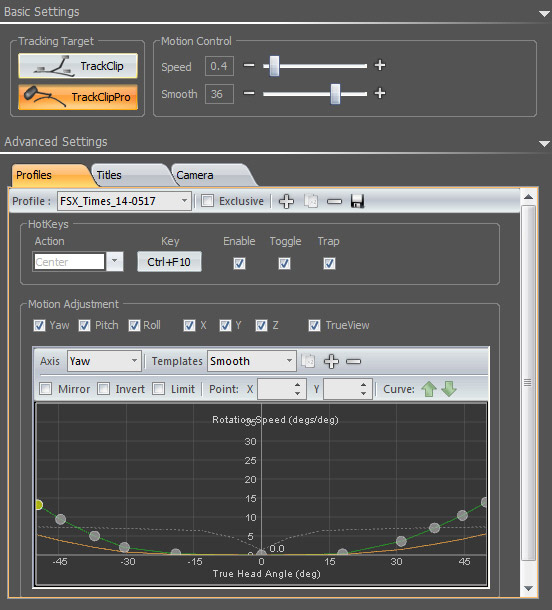
Basic tuning process is more or less the same as described in Post 82 for an optimized result that could minimize fatigue to the eyes. Anyone who are interested to give it a try could download Continue reading
240: Trim Gets Down Below
Since I bought the trim wheel about a year ago, it’s been placed next to the yoke due to its mounting holes and wiring positions. On this holiday, just spent an hour on the drilling works to put it down below to a more logical postion. Might need another month or so to get used to it, however.
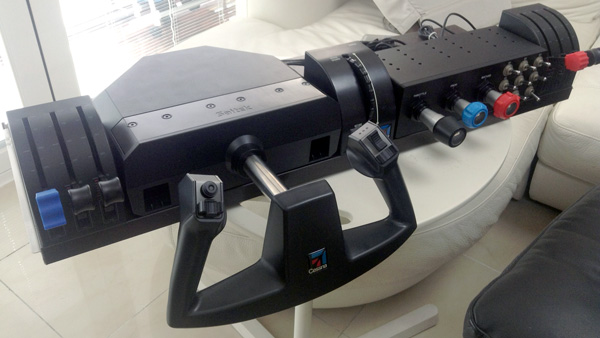
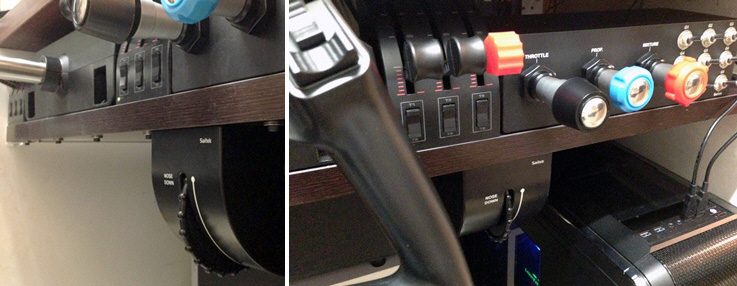
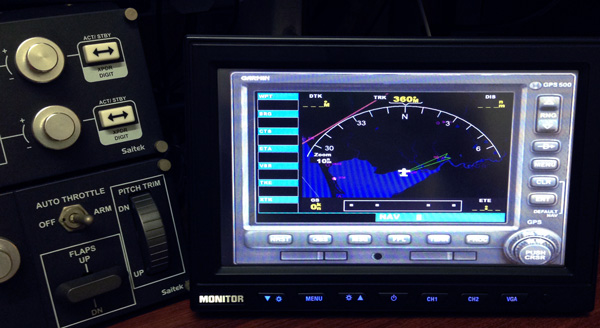
Also, I am playing with a 60 USD, 9-inch touch monitor to see how it fits into my setup as a standalone GPS. Connection so far is done via a VGA to HDMI converter.
217: Align TrackIR Quickly
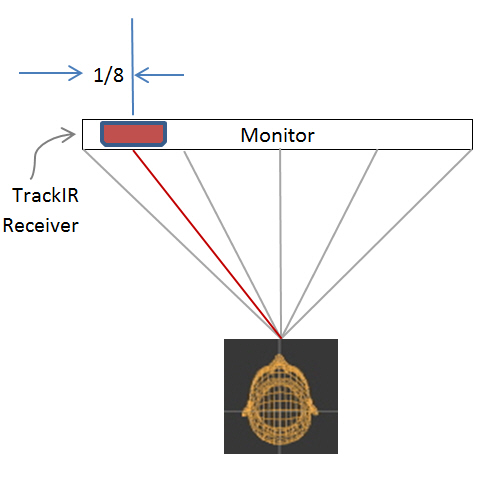
Have tried a few wireless head tracking software, NaturalPoint’s TrackIR + TrackClip Pro is still my choice so far. Following is the method I find very effective when aligning the device at startup. Of course associated software must be activated first.

Place the TrackIR receiver on top of the monitor about 1/8 in length from the left edge.
 FS Times