
With the launch of the Just Flight PA28R Turbo III/IV, additional ASI, ATT, MFP & RPM custom-made for the new aircraft are added as free updates to the original Arrow III Gauges. No upgrade fees required.
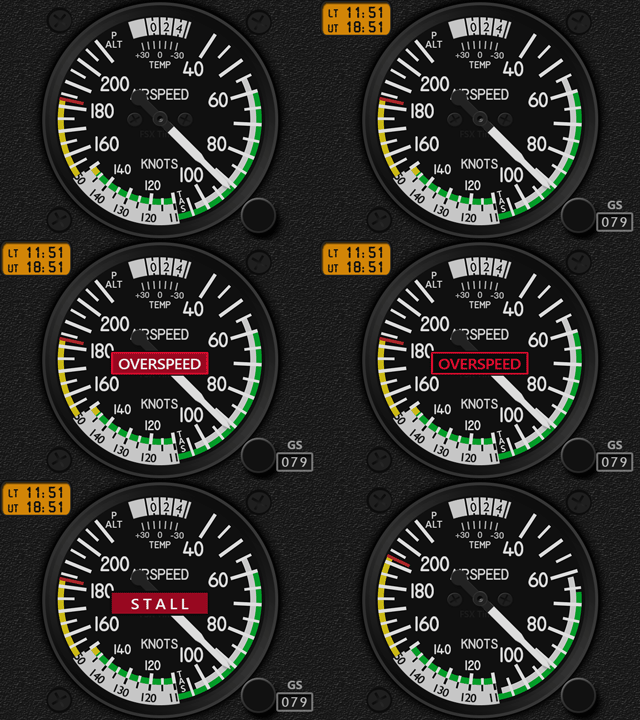
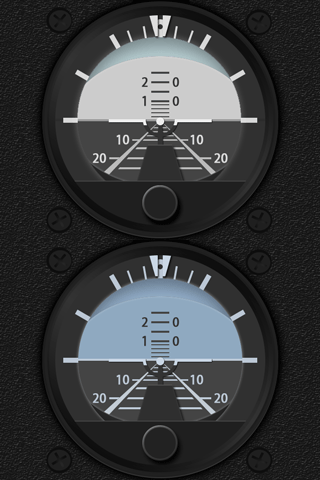
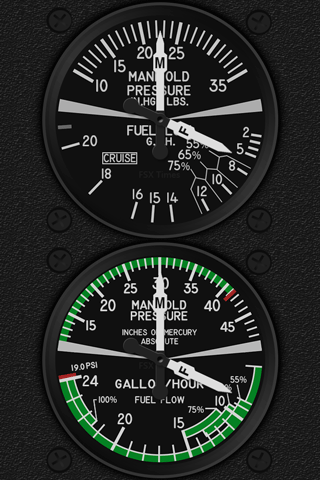
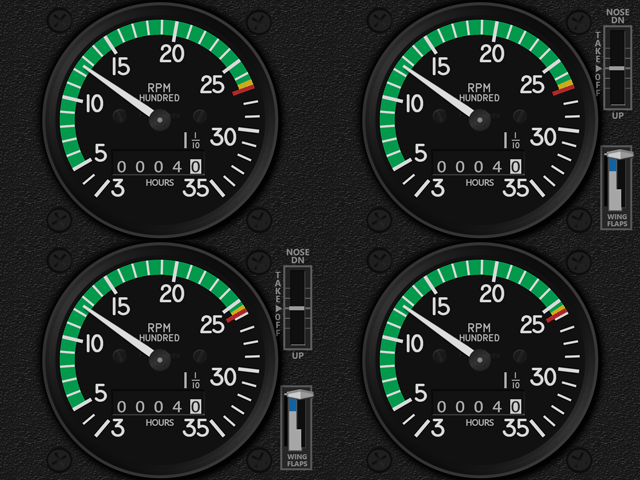
Users of the Arrow III Gauges should have received the Download Links in their mailboxes by now. If not, Continue reading
Aircraft
693: Gauges for PA28R Turbo III/IV Scheduled
Just flew about an hour with Just Flight’s newly released PA28R Turbo Arrow III/IV with my Arrow III gauges.
Besides the ASI, RPM and MFP, all remaining gauges in the current Arrow III series are good for the two new brothers as well.
That’s good. I will schedule to work on those three gauges for the two aircraft. And for those who already owned the Arrow III gauges, there will be discounts when the three gauges are ready.
–
686: More Just Flight PA28R Gauges Released
Except the Engine Cluster, seven (7) more gauges for the Just Flight PA28R Arrow III were just released, including the ADF, ALT, ATT, HSI, TCR and the 2 VORs.
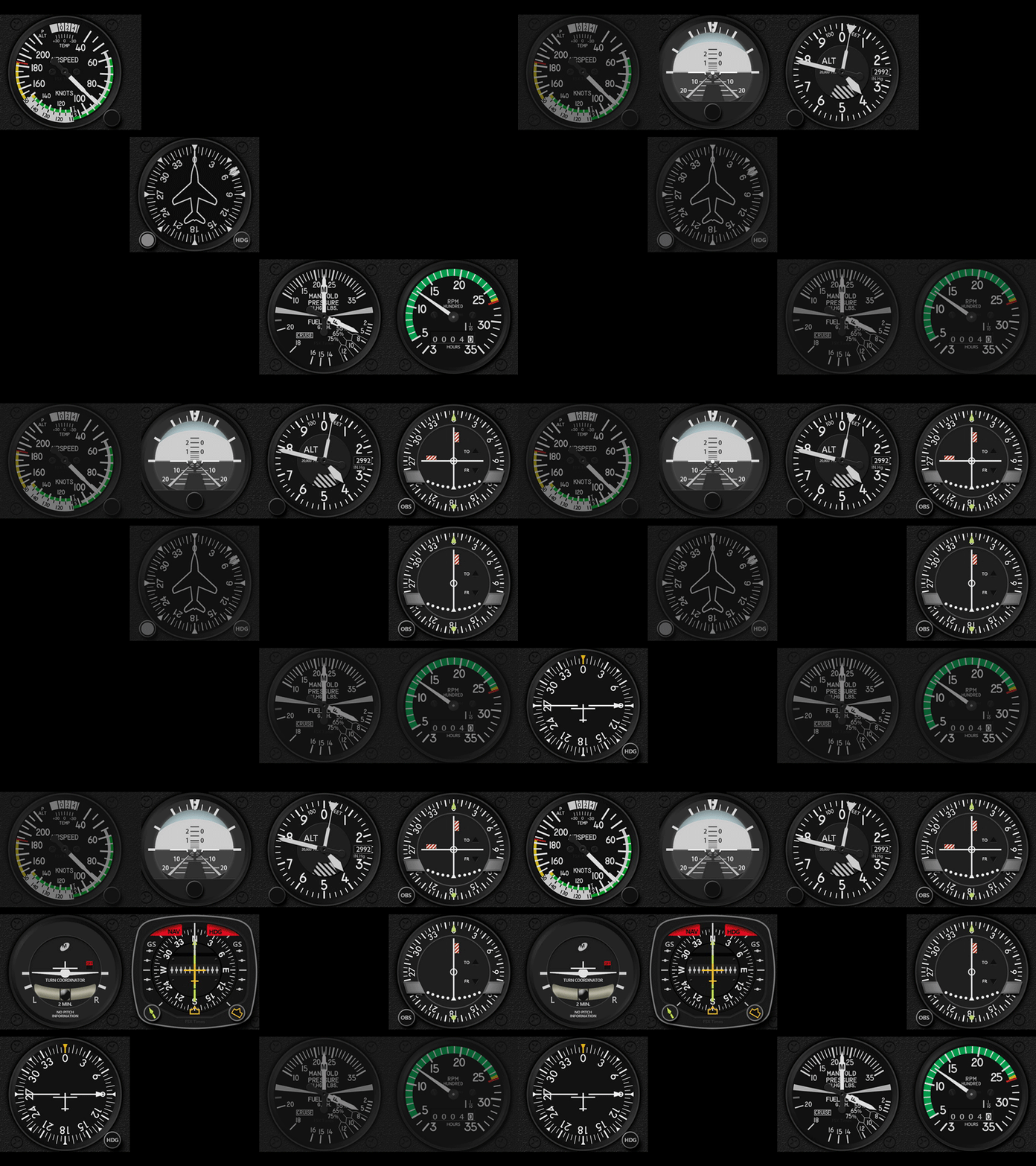
And what’s more, from the previews of the company’s coming PA-28R Turbo Arrow III/IV and PA28-161 Warrior II, many of the gauges are very likely to be compatible with them as well.
An introductory discount Continue reading
683: JF-PA28 VOR2 Left-deflection Fix
Have you ever noticed when the Just Flight PA28 Arrow III for MSFS is loaded with engine 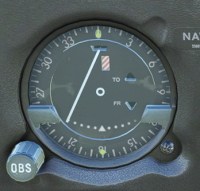 running (meaning the aircraft isn’t started from cold and dark), its VOR2 needle is always deflected to the left?
It’s a bug, I believe, since the needle won’t return to center when no NAV signals are present.
To correct this error, we’ll have to flip Continue reading
676: Is my Knowledge Obsolete ?
One thing that puzzles me a lot in MSFS since the beginning is how the aircraft are parked in the airport. The picture below shows the most common manner how static aircraft are placed in MSFS. 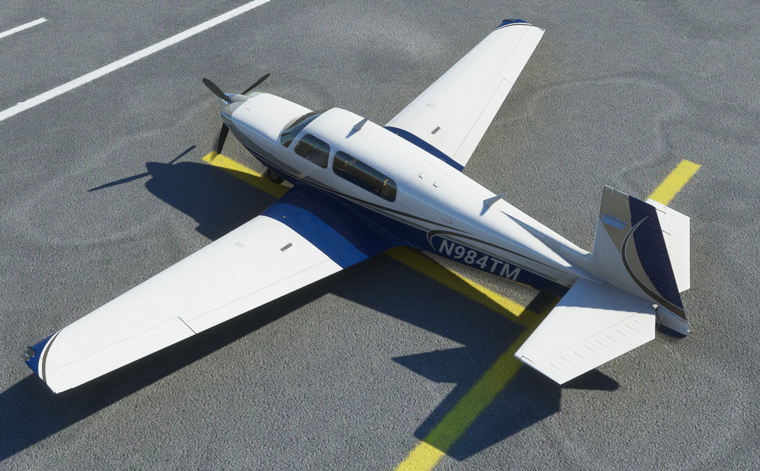 Shouldn’t the aircraft be parked in the opposite direction facing the horizontal line of the T-mark?
I don’t see Continue reading
667: Carenado or Just Flight…Not a Question
There are two versions of Piper PA28R Arrow III on the market for MSFS — one from Carenado and the other from Just Flight.
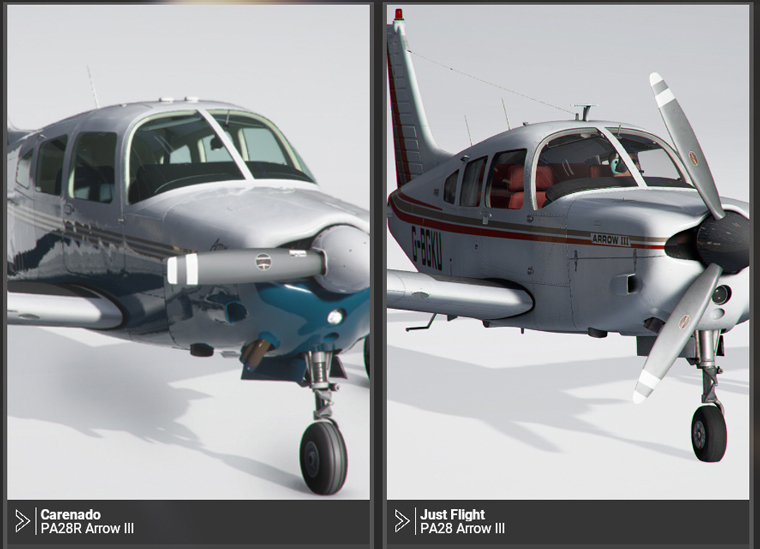
I released three of the Gauges (ASI, MFP & RPM) for the Carenado Arrow III a month ago. Since then, there were inquires checking if they could be played on the Just Flight Arrow. And responses from users afterwards confirmed that they were running nicely on the Just Flight plane although they look a little differently .
After some searchings, I decided to purchase the Just Flight plane as well so as to develop Gauges for it alongside with the Carenado Arrow. Continue reading
639: Full Forward View #2
In my last post about setting up a Full Forward View without Instruments, Michael sent in a comment below:
I’m in the same situation and have been using this for quite some time, however, with one modification:
I first make a copy of the camera file using (I think Alt+Ctrl+0). This will be saved under, e.g.
C:\Users\[your profile]\AppData\Roaming\Microsoft Flight Simulator\SimObjects\Airplanes\Asobo_C172sp_classic
In this file you can make the amendment above.
You can then switch back and forth between the “normal” and the “shifted” camera using Alt+0. I found this somewhere on the official forum. This way you don’t have to modify the original files.
Thanks Michael and that’s another approach of creating a full forward view with no instruments, too.
Well, either method has its pros and cons: Continue reading
638: Full Forward View with no Instruments
I have chosen “LANDING” as my default camera in MSFS. But since I already have a physical DIY cockpit, all I want is a clear full forward view without the virtual cockpit and its instruments.
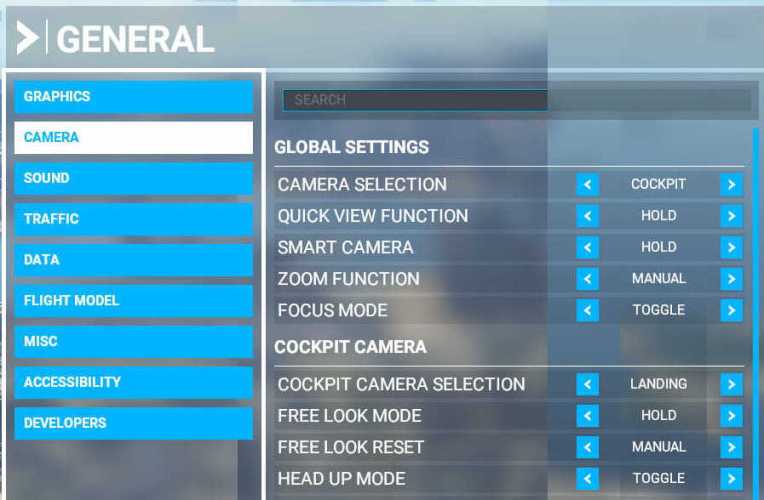
Here’s how I do it quickly: Continue reading
635: MSFS Gauge Table
One of the nice designs of MSFS is many of its cockpit instruments can be used across different aircrafts (despite practicability in real life), which in a way simplifies the construction of DIY cockpit using my MSFS Multi-shared FIP gauges.
Following is the table showing key instruments on the default propellers and turboprops in MSFS implemented and to be implemented.
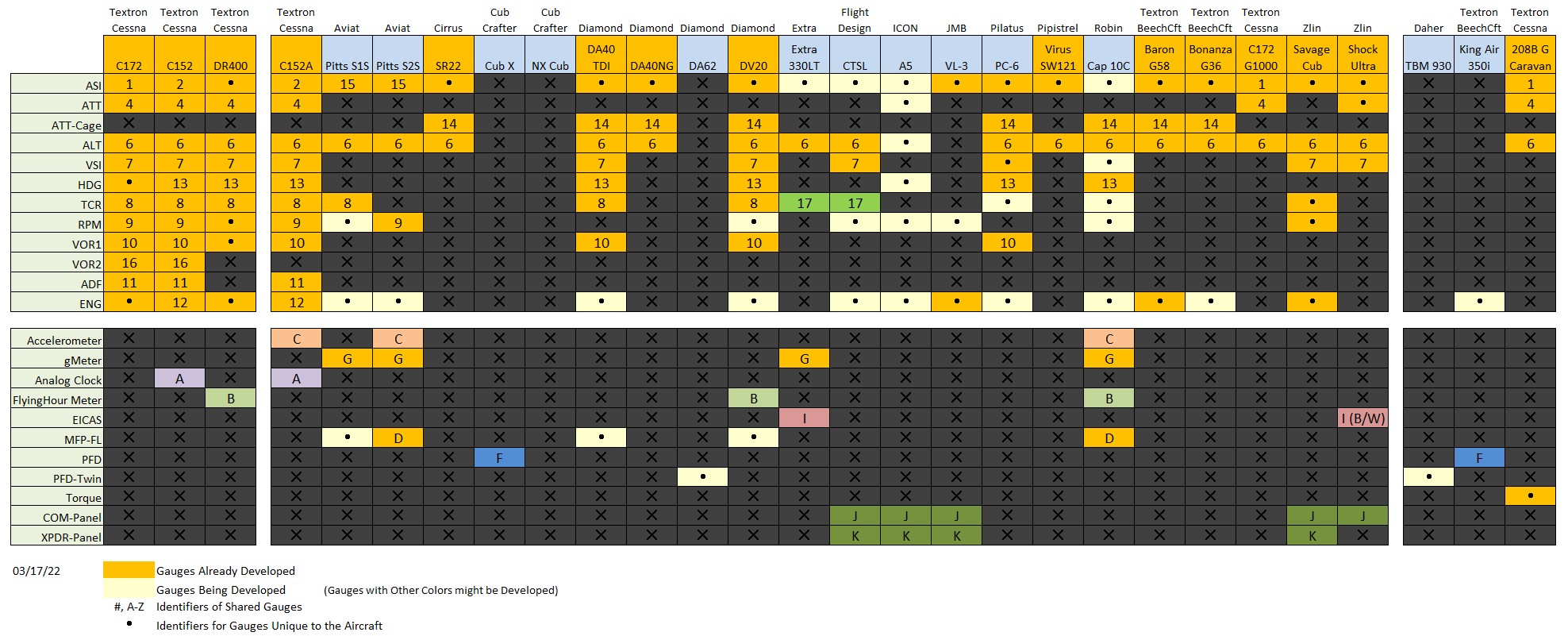 Via the table, one can check out the usage of each instrument on different aircraft according to the reference number or alphabet assigned to them, and further find out what gauges are included or not included from the cockpit layouts captured below.
Update 1: The number and alphabet indications are added to the corresponding gauges in respective cockpit images for clearer references.
 FS Times