
Rudder Pedals are hard to optimize because one good setting is unlikely to perform equivalently well on all types of aircrafts. In association with the setting shown below,
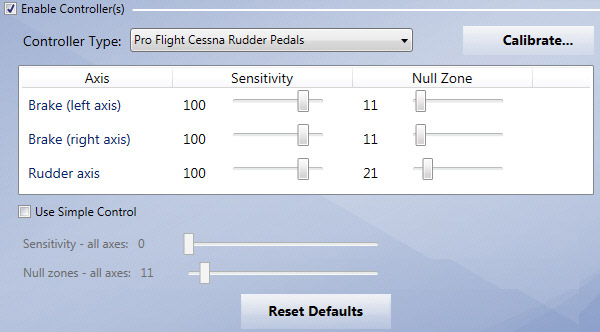
I normally will Continue reading
Rudder Pedals are hard to optimize because one good setting is unlikely to perform equivalently well on all types of aircrafts. In association with the setting shown below,
I normally will Continue reading
Update: I’ve just got my refund back from A2A. There wouldn’t be a solution to the FIP gauge issues, at least not for the short future. Frankly, the product is quite good. What a pity!
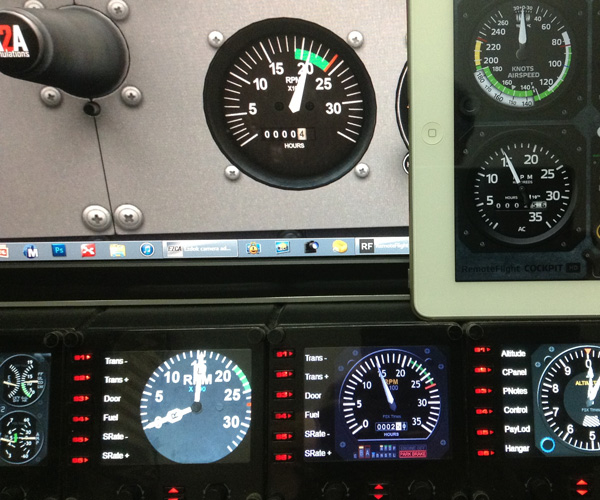
Despite the excellent design and graphic renditions, the A2A C172 Trainer is really a migraine when coming to the Saitek gears. Gauge reading problems encountered have been reported on its support forum but so far non solution is reached.
Followings are images showing the RPM readings on Saitek’s FIPs, iPad’s RF Cockpit and FSi C172 Cockpit. The readings on all these platforms are consistent. But not the A2A C172 one.
The newly released A2A C172 Trainer is quite troublesome. Despite the various Saitek accessory incompatibility issues waiting to be solved, the aircraft can mess up the EZDok Camera settings of the default C172 as well. Because the aircraft is using an atc_model name of C172, which is exactly the same as what the default C172 is having.
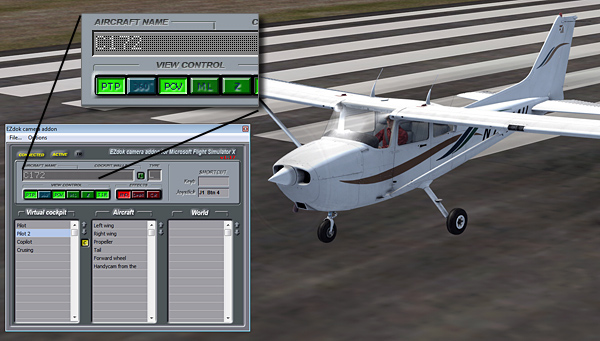
If you are unaware of this and Continue reading
I am a bit exhausted in “fixing” the various issues of the C172 Trainer in the last few days.
Obviously, I am not the only one facing the dilemmatic situation. I particularly like the saying from jgraddon who put down on the support forum about the situation that he faces:
It seems I may have paid $49.99 for the privilege of being a beta tester once again.
It is exactly how I feel.
Just purchased the A2A C172 Trainer after Matthew Porter who notified me that the aircraft is now available from its store. After flying it for about an hour, the impression that this C172 gives me is sharp and responsive. Graphics is stunning. Also simmers can access many information via pressing the [Shft] + number keys.
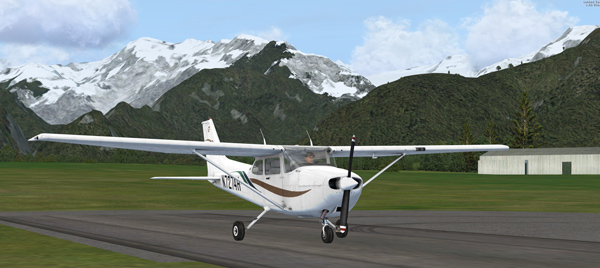
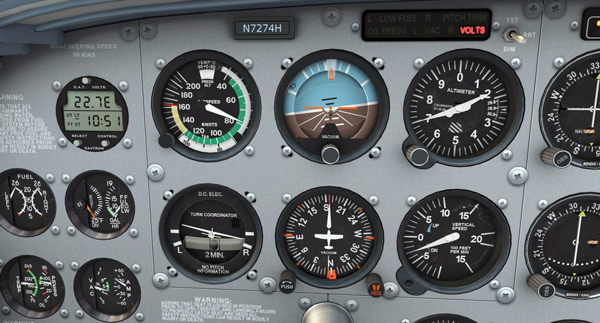
Unfortunately, the aircraft doesn’t recognize some of the FSX functions via the buttons on Saitek panels or FIPs or by pressing the keyboard.
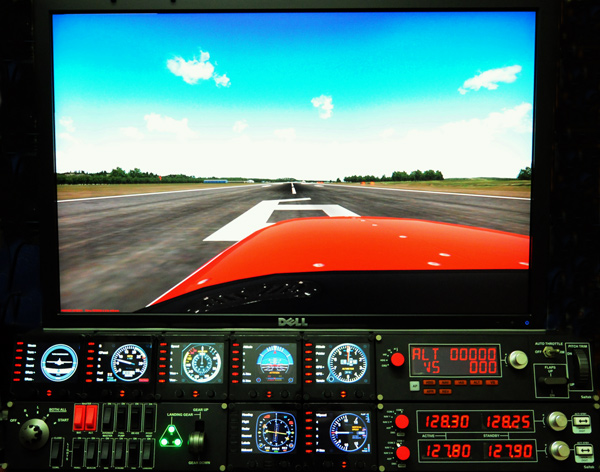
With the installation of 7 FIPs, my ultimate cockpit views defined and used since May 2011 have been changed as follows:
1. Landing/Takeoff — showing the hood from the pilot seat on the left
2. Cruising — showing outside scenery only
3. Normal Cockpit — used only when FIPs are turned off

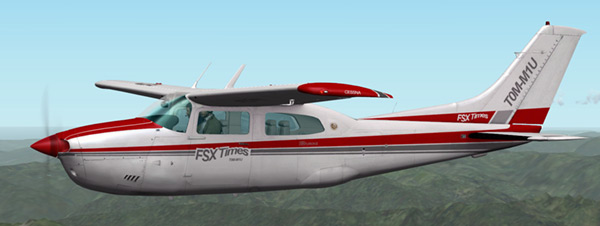
Ever wanted to create some custom liveries for your favorite aircrafts? Here’s a simple step-by-step guide how I create mine for the Centurion T210.
FSX keeps an up-to-date history of the number of hours an aircraft flew, although not all aircrafts display such information.

Centurion T210 and the default Cessna C172 are both equipped with this type of display. Should someone wants to change it for any reasons:
Not recommended to push it too far; otherwise, you may soon need a new aircraft —- Just kidding.







 FS Times