
The Aircreation SL582 in FSX/P3D was one of my favorite aircraft since I like low and slow VFRs. In MSFS, I prefer the Aerolite 103 by Nemeth Designs over it for similar flights. In particular, the dynamic rotary-style ADF and ADF Signal Reception Features are fun and useful.
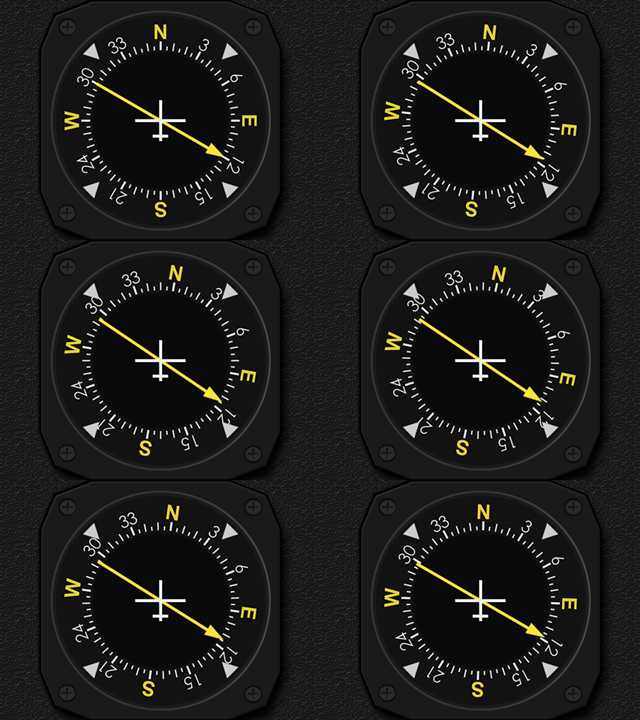
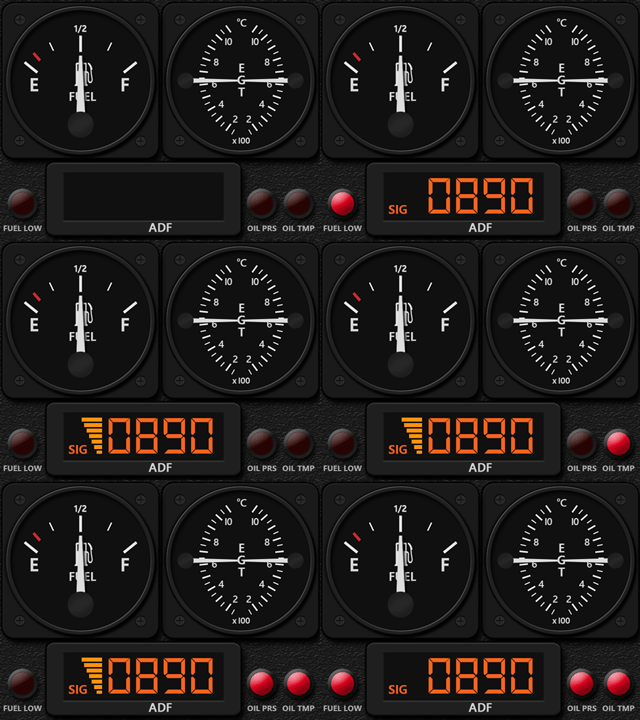
The other three gauges Continue reading
Gauges
691: G1000 on FIP now MSFS Compatible
Regarding Simgeneering’s G1000 MFD implemented for Logitech’s Flight Instrument Panel 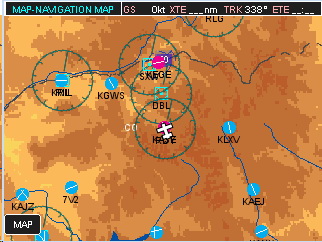 (FIP) reported in Post 677, do you like me feeling a little disappointed since it is for FSX only?
No more, John, the developer, informed me that he has created a new version of the MFD that is compatible with MSFS now.
Besides needing more memory, system requirements are generally the same as the previous version. That’s great.
You can check out more information about the MSFS version on John’s Simgeneering here.
Do note that this G1000 MFD requires Continue reading
690: Zline Savage Cub Gauges Released
Unlike FSX and P3D, MSFS chooses the Zlin Savage Cub, instead of the Piper Cub, as one of its default aircraft. Nevertheless, they are both fun to fly with.
And here’s the Bundle Gauges developed accordingly, including the Airspeed Indicator, Tachometer, Engine Cluster (Oil Press, Oil Temp, Cylinder Head Temperature), and Wet Compass with Inclinometer. Together with the Multi-shared ALT and VSI, they generally covers all essential gauges for the Cub.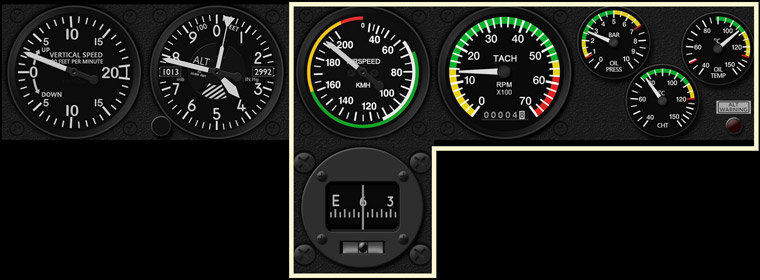
In addition, Continue reading
686: More Just Flight PA28R Gauges Released
Except the Engine Cluster, seven (7) more gauges for the Just Flight PA28R Arrow III were just released, including the ADF, ALT, ATT, HSI, TCR and the 2 VORs.
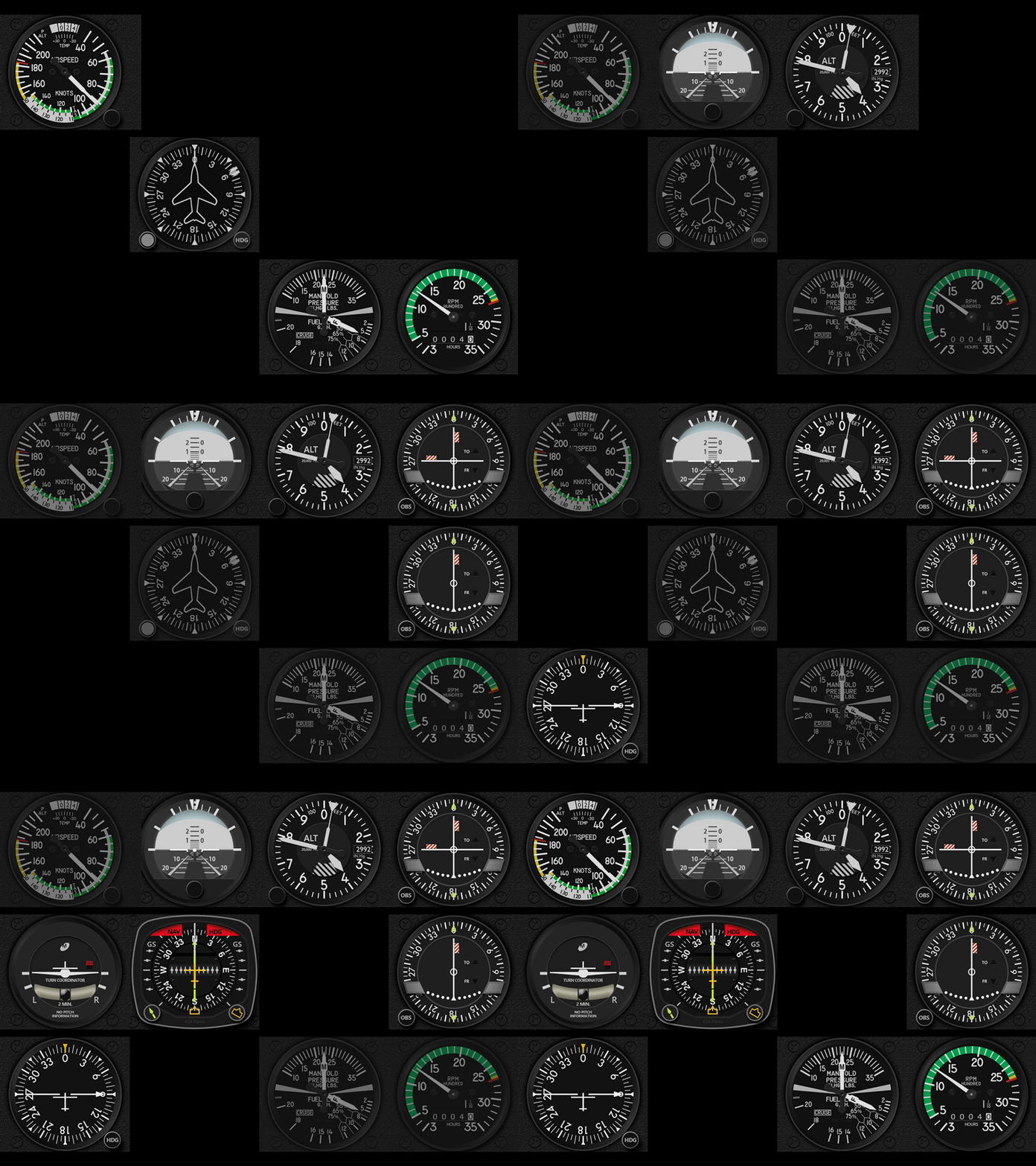
And what’s more, from the previews of the company’s coming PA-28R Turbo Arrow III/IV and PA28-161 Warrior II, many of the gauges are very likely to be compatible with them as well.
An introductory discount Continue reading
685: GPS Navigation Enforced
Without a flight plan, the NAV needle (or CDI) on the VOR(s) will always stay in the center when the GPS Mode is selected:
Otherwise, when a flight plan is active, the needle will Continue reading
681: AC582SL MSFS Version
The Air Creation 582SL was my favorite ultralite trike in FSX/P3D, for which I developed FIP Gauges for it a few years ago. I am so glad to find a remodeled MSFS version of it in Flightsim.to, which seems attracted a lot of interests now.
Had it installed and flied with it for some hours. Frankly, wouldn’t say that it is as good as the original. But at least it is playable. In particular, my original AC582SL gauges can fully work with it without any issue, including the backlit too.
I have modified the gauges Continue reading
677: G1000 on FIP is now Possible
Have you ever had an idea if the G1000 instruments could be shown on the Logitech’s Flight Instrument Panels (FIPs), it would be great?
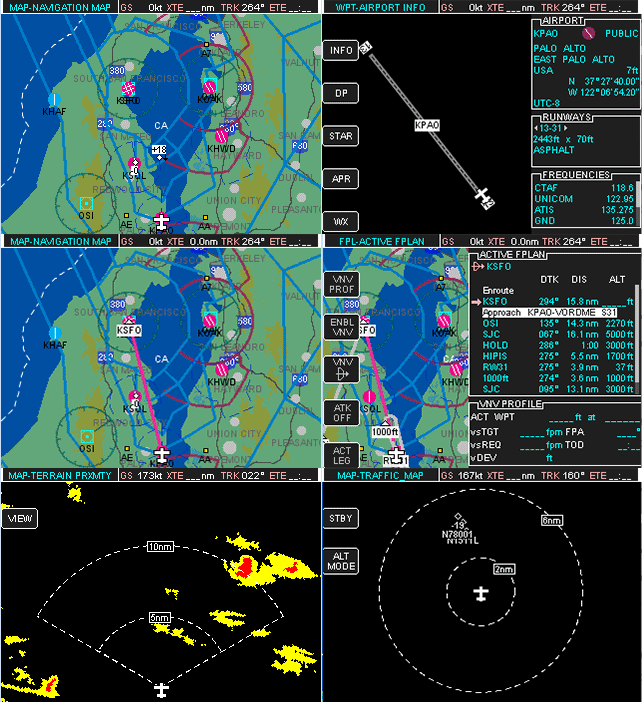
It is possible now.
John of Simgeneering, a private pilot in New Zealand, said he was inspired to create his own since he couldn’t find one on the market for his instrument rating training.
So far, he has implmented an emulator for the G1000 MFD (Multi-function Display), which Continue reading
675: XPL_GaugeSwitcher v11 Update
The XPL_GaugeSwitcher, which helps users running my Gauges under Logitech X-Plane plugins, has been updated to version 11. 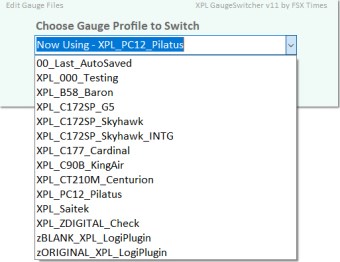
Besides new features, enhancements and optimizations, two ready-made Profiles for the B58 and C172SP are included to the new version so that users of these gauges can start flying with them immediately.
For those who are currently using the XPL_GaugeSwitcher with custom-made Profiles created already, no worry. Continue reading
668: The MSFS GaugeSwitcher comes at last
For users running my FSX/P3D Gauges under Logitech drivers/plugins, I developed a utility called GaugeSwitcher to help them quick call up different FIP setups to match with the different aircraft being flown.
Here it comes the MSFS version of it at last. 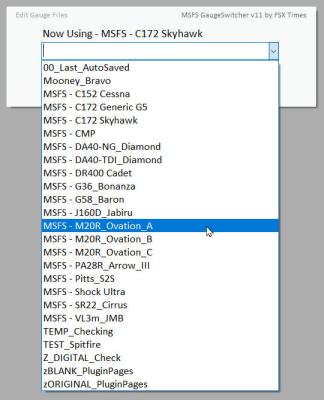
Besides new features, enhancements and code optimizations, I have included four ready-made Profiles for the C152, C172, DR400 and M20R, so that users of these gauges can start flying with them immediately.
Download Link has been sent earlier today and it should be in the mailboxes of the MSFS Gauges users by now. If not, contact me via email or Comment section below.
Sorry, Continue reading
 FS Times