641: MSFS C172 Engine Gauges Updated

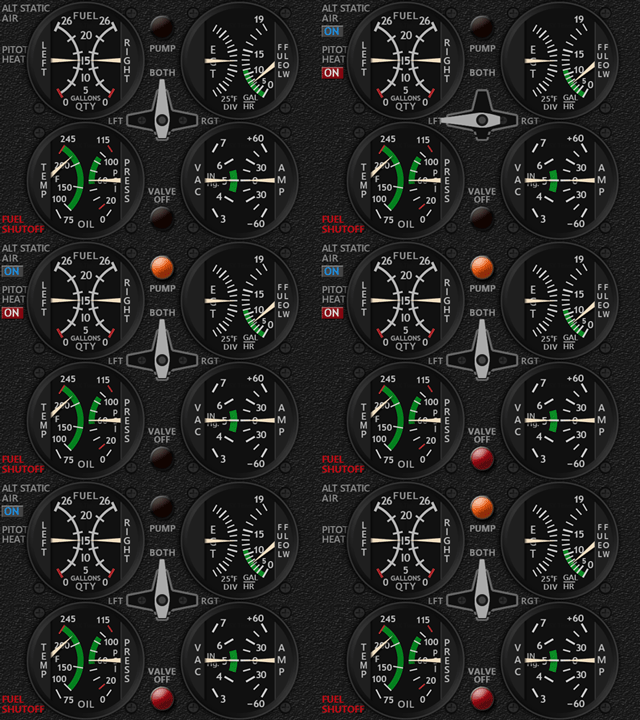
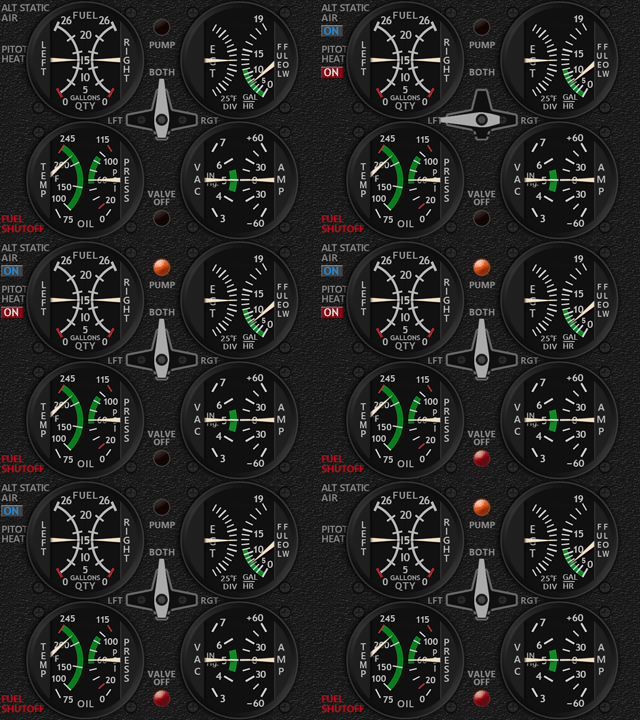
The MSFS C172 Engine Gauges has just been updated with smaller fuel pump

and valve off indicators, so that they are not stressed too much and still significant enough to be noticed when activated.

Users of the Engine gauges could use the same download link to get the updated file and reinstall it to overwrite the older version.  If the link is discarded, Continue reading

640: MSFS C172 Engine Gauges Delivered

The Engine Gauges for the C172 in MSFS has been done earlier today.  This completes the C172 MSFS Gauge Set.

New elements, such as the flashing indicator for Fuel Pump, are added to the design to make it more interesting to use.

The Engine Gauges for the C152 and DR400 are being worked on and should be ready as scheduled before the end of month.

Continue reading

634: MSFS Gauges Batch #2-3 Delivered

Have burnt some mid-night oil in the last few days to finish the remaining gauges (except the Engine Gauges) for the MSFS C152, C172 and DR400 bundles as soon as possible.

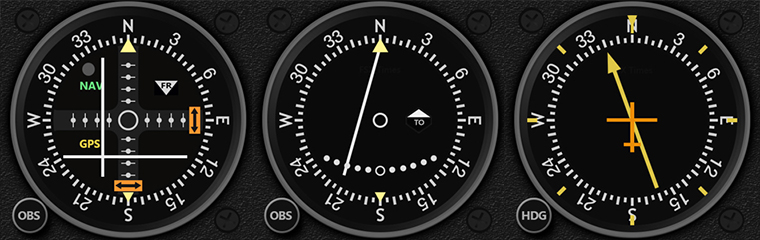
Glad that the last few Navigation gauges have done and sent out earlier today. 
Will take some breaks before moving on to the Engine gauges as well as some documentations plus the MSFS specific GaugeSwitcher.

Continue reading

633: MSFS-Specific Gauges Batch #1 Delivered

The first seven gauges for MSFS C172 have been delivered, including the ASI, HDG and multi-shared ATT, ALT, VSI, TCR and RPM.

Besides customizations, there are new assisting features added to the extended version of the gauges as follows:

  • Pop-up Style Ground Speed (GS) indicator on ASI while the aircraft is on the ground — good for controlling taxi speed
  • Pop-up Style Parking Brake, Overspeed and Stall Warning on ASI
  • Pop-up Style Above Ground Level (AGL) indicator on ALT while the aircraft is below 500 feet above ground
  • Pop-up Style vertical speed indication on VSI while the aircraft passes the 2,000 feet vertical speed limit

Continue reading

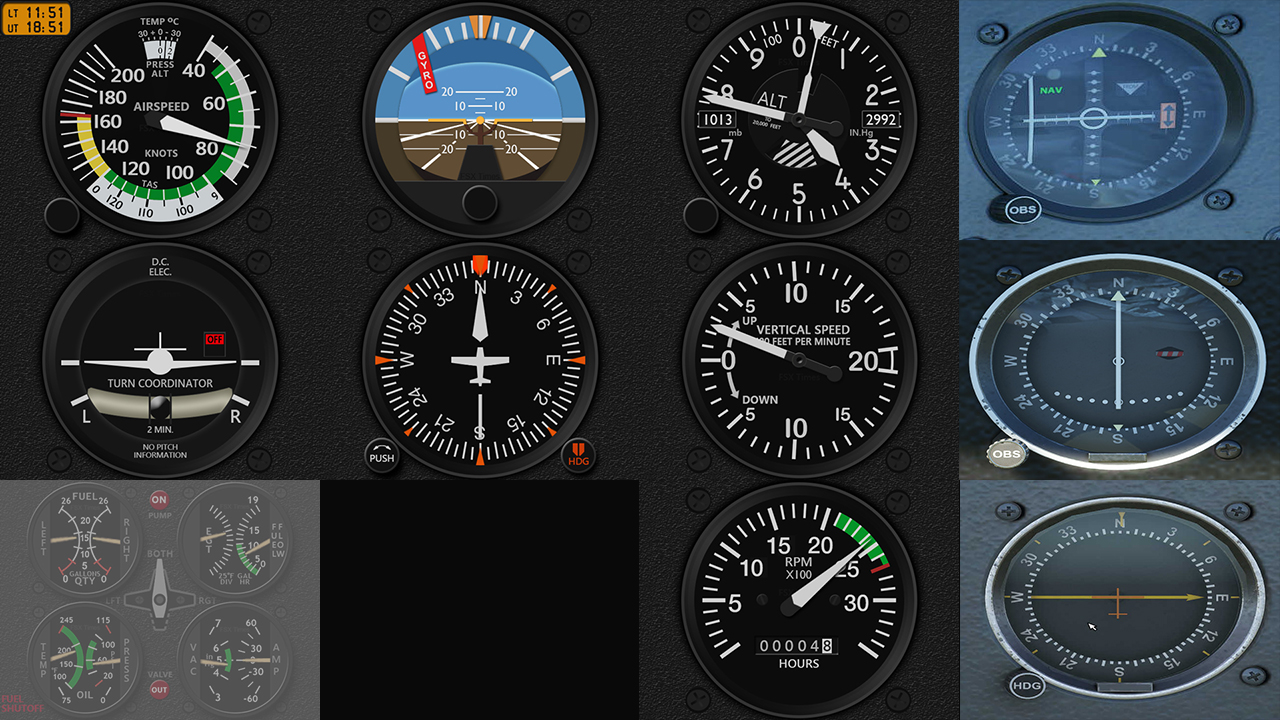
632: MSFS-Specific Gauges Update 1

Followings are the image updates for the MSFS-specific gauges being developed.  Some of them are completed in general but I will keep them for now because there are still new changes coming up for style consistency.

The C172 Bundle – Click for larger Image

Continue reading

630: MSFS-Specific Fip Gauges Pre-Sale

As reported in Post 627, all my FSX/P3D line of gauges are virtually compatible with MSFS.  However, since most of these gauges were based on specific aircraft in FSX/P3D, their layouts and styles might be different from those instruments on the same or similar aircraft in MSFS.  Some features on these FSX/P3D gauges, therefore, might perform differently in MSFS, too.
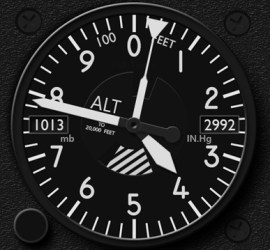
At the moment, three new series of FIP Gauges custom-made for MSFS have been planned.  They are the C172, C152 and DR400, in which their gauge line-ups are corresponding to the C172SP, C152 II and DR400 bundles in the FSX/P3D line, but might have variations in the new version.

Special pre-sale discount offers will be given to all existing users of my gauges (up to 40% off) as well as new users (up to 30% off).

Anyone interested in the pre-sale offers could check out the details here. To make things simpler, pre-sale offers are bound to bundle packages only.   Continue reading

628: The Missing FipGuages.xml is Found

Have found the actual workable FipGuages.xml (which stores the FIP gauges line-up information) reported missing in Post 626.  Now all basic information regarding Logitech panels running with MSFS-plugin is complete.

The file is stored under the C:\Users\tomts\AppData\Local\LogiMicrosoftFlightSimulator directory.  The one comes installed in the Plugin directory (C:\Program Files\Logitech\Microsoft Flight Simulator Plugin) is fake.

A new GaugeSwitcher utility for the MSFS plugin Continue reading

627: MSFS-Compatible Gauges Clarification

After reporting that my existing FSX/P3D Gauges can be run with the new Microsoft Flight Simulator (MSFS) via Logitech’s MSFS plugin, or the latest FSUIPC, or SPAD.neXt in the last few Posts, I received some emails asking for more details and clarifications about this MSFS-compatibility and my plan on MSFS specific gauges.

Here’s the reply to those who are interested: Continue reading

626: Logitech’s MSFS Plugin is Good but Not Perfect

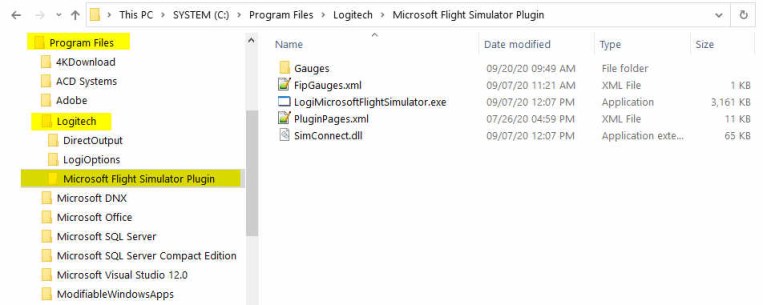
Just installed the Logitech’s Plugin for Microsoft Flight Simulator earlier today.  The content of it is saved onto the C:\Program Files\Logitech\Microsoft Flight Simulator Plugin folder.

The Plugin works more or less the same as the company’s Plugin for X-Plane — once it is installed, you can forget about it.  The plugin will activate automatically with the simulator, allowing panels to communicate with MSFS accordingly.

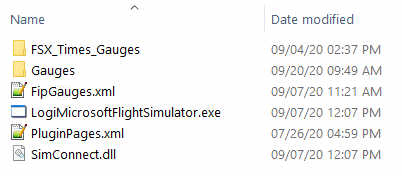
To use my gauges with this new Plugin, just further copy the FSX_Times_Gauges folder and the LogiFlightSimX.xml file from C:\Program Files (x86)\Logitech\FSX Plugin to this directory, and rename or copy the LogiFlightSimX.xml to replace the PluginPages.xml file.  That will do.

However, Continue reading