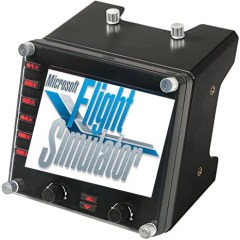
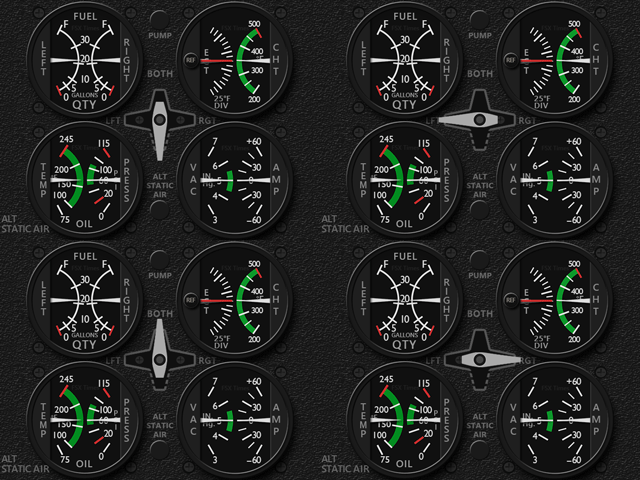
625: New Logitech Plug-in for MSFS

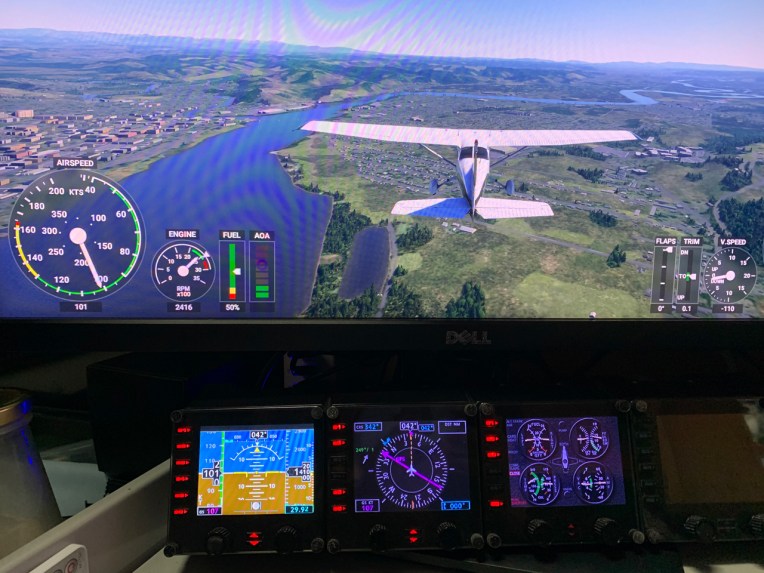
Reported by David Bechkett that Logitech has now released a MSFS 2020 Plug-in for all Logitech Saitek Pro Flight Panels including the Radio Panel, Multi Panel, Switch Panel, and the Instrument Panel.

Apparently now SIMCONNECT, FSUIPC, and other 3rd party plug-ins are no longer required to use the Logitech Panels with MSFS 2020. All of the Logitech panels will now be recognized by MSFS 2020 if you download the Logitech Plug-in from the Logitech Support site.
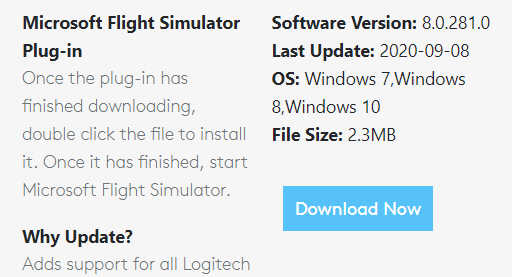
Just search for the Panel that you have and in the downloads section you should find the new plug-in.   Here’s the link: https://support.logi.com/hc/en-gb/articles/360024692354–Downloads-Flight-Multi-Panel

That’s great news. Thanks very much, David.  Continue reading
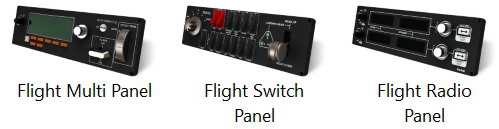
624: Running Logitech Panels in MSFS

I pulled out my Logitech Panels from storage earlier today.   After a few hours testing, they are successfully communicating with MSFS via FSUIPC 7, like the FIPs.

Followings are the steps I found the most effective:
Continue reading

621: Running FIP Gauges in MSFS with Logitech Drivers

I am excited to inform you guys that FIP gauges under Logitech Drivers can actually be run properly in MSFS without the need of SPAD.neXt or other similar utilities available on the market.   In other words, all existing FSX/P3D gauges in my store are MSFS-compatible ready, despite whether Logitech will have updates supporting MSFS or not.

To run the FIP gauges using Logitech Drivers in MSFS, all you need Continue reading

619: XPL G5 with GPS Approach Implemented

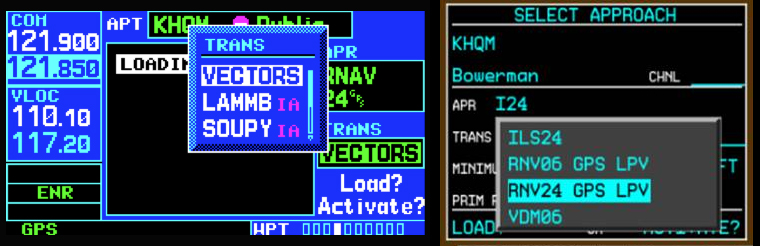
Thanks to Michael Sühs who kindly explained the operation of the GPS Approach on the GNS 430 and G1000 to me, the XPL Generic G5 HSI and PFD for X-Plane have been updated to R1r03 and R1r05 respectively with GPS Approach capability.  In addition, some bugs were fixed on the two instruments as well.
Download Links have been sent earlier today.  Current users should have received the email(s) in their mailboxes by now.   If not, Continue reading

618: XPL C172SP RPM & VOR1 Updated

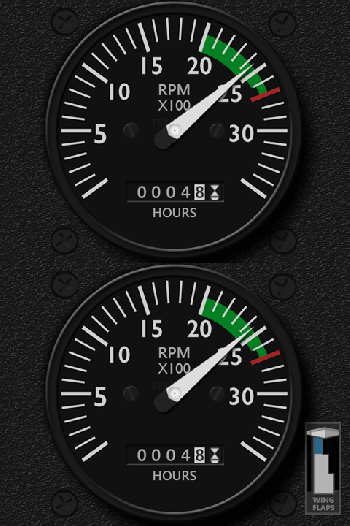
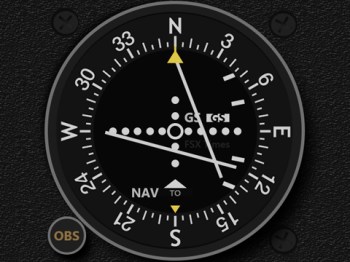
The RPM and VOR1 gauges in the XPL C172SP series has been updated to r01 with some bug fixes.

Download Links have been sent earlier today.  Current users should have received the email(s) in their mailboxes by now.   If not, Continue reading

617: My FIP Gauges and MSFS

The update patch for MSFS is out, which claims to solve many issues in the first release.   I still haven’t tried re-installing MSFS yet due to various personal matters.   But surely will do it again very soon.
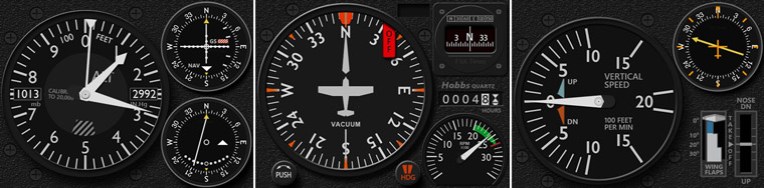
During these days, have received many emails questioning about the compatibility of my FIP gauges with MSFS.

Frankly, due to my current situation of not an MSFS user, I am really not a good person to give a proper answer.

However, some users of my gauges have reported successfully running FIP gauges in MSFS Continue reading

616: Integrated Gauges for XP C172SP

In a survey conducted last year regarding the format of FIP gauges, 68% X-Plane users were interested in the Integrated layout of the C172SP gauges.  After a year’s waiting, here it comes at last.

Instead of having seven gauges in the FSX/P3D version, there’s only 3 integrated gauges in the X-Plane version: ALVOR (Altimeter with VOR1 and VOR2); VSADF (Vertical Speed Indicator with ADF); and HDCMP (Heading Gyro with Wet Compass, Engine Hours and RPM Indicator).

Nevertheless, Continue reading

608: New Cessna Compass

From time to time I receive inquires if my FIP Cessna Compass has a simpler version.  Some say that they don’t need the light buttons and some simply express they want a clean one without any additional features at all.

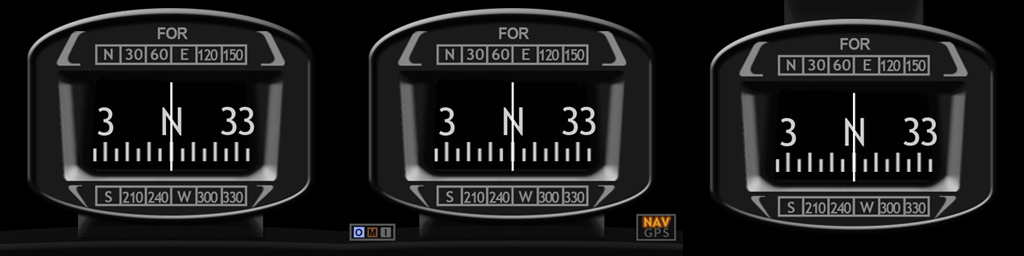
All right, as you wish.  The Clean version is on the left (click image to enlarge), the Extended version with OMI markers and NAV/GPS indicators in the middle; and the extra Hover version is on the right (good for cockpit layout having the compass put on top).

What’s more, they are free to all existing users (by the time of this post) of the Cessna compass gauges. Continue reading

606: ReConfigure FIP Knobs for A2A C182T

A user of my Integrated Fuel Gauges (INTFG) for the A2A C182T recently asked if it is possible to reconfigure JUST the left or the right knob on the FIP to handle all fuel tank selections, instead of using both knobs for the left and right tank individually as I predefined for the gauges.

Yes, it is possible via SPAD.neXt.  Here are the steps: Continue reading