
The project for the RealAir Duke Turbine V2 gauges have been started for nearly a month. At present, the Airspeed Indicator (ASI), Attitude Indicator (ATI), Horizontal Situation Indicator (HSI) and Turn Coordinator (TCR) are now ready, in which the latter three share the same gauges on the Duke B60 as well.
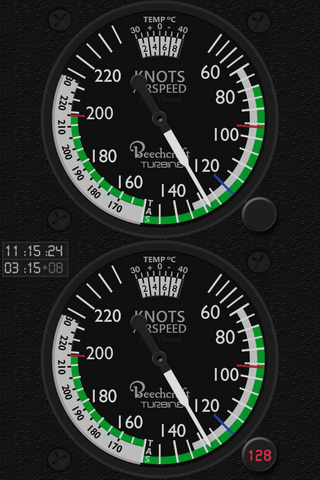
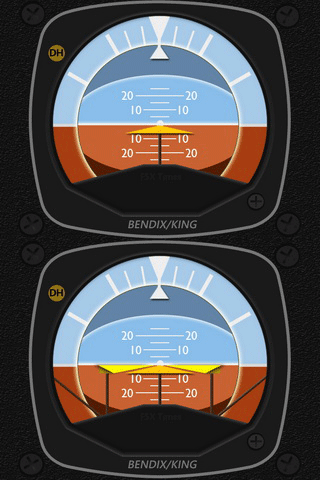
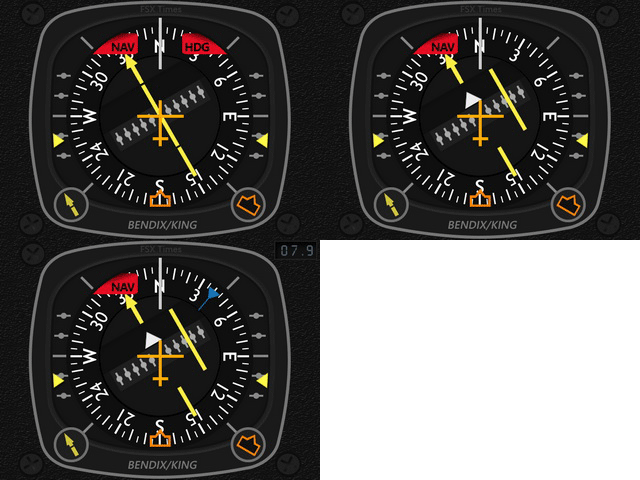
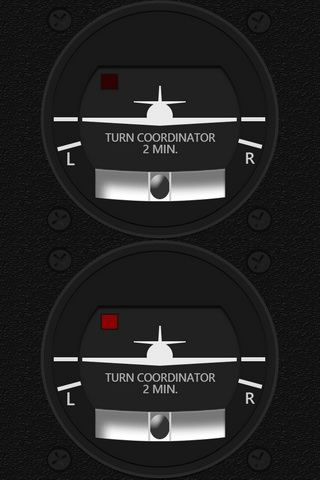
Similar to the last B58 Baron/Carenado project, Continue reading
Gauges
338: Video of Aircreation 582SL Gauges
Per some friends’s request, here’s a short video showing what the Aircreation 582SL gauges look like on the screen.
BTW, many default FSX aircrafts are portable to P3D. For example, I’ve been using FSX’s C172 SP in P3D for years without a problem.
Just copy the whole Airplanes folder from one platform to the other. That will do.
Surely, for some aircrafts, you may need to copy their respective gauges and sound files from the “\gauges” and “\Sound” folders.
337: Gauges for the Low and Slow
The Aircreation 582 SL is probably the very first aircraft almost all users start to fly with in FSX. It once was my favorite too as it is not only simple to operate but also can fly low and slow.
Had thought about doing the FIP gauges for this tricycle ultralight long time ago. With the Chinese New Year timeframe over the last few weeks in which I enjoyed a bit more free time from taking care of my little grandson (he is one-year-old now), I finally had the gauges done.
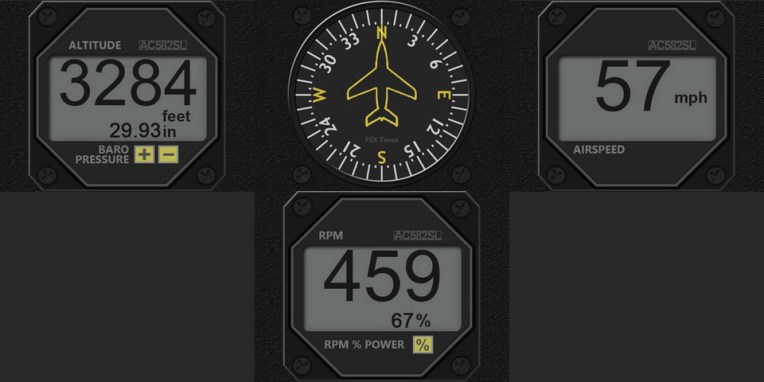
Now, I can fly very low and slow again to enjoy the view and scenery in simulator I missed a lot for a long time. Continue reading
335: The B58 Gauges are Ready Now
The long waited B58 Gauges are ready now.
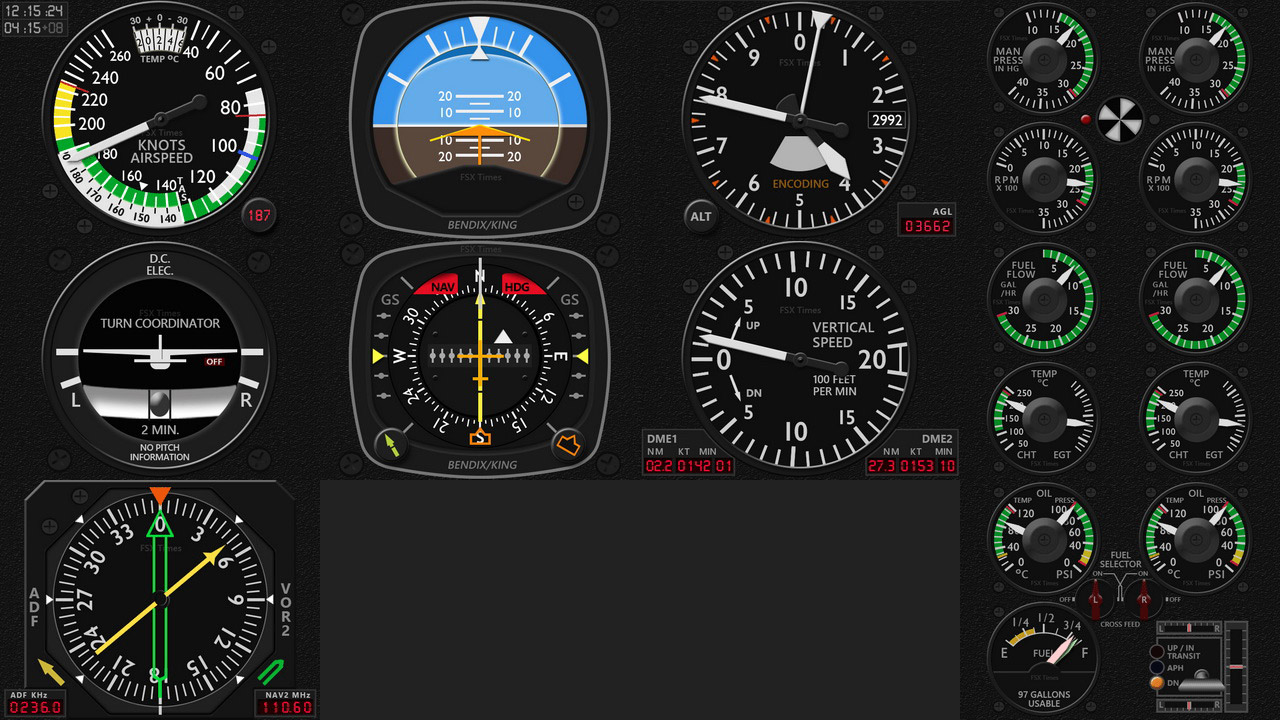
The B58 gauges come in two different versions — one for the default B58 and one for the Carenado B58.
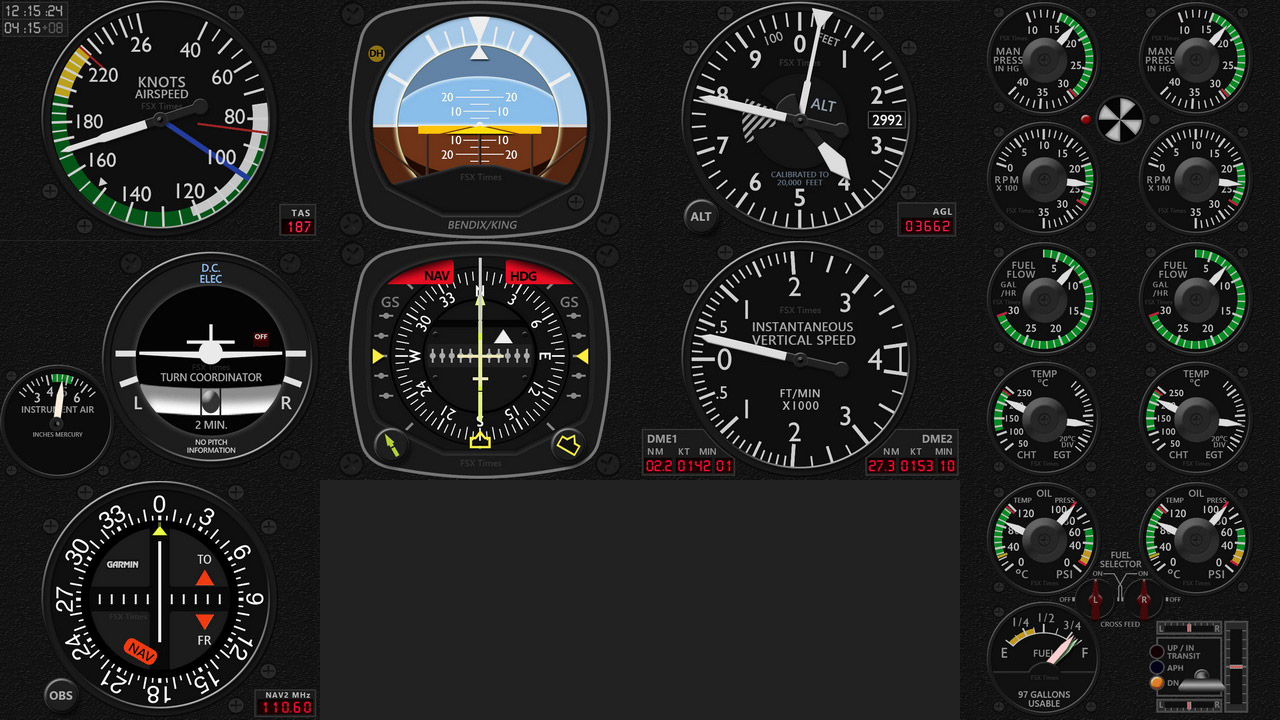
Although the two gauge sets look similar in some ways, there are actually many subtle but notable differences between the two in terms of design and coding implementations. And the same gauge from the two versions could act differently in many occasions. It is one of the reasons dragging my original plan behind. Continue reading
333: Switching Between Gauges
With the addition of the new A36 and the coming B58 Gauge Series, a friend Steve (and others) who asks:
After installation, what’s the prefered method for choosing between the A36 gauges and the C172 gauges, when going back and forth? Will the C172 gauges remain the default, and then you just scroll through the gauge choices on each individual gauge using the FIP up/down arrows to bring up the A36 gauges?
Here’s the solution:
The switching in the video is Continue reading
332: A36 Bonanza Gauges Now Ready
The Installer Program for the Carenado A36 Gauge Series is completed. Those who took the pre-sale offer should have received the download link in their mailboxes already.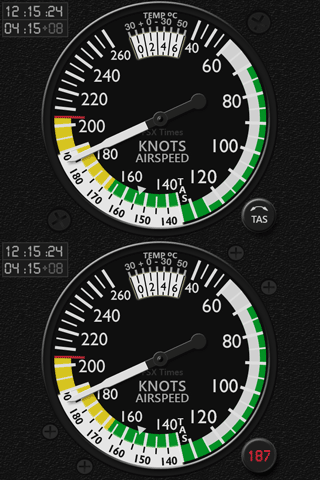
In this official release, an extra standalone gauge plate for the Turn Coordinator is included. Local and Zulu Time Clocks are added to the AirSpeed Indicator. The True Airspeed Digital Display shown in the last preview has been moved to a position overlaying 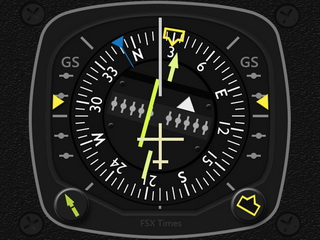 the TAS button.
Besides the Flight Director features on the Attitude Indicator (see my Post 327), a Wind Direction Indicator on the HSI gauge and Centering Indicators for the Aileron and Pitch Trim Wheels on the ADF gauge are also added for easy adjustments.
All these last minute touches tend to render Continue reading
328: A36 Bonanza Gauges Ready to Release
I was planning to have the Baron B58 Gauges to release first. However, due to some unexpected issues, it has been delayed (shouldn’t be long) and gives way to its sibling A36 Bonanza.
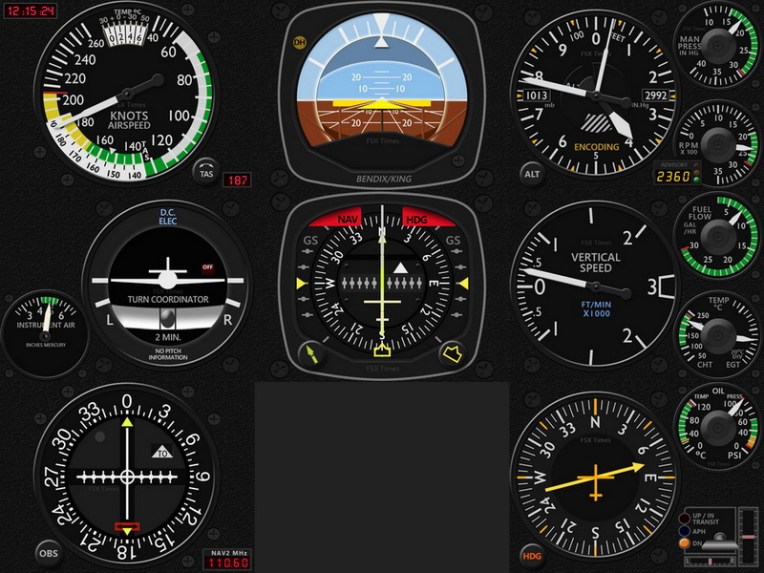
In general, the gauges on the Carenado A36 (also come with Prepar3D by default) are pretty similar to those on the B58, except that the number of the engine gauges is half of those on the B58.
Due to the same reason, Continue reading
327: B58 Attitude Indicator Video Preview
Here’s a video preview highlighting the Flight Director Bar on the soon to be released Baron 58 Attitude Indicators for the Flight Instrument Panel (FIP).
325: GPS Navigation Fix for VOR1
Trevor Bagnell in Canada recently reported that when NAV1 radio is controlled by the GPS signal under a filed flight plan, the Standalone C172 VOR1 gauge (Integrated as well) doesn’t respond accordingly.
With no flight plan, he said, the localizer needle on the VOR1 of course remains centered when the NAV/GPS Switch is toggled to GPS.
But when a flight plan is active, the NAV1 radio will be controlled by the GPS signal. The localizer needle on the VOR1 should deflect accordingly.
The virtual panel gauge localizer needle reacts to being off the centreline of the flight plan. The FIP gauge does not, he added.
Trevor submitted a video explaining the case as follows: Continue reading
 FS Times