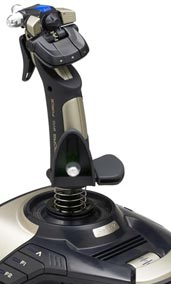
150: A Quick Fix to TrackIR 5 Error

I’ve been using TrackIR with no problem until this morning.   When it was loaded, the screen popped up with a  message box as shown to the left.   After the OK button was pressed, another error showing up saying that TrackIR had stopped working due to some system issues.
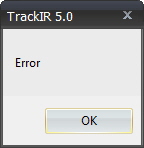
Tried uninstalling and reinstalling the driver (either new or old), as well as turning off and on the computer, several times.  The error persisted.

A few people reported the same issue on NaturalPoints’ support Forum here.    Mike from the company replied that the issue was caused by an OpenGL conflict between Radeon latest driver (12.4 in my case) and TrackIR driver.    He said he could provide replacement files and instructions to solve the issue.  Continue reading

144: Remove Burn-In Marks on FIPs

During the installation of Saitek’s Flight Instrument Panels (FIPs), a few images of the company’s other products will also be copied to the device’s driver directory.    These product shots, since they are useless, can be  removed or replaced easily (see my Post 28: Flight Instrument Panel Tweak – Part 1).   However, by doing so, the FIP will show the serial number screen all the time when FSX is not engaged.

Saitek’s official states in the company’s product forum that because the intensity of the LCD is so mild that the screen of FIP won’t get hurt even it is left on for a long period of time.

Above situation stayed true for more than two years for my first three FIPs until I bought two more FIPs for my system recently. Continue reading

139: Profiling TrackIR Effectively

Updated: 3-Jan-2012
It is for sure that TrackIR enhances flightsim reality.    However,  it also easily causes eye fatigue and dizziness when it is not proper set.

Following is how I configure the TrackIR profile for FSX on my 30-inch monitor:

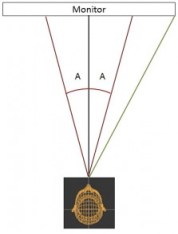
When in FSX, the focus of my eyes mostly falls within the range roughly spreading across the mid-points between the center and the edges of the monitor on both sides.    It is about 20 degrees (A) on each side from the center or 40 degrees (A+A) in total around the center  (See the image on the right).

Within this 40-degree area, my head moves very little while my eye focus changes.   Beyond that, my head starts to turn more significantly. Continue reading

134: Bye Bye Eclipse Yoke

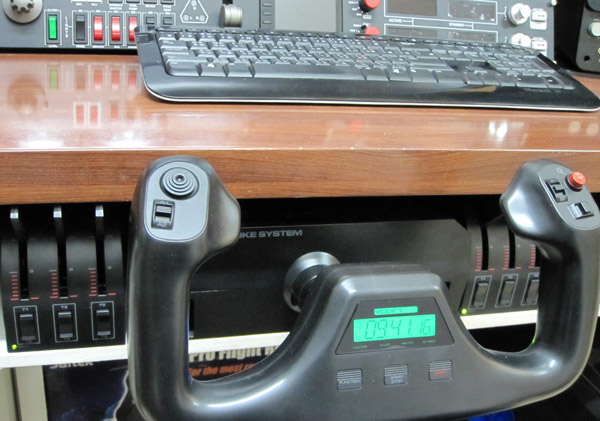
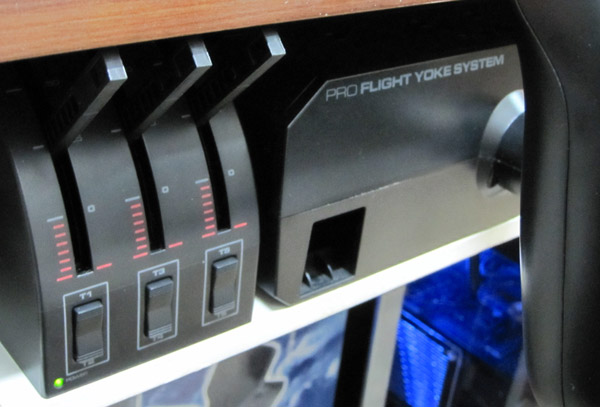
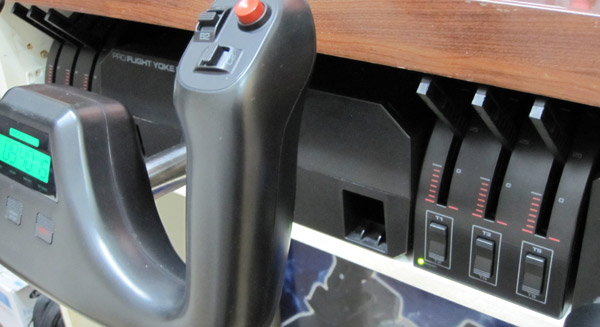
Even though I managed to mount the CH Eclipse Yoke to the panel compartment under my desk recently, I have no choice but to replace it back with the Saitek Pro Flight Yoke eventually.

Although I prefers the handy features coming with the Eclipse Yoke in a compact form factor, the quality of it, both built and performance, is really under par.   Furthermore, it was so annoying to encounter this and that issues and misalignment from time to time.    So I am back with the Saitek Yoke and accompany a Throttle Quadrant on both sides of it.

This slideshow requires JavaScript.

Continue reading

130: Radeon Settings for HD6970

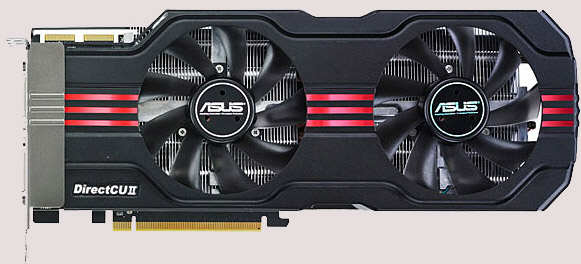
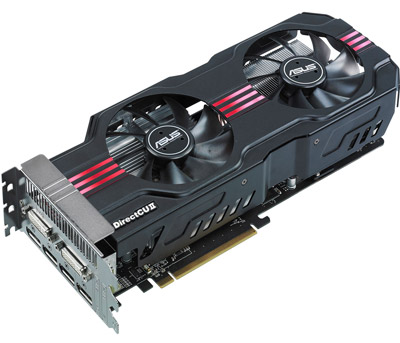
In terms of FSX performance, my newly added ASUS HD 6970 Direct CU II graphic card is just slightly better than my previous ASUS Matrix HD 5870However, it does bring a better image quality and a much cooler and quiet environment to my system.  Moreover, the card allows connection up to six monitors, giving me flexibility when planning for future multi-monitor system upgrade.
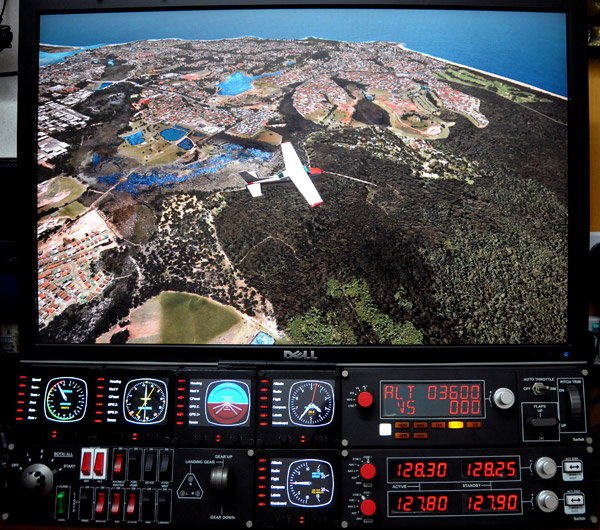
The Radeon driver I am using is the latest 11.11 (updated on Nov-28).   Despite the new features come with the new driver, the Mipmap Detail Level option in 3D Application Settings was gone for the HD 6970.    Moreover, the Wide-tent and Narrow-tent filters of Anti-Aliasing were combined into one Edge-detected filter.

Continue reading

126: New Gear Added

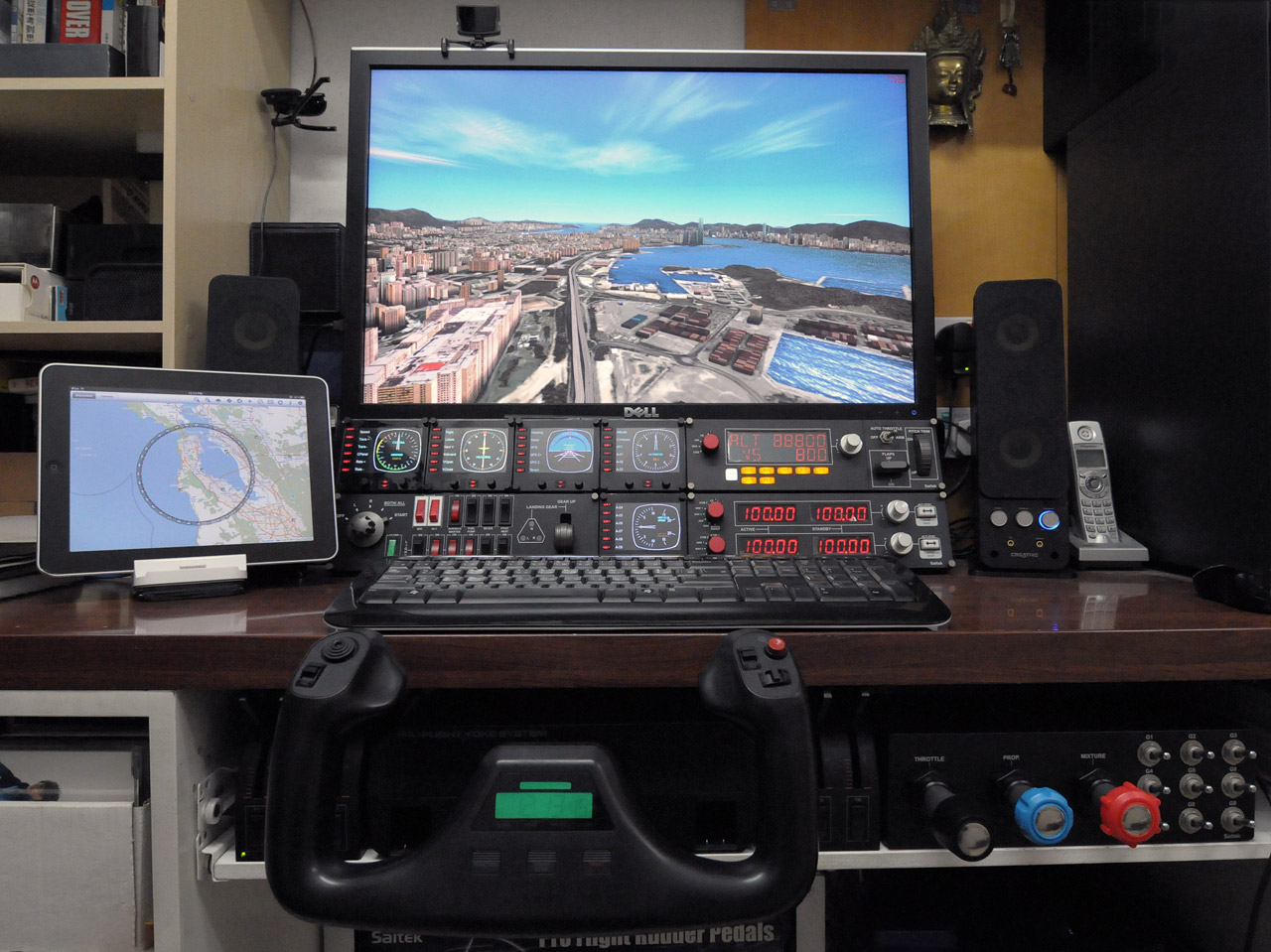
Lately, I have been busy on playing with my new gears that I’d been longing for quite some time.    Two additional Saitek Flight Instrument Panels (FIP) were finally added to my system, which completed my Saitek collection  —  well, at least for the moment.

And the ASUS HD 6970 Direct CU II, which replaced my ASUS Matrix HD5870, brings a better image quality and a cooler and quiet environment.    Also, it allows me to upgrade to a multi-monitor system in the future.

However, both new gears require adjustments.   In particular the HD 6970, it requires quite some patient in order to achieve a satisfied result better than the previous setup.    Updates and settings for both new gears will be posted soon.

120: AMD Radeon Driver 11.9 Update

Just updated my Radeon driver to 11.9 for a few days.

My impression from the overall result of the new driver is more or less the same as when I did the 11.8 update — no obvious increase in fps but feel a little bit smoother.   Seems like the driver is getting better every time it updates.   Maybe it is psychological since no direct comparison could be made.   Anyway, don’t see any performance hit either.

Settings for the 11.9 driver remain unchanged as in 11.8.

Read some posts reporting the drop in fps after the 11.9 udpate.   No idea what causes the issue but Rebuilding the Shader Cache may help.

In particular for driver updates, I will beforehand backup both my Windows drive and FSX drive (using Acronis True Image) just in case.   This saved me several times in the past.

118: Loading FIPs in Desired Order

Received quite some inquires about loading specific gauges onto multiple FIPs (Flight Instrument Panels) in desired order.

Here’s how I do it:

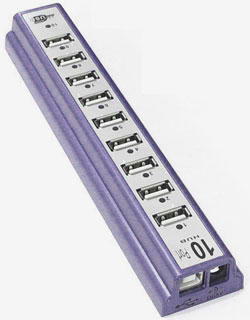
  • Use a powered USB hub to connect all FIPs to the computer
  • Plug the first FIP (the one to display the first gauge) to the last numbered port on the hub
  • Then the second FIP to the second last port;  the third to the third last port, and so on.

The FIPs are required to plug in this manner because the USB hub always starts the FIPs in reverse order from the last numbered port to the first numbered port.

Continue reading

114: My Helicopter Controller

Although I have a Cyborg EVO Force from Saitek, I still prefer the XBox 360 Wireless Controller for all my helicopter flights.

Certainly, the Xbox 360 controller doesn’t look flightsim-realistic as the Cyborg one but it has superb controllability and a fair amount of good features.

As always, ONLY switch on (no plug in) the controller after FSX is loaded.   This can prevent the occasional but common button mapping problem.

Continue reading