812: Generic G5 for MSFS Updated

The GENERIC G5 PFD and HSI for MSFS have been updated with not only the RNAV compatibility but also many bug fixes and feature enhancements.

Following is a quick video showing the Generic G5 PFD, HSI and Multi-Shared VOR1 on a C172 flying from 5WA8 to KQHM with RNAV approach activated under auto-pilot mode in doubled or quadrupled speed.


Update Links Continue reading

811: My MSFS nVidia Settings 23-0403

After the recent Sim Update 12, some of my nVidia Control settings have been modified a little accordingly.

The Shader Cache Size in the Global 528.49-09Settings, for one, has been changed to 10GB from the “Driver Default” which is set to 1GB.
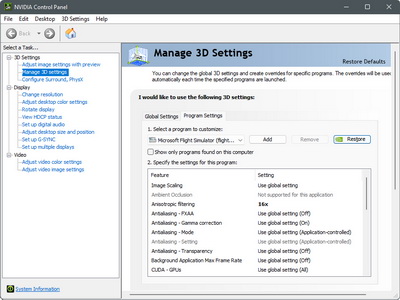
The increase is based on an assumption to avoid slow startups, performance issues and stuttering once the cache size is reached.

And second, the Monitor Technology options in both the Global Settings and Program Settings have been changed to “Fixed Refresh“.   

As from the description in the nVidia Control panel states, the “G-SYNC Compatible” option is best for demanding games with highly variable FPS.  Since MSFS is the only game in my system and I don’t see its FPS fluctuating greatly, I therefore set it to “Fixed”. 

The results from both changes seem to bring additional enhancements in smoothness.

You can find the details of my nVidia Settings in full here.

By the way, Continue reading

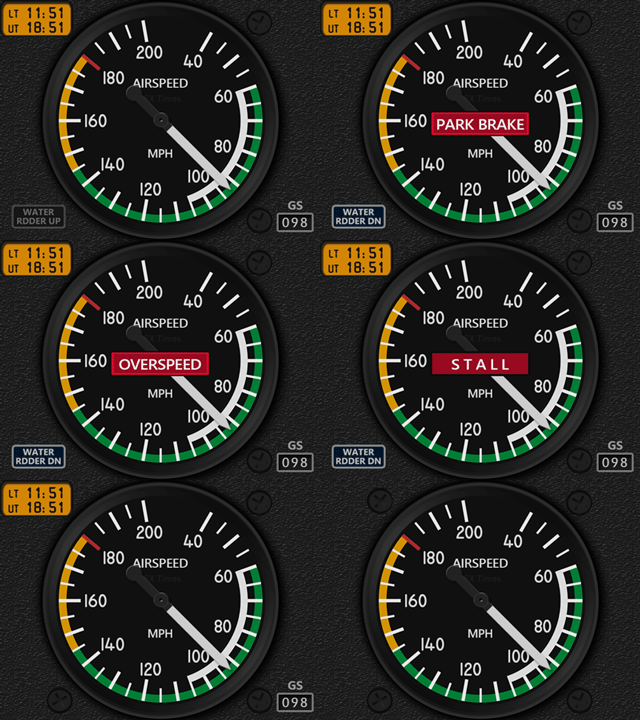
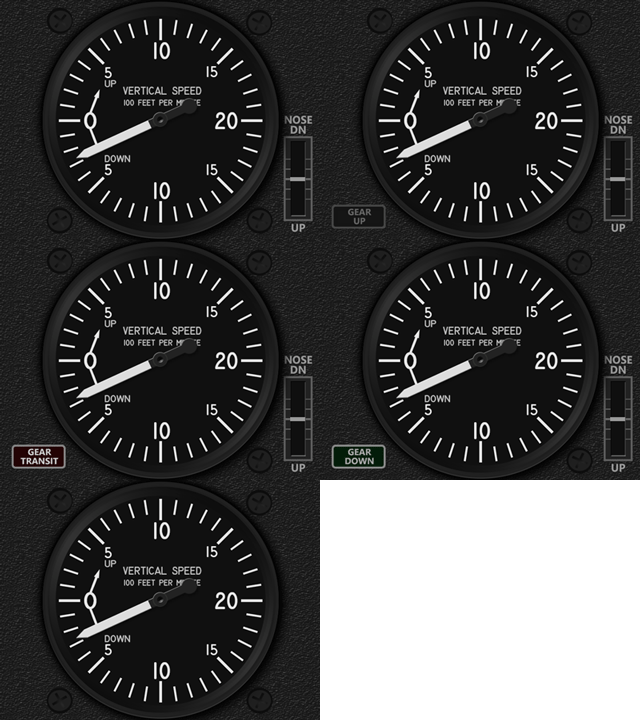
810: DHC-2 ASI+VSI Updated

The FIP Gauges of MSFS DHC-2 Beaver ASI and VSI have been updated to R1r01 with some minor bugs fixed.
MSFS_DHC2_ASI_GIFS      MSFS_DHC2_VSI_GIFS
Download links for the updates have been sent to all users earlier today.  If you have not received it, please check your spam folder first.

Continue reading

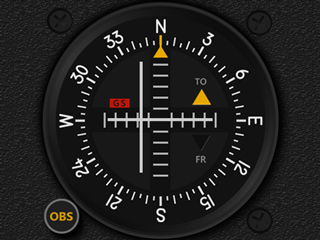
809: DHC-2 VOR1 now RNAV Compatible

Following the release of the Multi-Shared VORs updated with RNAV compatibility last MSFS_DHC2_VOR1_JPGSweek, the MSFS DHC-2 Beaver VOR1 has been revised similarly with the same capability.
Emails with the download link for the update have been sent to all users earlier today.  If you have not received it, please check your spam folder first. Continue reading

808: VORs are now RNAV Compatible

Thanks to Bryan in the US, the long-missed vertical guidance on my Multi-Shared VOR1 and VOR2 FIP Gauges under RNAV approach has been implemented finally.


The codes of the two FIP gauges were nearly rewritten. In addition, layouts and appearances of the gauges were revised accordingly to the recent MSFS sim update.

Furthermore, as the NAV/GPS toggling of the VOR2 on the C172 Classic is now independent from the VOR1, an extra NAV-only VOR2 is therefore included.

This is done so because Continue reading

807: Compass+Annunciator in Sleekier Design

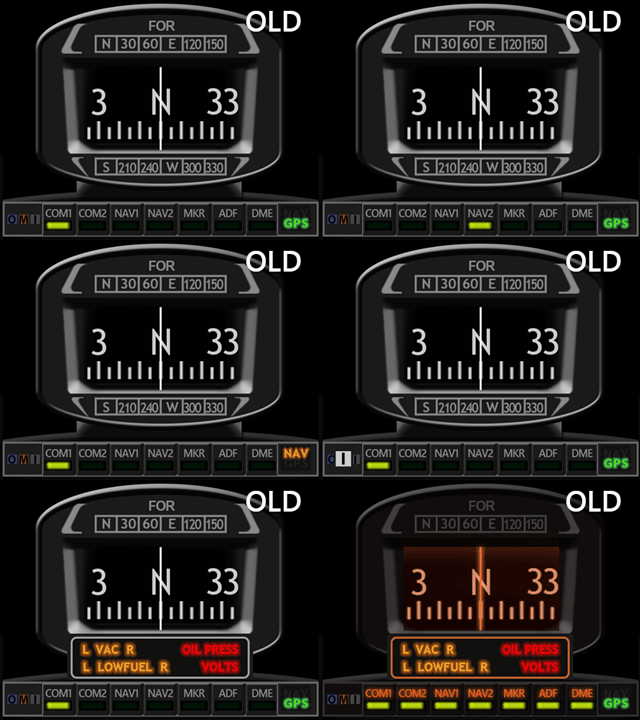
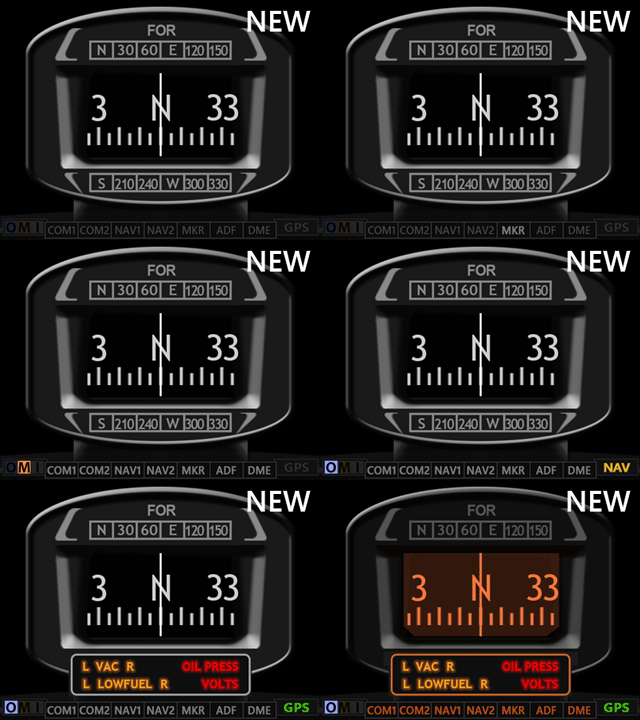
The C172 Wet Compass+Annunciator (CMP+ANPL) FIP Gauge for MSFS has just been updated.

Function-wise, the update is of no difference to its earlier brothers.
Layout-wise, the sound panel, the OMI and NAV/GPS indicators of the new version are still situated at the bottom of the compass, and the annunciator panel will pop up under the compass window when triggered.  It also comes with backlit.
MSFS_C172_CMP_GIFS      MSFS_C172_CMP_GIF_2S
However, the sizes of the sound panel, the OMI and NAV/GPS indicators on the new version have shrinked significantly and dimmed a little to give the overall compass+annunciator design a more balance and sleek appearance.  In comparison, the earlier design looks a bit bulky.

Furthermore, Continue reading

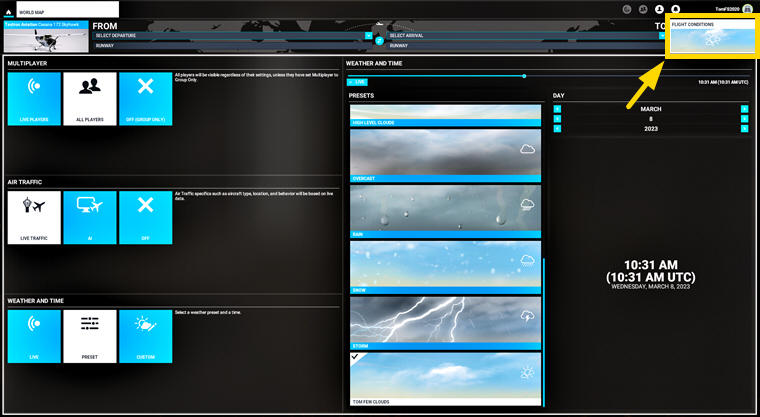
805: “set-and-Forget” weather Preset

I always start my flight with a fixed weather preset, and then change it to Live Weather or another weather preset when I want to.

However, I keep forgeting how to configure this very first “set-and-forget” preset.  So here’s an image to remind myself just in case.  You probably don’t need it.
WeatherPreset

804: My MSFS ReShape Settings 23-0227

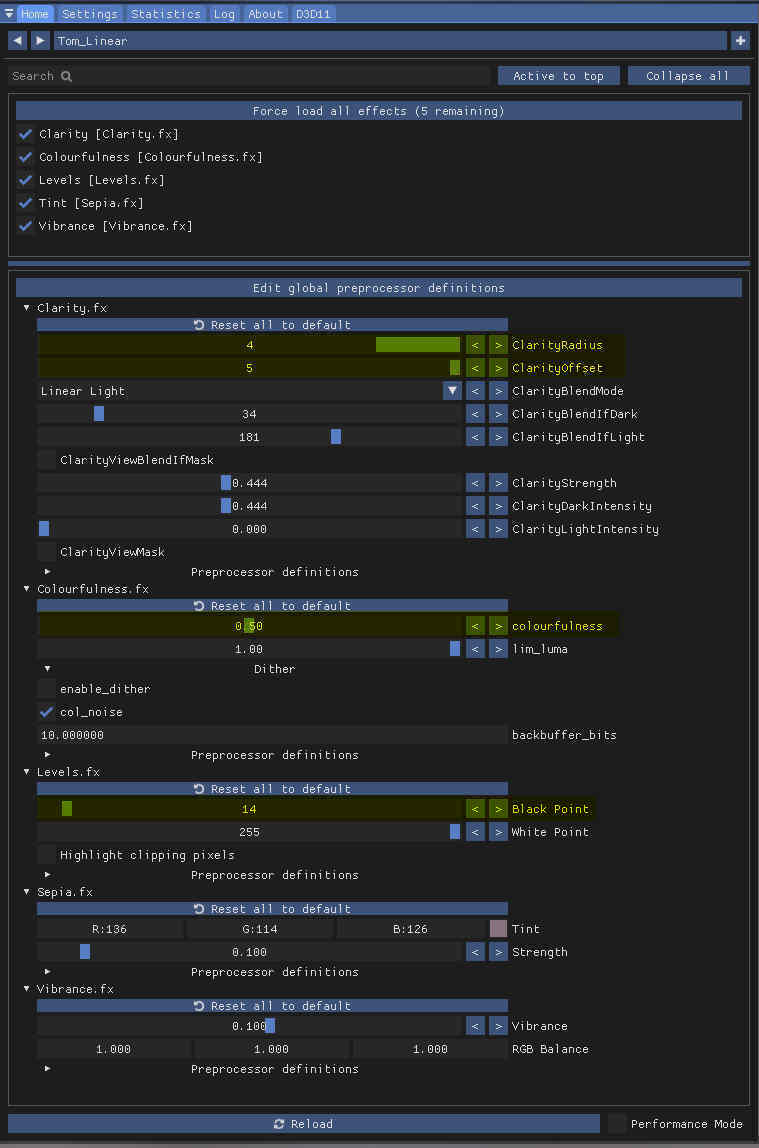
I’ve been using My ReShade Settings for over 18 months satisfactorily.   However, after the recent New Zealand update, I found the monitor display a bit more pale than before.  I am not sure if the update was the cause.  The display looks normal while running other apps.

To counter the paleness, I adjusted my ReShape Settings accordingly as follows:
ReShade_230227M
The changes are basically increases to some of the original settings to make it more stand out: Continue reading

803: My MSFS Graphics Settings 23-0225

A friend, DIGFS, recently sent me a comment as follows:

If you have anisotropic filtering enabled in the Nvidia panel, you can disable it completely in the MSFS settings. In addition, since the setting is redundant, this will gain you a little more performance.

Frankly, I noted that recommendation before and tried that already.  However, I really didn’t see any gain or difference from the suggestions on my system.

In the past few days, I tested the tweak again.  The result is the same on my system but obviously not on DIGFS’s.

After a second thought, I decided to take DIGFS’s suggestion to Turn OFF the Anisotropic Filtering in MSFS Graphics Settings based on the presumption of “less is more”.
MSFS_230225_SettingsCropNothing bad so far.

To see my full Graphics Settings, Continue reading