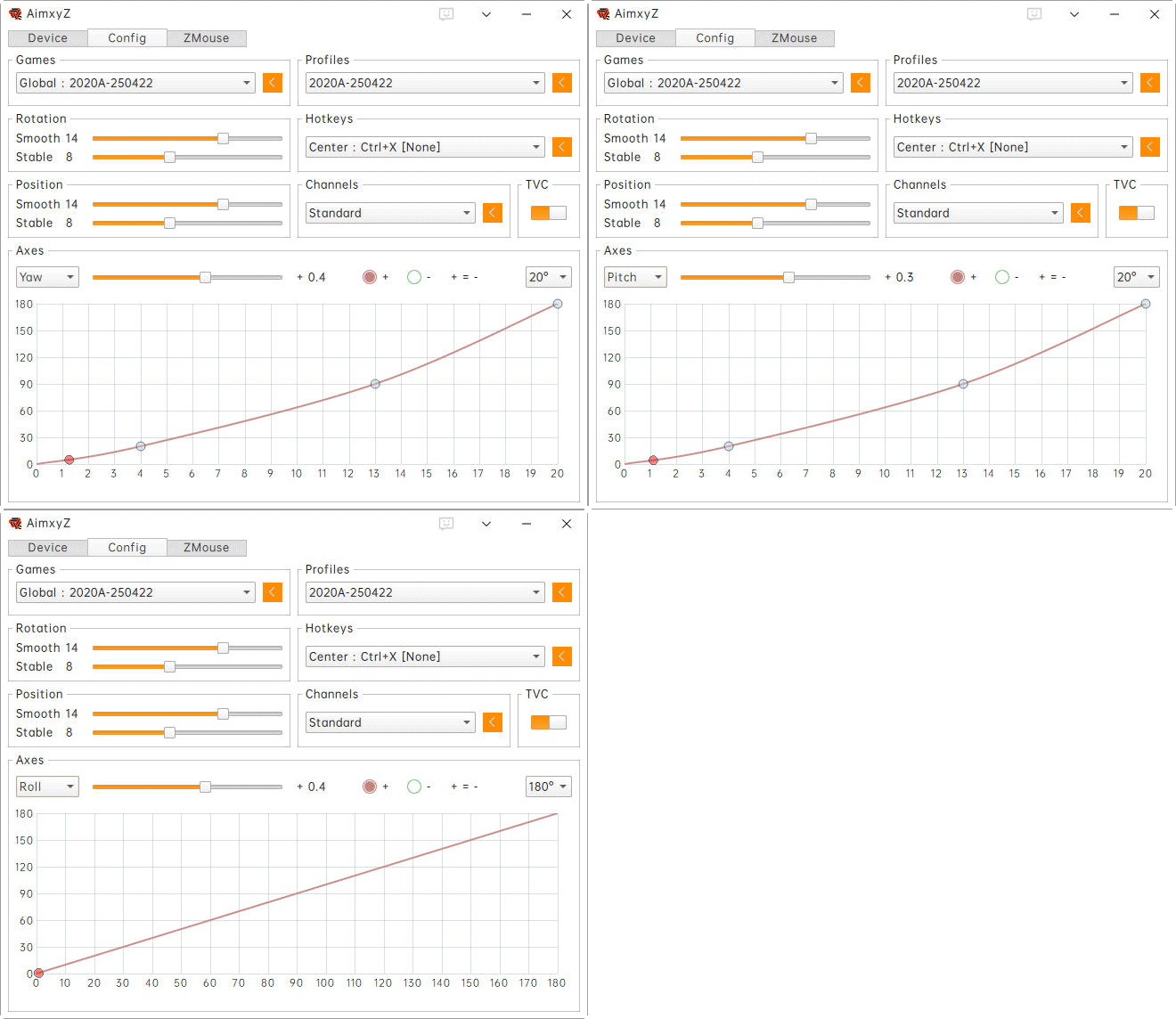
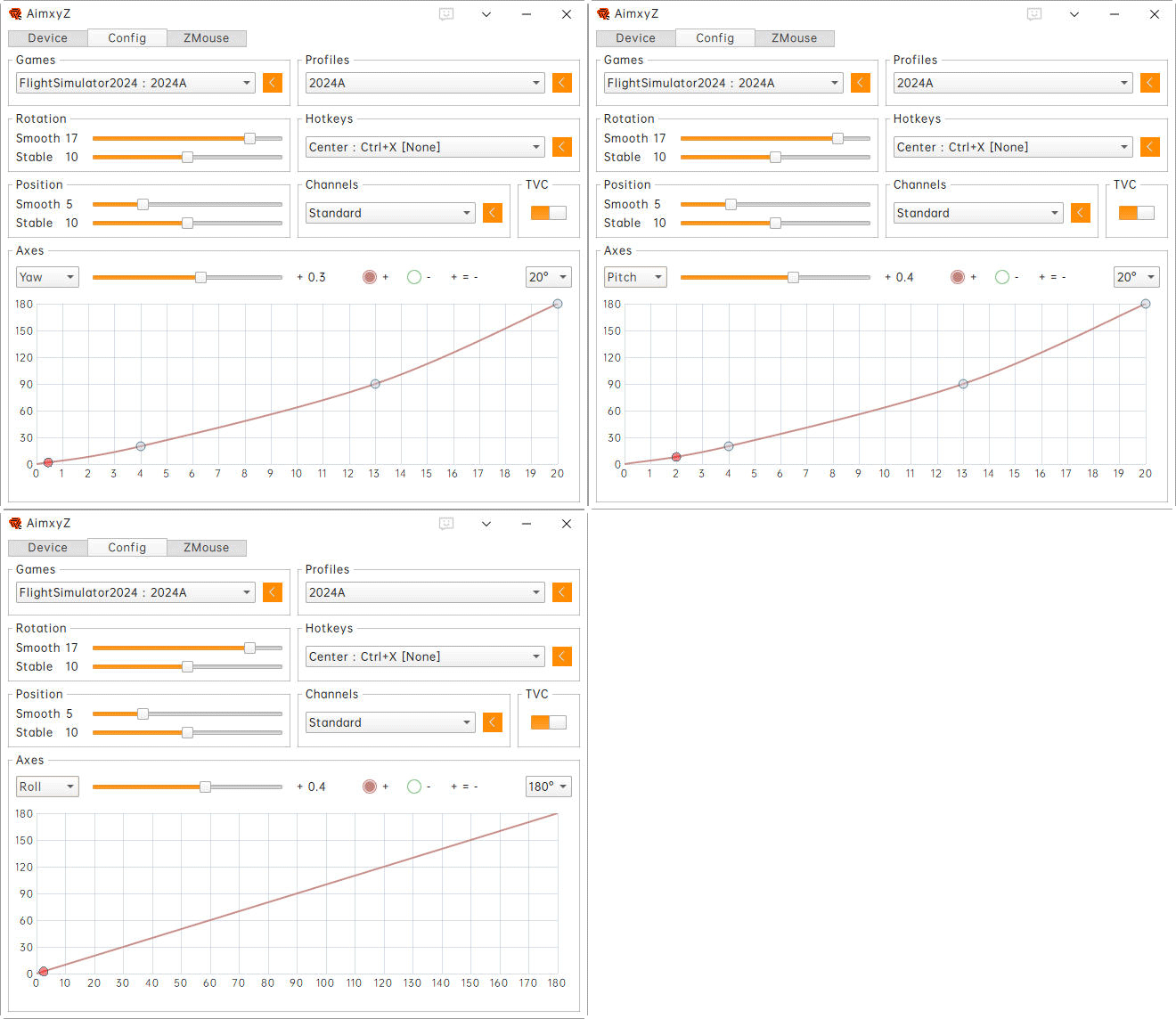
885: My AimxyZ Settings 25-0422

My current AimxyZ settings for FS2020 and FS2024 have been slightly changed to cope with the updates in graphics, which I found more comfortable to my eyes when flying with small aircraft.

This is my settings for FS2020:

This is my settings for FS2024: Continue reading

874: Stream Deck Profiles for FS2020 & FS2024

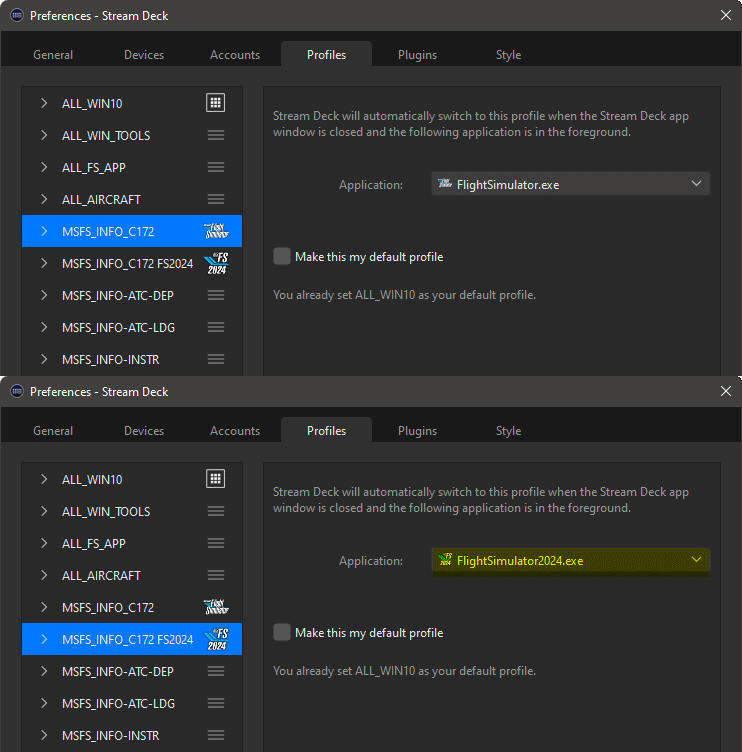
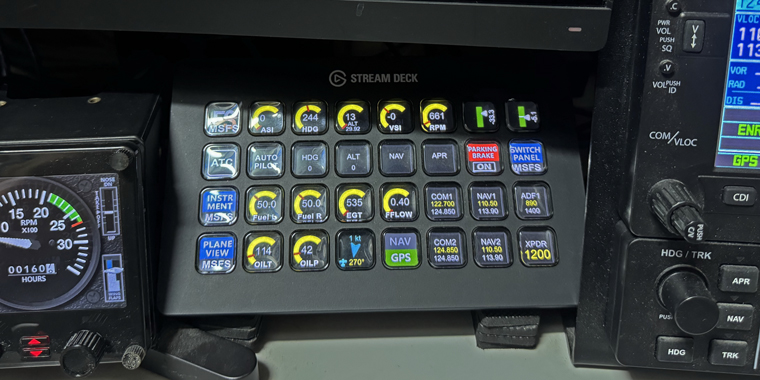
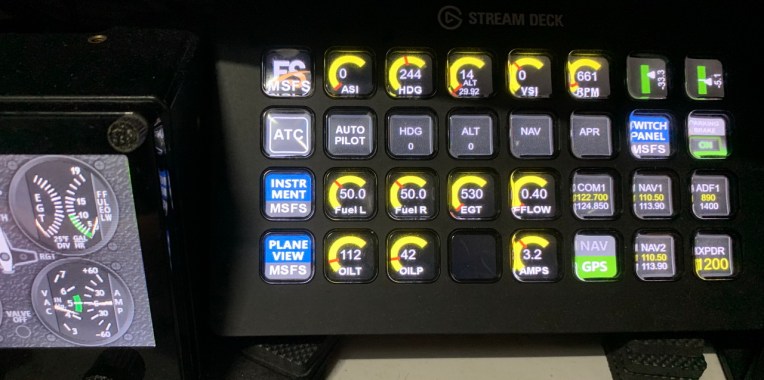
Despite the differences between FS2020 and FS2024, I am currently using the same profile set of my Stream Deck XL for both simulators.

From the Stream Deck profiles I was describing in Post 846, I set to load a home page called MSFS_INFO_C172 automatically when FS2020 is run.

In order to load the same profile set for FS2024, what I did was to duplicate the same home page and rename it as MSFS_INFO_C172_FS2024, and then assoicate the new page with FlightSimulator2024.exe. 
Now, Continue reading

866: My AimxyZ Settings

Here’s the current AimxyZ settings I am using for FS2020 and FS2024, which I found it more comfortable to my eyes when flying small aircraft.
AimxyZ_Tom_GIF
Here’s the default Continue reading

865: My New Gear after 2-1/2 Year — AimxyZ

During P3D days, I built a 3-monitor system. I changed it to a single-monitor setup after switching to MSFS 2020 since the flight simulator in the first two years didn’t support multi-monitor function at all.  I kept using one monitor up to today.

Within these single-monitor flightsim days, I used TrackIR for a brief period and gave it up due to its clumsiness with wires and clips.  Since then, I’d been using the POV Hat Switch on the yoke for camera and focus pannings until two weeks ago.

I found an eye-tracking device called AimxyZ by a Chinese company.  AimxyZ_resize1Probably some of you have already heard about it or may even be using it, because the product was actually in the market for over two years.
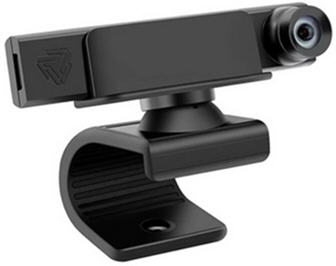
Unlike the TrackIR which uses a tracking transceiver and a passive or an active reflector, the AimxyZ comes with only one dedicated viewcam, thru which users can quickly translate their head movements to the simulators (or games) via the tracking software provided. Continue reading

846: My Stream Deck XL Profiles

Last June in my Post 774, when I talked about the Elgato Stream Deck XL in my DIY cockpit,  I mentioned that I would share my profiles when they are properly-tuned.  Pardon me, I completely forgot about it until a friend, Nick, who recently asked me for a copy of it. MyStreamDeckXLS
So, here is what this Post is all about and the download link is included for those who are interested to play mine. Continue reading

774: My New Gear – Elgato Stream Deck XL

Elgato Stream Deck may not be a stranger to you.  The first time I heard about it was from Philippe AKA 1L2P in his Cockpit story last June.  Frankly, I didn’t pay attention to it at all until I saw a demo in a shopping arcade a few months ago.  I was amazed.  StreamDeck_08_resizeNow it has become one of the indispensable accessories in my computer system, not just for flight simulation. Continue reading
770: RedBird Alloy RD1 Review Cont’d

After received my second RD1 unit, I immediately swapped it with the first one being used in my main system.  Assuming it could run directly straight out from the box.  Sadly, no, it didn’t.

NO TWO RD1 ARE THE SAME

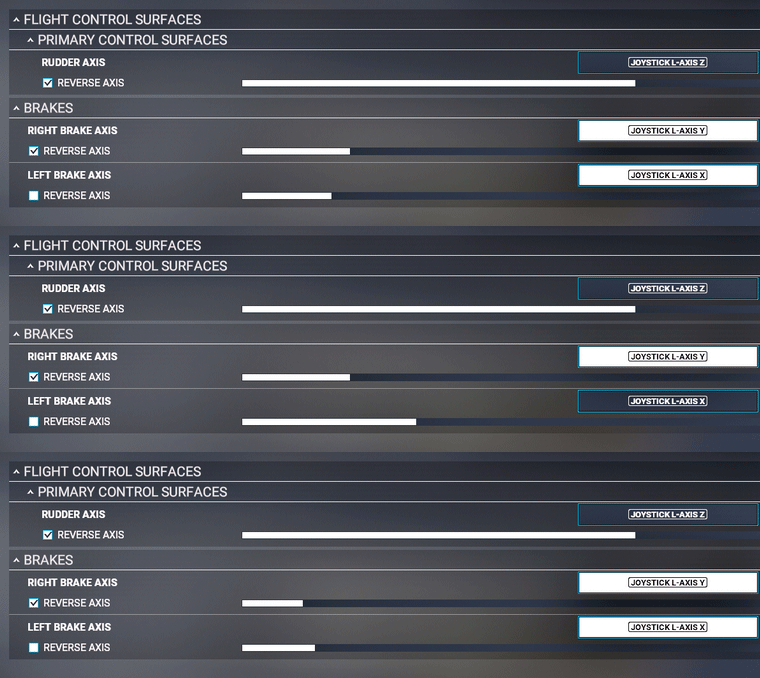
Truly, the joystick axes for the rudders and brakes are the same.  But the new RD1 performed far from normal using the calibration from the first RD1.
RD1-2GIF
The Rudder Axis wasn’t centered at rest.  And the left and right Brake Axes were jumping up and down and didn’t return to zero when released, meaning that the toe brakes were somehow pressed all the time.

Obviously, the two RD1s are two individual equipment and they couldn’t be treated as the same unit.  Initial calibration for each individual RD1, therefore, was mandatory and inescapable. Continue reading

769: My RD1 Rudder Now Fly in pairS

Truly, the Thrustmaster Pendular Rudder (TPR) performs nicely in my second system.  But I found it more and more alienated when the Redbird Alloy RD1 has become my primary rudder and be used everyday in the last six months.

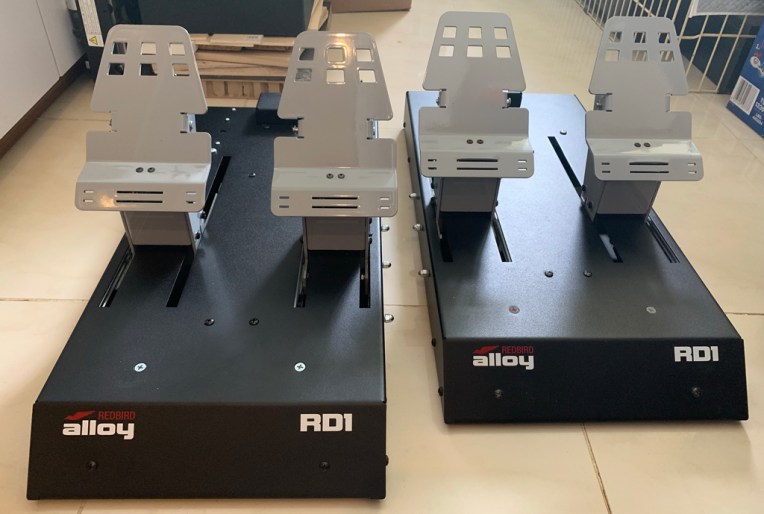
Consequently, I couldn’t help having two RD1s flying in pairs.
RD1_Extra_01S
Thanks goodness! Continue reading

763: RedBird Alloy RD1 Review Part 2

…continued from Part 1

SettingS in MSFS

Since Redbird isn’t an affliated partner with Asobo, users have to configure the Alloy RD1 in MSFS by themselves.  The assignment process can’t be said complicated.  But it was not straightforward either.

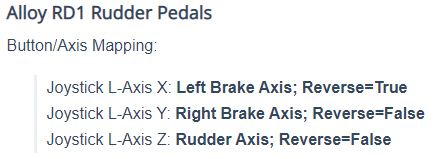
Also, the MSFS setting information RD1_30provided by the company is NOT fully CORRECT.   For example, in the mapping suggestion, Redbird states that the Right Brake Axis doesn’t need to be Reversed.

But it is incorrect as I have to enable the REVERSE to use the Right Brake properly. Continue reading