762: RedBird Alloy RD1 Review Part 1

Before the story, I would like to say that the Redbird Alloy RD1 is the best in the six rudder pedals* (see the list at the end of the story) I’ve ever used in my two decades’ flight simulation experience.
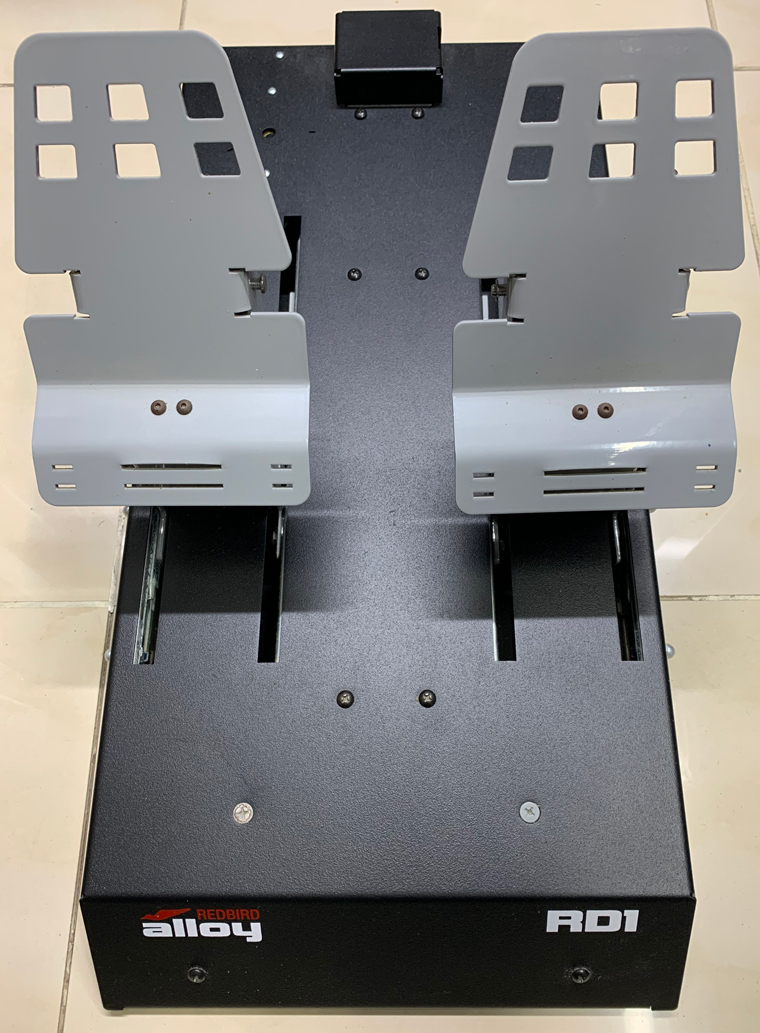
RD1_01S
To be honest, the purchase of this Alloy RD1 rudder pedals was unintended.  My original plan was to get another Thrustmaster Pendular Rudder TPR to replace my over 10-years old Saitek Cessna Pedals.

But unfortunately or fortunately, there were no stock from all vendors at that time (July 2021) and none of them could confirm whether new stock would arrive by end of the year.

Since I had already decided to take a bold step to get the Alloy TH1 at that time, I persuaded myself to go further to get the Alloy RD1 as well.

Frankly, its price tag, $549 (now $599) plus over $100 shipping, wasn’t attractive, nor does its appearance (the retro-looking isn’t my favorite).  I really was a bit hesitated when I placed my order.

Thank goodness, since I started using the rudders six months ago, I am fully impressed by its performance.  And in my opinion, it even out-performs the Thrustmaster TPR I am having on my other setup and the VirtualFly Ruddo I used before.

Following is my review : Continue reading
739: My NEW GEAR – Bravo Throttle Quadrant

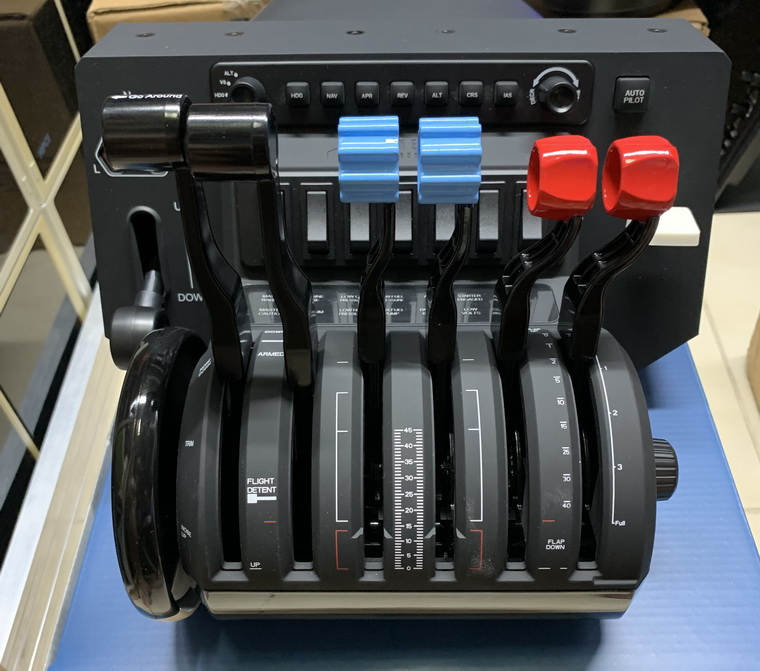
Another throttle quadrant?  Haha…Yes!

Frankly speaking, although I got two HoneyComb Alpha Yokes in my systems, I had never thought of getting the Bravo Throttle Quadrant because it isn’t something fitting my light aircraft setups.

Nothing is absolute.  When I saw a friend who was selling his nearly brandnew Bravo with $100 less than the market price, I couldn’t help getting it without much hesitation.  I gave myself an excuse — “It’s a good chance to have my hands on it.”BravoQuadrantS
After getting the quadrant this morning, I immediately had a quick test with it for an hour or so.  I would say it’s not bad at all Continue reading

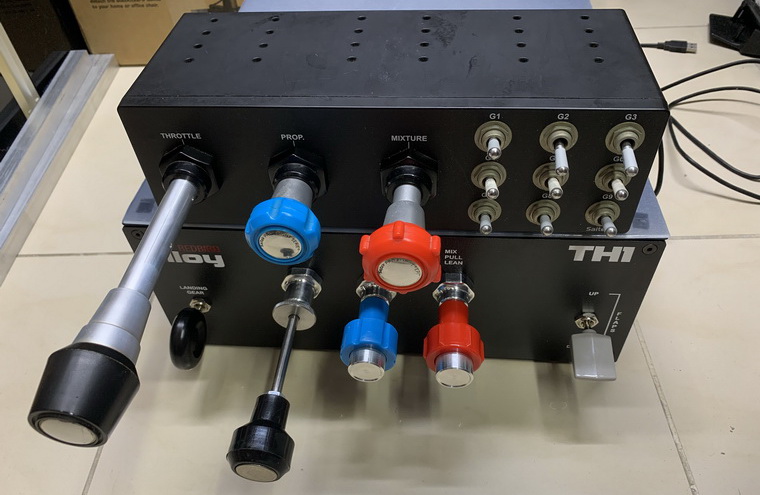
737: My NEW GEAR – RedBird Alloy TH1

I bet many friends like me have heard about the various flightsim gears from Redbird Flight Simulations, and very likely might have read reviews and comments about them on the Internet.  But I don’t think many of us really had a chance to try them on, because the company doesn’t sell their gears thru third-party vendors — at least I haven’t noticed anyone yet.
TH1_01Recently, I got the Alloy TH1 throttle quadrant from the company to replace my Saitek Cessna TPM which has been in service for over a decade in my work system.
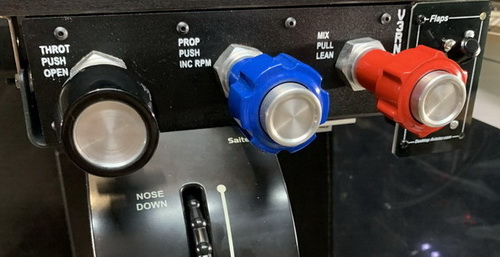
TH1_002_resizeIn my flightsim-only setup, I have the VirtualFly V3RNIO+.
Actually, I was thinking of getting another V3RNIO+ to replace the Saitek TPM at the time the company was offering a 15% discount promotion.

However, the discounted price was around $900, which is still a lot of money, not to mention an extra $100 for the shipping to be added.

While I was hesitating if I should go for another V3RNIO+, I came across the Redbird Alloy TH1 again.

Just like the VirtualFly V3RNIO+, the Redbird Alloy TH1 is also a vernier-style throttle quadrant that comes with a Throttle Friction Lock and Propeller & Mixture Fine-adjustment Control mechanisms as found on the real aircraft.  And it earns some good comments from its users, too.

In addition, its $569 price tag, comparatively, sounds more reasonable and affordable.

Therefore, after some serious considerations and especially due to the $350 in price difference (or $480 with no discount), I decided to give the Redbird Alloy TH1 a go.

For more than a month now, I’ve been using the Alloy TH1 extensively.

Is my bold investment on the Alloy TH1 justified?  How does it perform compared to the VirtualFly V3RNIO+?  Here’s my review:  Continue reading

735: My SU6 Settings with AN RTX3080 Ti

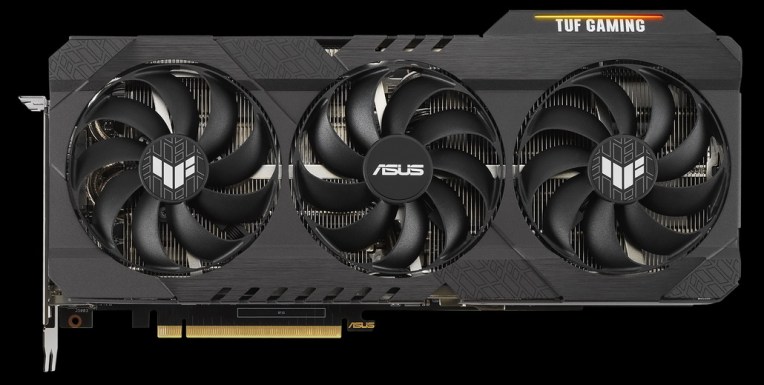
As the price of graphics cards goes down a bit lately, I decided to replace my 3-year-old GTX1080 Ti card with an RTX3080 Ti card last week.  I was planning to get the ASUS ROG version but it was out of stock and no schedule for next shipment at that moment. So I got the TUF edition instead. 

Frankly, with 12GB GDDR6X memory and a 1,755MHz over-clock rate, it is still a very powerful card to be used in MSFS for the next few years…I guess.ASUS_TUF_3080Ti
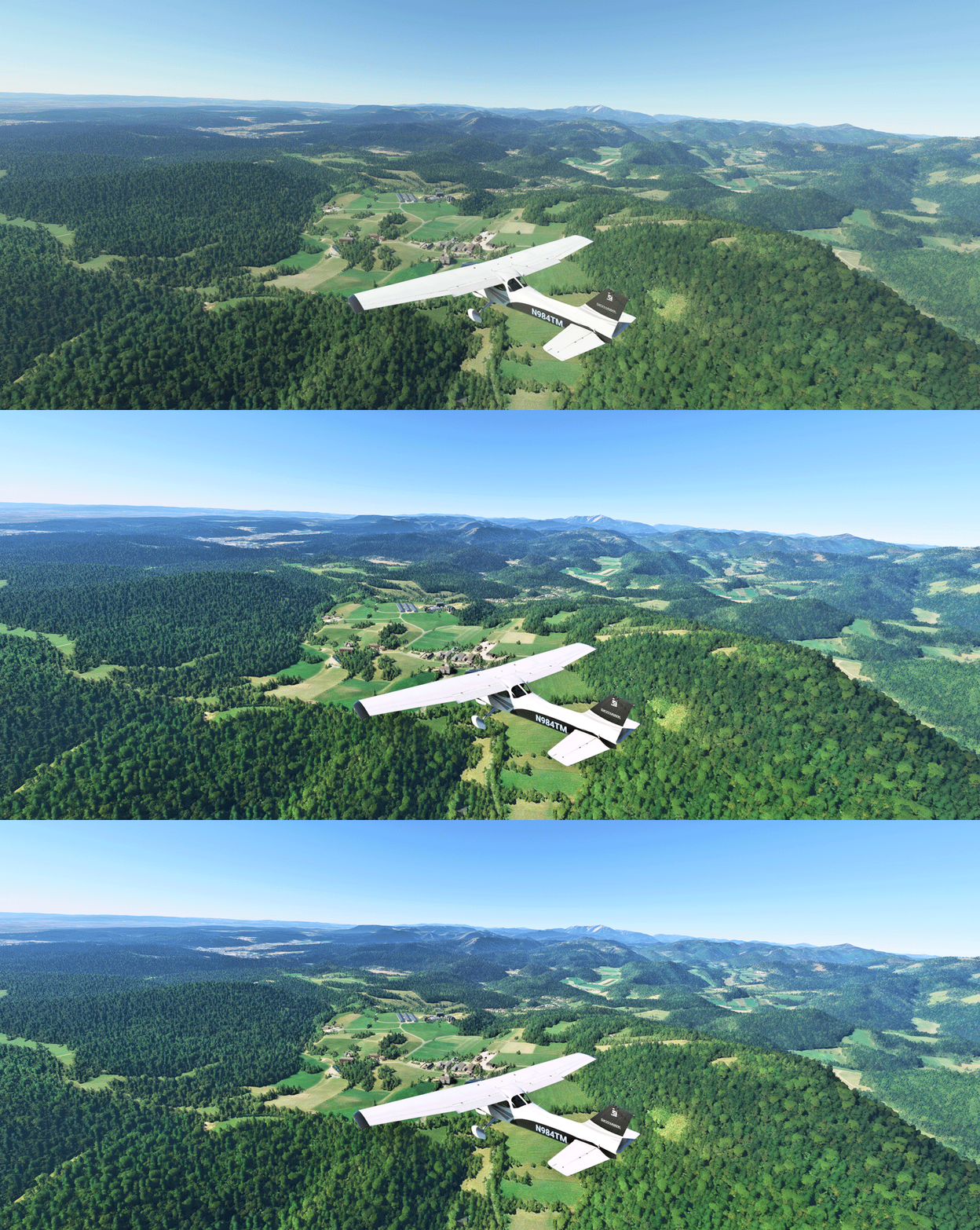
In general, I got an extra 75% to more than double the framerates with the new card straight from the box.  Not to mention I pushed many settings to Ultra in the Sim.

Here’s the update of my Graphics Settings in SU6 with the new card.  And I listed the framerates I roughly got from various activities and locations at the bottom of the table. Continue reading

725: My Settings Now on Menu

Since my Graphics and nVidia Settings for MSFS are continually changing, instead of writing new Posts for them everytime, corresponding static pages with highlights of changes to them have been created.

In addition, Continue reading

723: My SU5 Tuning #4 – ReShade

In MSFS, objects in far distance, even on a clear fine day, are too hazy to me.  This is one thing in particular I dislike.  And the Sim Update 5  (SU5) further worsens it as the overall color tone has been washed out, making the scenery looks very dull.

I use ReShade to tune the screen to my preferences.  Click image to enlarge.
Reshade_03L
The app is somewhat like the “Shade for FSX” that changes the atmospheric effects in FSX in the old days, but ReShade for MSFS is more sophisticated.  And most importantly, I don’t see any impact from using it at all.
Continue reading

721: My SU5 Tuning #2 – Graphics Settings

With the improvements brought by the MSFS Sim Update 5  (SU5), I can push many graphics rendering options further to the higher ends.

However, I decided to make changes to only four of them in the end because I don’t see any noticeable benefits of changing the others as well.  Therefore, I’d rather keep them as they were so as to grasp more power leveage on hand for the running of the simulator as a whole.

Following are the Graphics Setting updates for my 1080Ti computer (3090 to come later) with the SU5. Continue reading

720: My SU5 Tuning #1 – nVidia Control

Update does not necessarily bring improvements to all aspect.  One noticeable degradation from the recent MSFS Sim Update 5 (SU5) to me is the increased aliasing of the aircraft in external views and many other objects closing by.

As reported in my Post 716 and 717, my MSFS Settings were just finetuned a couple of weeks ago. Except the Power Management I changed to Prefer Maximum Performance in nVidia Control, all others were kept as Default without changes.

With SU5, I have to adjust many items in nVidia Control related to antialiasing accordingly in order to counteract the image degradation. Continue reading

719: My New Flight Illusion Trim Wheel

The HW-GEN003 Trim Wheel from Flight Illusion in The Netherlands belongs to a new line of products.  My first reaction after unpacking it is:  It’s HUGE !

No kidding.  I was actually stunned a little by its “huge” size even though I was prepared to accept that it would be big after reading its physical dimensions before the purchase.GEN003_01_resize_resize

Pardon me if I sound a bit exaggerated.

But it was true at that moment because the contrast was so big that this relatively huge unit was packed in a relatively small package — which is about half the size of the box shipping the Flight Velocity Trim Wheel, which on the contrary is about half the size of the Flight Illusion trim.

Frankly, I have never seen any other trim wheel for simulation bigger than this one.
Continue reading