

My Post 111 described the swapping of toggle switches on the Saitek Panel to make them easier to be identified in a dim environment. On my new Yoke, I have the toggle switches “color-coded” with heat shrinkable tubes.
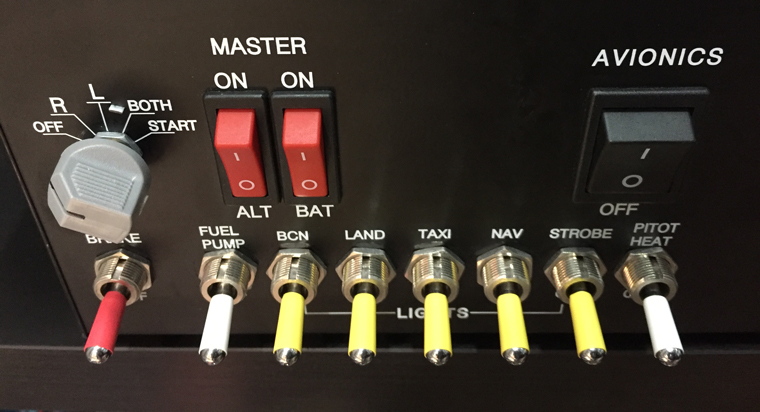
The modification is a lot simpler and meet the same purpose. And it prevents, or to the least covers up, oxidation on the switch handles. Also, they are cheap and easy to replace if worn out. Continue reading
My Cockpit
440: My Cockpit Rev #05 – Glare Shield
Not much progress in my cockpit rebuilding. Part of the reason is the time I mostly put on the Prepar3Dv4 in the last few weeks. Also, there are still a few more parts and accessories I am waiting to get.
Here’s the Cessna glare shield I received earlier today from UK.
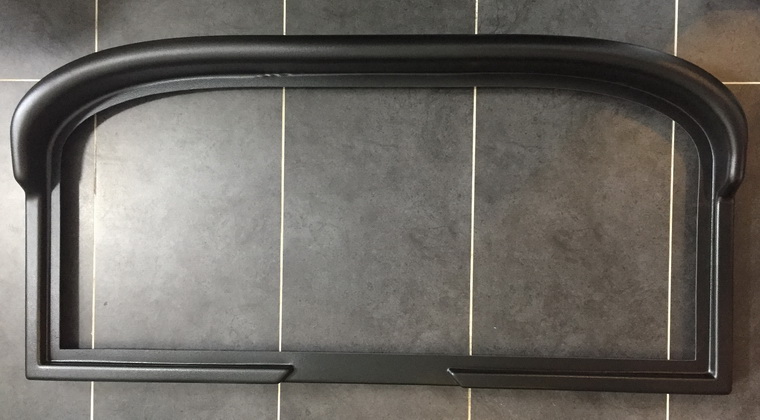
The quality of it in ABS plastic is good. But Continue reading
432: My Cockpit Rev #04 – PC Tuning
Followings are the storage drives I so far added to my new computer. Except the 2TB Backup drive (O:), all are SSDs of various size from previous purchases.
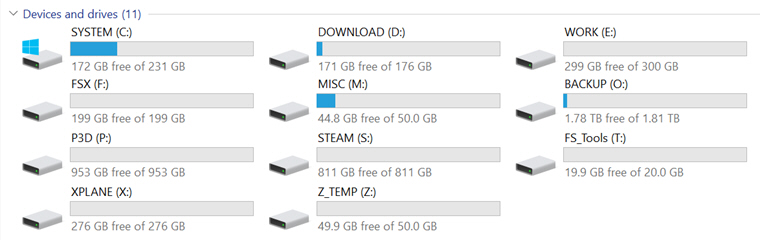
Major System Folders have been reassigned to various drives, so that user data could be kept intact and independent from System drive (C:) in case Windows is required to be restored or even reinstalled. Continue reading
429: My Cockpit Rev #03 – Racks Installed
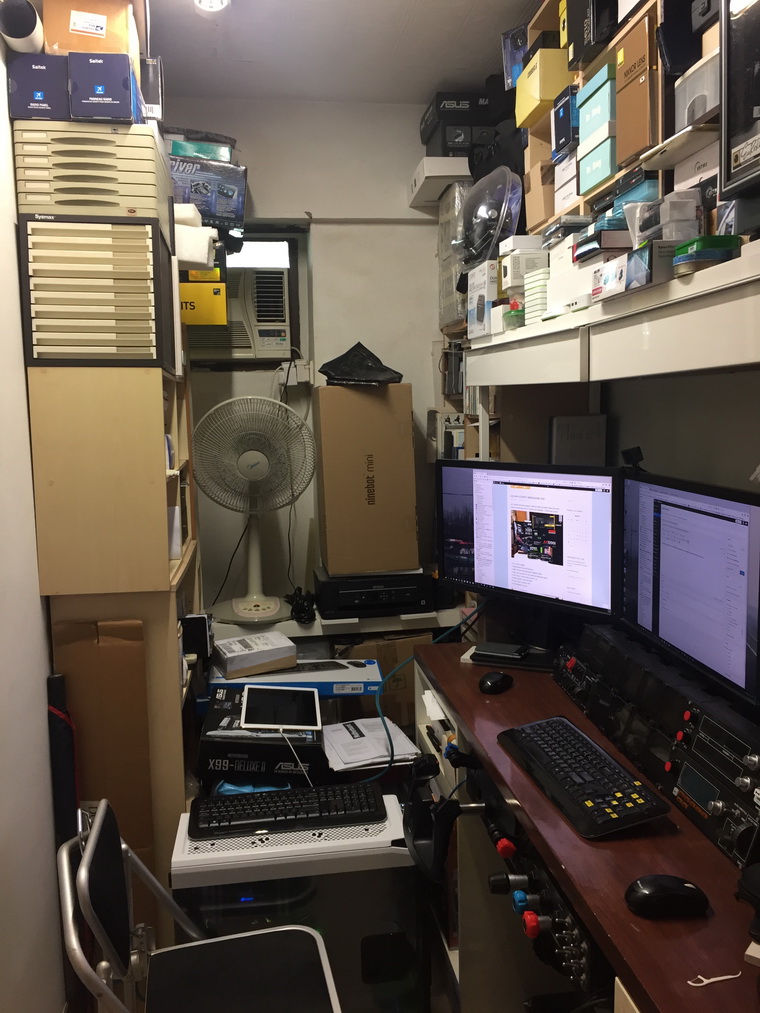
Many friends emailed me how I find the new 64-bit Prepar3D v4. I wish I had some comments but I am still repacking my room with so many things to tidy up and clean before I can move on to set up my new cockpit. Moreover, it’s really no rush at this moment as there are so many addons needing to be updated before they can fully work with the new simulator.
Followings are some photos of the status of my room so far.
424: My Cockpit Rev #02 – Hold Short
Even though many of the new hardware I ordered, such as the MFG Crosswind Rudders, 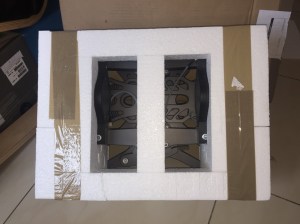 are arriving these days, the progress of my rebuilding, unfortunately, has come to a halt due to the waiting for the outside racks.
Out of expectation, the same happens to my new computer installation as well even on the software side.
Nevertheless, I can’t help getting a grin on my face as the performance of it right out of the box is already double Continue reading
423: My Cockpit Rev #01 – New Hardware
Just received the new computer solely for flight simulation today with some revisions to the spec listed in my last post originally. The full spec now is:
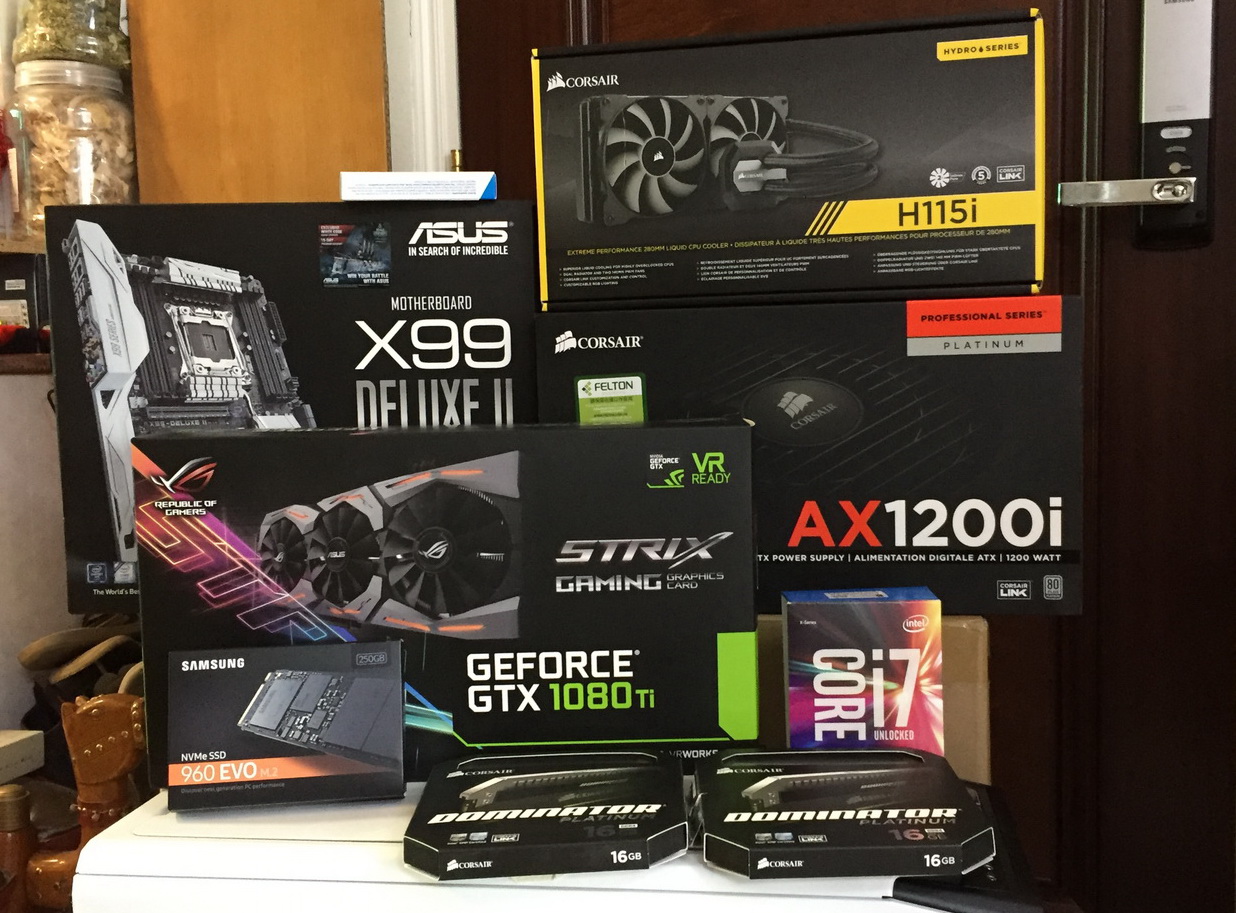
- CPU: Intel i7-6850K
- Motherboard: Asus X99 Deluxe-II
- RAM: Corsair 32GB Dominator 3200MHz DDR4
- SSD: Samsung 960 EVO M.2 256GB for Windows System
- CPU Cooler: Corsair Hydro Series H115i
- Power Supply: Corsair AX1200i
- Case: Corsair Graphite 760T
- OS: Windows 10 Home
422: Time to get Moving
I’ve been talking about rebuilding my home cockpit and a computer dedicated to flight simulation…er… for quite a long time. I really get moving now.
Followings are some of the gears I already purchased for the new cockpit. And in
 general, it will be somewhat resemblance to what the guy ON THE GLIDESLOPE (OTG) does — a 3-monitor setup, one in the front and two on both sides.
But I am planning to use Continue reading
356: My Cockpit Got Aligned
I have a spare FIP sitting around for quite some times, which is only used occasionally for various testings via my network computer. Yesterday, I decided to throw in the underused FIP to the system to see how it effects.
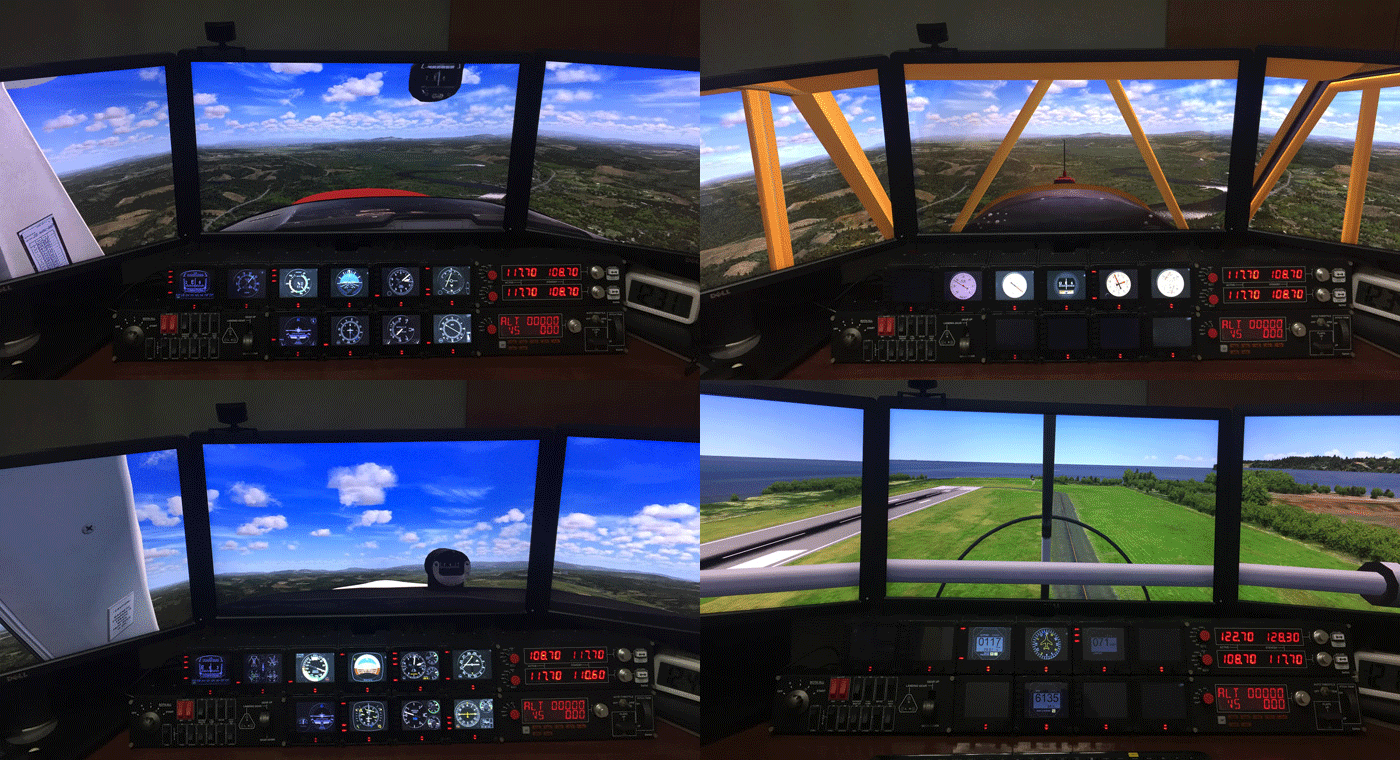
Actually, the main reason for me not including the spare FIP to my system in the past was because the “6 FIPs + 1 Radio Panel across the top roll” and “1 Switch Panel + 3 FIPs + 1 Multi Panel” on the bottom constituted a pretty symmetric appearance in my 2-stack instrument setup already. And I’ve been using this setup for a very long time. Continue reading
253: My Cockpit View Switcher

During the testing for my Cockpit View display, I needed to switch back and forth numerous times between the Normal View and the Wide View. And the files involved with the necessary changes are:
- fsx.CFG
(Prepar3D.CFG) - Cameras.CFG
- aircraft.CFG
To avoid confusion while making changes to these files directly, I instead created two additional copies from each of them and named these new files the “-Normal” version and the “-Wide” version accordingly:
- fsx.CFG, fsx-Normal.CFG, fsx-Wide.CFG
(Prepar3D.CFG, Prepar3D-Normal.CFG, Prepar3D-Wide.CFG) - Cameras.CFG, Cameras-Normal.CFG, Cameras-Wide.CFG
- aircraft.CFG, aricraft-Normal.CFG, aircraft-Wide.CFG
Then, I could separately Continue reading
 FS Times