252: My Cockpit View 2014 Update Part 2

TechLevel02W
Although my cockpit display has already reached the widest possible angle from the aircraft.CFG settings (InitialZoom=0.3 and WideViewAspect=False) stated in last post, I still couldn’t help asking myself in the last two months if it is possible to further widen it.  The longer I flightsim with the setting, the stronger desire I want to expand the cockpit-span angle.

No doubt,  the cockpit view (aka Normal View) from above configurations is giving quite a prominent result than the one from my previous single 30-inch monitor set up.   However, it is still comparatively narrow because the horizontal field of human eyes could reach up to 180 degrees or beyond even though the effective range is about 70 to 120 degrees.

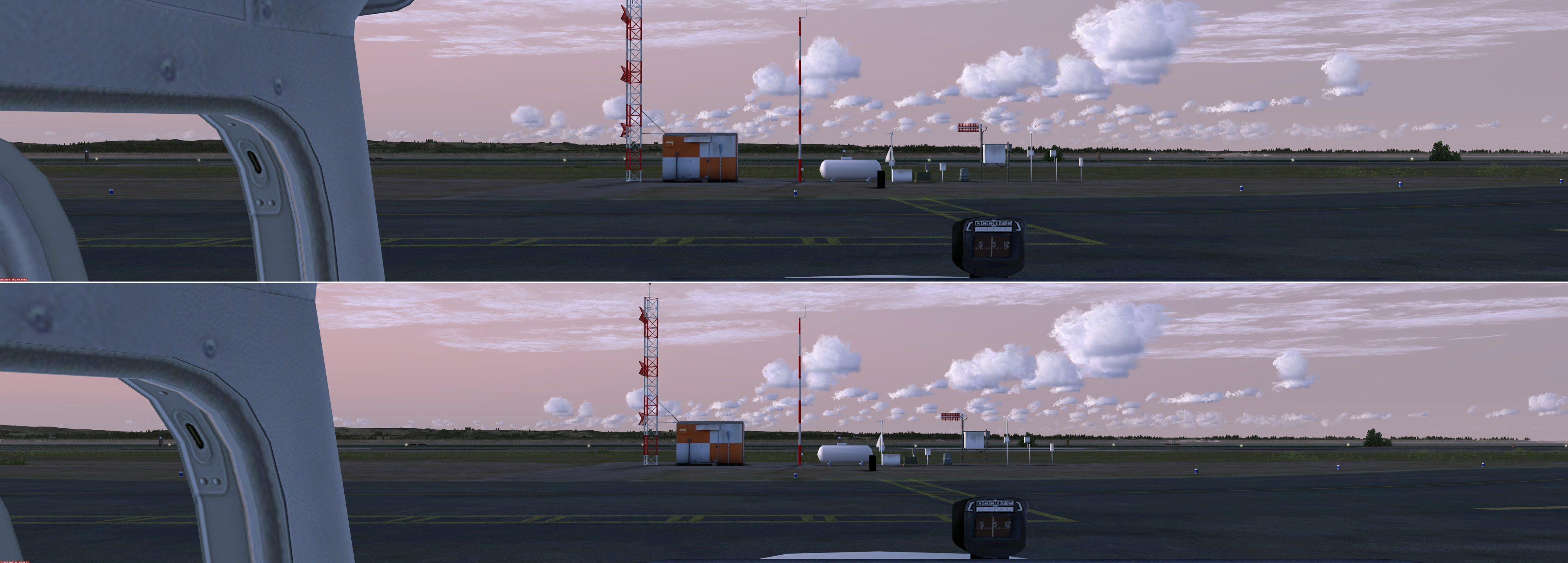
Solution, obviously, could only be sought from changing the WideViewAspect from False to True.   And surely the prerequsite of keeping the glare-shield true to scale remains unchanged.
NormalWideCockpit-01S
The overall range of display (bottom image) has roughly improved by about 10 percent with no significant distortion towards the edges on both ends

Continue reading

251: My Cockpit View 2014 Update Part 1

TechLevel02W
With the three 27-inch monitors in place, I’ve been able to bring up a glare-shield of the Cessna 172 panel that matches the size of 41 inches (105 cm) as if in the real cockpit. To achieve the result, I set InitialZoom=0.3 in the Virtual Cockpit of the aircraft.CFG, and WideViewAspect=False in either fsx.CFG or Prepar3D.CFG.

This creates the widest scenery display in front of the wind-shield from my 8040 x 1440 monitor-combo, without the appearance of distorted scenery objects towards the edges on both ends (see image below).

Click to see full image in 1/3 of the original size
Click to see full image in 50% of the original size

Followings are the Camera Definitions for my C172:   Continue reading

181: My Ultimate Cockpit Views Update

With the installation of 7 FIPs, my ultimate cockpit views defined and used since May 2011 have been changed as follows:

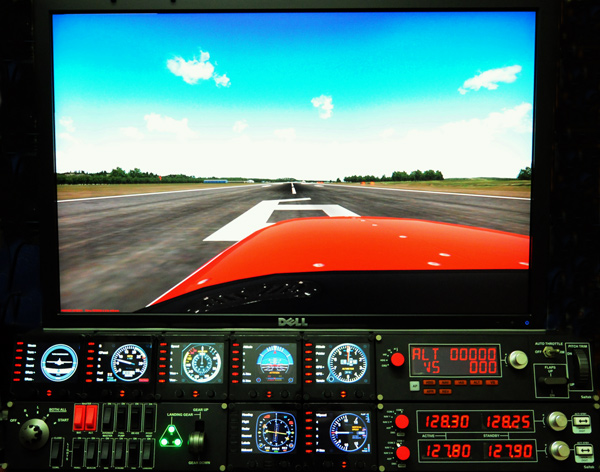
1. Landing/Takeoff — showing the hood from the pilot seat on the left
2. Cruising — showing outside scenery only
3. Normal Cockpit — used only when FIPs are turned off

Continue reading

38: My Ultimate Cockpit Views

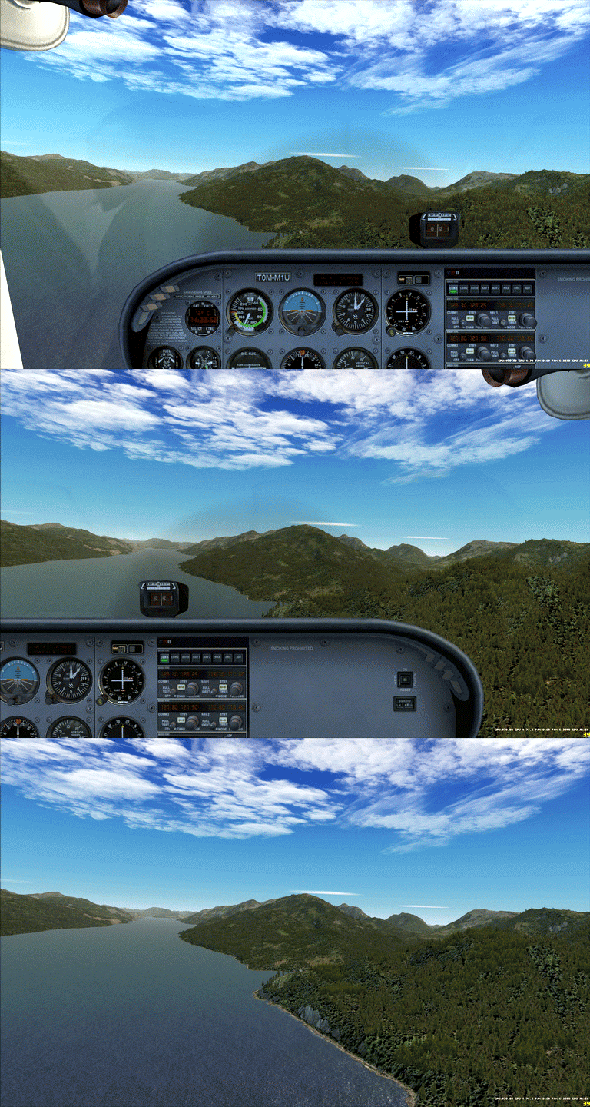
Aircrafts in FSX comes with many views (or cameras) and they are set with different zoom levels.  They are quite troublesome since I only want three of them to view from cockpit:

  1. View from the pilot seat on the left
  2. View from the passenger seat on the right
  3. View from the cockipt without panels

Moreover, I need these views to start with the same zoom level and/or eye position, so that the scenery in front stays unchanged when views are cycled through.

Always start with the same zoom level and keep scenery background remain in position

Above is the cockpit view effect I achieved on the Cessna 172 through the tweaks of Continue reading