702: Airport Enhancement – REX vs Zinertek

After Zinertek released its Enhanced Airport Graphics for MSFS a few months ago, REX Game Studio just follows to announce their Real Global Airport Texture for MSFS as well.  To me, it’s pretty similar to what they compete in FSX/P3D environment before.AirportTexture_REX AirportTexture_Zinertek_resize

In terms of pricing, REX’s version is $17.95, which is about a dollar more than Zinertek’s $16.97.

Does that extra dollar makes REX’s new product better than Zinertek’s?

Let’s put aside the quality of enhancement first, the extra one dollar does give users a choice of 4 combinations spawned from New & Used Taxiway Markings and Heavy & Light Rubber Buildups, against Zinertek’s only one universal style.

How are they different and are they better ?

Followings are two sets of photos briefly comparing the two products.  I’ll give my choice at the end of the story.

Since the size of the photos are a bit large (1,800 x 1,100) , be patient if your network isn’t fast. Continue reading
699: Payware Meshes are still worth it

Unlike the way I spent for FSX and P3D, I am quite cautious about getting airports and sceneries for MSFS these days as the overall presentation in the simulator is quite good already.

One exception, however, is the enhancement addons, such as Meshes.
SwissMesh_01W
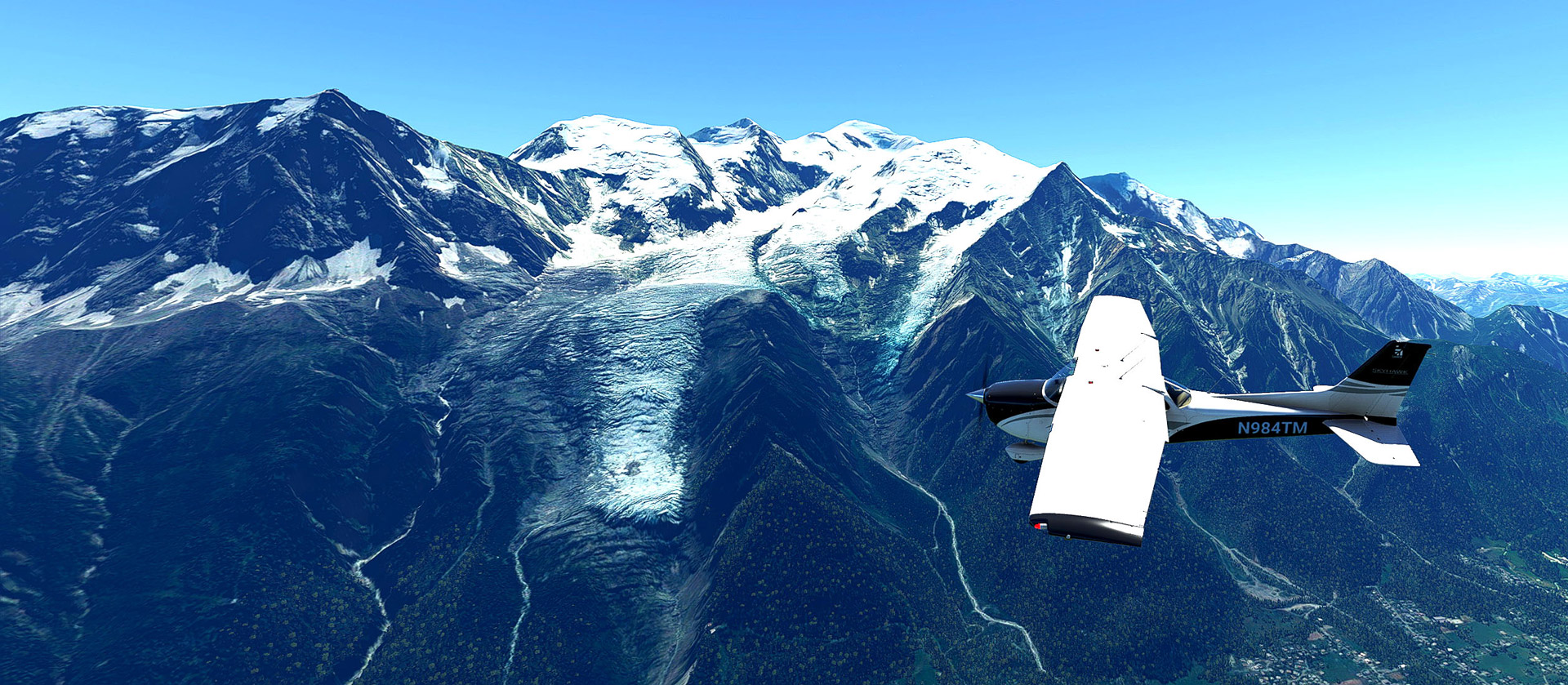
No doubt, there are some pretty good freeware meshes or DEMs available as mentioned in my Post 689. But I must say that many payware products are still worth of what they are — the New Zealand Mesh from Orbx and the Switzerland Mesh from FSDreamTeam are two good examples. Continue reading

689: Adding Funs with DEMs

Just in case you are not aware. There are some high-resolution DEMs, Digital Elevation Models, you can download from Flightsim.to, which can largely improve the rendering of terrains in their respective regions.

Not sure if you want it?  Here are two sets of photos comparing the terrain appearance of LSGR Reichenback Airport, which I randomly picked, in Switzerland with and without using the 20m DEM from Troglodytus.

In photo set 1, with DEM, the taxiway and runway intersection now has a gradient; the roads and other objects on the hill sides seem more rational; and the edges and shapes of the mountains in the background are more prominent as well. Continue reading

688: The Hong Kong City Times is Pretty Good

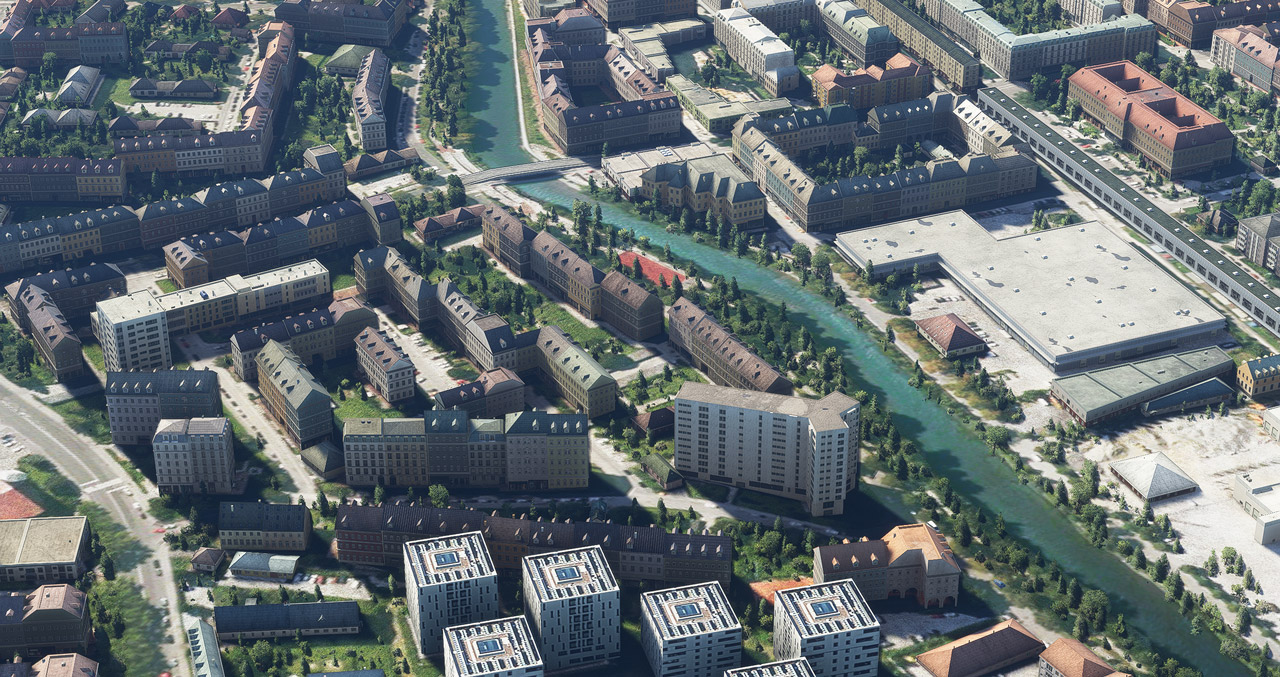
In my last post “Make Hong Kong More Lively”, John M. Helms in the Comment section asked if it is true that the roads in the Hong Kong City Times payware look like dirt roads.  I replied yes, in many areas.

After that, I sent a note to the developer asking the same question.  The developer replied: “Yes it is due to the satellite image being used from the default MSFS, they are yellowish, they are from the outdated Bing map. But our scenery includes some part of custom satellite image already, such as the central and west kowloon, more will be added in the next update.”

I guess many friends might be wondering what exactly the answer meant in his reply. So I captured a few pictures for those who are interested. Continue reading

687: Make Hong Kong more Lively

If you own the Hong Kong City Times from SamScene3D, note that it has just updated to version 1.3.1, in which many animated billboards plus various visual improvements are added.

To make it more lively, do supplement it with the Port of Hong Kong by superspud. 

The freeware blends with the Hong Kong City Times nicely and fills the Kwai Tsing Container Terminals, the eighth busiest container port in the world, with many many many Continue reading

670: My Vegetations Mod Update 3

Just slightly modified the vegetation files I’ve been using for the last few months in MSFS since Post 654 to better meet my personal preference.

If you are interested, you may download it from the Freeware Section in my Store.  A few more files are added to the package as well.

But as always, Continue reading

654: My Vegetations Mod Updated

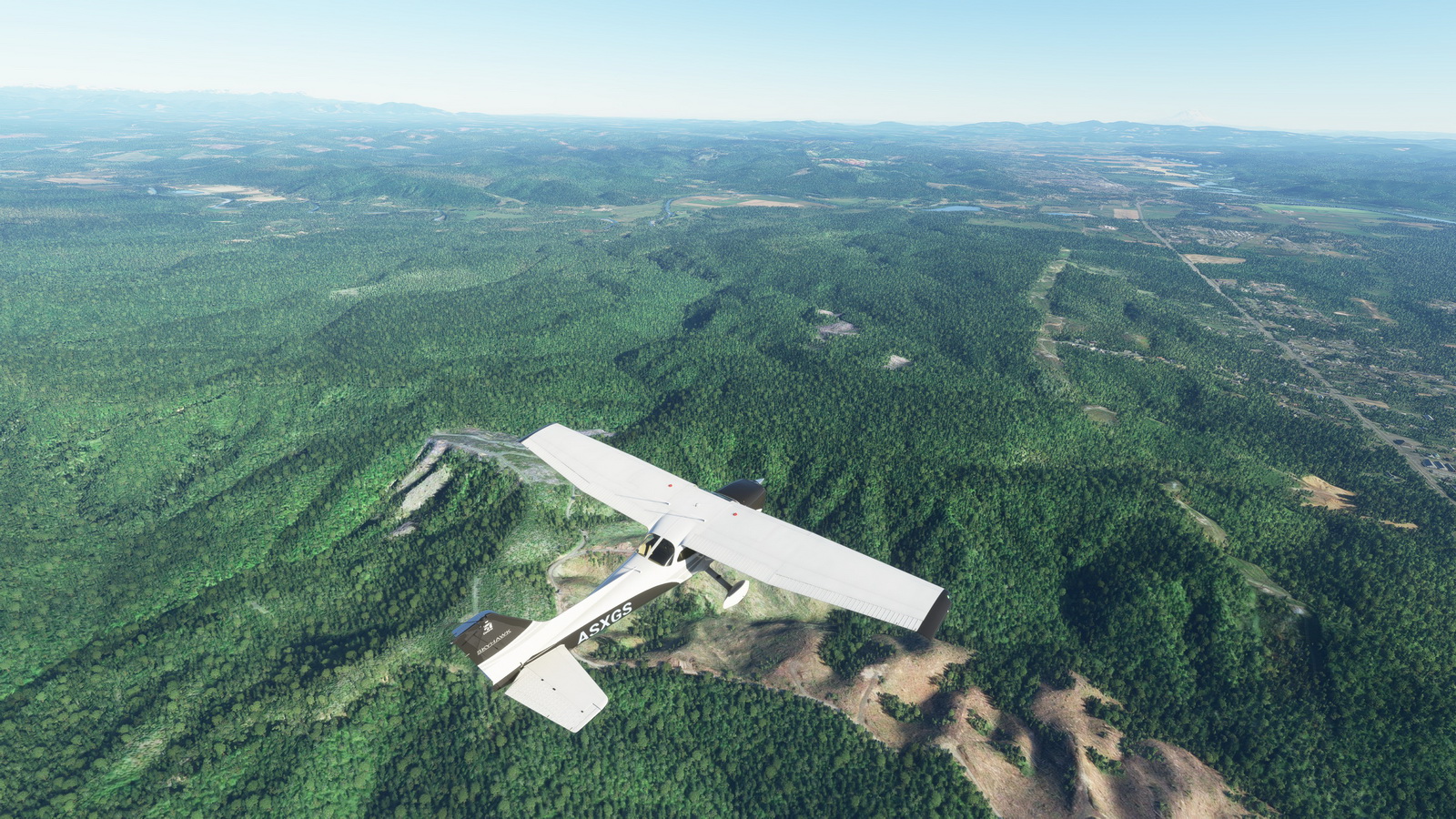
In addition to some adjustments to the maximum and minimun values in my last modified vegetation file reported in Post 648, a new tweak to display trees to far distance without performance hit (click image below to enlarge) is further included.  It has become my MUST-HAVE tweak for MSFS 2020.

As we know that simulators only load up autogens within specific distance surrounding the aircraft.  With this mod showing vegetations virtually unlimited in far distance, the popping up of other autogens becomes unnoticeable — giving you an illusion that everything is already in place.

The last modified vegetation file I put in the Freeware Section in my Store has been updated with this new one. Continue reading

648: My MSFS Vegetations Mod

Vegetations in MSFS are generally regarded oversized and look unrealistically.  There are tips on the Internet to help improve the situation by reducing the MAX and MIN values of all entries in the 10-asobo_species.xml file under “/fs-base/vegetation” folder to about 60% – 80% (or about 4 – 8 points) of their originals.

Vegetations look more realistic with the mod

My personal preference after tests is to keep the minimum values unchanged but to lower the maximum values to the same values of the minimum; or to 5 when the minimum values are less than 5.

Reducing all the maximum values to the minimum values is also good.

Here’s the download link to the five Vegetation files Continue reading

585: TE Washington – Think before You Buy

I originally had great expectation on Orbx’s True Earth Washington for P3D because the company’s True Earth Washington for X-Plane looks great.  But when I got the P3D version yesterday, I have to say that I am disappointed since it is inferior to its X-Plane brother, especially in the two aspects below.

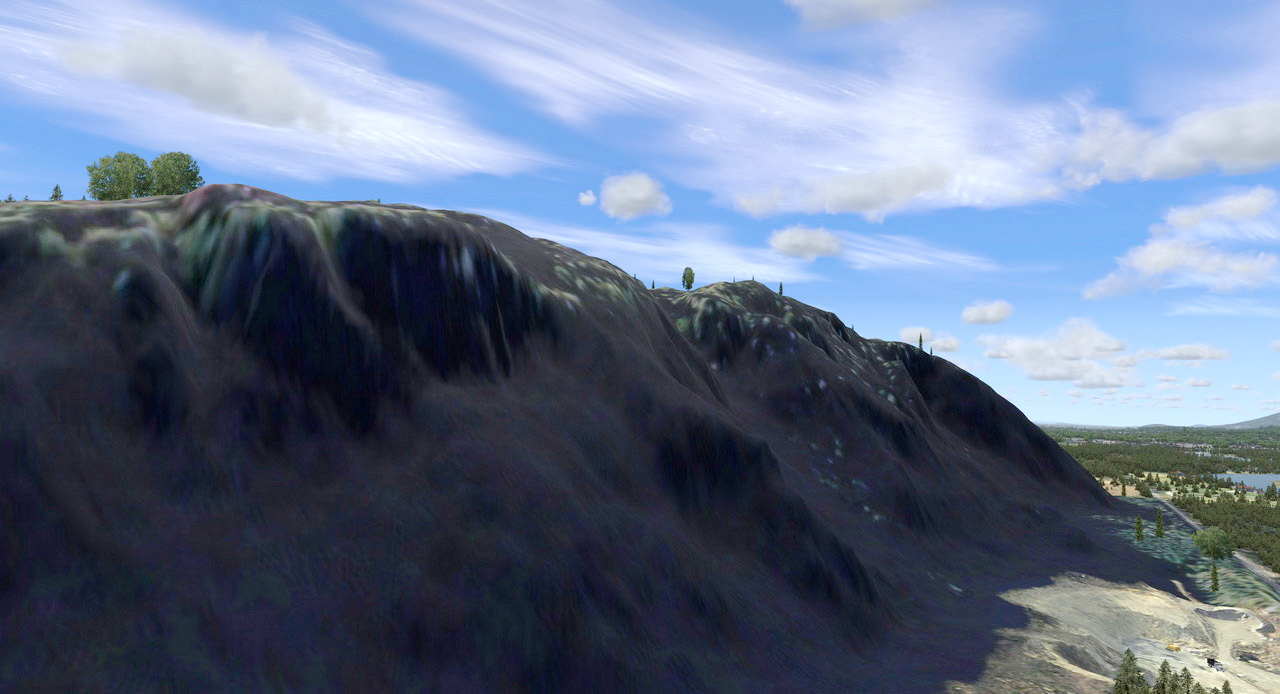
In its description, it says it offers 66,574 square miles of hand-corrected, crisp aerial imagery.   However, crisp or not depends on how high you fly.

click to see larger image

Continue reading