
After my MSFS 2020 upgraded to the latest version 1.39.12.0 (SU16), I was prompted to log into the Xbox/Microsoft account again. For unknown reasons, the sign-in pop-up was unresponsive — preventing me from entering any information.
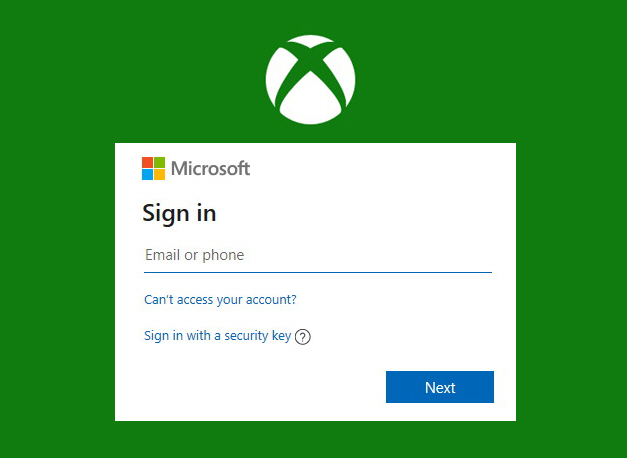 I tried various suggestions, including clearing Xbox Identities and resetting gaming services, etc, but nothing worked.
Although I still haven’t found the root cause and a proper solution, I did find a workaround that solved the issue for me: Continue reading
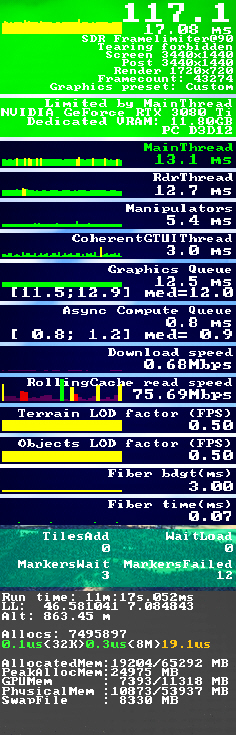 either. However, he was able to run MSFS at all-ultra settings using NVIDIA Frame Generation. He also sent me a YouTube video that he said had helped him a lot.

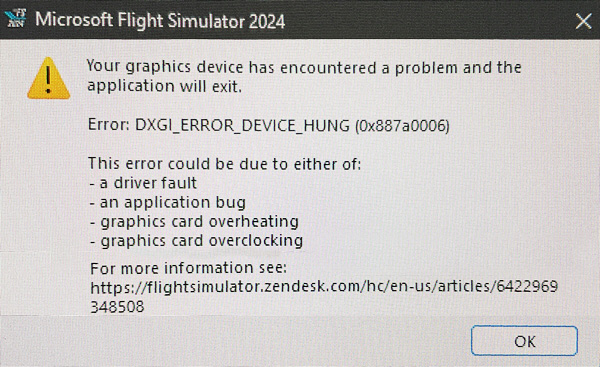 The notorious error was reported by many players. Although there are many suggestions for the issue, such as changing the values of some specific registries, etc, none of them helps in my case.
 FS Times