654: My Vegetations Mod Updated

In addition to some adjustments to the maximum and minimun values in my last modified vegetation file reported in Post 648, a new tweak to display trees to far distance without performance hit (click image below to enlarge) is further included.  It has become my MUST-HAVE tweak for MSFS 2020.
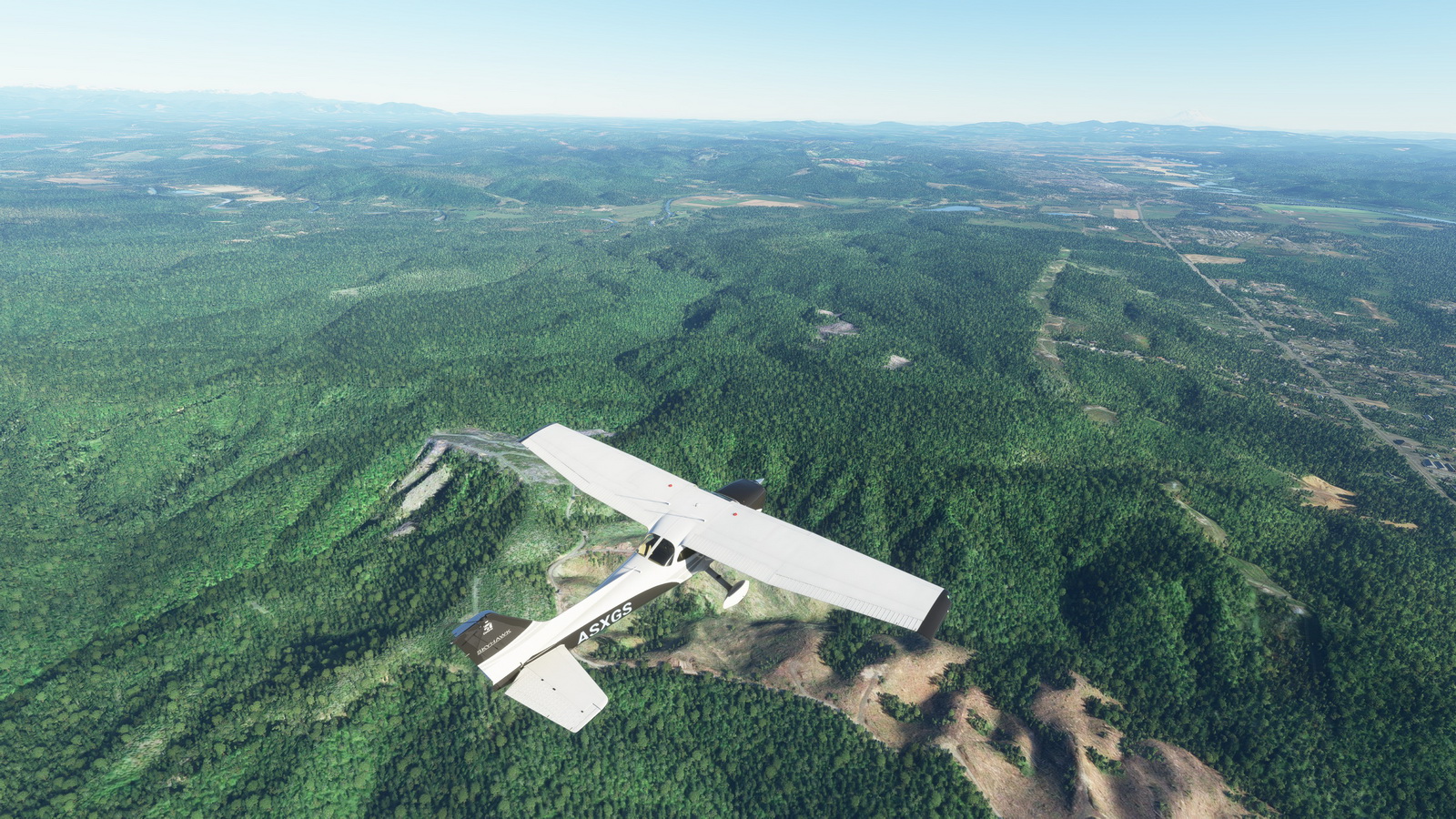
As we know that simulators only load up autogens within specific distance surrounding the aircraft.  With this mod showing vegetations virtually unlimited in far distance, the popping up of other autogens becomes unnoticeable — giving you an illusion that everything is already in place.

The last modified vegetation file I put in the Freeware Section in my Store has been updated with this new one. Continue reading

648: My MSFS Vegetations Mod

Vegetations in MSFS are generally regarded oversized and look unrealistically.  There are tips on the Internet to help improve the situation by reducing the MAX and MIN values of all entries in the 10-asobo_species.xml file under “/fs-base/vegetation” folder to about 60% – 80% (or about 4 – 8 points) of their originals.

Vegetations look more realistic with the mod

My personal preference after tests is to keep the minimum values unchanged but to lower the maximum values to the same values of the minimum; or to 5 when the minimum values are less than 5.

Reducing all the maximum values to the minimum values is also good.

Here’s the download link to the five Vegetation files Continue reading

647: Logitech MSFS Plugin Won’t Work Alone

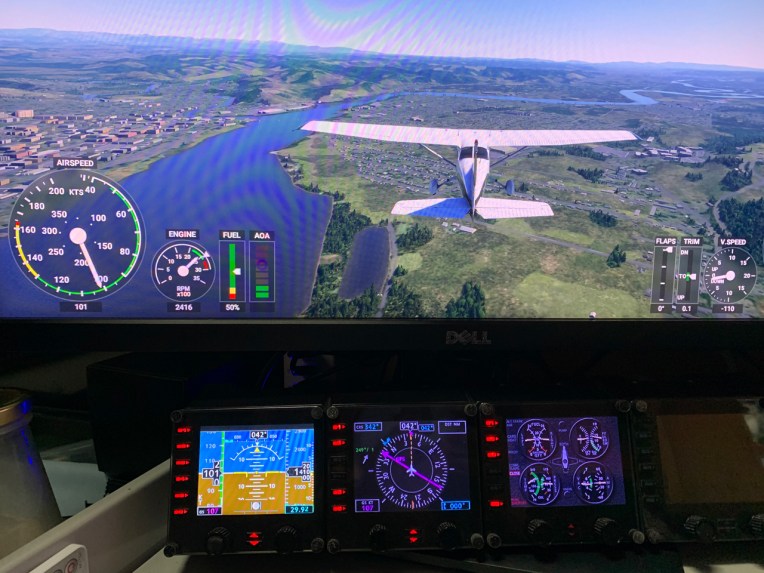
When I installed the Logitech’s MSFS Plugin onto my two computers (one new, one rebuilt) a couple of weeks ago, I got puzzled because all my Logitech’s Pro Flight Panels worked nicely with MSFS, except the Flight Instrument Panels (FIPs).

There were nothing on the displays — no serial numbers, no product images.  All screens were blank.  And the most frustrated was Windows recognized them all and said they worked normally.

On my last computer I just replaced, the MSFS Plugin works seamless without any issue.  I just have the Plugin installed and off it goes.

It took me nearly a day to figure out that Continue reading

646: G Flight Yoke 180° Mod Completed

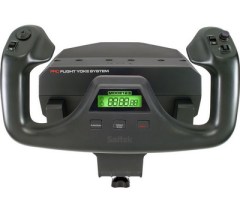
Remember Alexey’s G Flight Yoke 180° modification and repair project in Post 586 ?  He just notified me that the project has completed.

The last step was to install the Leo Bodnar’s custom controller board instead of the broken Saitek’s board. As the result, the yoke kept 90% of its previous functionality except for the mode switch and the timer display. With the new board the yoke’s input became smoother, so the 180 degree rotation mod applied earlier now allows better control of the aircraft. The last mod will also help people whose yokes are broken to bring them back to life with the help of Leo Bodnar’s controller board, said Alexey.

Anyone interested in his project could see the videos showing the last modification and testing here: Continue reading

626: Logitech’s MSFS Plugin is Good but Not Perfect

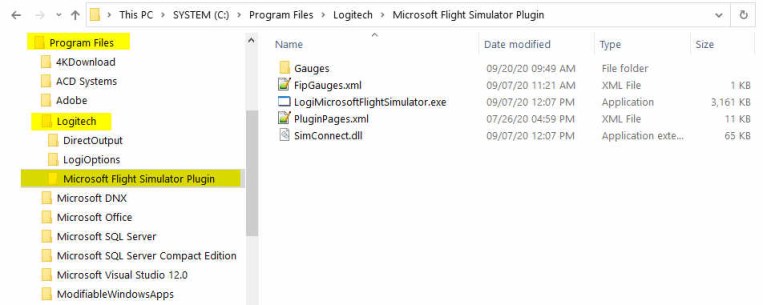
Just installed the Logitech’s Plugin for Microsoft Flight Simulator earlier today.  The content of it is saved onto the C:\Program Files\Logitech\Microsoft Flight Simulator Plugin folder.

The Plugin works more or less the same as the company’s Plugin for X-Plane — once it is installed, you can forget about it.  The plugin will activate automatically with the simulator, allowing panels to communicate with MSFS accordingly.

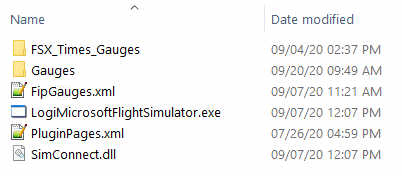
To use my gauges with this new Plugin, just further copy the FSX_Times_Gauges folder and the LogiFlightSimX.xml file from C:\Program Files (x86)\Logitech\FSX Plugin to this directory, and rename or copy the LogiFlightSimX.xml to replace the PluginPages.xml file.  That will do.

However, Continue reading

625: New Logitech Plug-in for MSFS

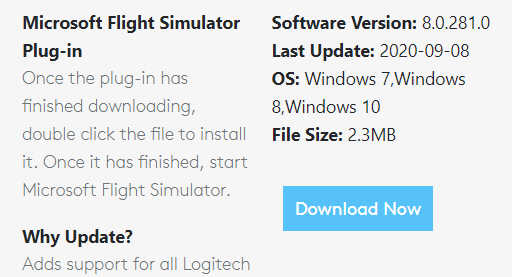
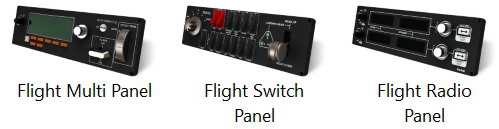
Reported by David Bechkett that Logitech has now released a MSFS 2020 Plug-in for all Logitech Saitek Pro Flight Panels including the Radio Panel, Multi Panel, Switch Panel, and the Instrument Panel.

Apparently now SIMCONNECT, FSUIPC, and other 3rd party plug-ins are no longer required to use the Logitech Panels with MSFS 2020. All of the Logitech panels will now be recognized by MSFS 2020 if you download the Logitech Plug-in from the Logitech Support site.

Just search for the Panel that you have and in the downloads section you should find the new plug-in.   Here’s the link: https://support.logi.com/hc/en-gb/articles/360024692354–Downloads-Flight-Multi-Panel

That’s great news. Thanks very much, David.  Continue reading

624: Running Logitech Panels in MSFS

I pulled out my Logitech Panels from storage earlier today.   After a few hours testing, they are successfully communicating with MSFS via FSUIPC 7, like the FIPs.

Followings are the steps I found the most effective:
Continue reading

621: Running FIP Gauges in MSFS with Logitech Drivers

I am excited to inform you guys that FIP gauges under Logitech Drivers can actually be run properly in MSFS without the need of SPAD.neXt or other similar utilities available on the market.   In other words, all existing FSX/P3D gauges in my store are MSFS-compatible ready, despite whether Logitech will have updates supporting MSFS or not.

To run the FIP gauges using Logitech Drivers in MSFS, all you need Continue reading

602: FIP Turn On Fix

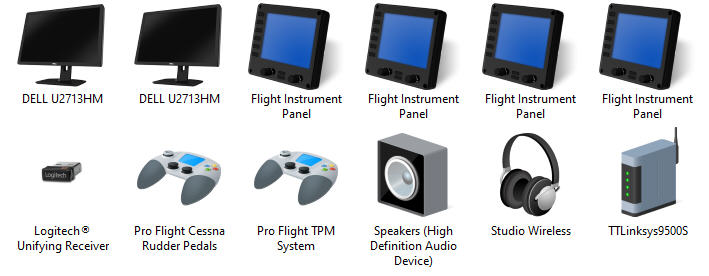
After Windows 10’s last few updates, I encountered some strange behavior on my Flight Instrument Panels (FIPs).  They are connected via two USB hubs on my networked Surface Pro as described in Post 581.  I normally turn them ON after the flight simulator is loaded on the main PC.

But after recent updates, a few FIPs (not the same every time) won’t turn on at all sometimes.  I’ll need to cold boot the Surface Pro in order to have them back to work normally.  This happens about once or twice in every 10 start ups.

The FIPs were checked; hubs – checked; power – checked.  I even swapped the ports and the hubs.  Nothing unusual found.  Besides Continue reading