615: My MSFS Update 4

I got refund from Microsoft again and it was even faster than last time.  Good job MS Support.

During my wait for the refund, I kept searching similar issues on the Internet and Xbox forum.  I found that I am not alone but still my case seems to be a little different from others.

One friend in last Post told me not to go for the DVD version.  So, Steam may be the only choice left for me.

Some friends commented there’s really no need to rush for it.  Yes, after a second thought, why not? Continue reading
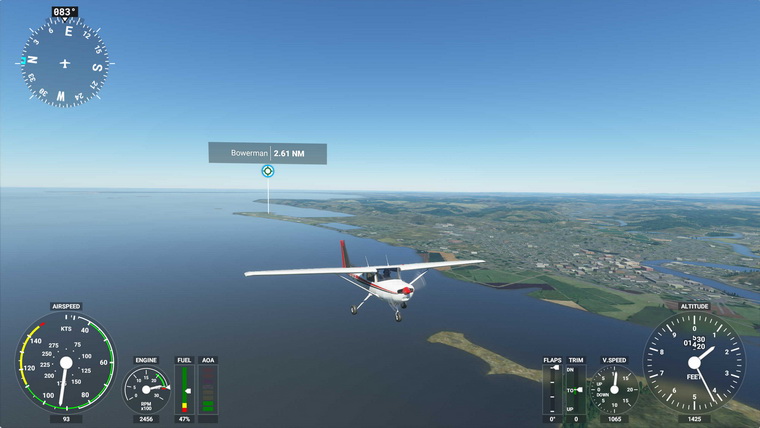
614: My MSFS Update 3

I got the refund from Microsoft Support in about a day after my request.  A thumb up to their quick response.

I immediately re-purchase the Standard Version again, hoping that it would solve the issue.  Sadly, no.  Same issue lingers and doesn’t go.

I really have my head scratched.  If it is my DIY PCs, the Surface Pro should be good and shouldn’t encounter the same issue.

There are two things I am thinking now: Continue reading

613: My MSFS Update 2

Here’s another quick update to my status with MSFS.   In general, I have tried every suggested fix I could find from the Internet and MS/FS site for the error issue I am facing.  Unfortunately, all are helpless.

I was suspecting if I had done something wrong to the two PCs, either before or during or after applying those potential fixes.  Then an idea “why not trying it on the Surface Pro?” popped up before I went to bed last night.

I immediately jumped out of bed and did it right away.  Although the installer warned me that my Surface Pro doesn’t meet the minimum requirement of MSFS and the performance would be poor, it still carried on to putting the initial part of the game to my laptop.

When MSFS was run to the Content Manager stage for update download, Continue reading

612: My MSFS Update 1

Received some feedbacks for my post yesterday regarding the under-par performance of MSFS on my computer.  One of the concerns is the spec of my PC.  It is as follows:

Asus Maximus VI Extreme
Intel i7-4770K OD to 4.0GHz
Corsair DDR3-2133 RAM 16GB
7 Samsung SSD Storages with various capacity
MSI GeForce GTX 780 x 2
Windows 10 Home 64-bit 2004

Surely not the latest and very high-end one but it’s still passes the minimum requirement listed by Microsoft.  And it runs P3Dv4 satisfactorily in general.

Bad things don’t come alone. Continue reading

611: My First Impression on MSFS

Just played the new Microsoft Flight Simulator (MSFS) for about an hour after spending the whole afternoon downloading the files to my computer.  Frankly speaking, although many alpha players praised it highly on the Internet, my first impression on it is quite disappointed and even worse than my first time with X-Plane 10.

Maybe my i7 CPU is not fast enough, maybe my graphics card is not high-end enough.  The simulator severely stutters from start to end.  Even though I configured it to the lowest graphics settings, it didn’t perform satisfactorily.  All my drivers were updated to the latest.

Moreover, many of my flightsim gears, Continue reading

605: GPU Enhancement thru HAGS

If you have updated your Windows 10 to version 2004, wonder if you know the latest version has a new feature called Windows Display Driver Model (WDDM 2.7) which supports Hardware-Accelerated GPU scheduling (HAGS) function.

HAGS allows GPU to take over the video memory scheduling from CPU, so that resources are not only saved on the CPU but the latency on the graphics card will be reduced as well.

In simple English, overall performance of the graphics card is enhanced, which is a good thing as all simulators available today are CPU intensive.

A prerequisite, however, is required to activate the function Continue reading

573: A Quick Update on P3Dv5

I flew the P3Dv5 continuously for nearly three hours this afternoon.  Besides the landclass issues that I mentioned in my Post 568 earlier, I didn’t encounter any other issues reported in P3D forum during the session (perhaps some but not noticeable to me) luckily.
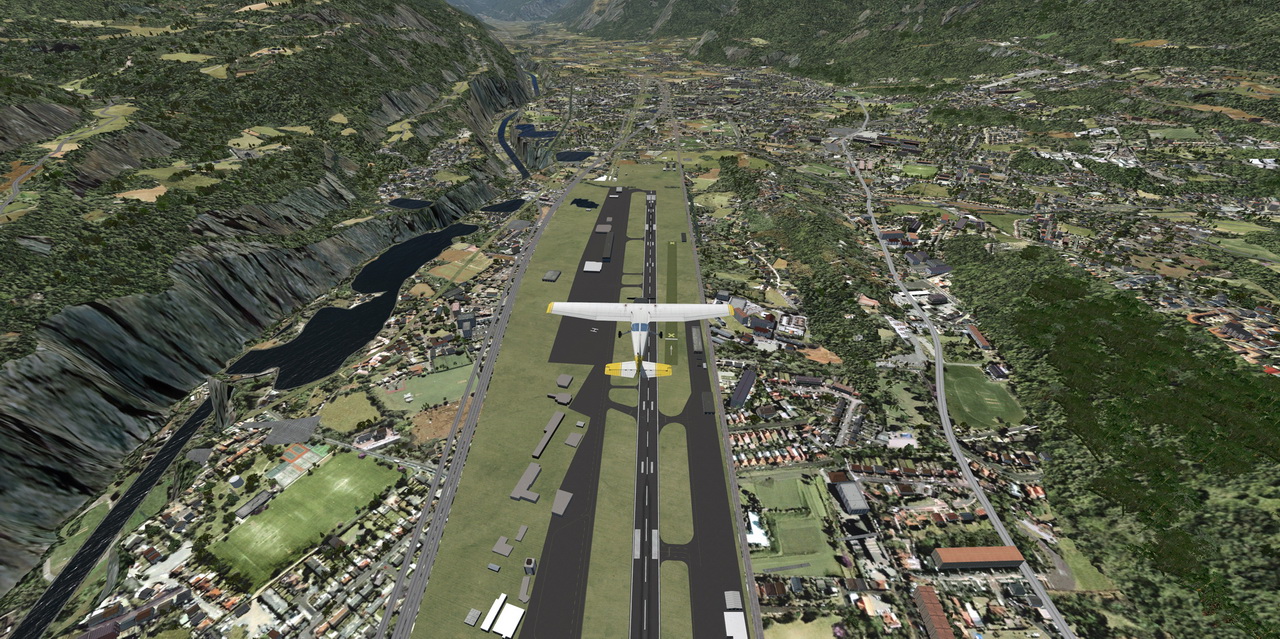
Of course the ATC service was kept silence all the time except during take-off and landing.  This is a known bug so far causing freezes or CTDs.  Other than that, I really feel the new simulator runs smoother.

Be the way, I have clean installed the latest Nvidia drivers again and Continue reading

570: X99 Cold Boot Issue Fix

My flightsim computer is built on the ASUS X99 Deluxe II motherboard with Intel i7 6850K CPU.  Not the top highend nor the latest model but it works nicely.

However, it has an annoying problem that it seldom boots up succcessfully from cold and dark — sorry, no prime function boost here.  Most of the time the system goes to Windows only from the second or sometimes the third or fourth startup attempt.

My computer and peripherals all have the latest firmware and drivers.  The issue persists whether I overclock the PC or not.

I searched the Internet and found the issue isn’t uncommon especially among systems built on the X99 chipset running Windows 10, regardless of brand.

I tried many suggestions, such as unplugging all USB devices when booting the computer, disabling/enabling certain features in BIOS, etc.

None of them helps until recently I found the following tweak: Continue reading

568: Really No Need to Rush for P3Dv5

After running P3Dv5 for two days, my initial impression stated at Post 564 continue to be valid.  Also true is my earlier comment saying that “there’s really no need to rush for it.”

If I remember correctly, every time when P3D had a major update (1.xx, 2.xx, 3.xx, 4.xx), the very first version always full of issues.  This latest version 5.0 is of no exception.

Followings are a couple of photos comparing the Sion Airport (LSGS) and Bowermen Airport (KHQM) between version 4.5 and 5.0.

The big trench on the left is flat actually.   Orbx Base Pack & EU open LC don’t help.

Continue reading