
This post is originally the first aritcle in the “My P3Dv4 Setting Up” series. However, since I do normally perform the configuration back up mentioned in the second article first, I therefore rename this post to #02 and the second post #1. Publishing time adjusted as well to reflect the proper order.
As stated in the About FSX Times of this blog, my goal is to achieve a stable flight 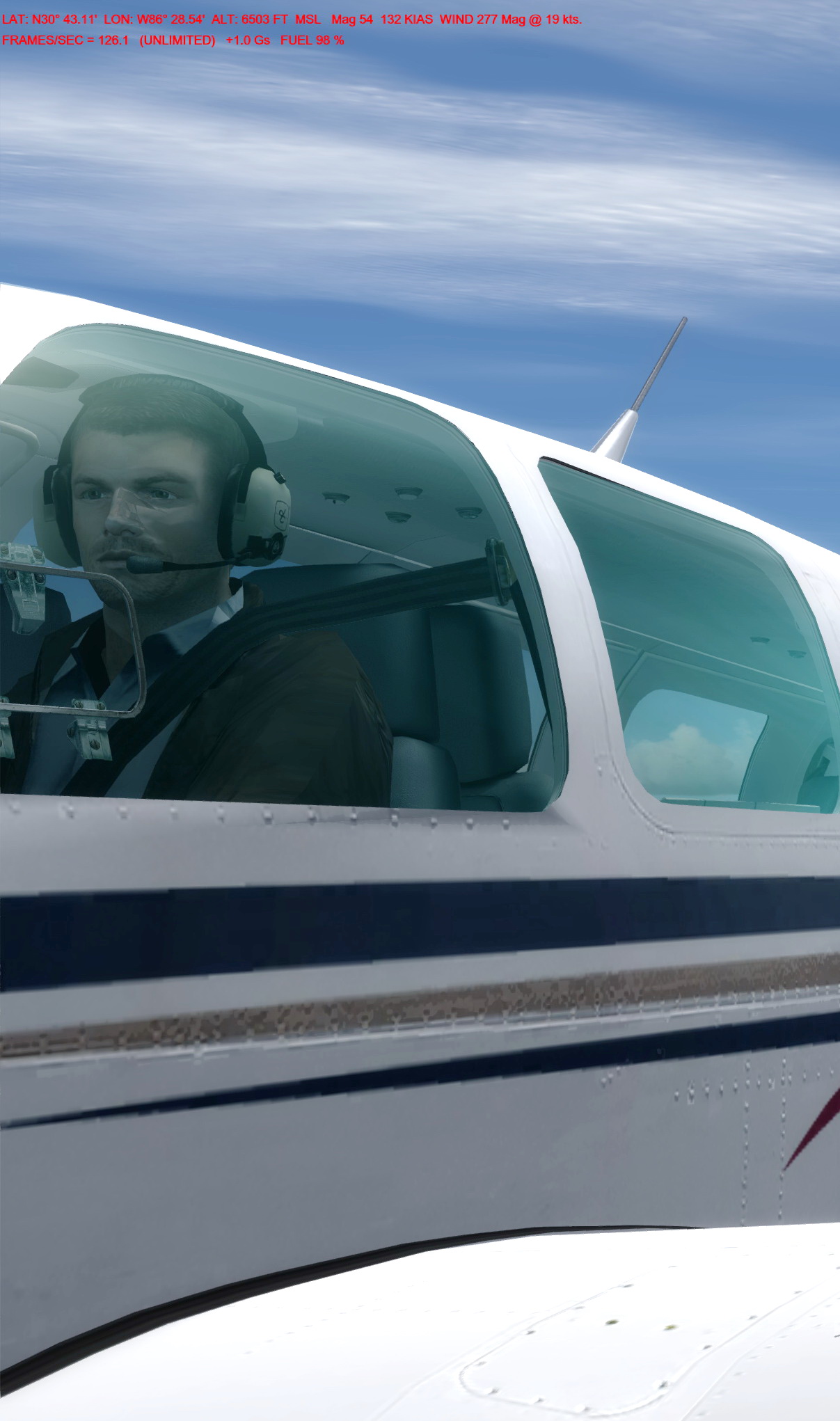 simulation system performance with a minimum 30 fps in average. Luckily, I’ve been able to achieve that goal with some compromises. But unluckily, that 30-something fps level also acts like a barrier that stops me from passing.
I am not sure yet whether the 64-bit P3Dv4 and my new hardware would help break this spell for good. But the 120 to 210 fps initially gained from the new system without any tuning seems like a promising start.

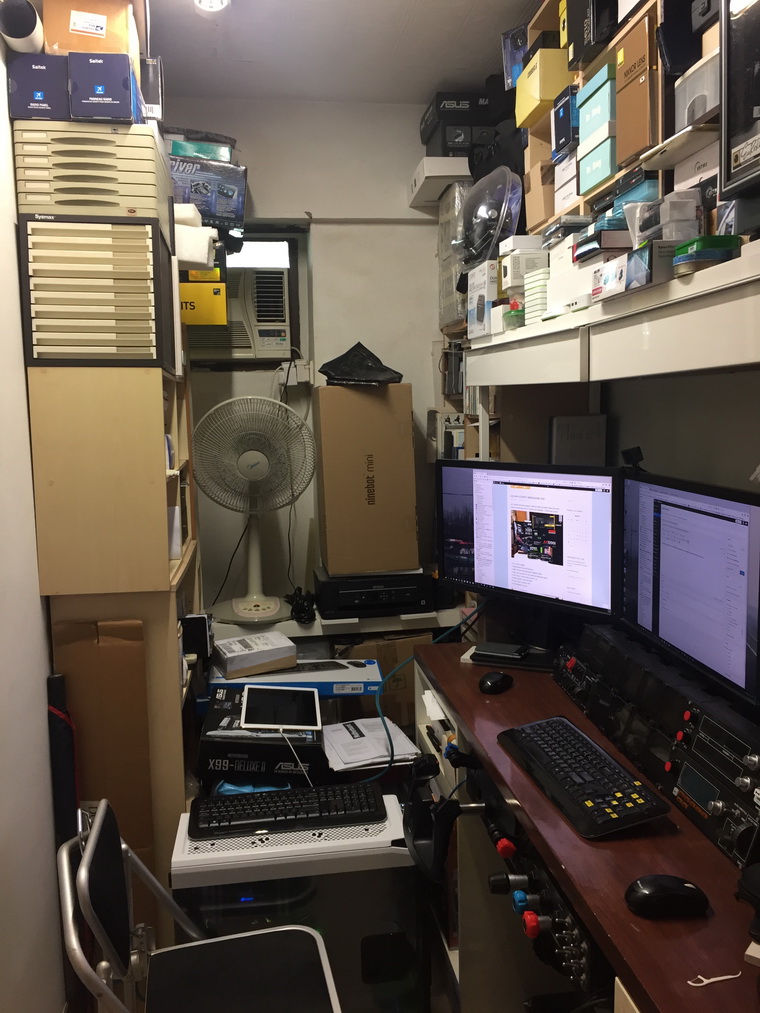
As the hardware side of my new cockpit is still not ready, I’ll take it slowly to install addons and to finetune the system. Continue reading
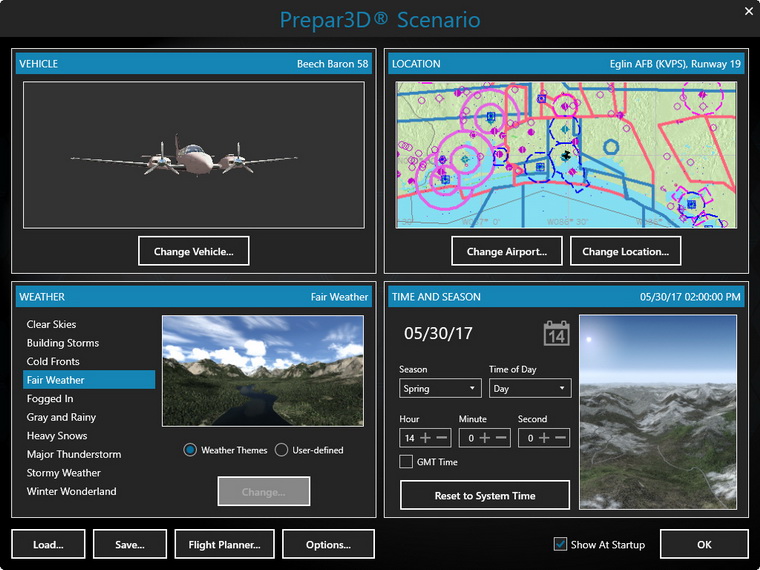
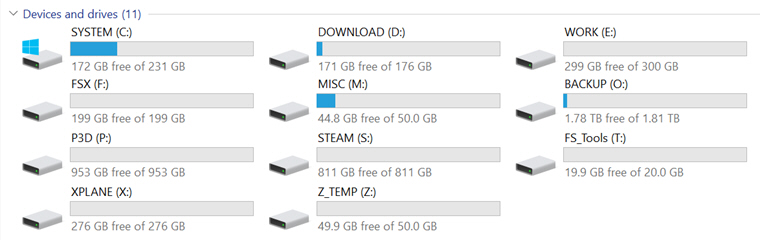
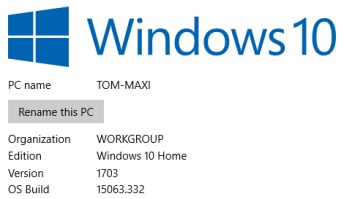
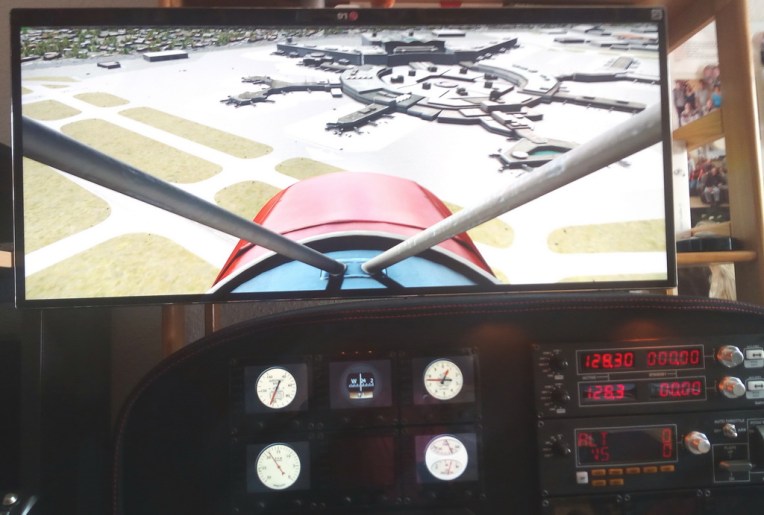 notably Tom’s gauges. Some of them are of course not appropriate for the Piper, but the values are all displayed and even the Flaps indicator moves.
 FS Times