152: Downgrade to Radeon Version 11

Besides the latest OpenGL issue with TrackIR, Radeon’s 12.x driver has been giving me a subjective impression that FSX micro-stutters a little bit more than its predecessors.   This is even more significant after upgrading my system with Orbx’s latest patches.

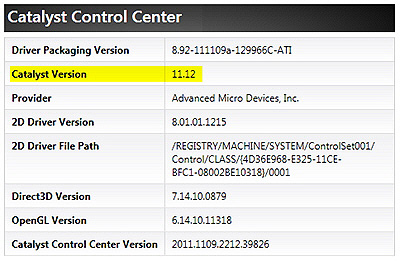
Busy work is the excuse that keeps me using this version.   Since I am a bit free this weekend, I downgraded the video driver to 11.12 to verify my subjectivity a fuss or not.

Continue reading

141: FlyZone Switcher Update

As mentioned in Post 137,   I’ve been working on an exe program that aims to integrate all my flying zones, which used to be run by separate batch files in BASIC, together.    Over the holidays,  I have completed:

  • The Core programming;
  • Redesigning the layout of the interface;  and
  • Restructuring all fsx.CFG, scenery.CFG, DLL.XML, and other related files.

At present, the program, I call it FlyZone Switcher, is now fully functional, and six areas have been implemented with no errors.   Followings are the images capturing the flow of switching from Orbx’s North America to FSX’s Default Central America: Continue reading

137: Flying Zone Switcher Preview

Updated: Dec-22,2011
Lately, I have been working on an enhanced user interface for my Flying Zones approach.   Its preliminary design is shown at the end of this post.

In addition to switching flying zones, targeted features will also include the loading of corresponding missions and FSDiscover data.  And in particular, it will eliminate the need of FTX Central when switching to Orbx’s scenery areas.

The heart of the project includes quite some customizations to my FSX setup.   When it is completed, I will think of a way to share the concept with others.

Until 2012, this probably is the last post of the year.

Wish you all a Merry Christmas and a Happy New Year !
Continue reading

135: My Best fsx.CFG Update

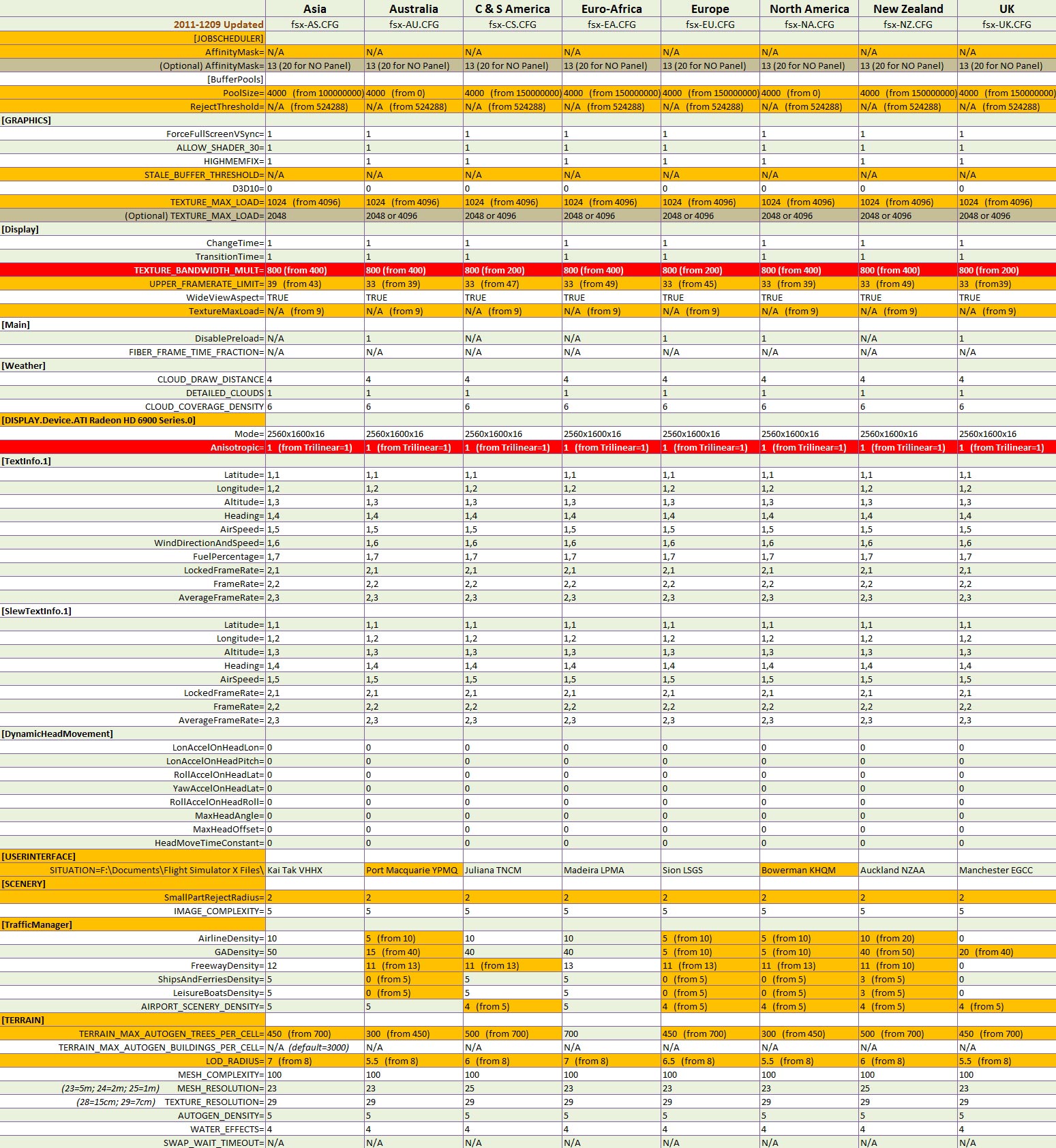
As earlier reported in Post 133, my system got some positive results from increasing the value of TEXTURE_BANDWIDTH_MULT to 800.

Updated on May-4, 2012: However, dropping down the value from 800 to 400 brings a result that the setting is more compatible to my recent hardware changes.   Therefore, the value of TEXTURE_BANDWIDTH_MULT is now set to 400.

Here is the fsx.CFG for all my flying zones — Note that TEXTURE_BANDWIDTH_MULT is 400, not 800.


Updated items are highlighted in red.

NOTE:

  • The Anisotropic=1 setting should be good for most people.
  • But many others may find the result from TEXTURE_BANDWIDTH_MULT=800 (which is good on my HD6970 card) differently with a different card.     Explore it yourself.
  • My previous fsx.CFG settings should still be good for general references.

133: Texture_Bandwidth_Mult Revisited

Haven’t written a lot recently because I’ve been testing extensively with different tweaks on my system (mainly due to the addition of HD6970).    Also, some more hardware changes and replacements are going on.   Both consume a lot of time.

So far, there are two positive findings resulted from these tests, which help reduces the occasional stutters in my current setup described in Post 131.

1)  Under the Display Device section, use Anisotropic=1 rather than TriLinear=1, even though the Anisotropic Filtering is hardware controlled via the Catalyst Control Center.   Don’t ask me why.   It just performs better.

[DISPLAY.Device.AMD Radeon HD 6900 Series.0]
Mode=2560x1600x16
Anisotropic=1

2)  Mentioned in Post 27 that increasing the value of TEXTURE_BANDWIDTH_MULT under [Display] section could render a smoother display quality.   The result is more obvious from my current HD 6970 card than the retired HD 5870.    Three of my flying regions have been raised to 800 from 400.    Values higher than 800, however, cause negative impacts.

[Display]
TEXTURE_BANDWIDTH_MULT=800

Remaining regions are being tested, and will report the results later.

131: My Best FSX Setup (2011-1124)

Since my last update in August regarding my FSX setup, there were quite some changes to my system,

where I:

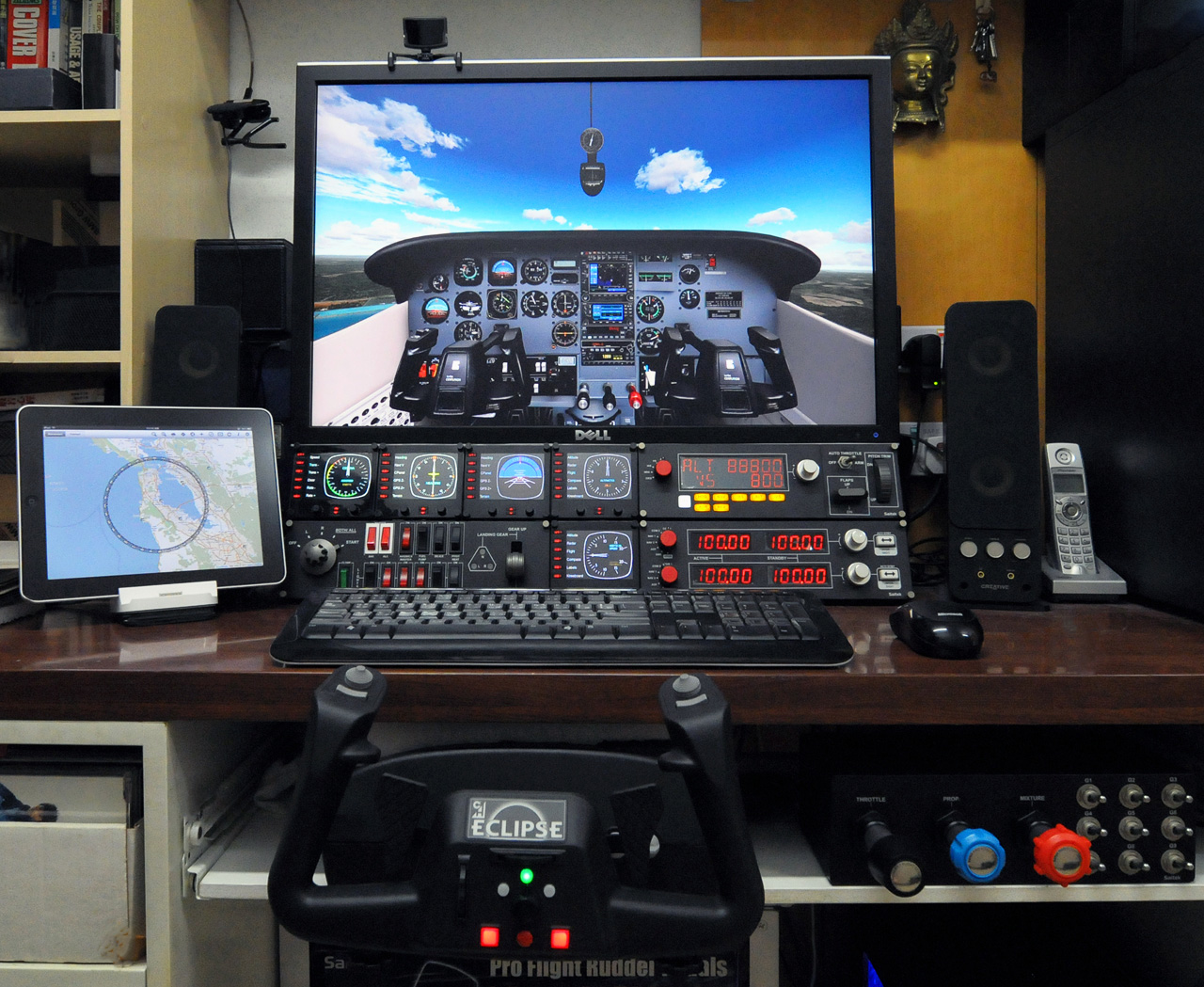
  • added two more FIPs

Continue reading

115: Less is Still More – the Game Booster

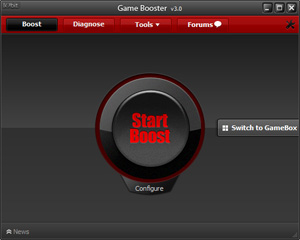
Game Booster from IObit definitely isn’t something new.   It is a small application that can temporarily stop unnecessary computer background processes and services, in order to give more computer resources and power to “boost” the performance of a game.
Before the current version, I never liked the program because I encountered tiny bits of problems many times during the restore process.

The new version 3 is a great improvement in terms of stability and user-friendliness.   Also, it is now completely free — in version 2, I had to purchase a license for its premium features. Continue reading

112: Finding the Day of SHADE

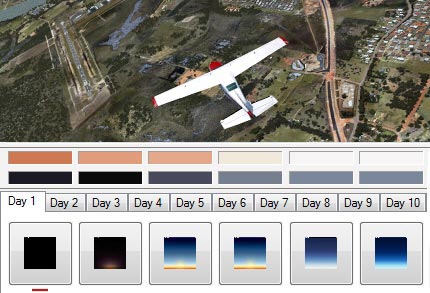
As explained by the developers of SHADE for FSX, days in FSX are looped in a 10-day cycle and his program was designed and built on that loop, which allows the loading of up to 10 different SHADE presets in FSX.

However, how to find which Day is active on a specific date is not easy (at least not by the time of this post).


Followings are the principles of the 10-day cycle and how it is calculated: Continue reading

107: SHADE for FSX – An Angel and A Demon

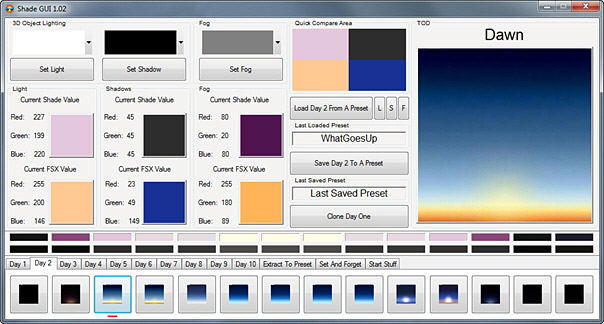
Mogwaisoft’s Shade for FSX is a little program that can modify the ambient colors and tones in FSX.    It is somewhat similar to, but better than, the ENBSeries freeware which also helps improve the bloom and shade in FSX.    The latest version of the program at the time of this post is 1.02.

Shade for FSX comes with a graphic interface where users can pick different presets with varieties of light, shadow and fog settings for the ultimate effect in color and tone rendered in FSX.   Also, it allows users to create their own customized settings to match their preferences and tastes.

The working principle of the program is as follow:  Continue reading