196: Remove Addons Promptly

TechLevel01W

Last post we talked about adding addons to the exe.XML file so that they can be run automatically when FSX starts.

In case there are some addons we no longer need or we just want to disable some of the addons temporarily, instead of deleting them from the exe.XML file, we can parenthesize the module(s) with the following xml notations.

Continue reading

195: Run Addons Automatically

TechLevel01W

There are certain addons one may need to run before, during or after the loading of FSX.   For example, the pmSounds from Project Magenta is one msut-have feature I normally run alongside with the FSX.

Instead of clicking the addon’s program icon every time, I just put the addon in the following format:

__<Launch.Addon>
____<Name>pmSounds</Name>
____<Disabled>False</Disabled>
____<Path>T:\pmSounds\pmsounds.exe</Path>
__</Launch.Addon>

and
Add the above module to the exe.XML file
under C:\Users\<your name>\AppData\Roaming\Microsoft\FSX — the directory where fsx.CFG is stored. Continue reading

185: London X with Orbx ENG – A Quick Fix

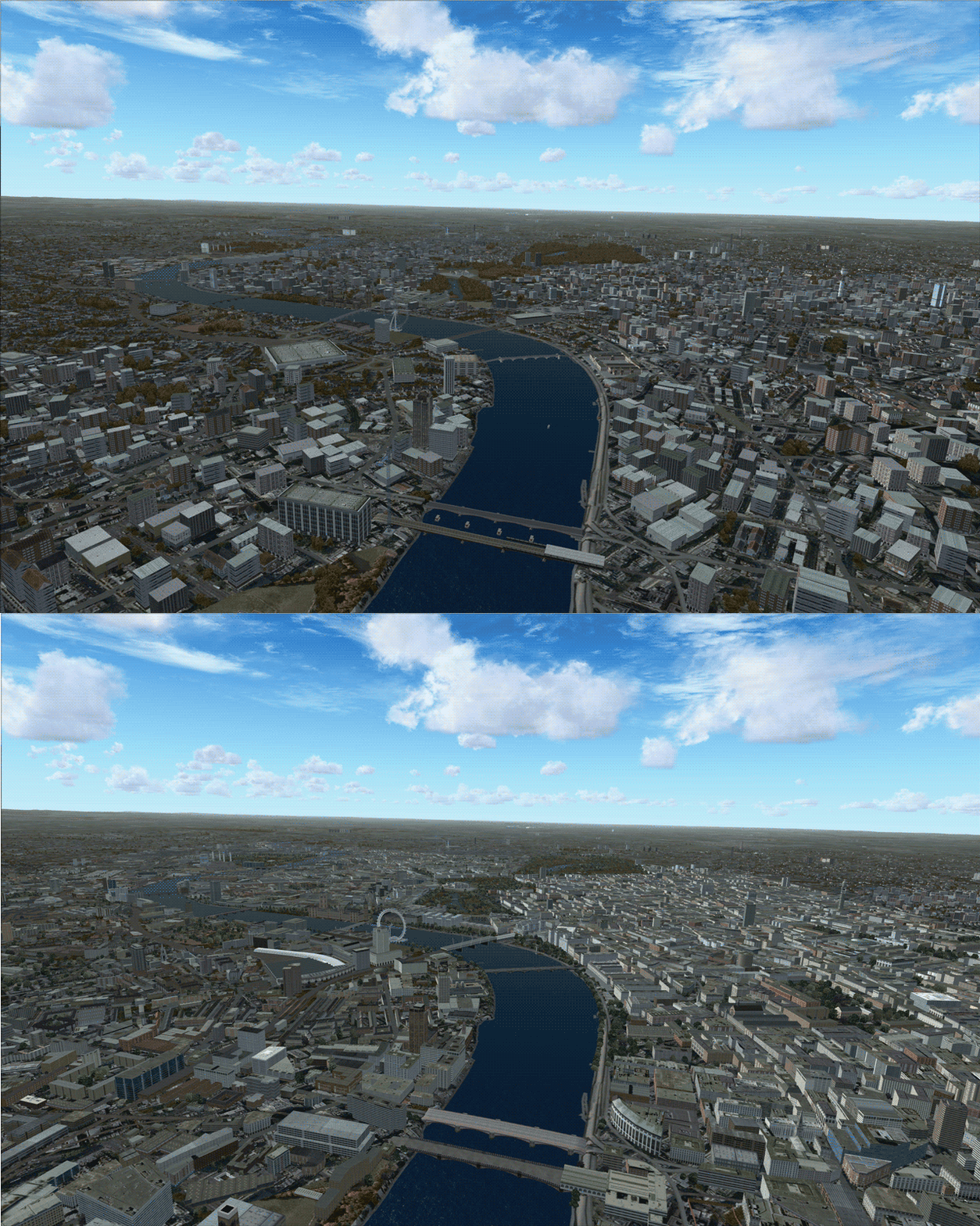
The primitive look of London in Orbx EU ENG is a concern to many simmers.  If you have London X, here’s a quick and simple fix to blend the two together.

Here are the steps:
Continue reading

127: Put the Tower Radar on the Plane

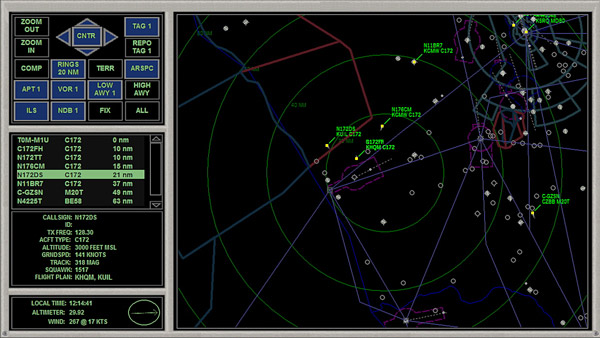
Each aircraft in FSX can be equipped up to 9 different panels, and each of these panels can be called up by pressing the [SHIFT] plus a number key from 1 to 9.   However, only a few aircrafts in FSX are actually equipped with all 9 panels.   Most aircrafts use less than five.

The following tweak adds the radar panel found in control tower to virtually any aircraft.

Don’t remember where I found this tweak in the first place (credit should be given to the one who shared this).    It is an interesting and useful one and quite easy to implement.    Furthermore, I had it simplified.

Here’s how to add the radar to the Cessna 172 as an example.    Same procedures apply to all other planes:

Continue reading

125: Aircraft Door Fixes

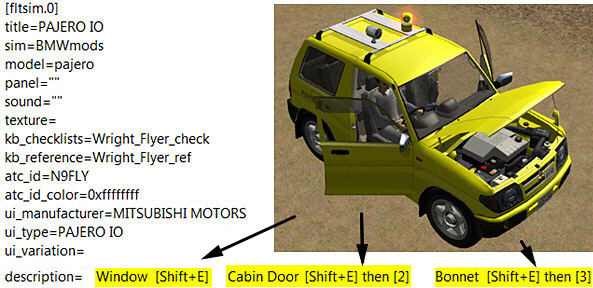
The Mitsubishi Pajero by Mitsuya Hamaguchi is supposed to have its Door Windows, Cabin Doors and Engine Hood opened (or closed) when [SHIFT+E][SHIFT+E] then [2], and [SHIFT+E] then [3] are pressed respectively.

However, due to a mismatch error in its aircraft.cfg file, its hood (bonnet) cannot be opened when [SHFT+E] then [3] is pressed.

Continue reading

123: Disable Unintended Auto-Pilot Wing Leveler

Some aircrafts in FSX, both default and add-on (such as T210), will turn on Wing Leveler automatically when Altitude Hold is activated, meaning that manual control of the aileron is also disabled.
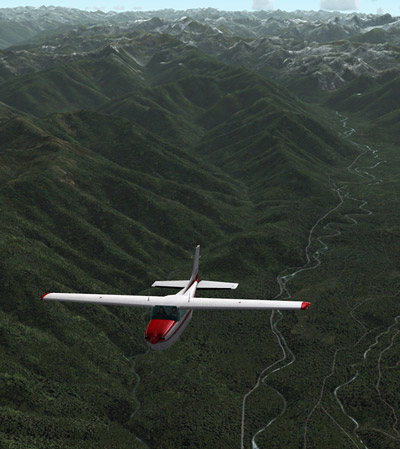
To regain the control of it, one can press Ctrl-V on the keyboard to disable (or enable) the function.

Better still, one can modify the aircraft.cfg files of such aircrafts, and add the following command lines under the [autopilot] section, so that Wing Leveler function could be independent from Altitude Hold permanently.

[autopilot]
default_bank_mode=0
default_pitch_mode=0

Assigning “1” to both values will reactivate the associated Wing Leveler function with Altitude Holder under auto-pilot mode.

98: fsx.CFG – Shift-Z Parameters

Someone just asked if there is any way to change the font size and color of the Shift-Z text.   Unfortunately, there isn’t any as far as I know, although some people reported that the paid version of FSUIPC might be able to change the color of the text.   But still, font size seems to be hardcoded and can’t be changed.

Anyway, this reminds me that in addition to the AverageFrameRate previously discussed when Shift-Z is pressed, there are a few more parameters that can be applied to the Shift-Z display as well: Continue reading

86: Enable Hyper-Threading


Intel’s Hyper-threading Technology enables multiple threads to run on each core to efficiently using processor resources.  It could be turned ON or OFF through the BIOS setting.

Many simmers suggest to turn it OFF since some argue that hyper-threading generates extra heat which drags the performance of FSX.  Others report that stutters are experienced due to extensive collisions between threads.

However, in my case with an i7 930 CPU overclocked to 4.0GHz, with or without using AffinityMask, I find FSX is running smoother with the hyper-threading feature enabled.

Worth a try to decide whether Enable or Disable the Hyper-Threading is best for the sytem.

66: Give the Aircraft a Little Push

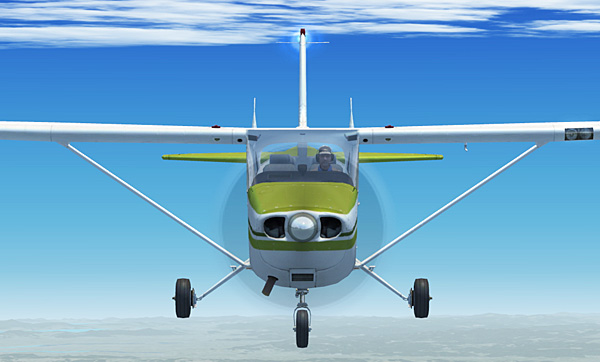
Purchased a few third-party aircrafts but the default C172 is still my favorite.  It will be perfect if the plane can be more powerful and fly a little bit faster like the Skylane 182.

Here’s how I “installed” the 182’s six-cylinder, 235hp engine to my C172:

Continue reading