623: Finding Button #s of Your Gears

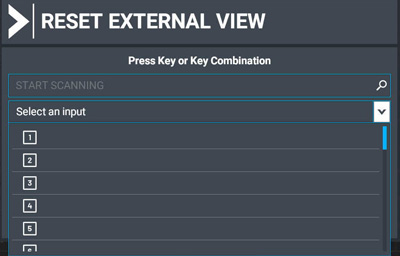
Whether your flightsim gears are instantly recognized by MSFS or not, you’ll need to find out what the numbers of the buttons are when selecting them in MSFS Control.

Unless your gears already come with a button number map, you’ll have to find them out yourself.   It’s pretty easy. Continue reading

622: MSFS Control Mappings

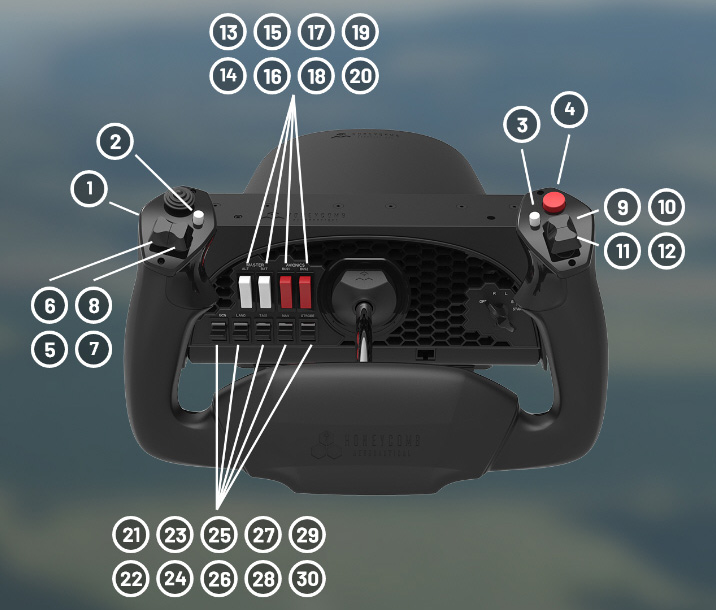
At the moment, only a few accessories are instantly recognized by the new Microsoft Flight Simulator (MSFS).  The Honeycomb Alpha Yoke is one of them, which I used as a reference to set up my VRInsight Flight Master Yoke and other flightsim gears on my second computer.
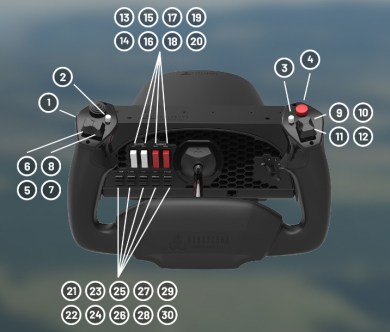
It’s funny to look at the white buttons and the red buttons on the Yoke panel as they are wrongly placed carelessly.  The two red buttons for Batteries should be on the left and the two white buttons for Avionics should be on the right.   Wonder why no one from the Asobo team nor the Honeycomb team spotted the mistake and have it corrected in the last update.

Anyway, followings are the default button mappings on the Alpha Yoke: Continue reading

621: Running FIP Gauges in MSFS with Logitech Drivers

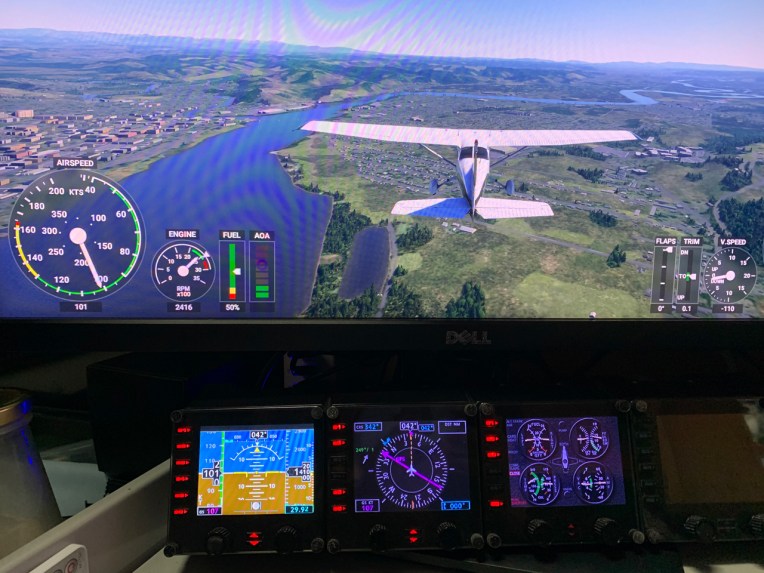
I am excited to inform you guys that FIP gauges under Logitech Drivers can actually be run properly in MSFS without the need of SPAD.neXt or other similar utilities available on the market.   In other words, all existing FSX/P3D gauges in my store are MSFS-compatible ready, despite whether Logitech will have updates supporting MSFS or not.

To run the FIP gauges using Logitech Drivers in MSFS, all you need Continue reading

606: ReConfigure FIP Knobs for A2A C182T

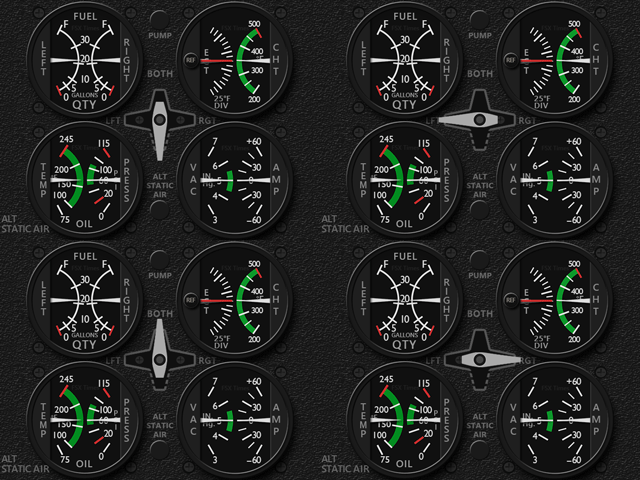
A user of my Integrated Fuel Gauges (INTFG) for the A2A C182T recently asked if it is possible to reconfigure JUST the left or the right knob on the FIP to handle all fuel tank selections, instead of using both knobs for the left and right tank individually as I predefined for the gauges.
Yes, it is possible via SPAD.neXt.  Here are the steps: Continue reading

604: Setting In-Between

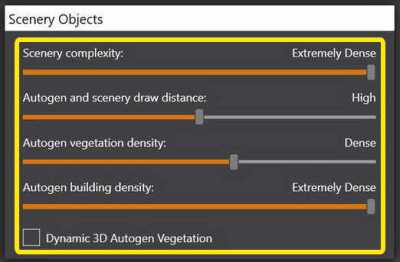
As mentioned in My P3Dv5 Settings, I set the Autogen and Scenery Draw Distance to High as it gives me the best balance to see as much autogens as possible.
Recently, I am cling to push it one more step to Very High for even more visible objects.  Sadly, this brings a little impact even though it is just barely noticeable.  I couldn’t help to think that it would be great if there were one more stop in between High and Very High.

Since the Setting Page doesn’t have the option, I turned to Continue reading

603: My Cockpit Rev #21 – Covering up FIP Up-Dn Buttons

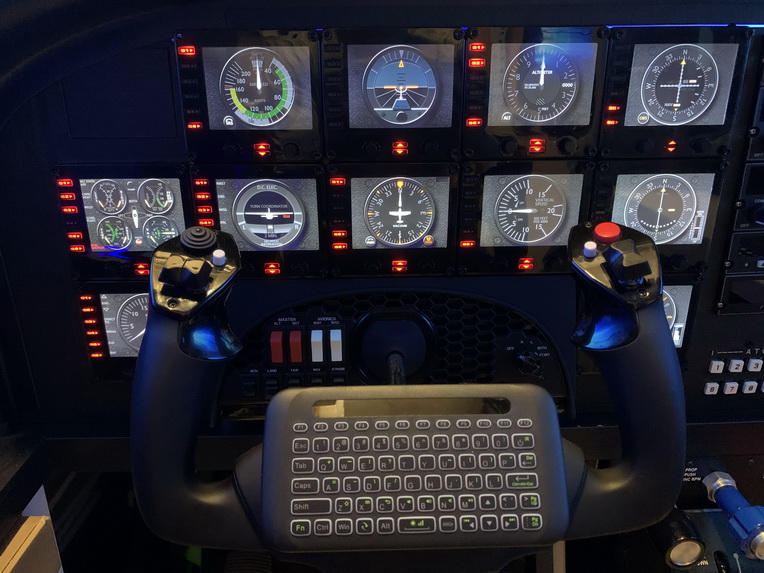
From time to time, I receive emails from non-SpadneXt users asking if it is possible to turn off the up/down LEDs on the FIPs.  Frankly speaking, I didn’t care much whether they were lit or not in the past.  So typically I would give them an answer NO.

Until recently I have my cockpit layout properly,  I then understand why they have the needs.  Even so, my answer was still a NO unfortunately.

But there was one time I was joking to a friend saying that “You could Continue reading

602: FIP Turn On Fix

After Windows 10’s last few updates, I encountered some strange behavior on my Flight Instrument Panels (FIPs).  They are connected via two USB hubs on my networked Surface Pro as described in Post 581.  I normally turn them ON after the flight simulator is loaded on the main PC.

But after recent updates, a few FIPs (not the same every time) won’t turn on at all sometimes.  I’ll need to cold boot the Surface Pro in order to have them back to work normally.  This happens about once or twice in every 10 start ups.

The FIPs were checked; hubs – checked; power – checked.  I even swapped the ports and the hubs.  Nothing unusual found.  Besides Continue reading

601: My Cockpit Rev #20 – Ruddo Rudder Adjustment

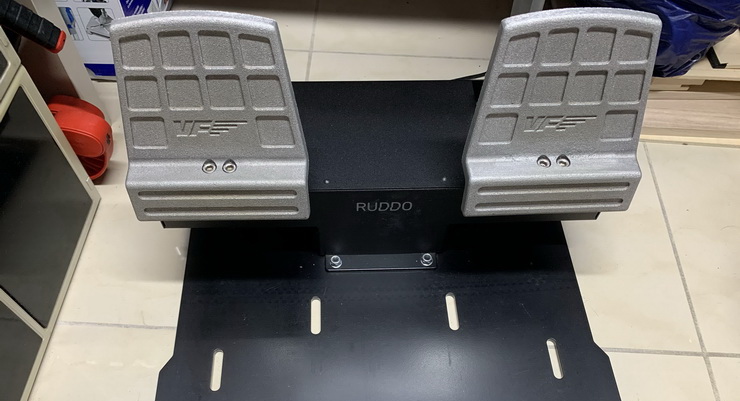
VirtualFly’s Ruddo (not the plus model) is one of the highly praised rudders on the market.  I got mine last year but only started using it until a few months ago (for some personal reasons).
The Ruddo is made of metal completely and therefore very heavy and sturdy.  And unlike other similar products, it comes with 8 springs to allow users to configure the best possible pressing force on the pedals of their choices for ideal maneuverings.

It is so far the best rudders I ever have.

However, there’s one thing I don’t like in particular — it is Continue reading

599: Last Resort before Reinstalling P3D

There are times we may encounter a situation in which we want to reinstall Prepar3D again due to some annoying issues caused by unknown reasons.  But before we do that, there’s a last resort we may try.

Under Prepar3D’s program directory (version 4 or newer), there’s a shortcut called “Delete Generated Files“. 
It can quickly delete everything in your: Continue reading