

A flightsimmer fan posted a new thread on the P3D forum saying that he finally solves the micro-stutter issue on his system by disabling the “dynamic tick” feature in Windows. Good for him!
Actually the trick has been around for sometimes, and whether it effective or not, as usual, depends very much on one’s own system, as it didn’t make any difference on mine. Anyway, it’s still worth a try to see if it works on yours.
To use it, enter “bcdedit /set disabledynamictick yes” under Command Prompt.
If you don’t like it, type in “bcdedit /deletevalue disabledynamictick” to remove it. Do remember to backup your system first, just in case.
When talking about system tuning, followings are some of the tweaks I’ve been using for a long time. Continue reading
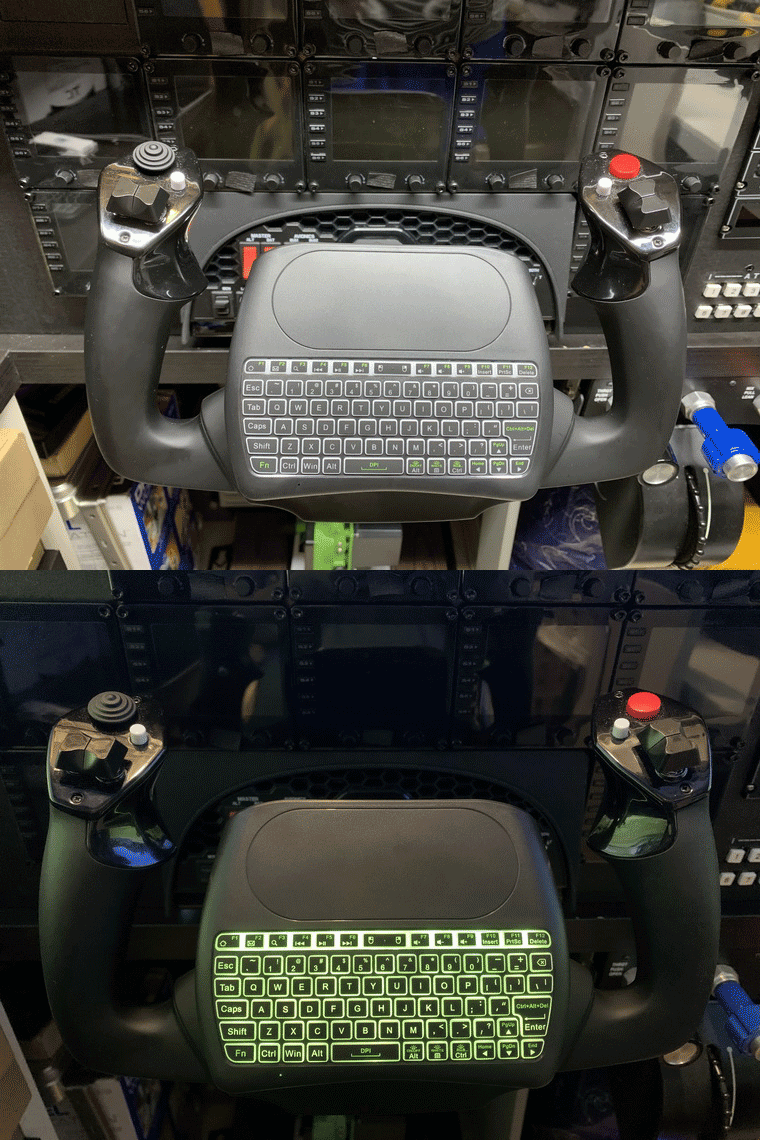 with a miniature keyboard that comes with an integrated touchpad. The best part is the keyboard even has a backlit.
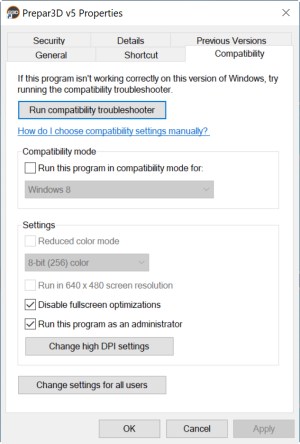 Screen Optimizations” option in your simulator. I came across this tip somewhere I found on the Internet many months ago and it said the framerate would be benefit.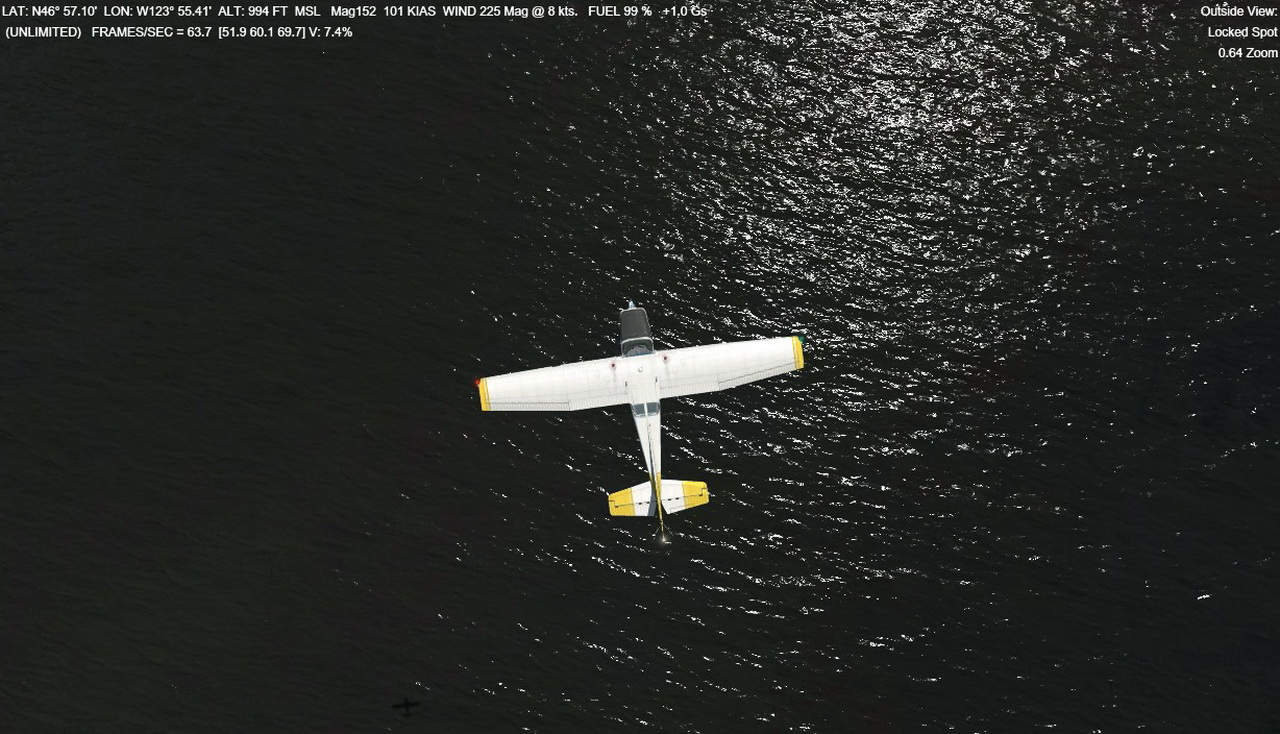
 one of them. Steve Crouch sent me a comment for My Cockpit Rebuilding #14, saying that he wasn’t aware of that and so he had trouble with them before.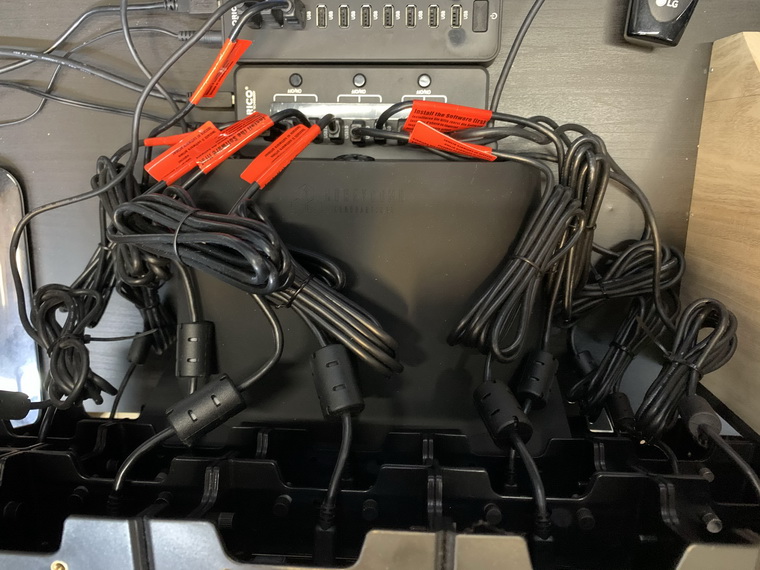
 FS Times