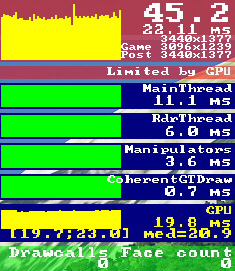
709: A Fix to my RSG Interface not loading

One thing that frustrated me for quite some time was the RealSimGear Device Interface wouldn’t load up with MSFS automatically.

After the Interface was installed, I moved the whole package out from the MSFS\Community folder to the \Addons\Utility\RealSimGear folder on the same drive in my system, so that it could be activated via MSFS Addon Linkers.

Then I edited the Path of the Device Interface Module accordingly in the exe.xml file as follows:

<Launch.Addon>
    <Name>RealSimGear Add-on</Name>
    <Disabled>False</Disabled>
    <Path>F:\Addons\Utility\RealSimGear\bin\RealSimGear.exe</Path>
</Launch.Addon>

The path was correctly pointing to the RealSimGear.exe but the Device Interface simply wouldn’t load with MSFS.

I had been scratching my head for quite some time why the setting wouldn’t work until today Continue reading
697: My Full Forward View Update

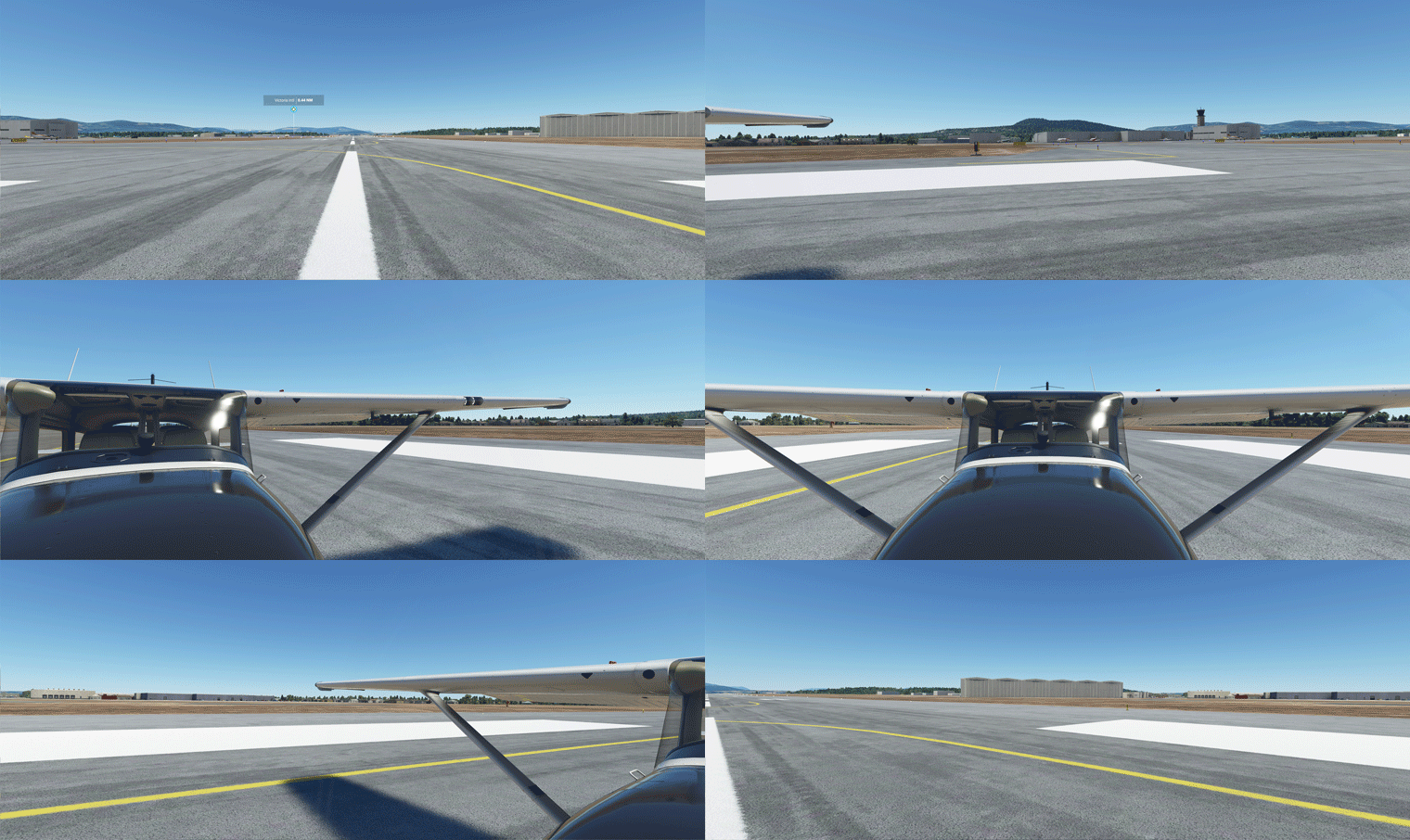
After months of tuning the Full Forward View adjustments described in Post 638, I have standardized the settings of the following three (3) paramters in “LandingPilot” [CAMERADEFINITION.2] on all aircraft as follows:
FullView01
InitialZoom = 0.6
This gives me a zoom level generally the same as the external aircraft view.

InitialPbh = 0, 0, 0
This puts all aircraft on the ground horizontally without any tilting.

InitialXyz = x, x, x
These three values are aircraft-specific, in which I adjust: Continue reading

692: USB 2.0 is no longer preferred

In the old days with FSX/P3D, USB 2.0 was my preferred choice (see Post 582) when connecting Saitek/Logitech Flight Instrument Panels (FIPs) to the simulators.

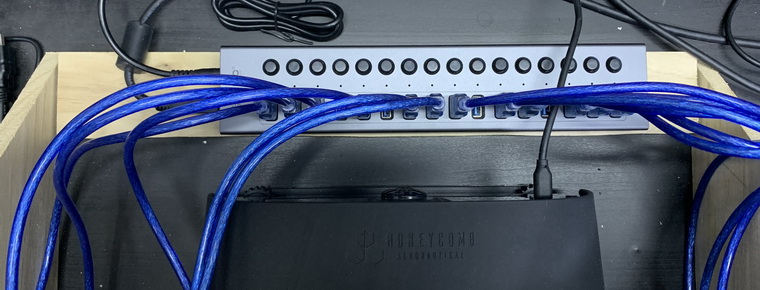
Since I replaced my older computer for MSFS in last November, I’ve been deliberately avoiding to use any more USB 2.0 ports and hubs.  Now all my 12 FIPs are connected to the system via a powered USB 3.0 hub.USB3_FIP_resize
In the past 6 months, Continue reading

689: Adding Funs with DEMs

Just in case you are not aware. There are some high-resolution DEMs, Digital Elevation Models, you can download from Flightsim.to, which can largely improve the rendering of terrains in their respective regions.

Not sure if you want it?  Here are two sets of photos comparing the terrain appearance of LSGR Reichenback Airport, which I randomly picked, in Switzerland with and without using the 20m DEM from Troglodytus.

In photo set 1, with DEM, the taxiway and runway intersection now has a gradient; the roads and other objects on the hill sides seem more rational; and the edges and shapes of the mountains in the background are more prominent as well. Continue reading

684: Regain fps from Integrated Graphics

FPS hit isn’t uncommon when a pop-out screen is moved to a second monitor, despite how small and low resolution of the monitor it might be.

IntegratedGraphics01In a “conversation” I had with Michael Basler in Germany earlier last month, he said that his fps were literally cut by 50% when he shifted a pop-out screen to a touch monitor connected to the main computer.
My reaction was: since I don’t see any performance hit from my GNS430 and GNS530 connecting to the motherboard’s integrated graphics ports, I suggested him to give it a try if his computer supports the feature.

Later he came back to me saying that he still couldn’t believe it but it works. Continue reading

683: JF-PA28 VOR2 Left-deflection Fix

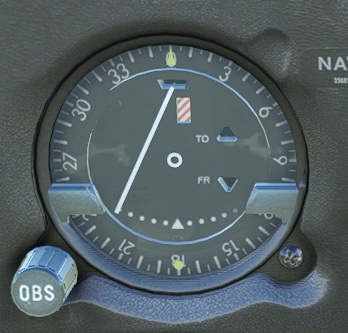
Have you ever noticed when the Just Flight PA28 Arrow III for MSFS is loaded with engine JF-PA28-VOR2-Needlerunning (meaning the aircraft isn’t started from cold and dark), its VOR2 needle is always deflected to the left?
It’s a bug, I believe, since the needle won’t return to center when no NAV signals are present.

To correct this error, we’ll have to flip Continue reading

680: Third Level or Further Down Below

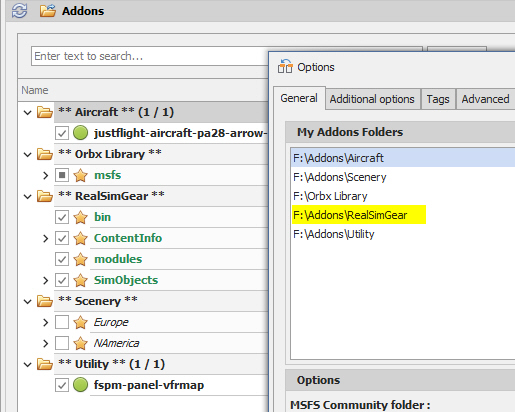
Due to vulnerability of the Community folder in MSFS, I recently useaddonlinker01 the MSFS_Addon_Linker to map all my external apps to the folder in oder to keep things manageable just in case.
Everything works fine except the RealSimGear app for the GNS430 and 530, unfortunately.  It was similarly put under the Addons folder where I store all my external apps.

The app seemed to be loaded into MSFS successfully but only a few buttons work. Continue reading

679: Increase MSFS FPS Instantly

While I was cleaning up and finalizing my work PC with new components yesterday, I discovered an effective way to increase FPS and smoothness of MSFS instantly.

The trick simply involves the changing of a few options in the game.

Continue reading

678: Fitting RSG GNS Display Easily

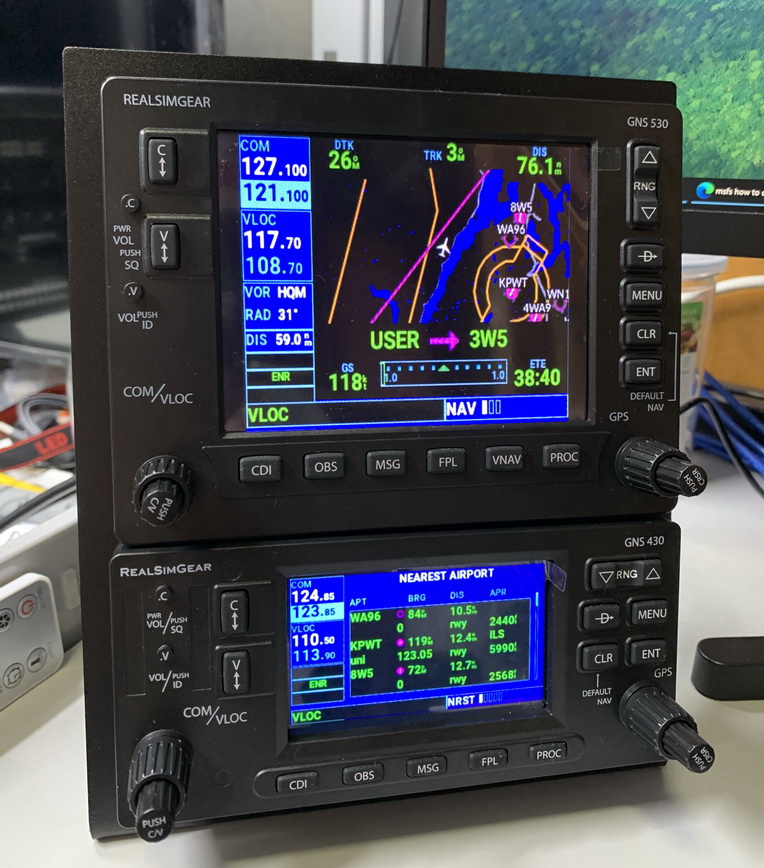
Read from RealSimGear’s forum that some users have alignment IMG_1577_resizeissues when moving the GPS displays from the virtual cockpit to the GNS430 and GNS530.

The official instruction says that there is no need to resize the popped out GPS screens from the virtual cockpit. Just move them over to the GNSs and press right Alt-Enter.  The GPS screens will fit on the devices accordingly.

Unfortunately, it’s not just those users in the forum having problems in doing so.  I encountered the same situation that the GPS screens wouldn’t fit onto the GNSs by following the official instruction as well.

Here’s my solutions: Continue reading